
Internet finder
Six quick questions about your address, your stay and how your household uses the internet.
- A download and upload recommendation with headroom
- Plans that fit your connection and contract length
- The reason each plan matches
How providers, networks and plans fit together, and what to check before you sign
Choosing internet in the Netherlands gets easier once you know who does what. A provider sells the subscription, a network brings the connection into your building, and a plan sets the speed and the contract. Start here for the big picture, then search plans, compare them side by side or let the guided finder narrow things down.
Three ways to choose
Not everyone starts from the same place. If you just moved to the Netherlands and have no idea what glasvezel or a postcodecheck is, the guided finder translates your household into a speed and a shortlist. If you already have two or three offers in mind, the comparison shows what each costs over the months you will actually live there, including activation, router rental and the minimum term. And if you know exactly what you want, the search filters every plan by connection type, speed, price and contract length.
Six quick questions about your address, your stay and how your household uses the internet.
Up to four plans side by side, priced over the months you will really stay.
Every plan in one place, filtered the way you think about internet.
Connection types
The connection that physically reaches your building decides which plans you can order. Glasvezel (fibre to the home) is now the most common option and the only one with fast upload as standard. Kabel (coax) is widely available and fast for downloading. DSL over the copper phone line still serves many older homes. Where no fixed line is practical, a 5G router or a satellite dish can fill the gap. Speed ranges and starting prices below come from the plans we track.
131 plans from 26 providers
Glasvezel runs light all the way into your home, so upload can match download and gigabit or multi-gigabit tiers are common. It is the default choice wherever the dwelling has a finished fibre connection point.
18 plans from 3 providers
Kabelinternet uses the coax socket in the wall. Download speeds reach gigabit levels, but upload is much lower than on fibre, which matters for video calls, backups and sending large files.
20 plans from 7 providers
DSL runs over the copper telephone line. It is widely available and often cheaper, but the real speed depends on the distance to the street cabinet, so the address check matters more than the advertised tier.
2 plans from 2 providers
A 5G router uses the mobile network instead of a cable, so there is no installation appointment. Indoor reception, network load and daily data limits decide how well it works in your home.
1 plan from 1 provider
Satellite internet reaches homes where no fixed line is practical. It needs a dish with a clear view of the sky, a mounting spot and, in a rental, permission for the installation.
Prices by speed
What you pay depends mostly on speed, the network behind your address and the contract length. The bars show the typical monthly price per speed band, from basic connections for one person to multi-gigabit fibre. The figures include router rental where a provider charges it, but not introductory discounts, so they reflect what you pay once an offer ends.
Browsing, email and HD streaming for one or two people
From €30 · 35 plans · 9 providers
A couple or small household streaming and working from home
From €26 · 32 plans · 14 providers
Families and shared homes with many devices online at once
From €42.50 · 30 plans · 16 providers
Large households, gamers and big downloads without waiting
From €39.95 · 55 plans · 23 providers
Power users, home servers and creators sending huge files
From €59.95 · 14 plans · 7 providers
Typical price is the median regular monthly price of the plans in each band. Plans priced only after an address check are counted but not priced.
Providers
29 providers with 172 plans between them, from national names like KPN, Ziggo and Odido to regional fibre specialists. Each profile shows the connection types a provider sells, its starting price and top speed, and links to every plan with its contract terms, installation details and official postcode check.
Own hardware, fixed addressing and many networks
Set-up charges versus contract flexibility
Fibre, DSL and the monthly Klik&Klaar option
No bundle, but prices depend on the route
Fibre versus cable, and switching versus moving
A flexible monthly option in its service area
Filtering as part of the service
Route-based pricing and the cost of relocating
Upload speed and bridge mode, in plain terms
Flexible terms on a cable connection
Regional pages, regional prices
A small range with alternative campaigns
Equipment settings differ by access network
Subscription, connection contribution and technician explained
Fixed IP and phone line, calls extra
Territory-specific campaigns on internet-only fibre
Current fibre tiers, not legacy cable
Basic versus extended installation explained
Self-install first, technician if needed
A simple internet-only range with add-ons kept apart
Rural surcharge and tenant consent explained
Included set-up and help with switching
Installed set-up, plus your own cancellation to arrange
Fixed addressing, support scope and own router
Equal upload and download, minus the extras
Flexibility first, router not included
Gigabit on its own, with one own-router catch
A dish, a clear sky and a place to mount it
The practical costs of moving, laid out
Three different things hide behind one internet subscription. Knowing which is which explains why the same speed can cost differently, why a fibre box on the wall does not tie you to one company, and who to call when something breaks.
The company that owns the cable in the street and the connection point in your home, such as KPN, DELTA Fiber, Open Dutch Fiber or Ziggo. It decides what physically reaches the address.
The company that sells you the subscription, supplies the router, handles support and sends the bill. On open networks several providers compete over the same fibre.
The speed, contract length and extras you actually order. The same provider can price one speed differently depending on the network at your address.
Moving checklist
Arranging internet is one of the first jobs after signing a lease, and a few checks save a lot of frustration. Start with the postcode and house-number check, size the speed for your household, and compare the real cost over the months you will live there rather than the headline price. Ask your landlord early if any installation work is needed.
Enter your postcode, house number and any suffix in the provider's postcode check. It shows which connection the dwelling has and which plans you can order.
Prefer fibre when the home has a finished fibre point, cable when there is a coax socket, and DSL or 5G when nothing else is available.
Count the people online at the busiest moment of the evening. Video calls and backups need upload as well as download.
Add activation, installation and router rental to the monthly price, and check what you pay once any introductory discount ends.
On a short lease, a monthly cancellable plan can be cheaper overall than a discounted one- or two-year contract you cannot leave.
Order as soon as you know your move-in date. Activation can take days or weeks, and building work in a rental needs the landlord's permission.
Questions
Straight answers to what renters, students and newcomers ask most about getting internet at home in the Netherlands.
Across the 172 plans we track, regular prices start at €26 a month and the typical plan costs €52.50 a month. A 1 Gbps fibre or cable plan typically costs around €53 a month. Introductory discounts can lower the first months, while activation fees, installation and router rental add to the total, so compare the full cost over your stay.
There is no single best provider: it depends on what reaches your address, how long you stay and how your household uses the internet. National providers like KPN, Ziggo and Odido cover the most homes, while smaller fibre providers often offer symmetric speeds, your own router or monthly contracts. Use the finder for a shortlist based on your situation.
Yes. 13 plans in our catalogue can be cancelled monthly, from hollandsnieuwe, Kabelnoord, KPN, Netrebel, Odido. Monthly plans can cost a little more per month or carry a higher setup fee, but on a short lease they are often cheaper overall. After the first term, most Dutch contracts continue month to month with at most one month's notice.
Not yet, although fibre is spreading fast and 76% of the plans we track run over fibre. Whether your home has a finished fibre connection depends on the street and the building, so always check your postcode and house number. If fibre is not available, cable or DSL usually is.
A single person streaming and browsing is fine with 50 to 100 Mbps. A couple working from home is comfortable with 200 Mbps, and a family or shared house with many devices benefits from 500 Mbps to 1 Gbps. If you make many video calls or upload large files, look at upload speed too: fibre plans often offer the same speed in both directions.
Where the connection is already in place, activation can take only a few days and many providers send a self-installation kit. When a technician visit or new building work is needed, it can take several weeks. Order as soon as you know your move-in date and ask for a confirmed activation date.
Many providers can move your subscription to the new address if they serve it, sometimes for a fee. If they cannot, check the moving terms: a minimum term may still apply. Switching services usually only work at the same address, so plan the cancellation of your old contract yourself when you move.
Most large providers offer some information in English, but not every provider has English-speaking customer service or English contracts. If that matters to you, check the provider's support pages before ordering, and keep written confirmation of anything agreed by phone.
Filter plans by speed and contract in the search, put two or three side by side in the comparison, or answer a few questions in the finder. Availability is always confirmed with a provider's postcode and house-number check.
Answer six quick questions about your home, your stay and your household, and get a speed recommendation with plans that fit and the reasons why.
Find my internet planLine up to four plans and see the total cost over your stay, upload and download speeds, contract terms and one-off fees in one table.
Compare internet plansLearn which fibre, cable, mobile and satellite networks carry Dutch home internet and why the network and the provider are often different companies.
Explore internet networksExplore the latest properties added to Luntero. Find new apartments, houses, and studios across the Netherlands — updated daily to help you discover your next home faster.
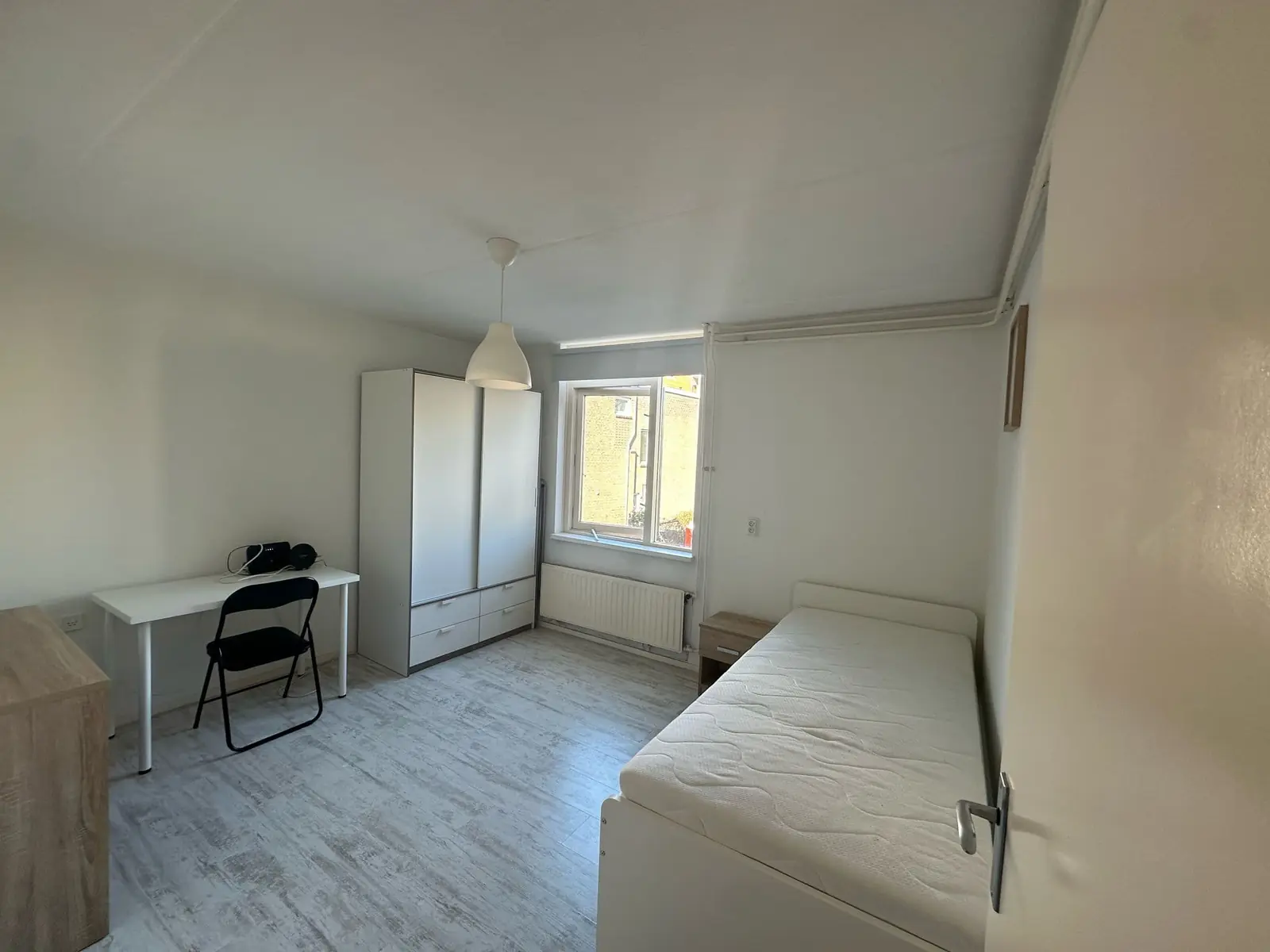
€1,100.00 / month
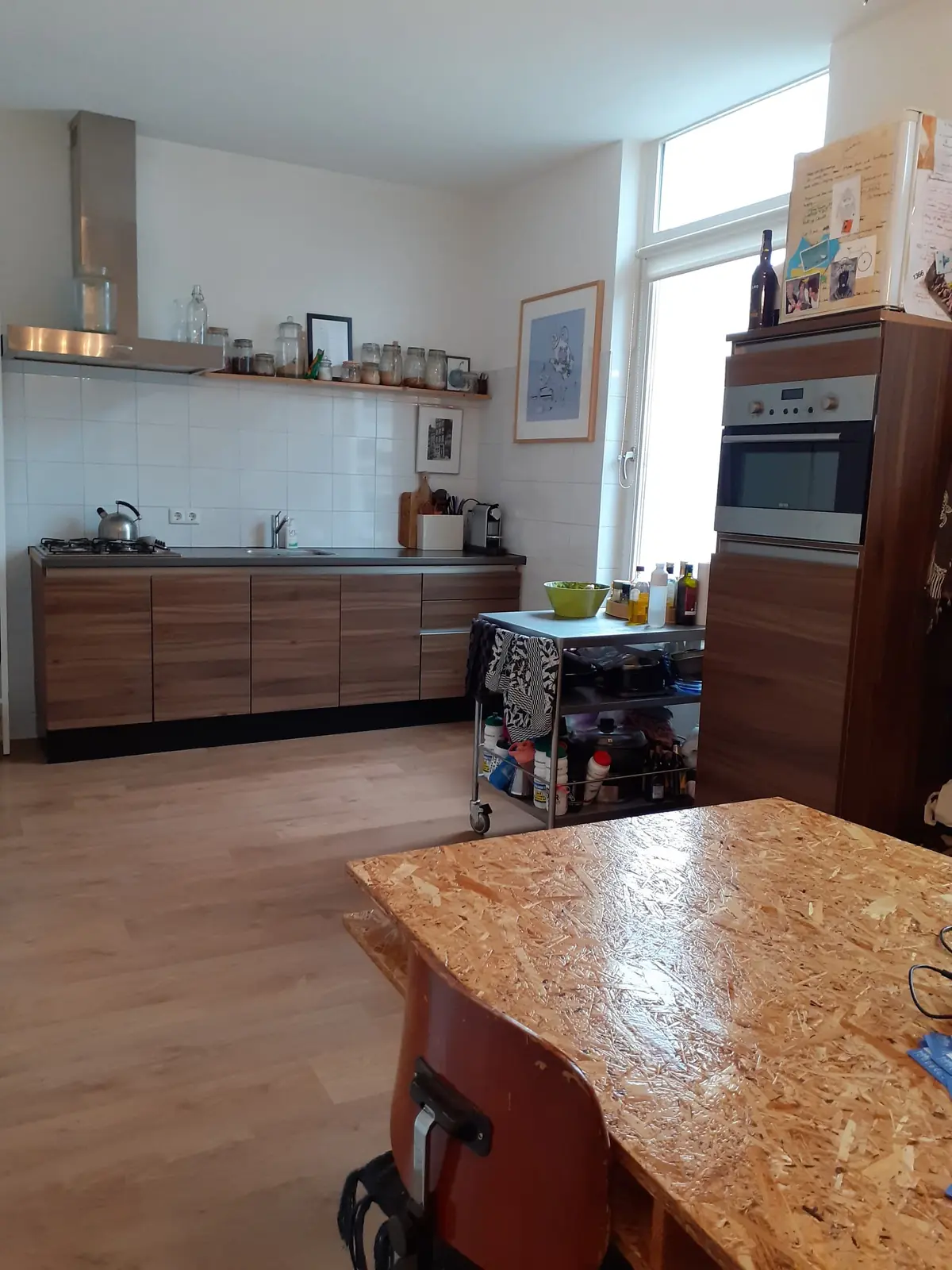
€1,650.00 / month
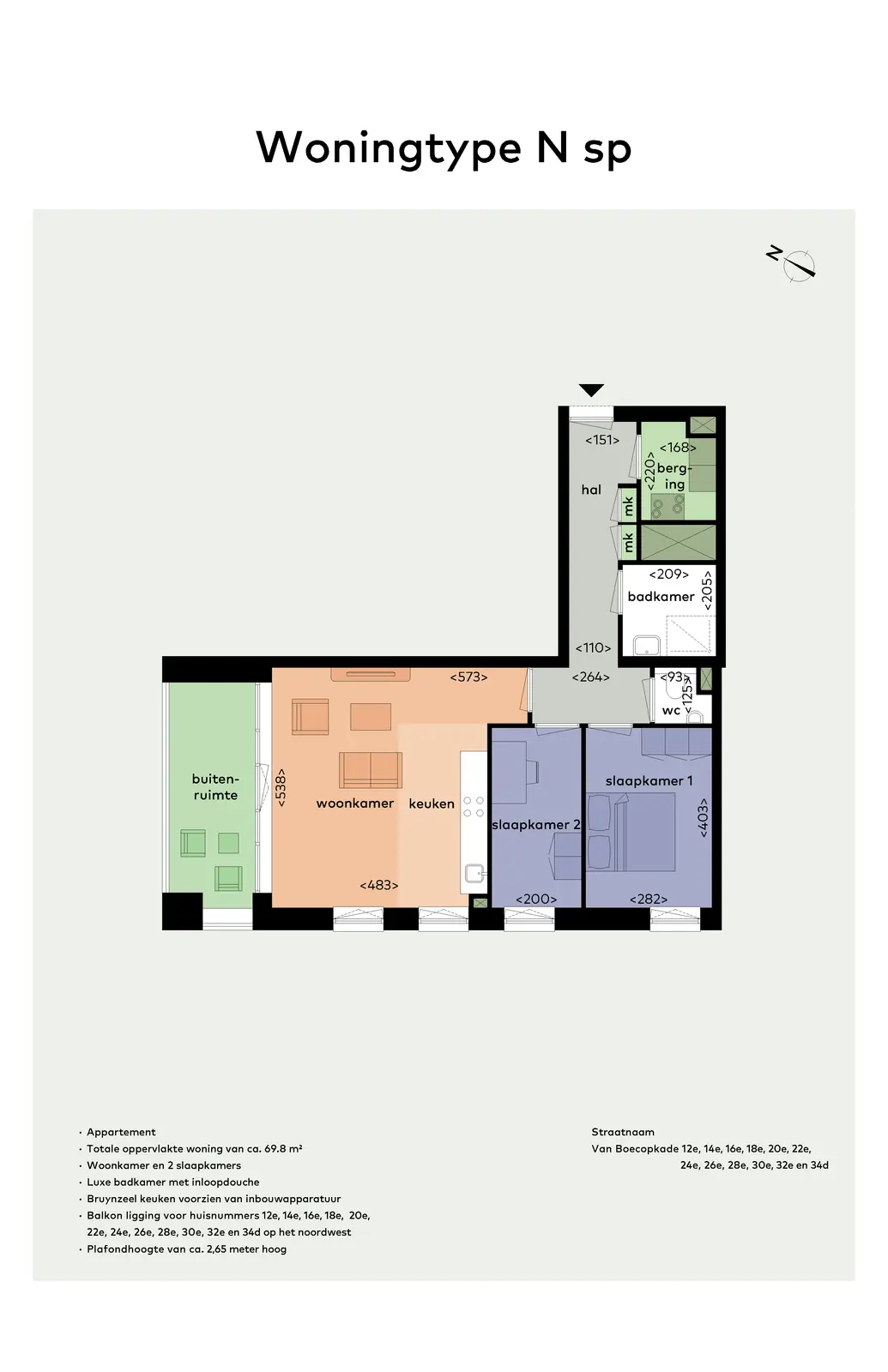
€1,525.00 / month
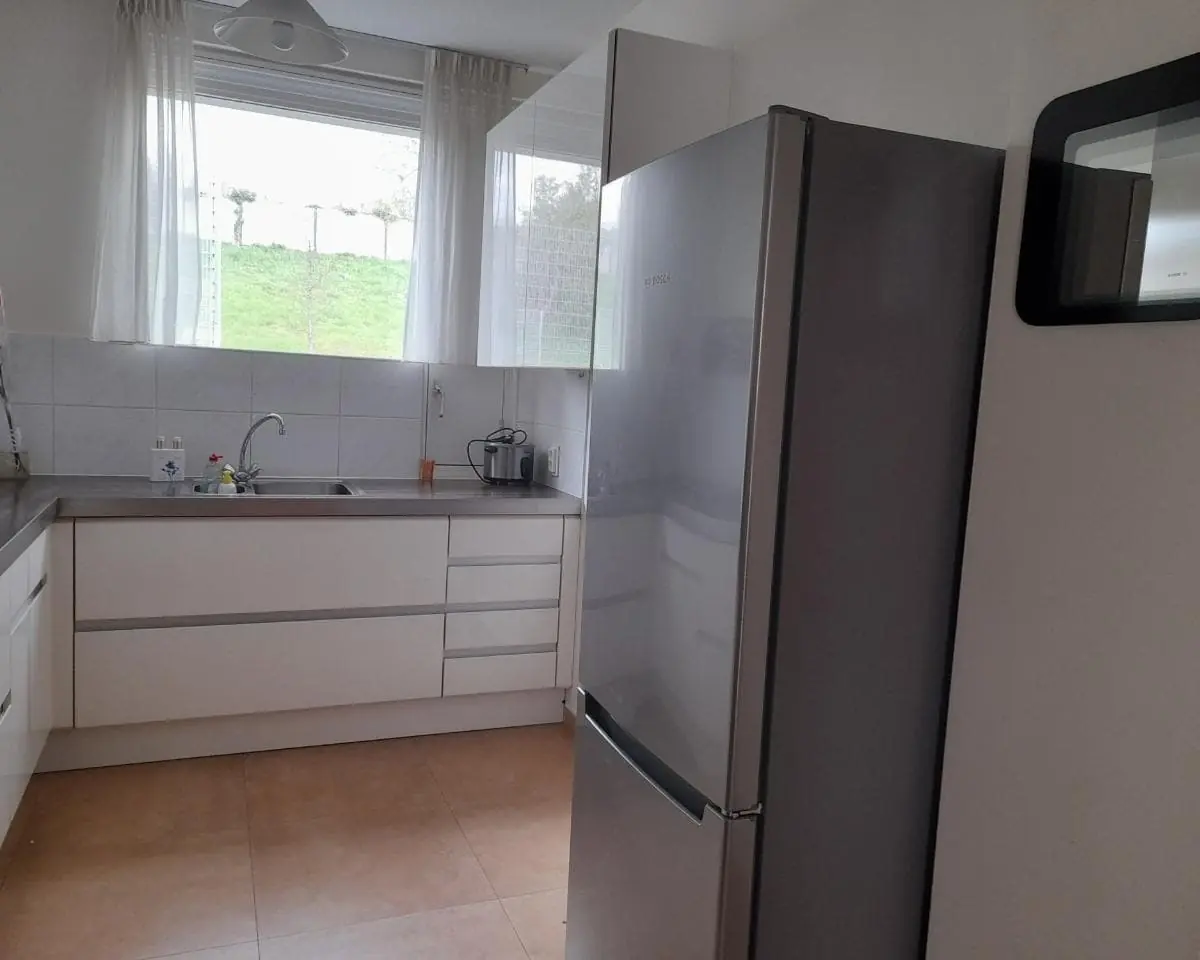
€1,100.00 / month
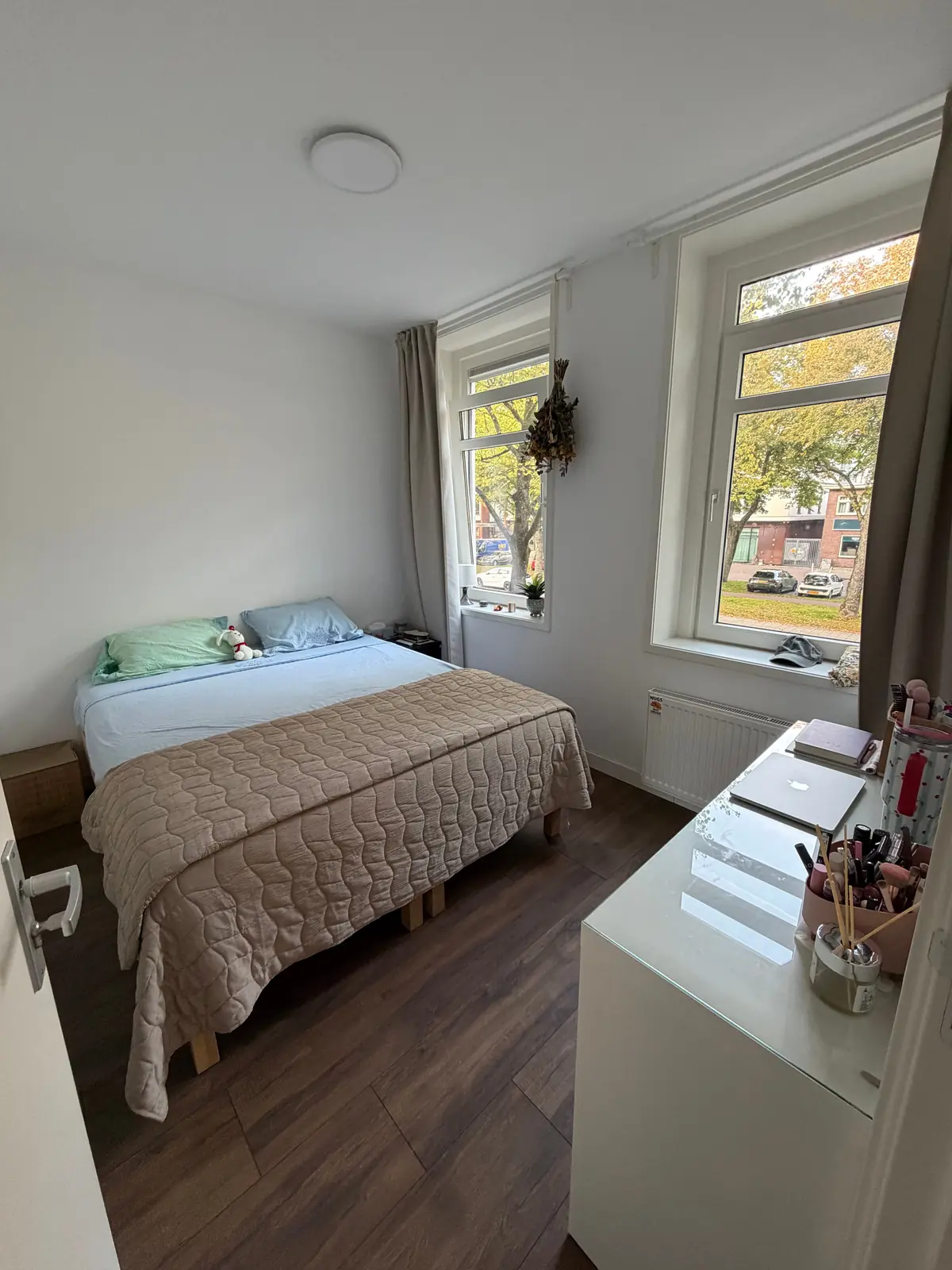
€1,332.00 / month
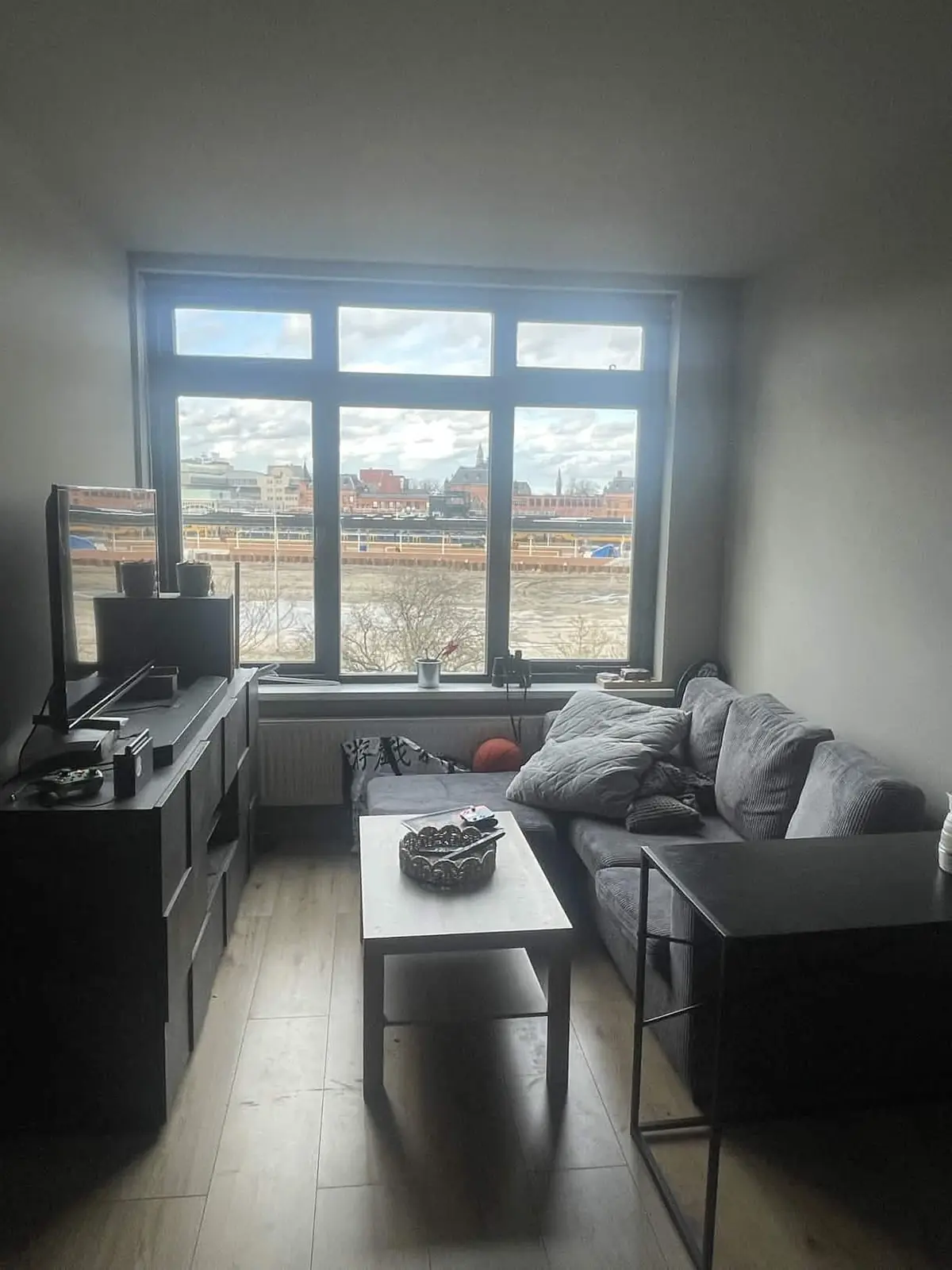
€725.00 / month
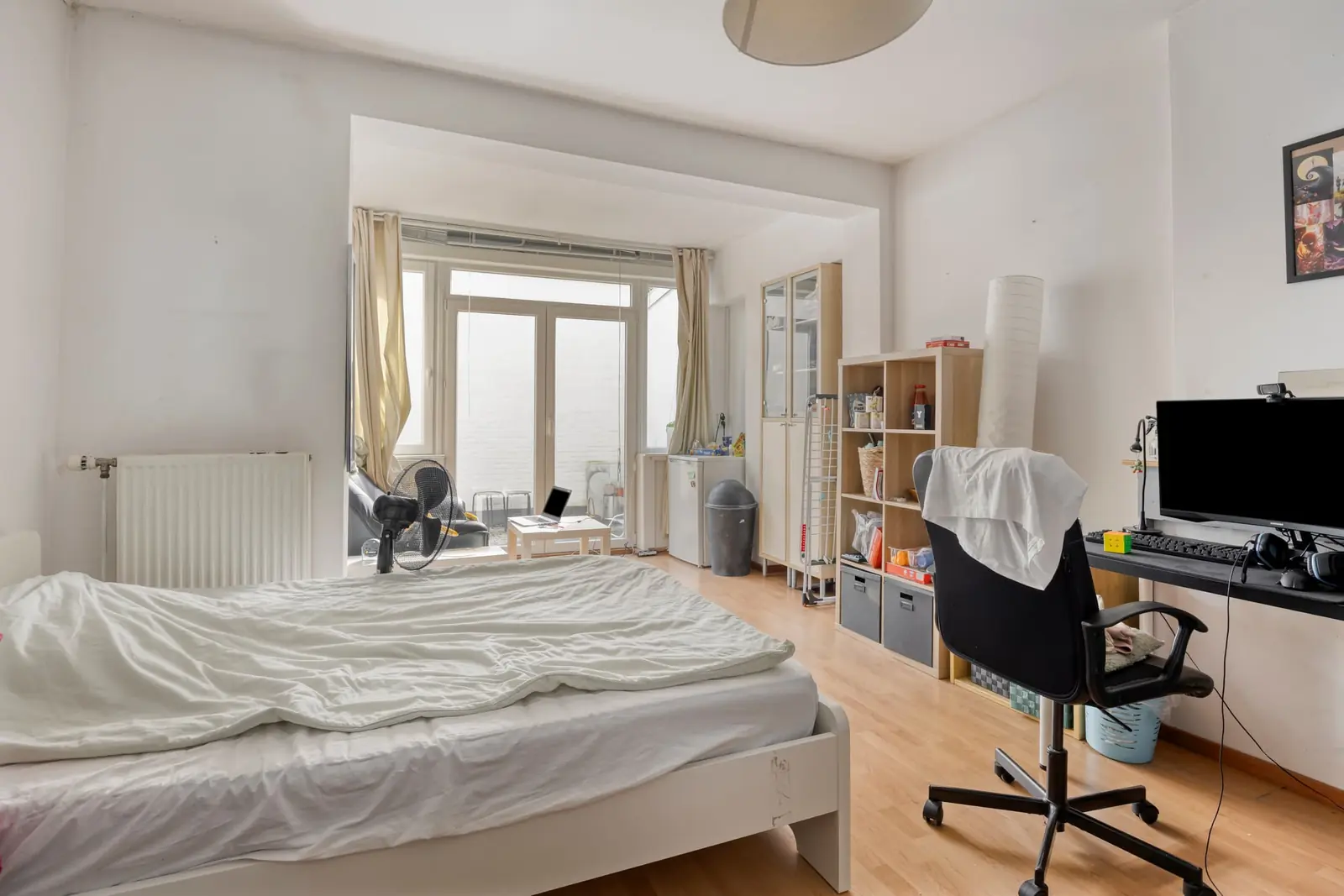
€740.00 / month
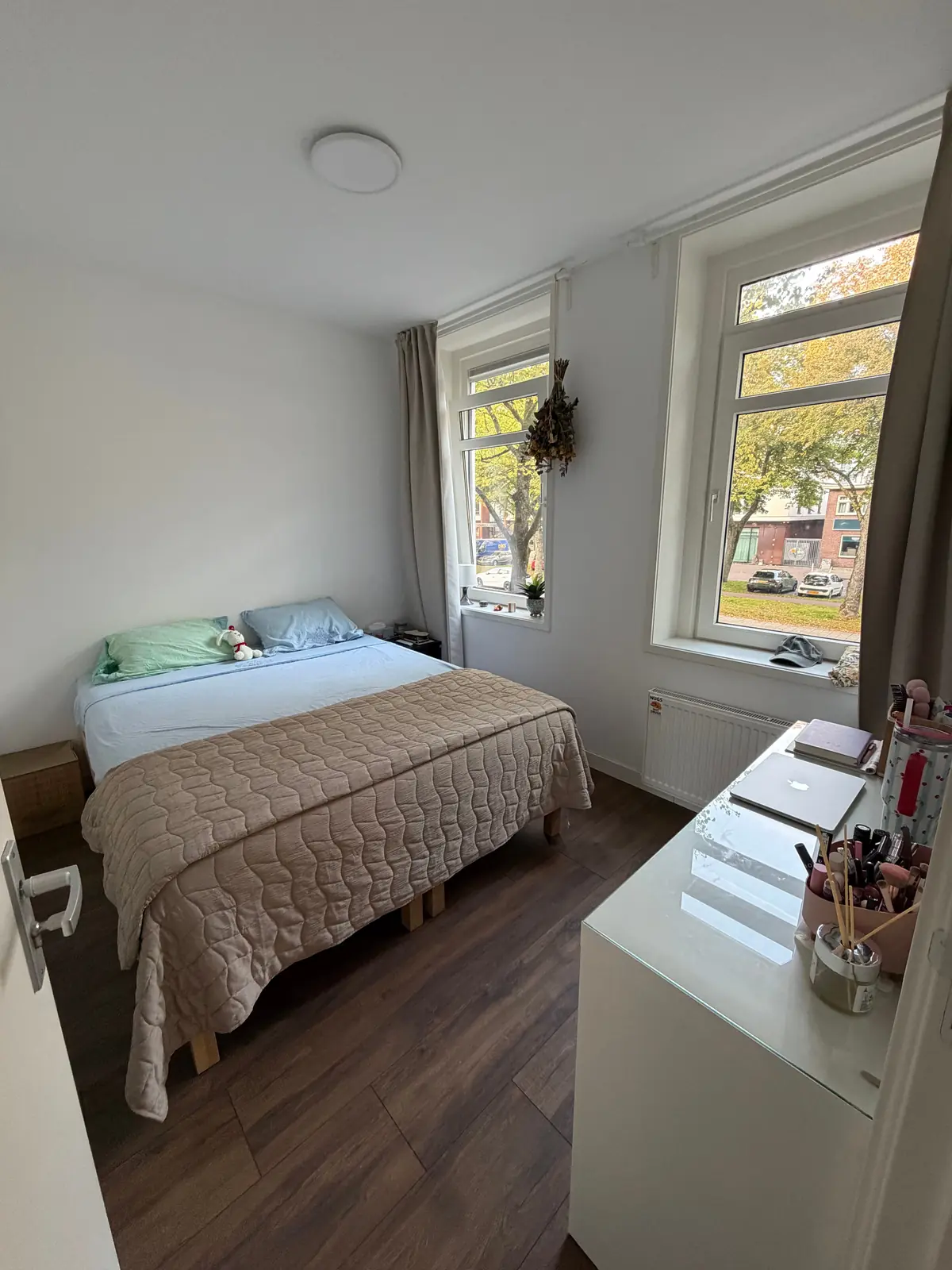
€1,332.00 / month
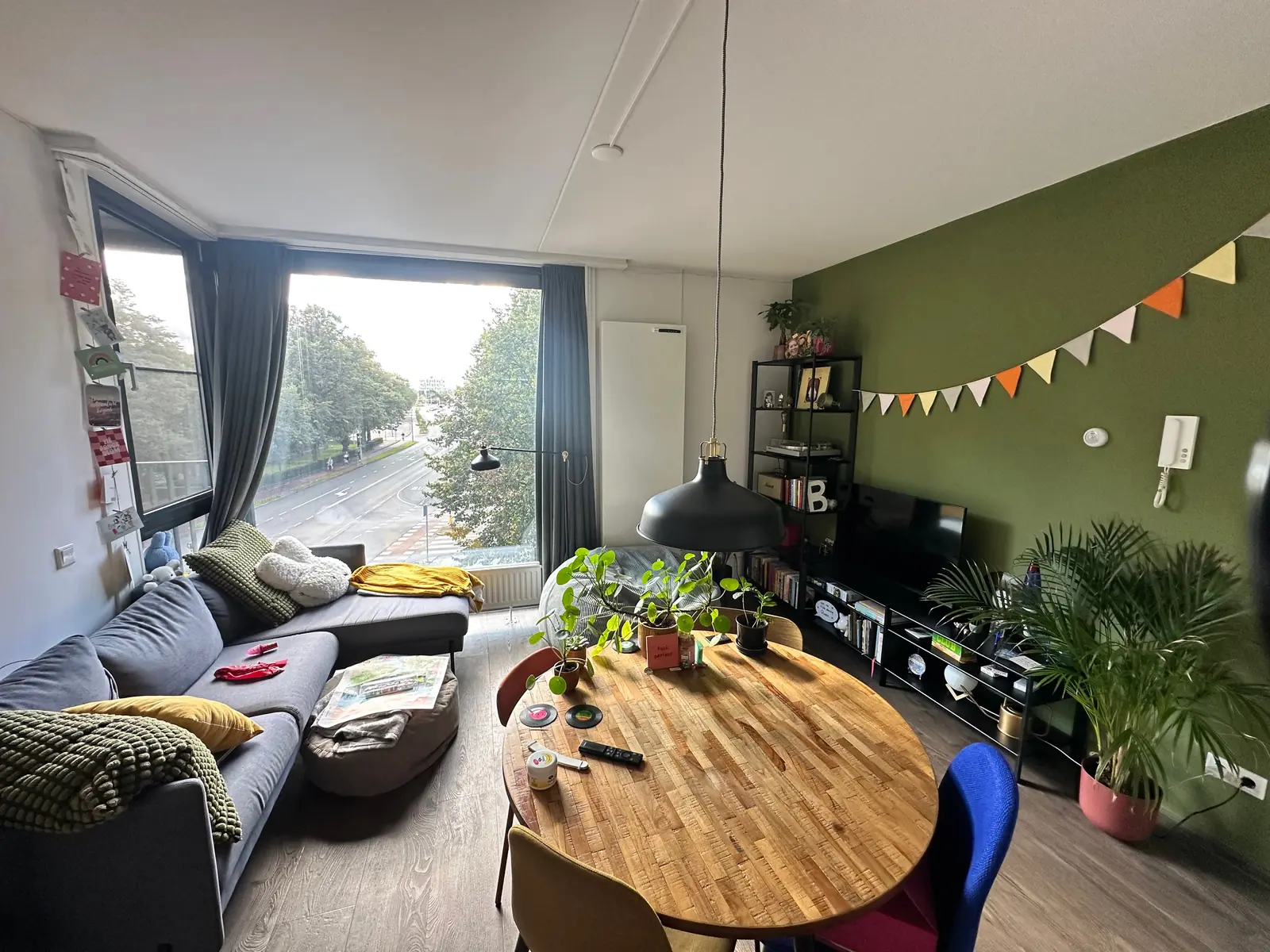
€750.00 / month
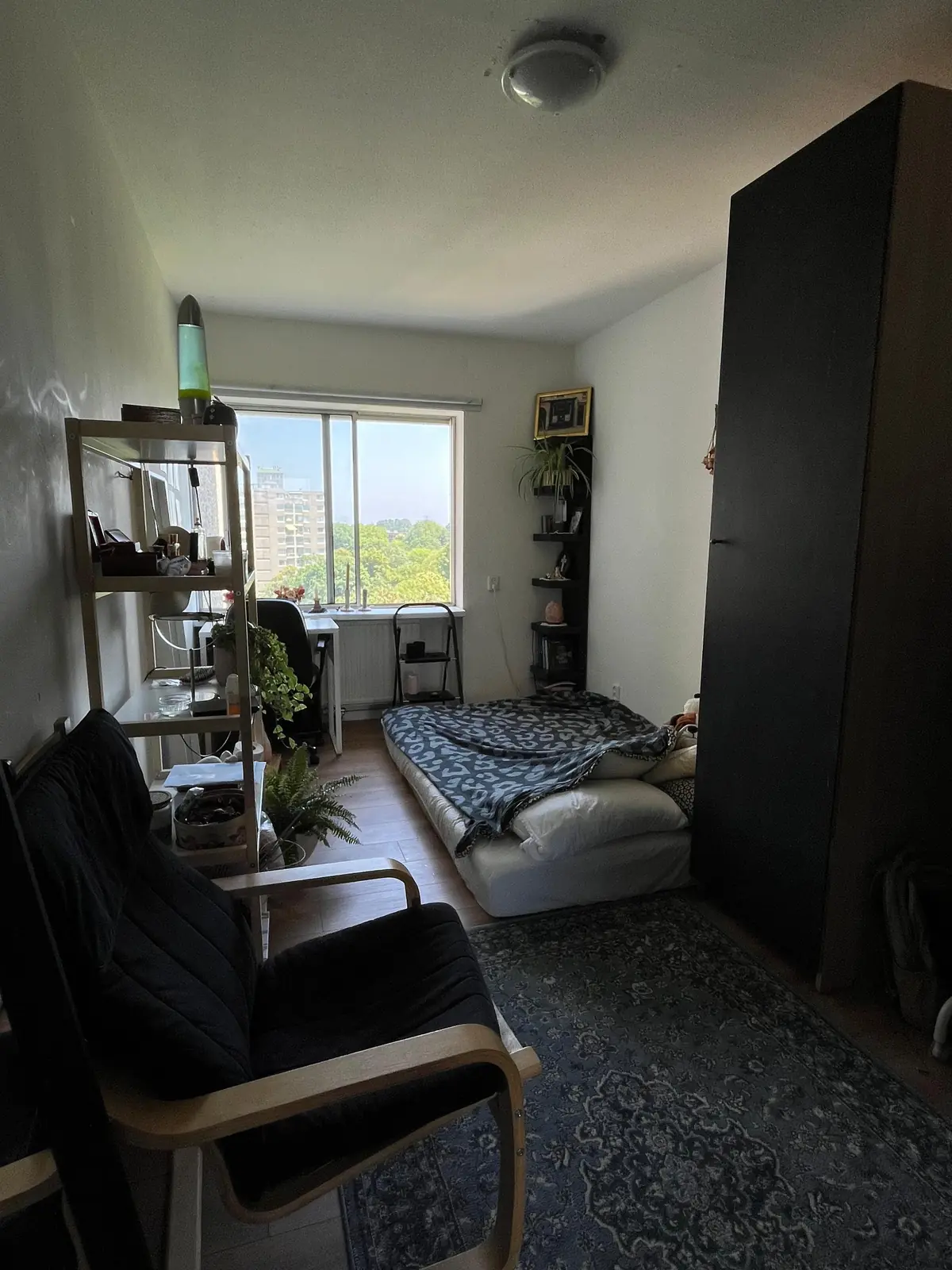
€700.00 / month
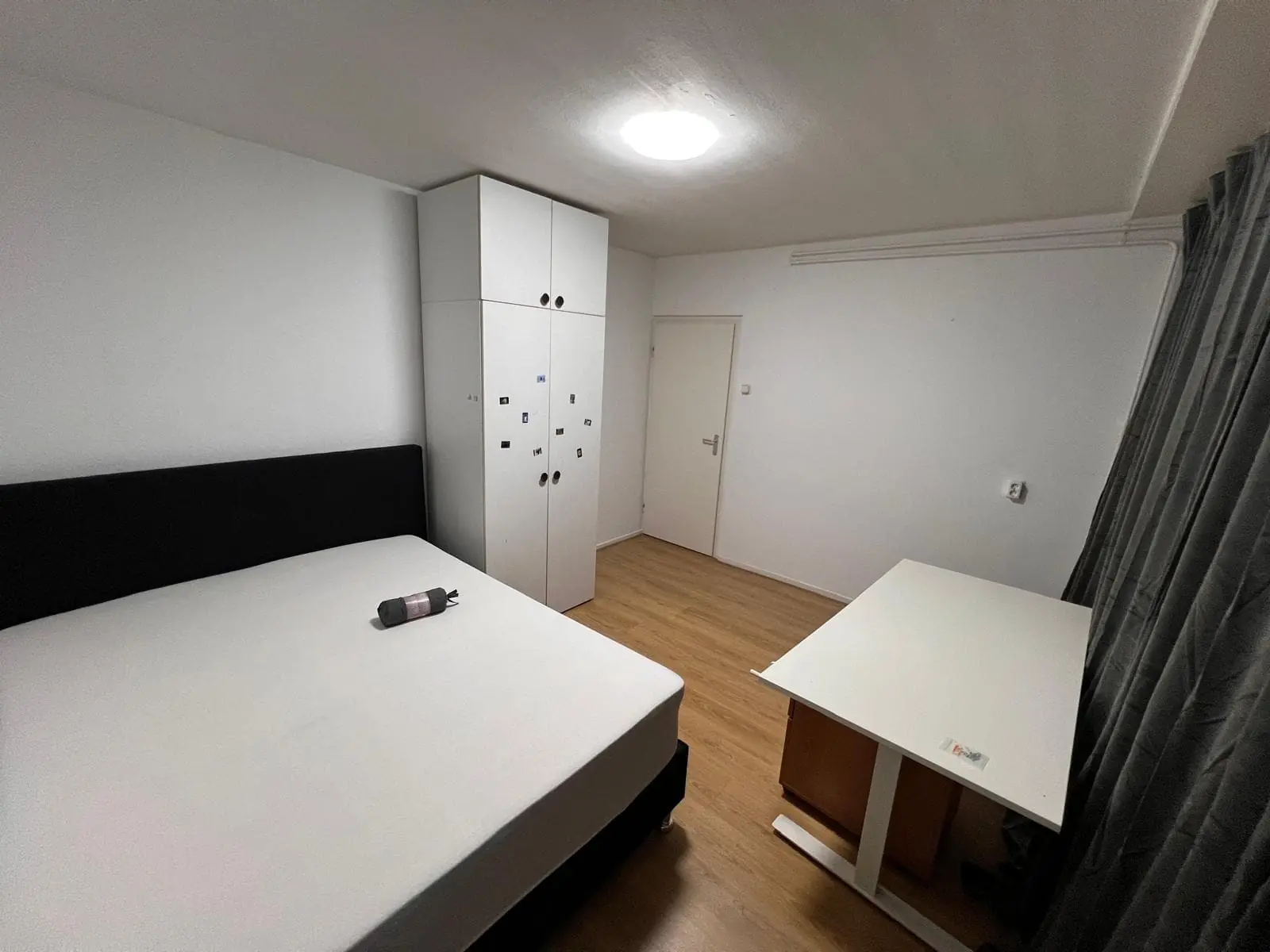
€950.00 / month
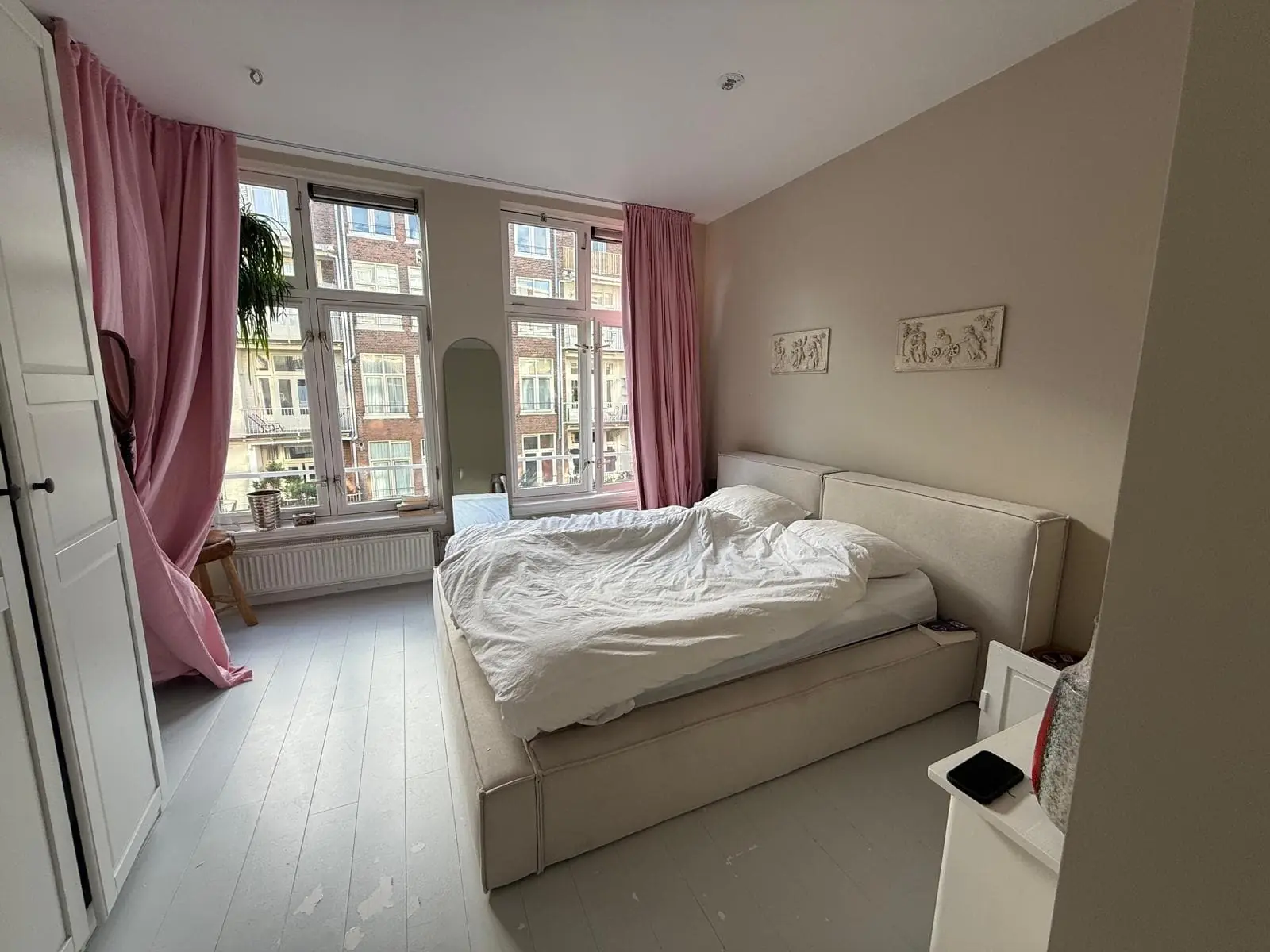
€1,200.00 / month