
Internet 200 Mbit/s
€41.95a month
- Download
- 200 Mbps
- Upload
- 25 Mbps
- Contract
- 12 months
- Installation
- Not stated
Coax into the home, a loan modem and what an own router changes
Ziggo's cable tiers are best judged on two numbers: download and the lower upload that matters for backups, calls and sending large files. The connection uses coax into the home, though fibre is used elsewhere in the network. A separate Ziggo fibre offer has its own conditions, and bridge mode changes which SmartWifi features remain.
Range at a glance
1 connection type
What sets Ziggo apart, how its offers are put together and what renters should know before choosing it.
Ziggo’s cable offers are worth comparing on two numbers, not just the large download figure: the current tiers run from 200/25 to 2,000/120 Mbps. That matters when several people receive video while someone else uploads a large backup. The cable connection uses coax into the home, even though fibre is used elsewhere in the network. A separate Ziggo fibre offer can have different conditions, so the cable prices here should not be reused for it. Ziggo supplies a modem on loan, and using a separate router in bridge mode is possible; doing so changes which SmartWifi features remain available.
Your own router takes over routing, Wi-Fi and firewall duties. The Ziggo modem’s Wi-Fi, DHCP/NAT and SmartWifi pods stop working in that mode, and only the designated LAN connection is used. IPv6 can be used with a correctly configured compatible router. Check these consequences before switching modes if you rely on the existing Ziggo Wi-Fi setup.
Download is used when receiving files or streams; upload is used for cloud backups, sending large files and your outgoing video during calls. A symmetric fibre tier advertises the same rate in both directions. Compare the two figures separately: a gigabit cable download does not imply a gigabit upload, and a higher headline download alone does not show how quickly a household can send data.
All 8 Ziggo plans we track, grouped by connection type and ordered from the slowest to the fastest tier. Each plan shows the monthly price, download and upload speed and the contract term. Open a plan for the fine print and the cost over your stay, or add it to a comparison.
€41.95a month
€41.95a month
€48.95a month
€48.95a month
Points from Ziggo's own terms and tariff pages that are easy to miss and can change what you pay or how quickly you get connected.
Check your postcode and house number: availability depends on the individual address.
Ziggo sells its plans over these networks. The network at your address can change the speed, the price and the installation of the same plan.
Answers to the questions people ask most about Ziggo home internet, from installation and equipment to contracts and moving house.
Ziggo’s cable offers are worth comparing on two numbers, not just the large download figure: the current tiers run from 200/25 to 2,000/120 Mbps. That matters when several people receive video while someone else uploads a large backup. The cable connection uses coax into the home, even though fibre is used elsewhere in the network. A separate Ziggo fibre offer can have different conditions, so the cable prices here should not be reused for it. Ziggo supplies a modem on loan, and using a separate router in bridge mode is possible; doing so changes which SmartWifi features remain available.
In Ziggo’s cable tariff, paying for a higher tier increases upload as well as download, but does not make the line symmetric. Compare the cost against the exact upload step you need rather than the gigabit label alone. The modem is loan equipment; optional Wi-Fi enhancements and any bundle-linked discount should be evaluated separately from the internet-only rate. The recorded offers differ by technology, speed, network and term. Examples: Internet 200 Mbit/s (12 months): €41.95; Internet 500 Mbit/s (12 months): €48.95; Internet 1000 Mbit/s (12 months): €54.95. These examples describe different selections, not benefits that can be stacked. Use the full price explanation of the variant you would actually order, including its later price and setup conditions.
Your own router takes over routing, Wi-Fi and firewall duties. The Ziggo modem’s Wi-Fi, DHCP/NAT and SmartWifi pods stop working in that mode, and only the designated LAN connection is used. IPv6 can be used with a correctly configured compatible router. Check these consequences before switching modes if you rely on the existing Ziggo Wi-Fi setup.
Yes: Ziggo supplies a loan modem even if you use your own. It can be needed to establish whether a fault is in the access connection or your equipment. Keep its accessories together and return the supplied device when the subscription ends; using an own router does not transfer ownership of the modem to you.
Download is used when receiving files or streams; upload is used for cloud backups, sending large files and your outgoing video during calls. A symmetric fibre tier advertises the same rate in both directions. Compare the two figures separately: a gigabit cable download does not imply a gigabit upload, and a higher headline download alone does not show how quickly a household can send data.
Not necessarily. The subscription controls capacity to the router; walls, distance, interference and the receiving device affect the wireless connection inside the home. Compare a wired speed test with a Wi-Fi test near the router before paying for a higher tier. A better router position, an Ethernet cable or correctly placed mesh points can address a different bottleneck from the internet subscription.
The physical network brings the connection into the building. Your retail provider supplies the subscription, router arrangements and customer service. On an open network you may be able to choose several providers, but their prices, available speeds and installation arrangements can differ on the same fibre. A network name on the connection box does not automatically identify the company that should bill you for internet.
Compare the minimum term first, then the cancellation notice, activation costs, installation timing and equipment return conditions. A low promotional month can be poor value if it requires a year or two of payments. A monthly option is only useful when the connection can actually be activated during your stay; ask for the start date and any one-off charges before ordering.
Alternatives
Providers that sell over the same networks or offer the same connection types as Ziggo, so you can compare like for like.
Flexible terms on a cable connection
Fibre versus cable, and switching versus moving
Own hardware, fixed addressing and many networks
Set-up charges versus contract flexibility
Confirm the connection with Ziggo's postcode and house-number check, then see how your own router would change things. The Ziggo cable network profile explains how hybrid fibre-coax differs from fibre to the home.
Line up to four plans and see the total cost over your stay, upload and download speeds, contract terms and one-off fees in one table.
Compare internet plansAnswer six quick questions about your home, your stay and your household, and get a speed recommendation with plans that fit and the reasons why.
Find my internet planFilter all plans by connection type, speed, monthly price and contract length, then open the full details or add plans to a comparison.
Search internet plansExplore the latest properties added to Luntero. Find new apartments, houses, and studios across the Netherlands — updated daily to help you discover your next home faster.
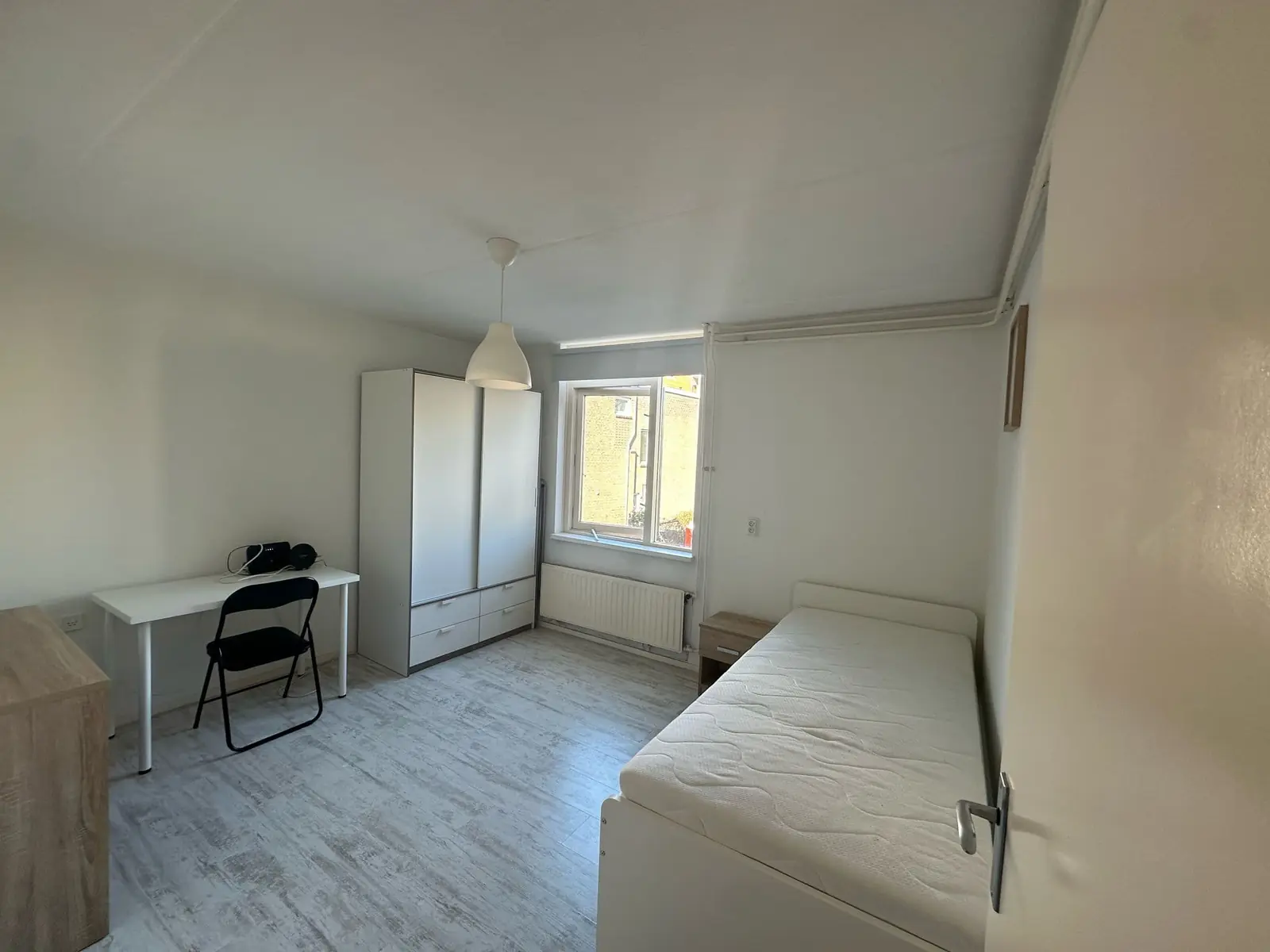
€1,100.00 / month
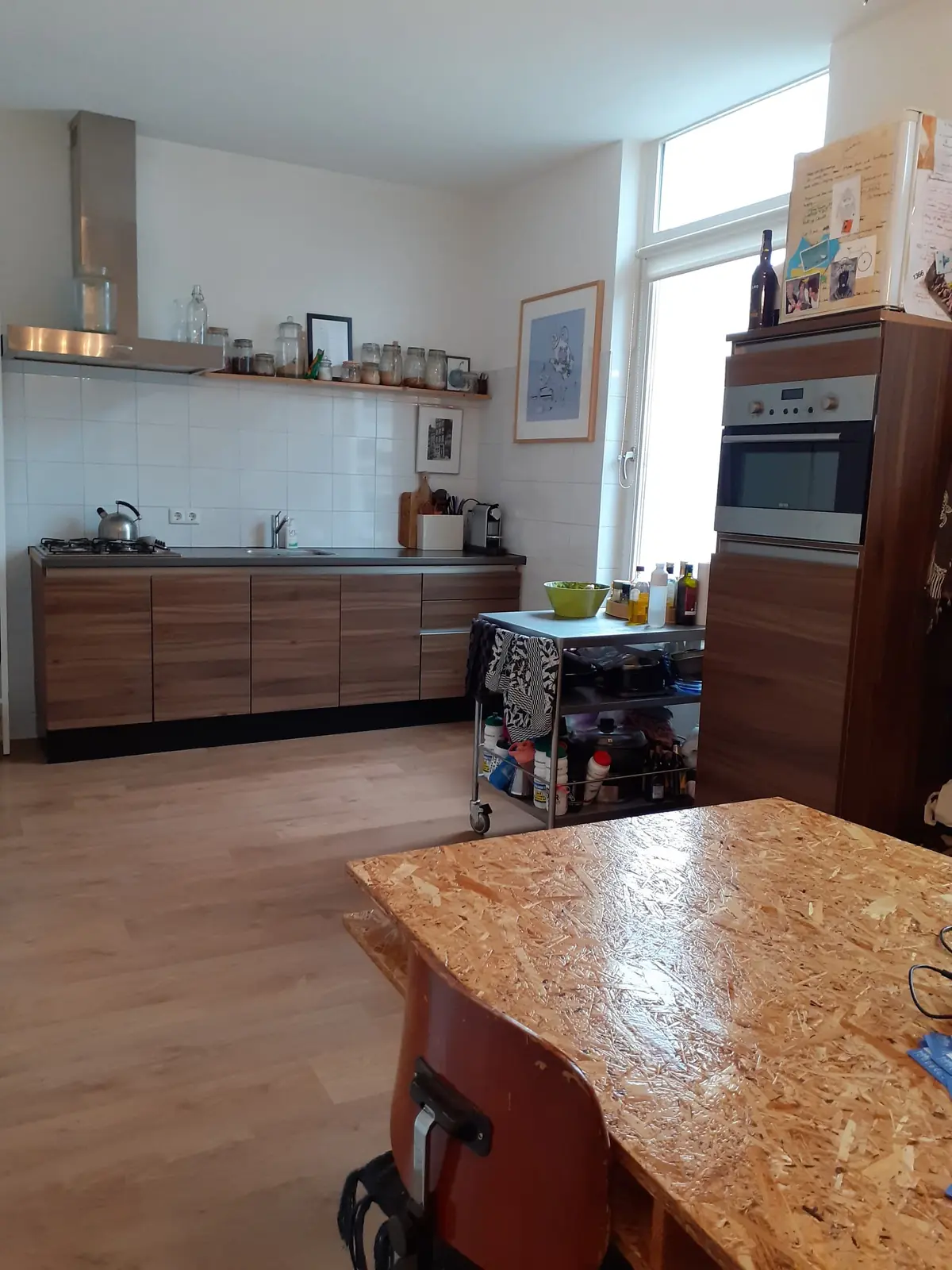
€1,650.00 / month
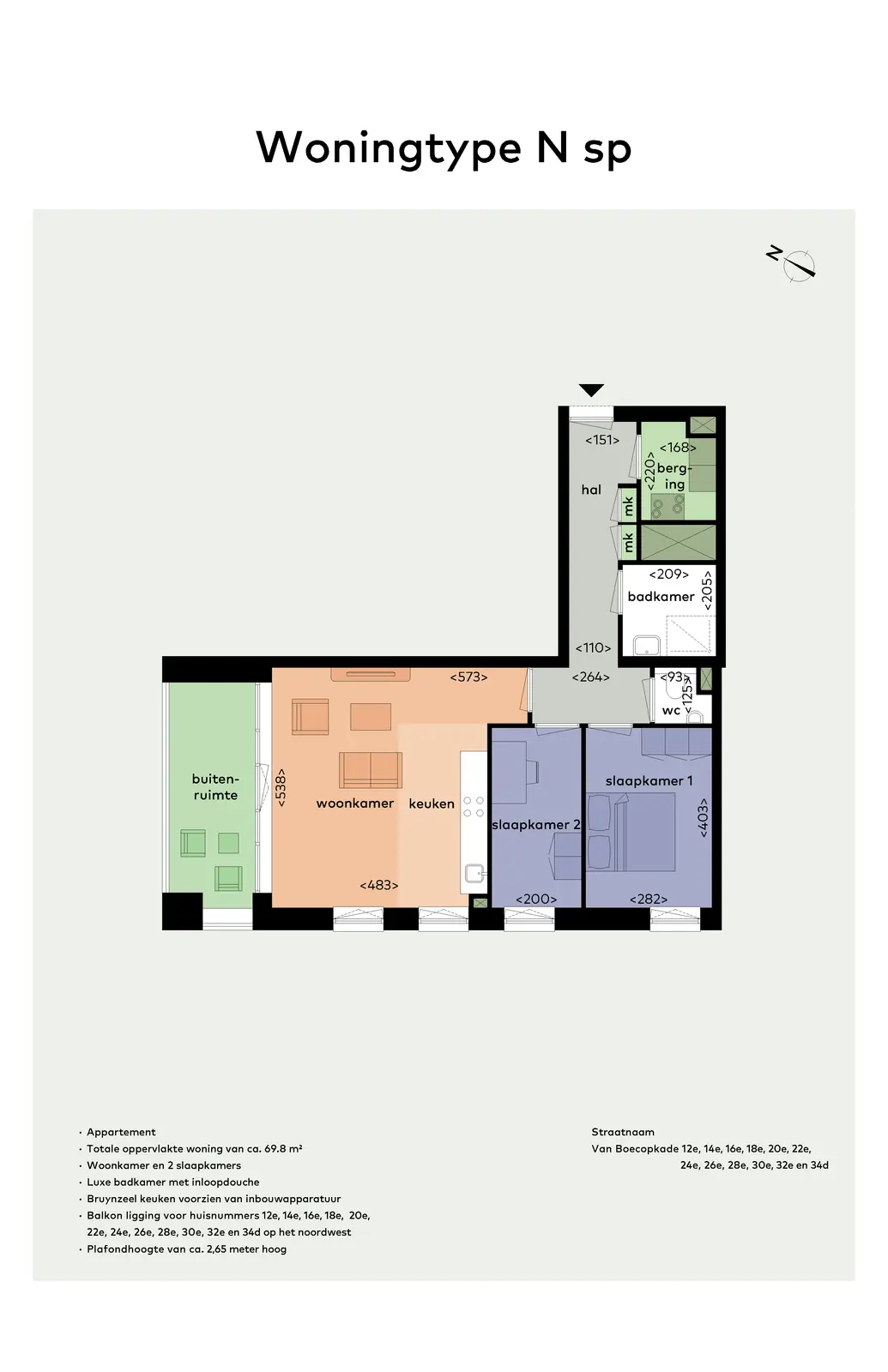
€1,525.00 / month
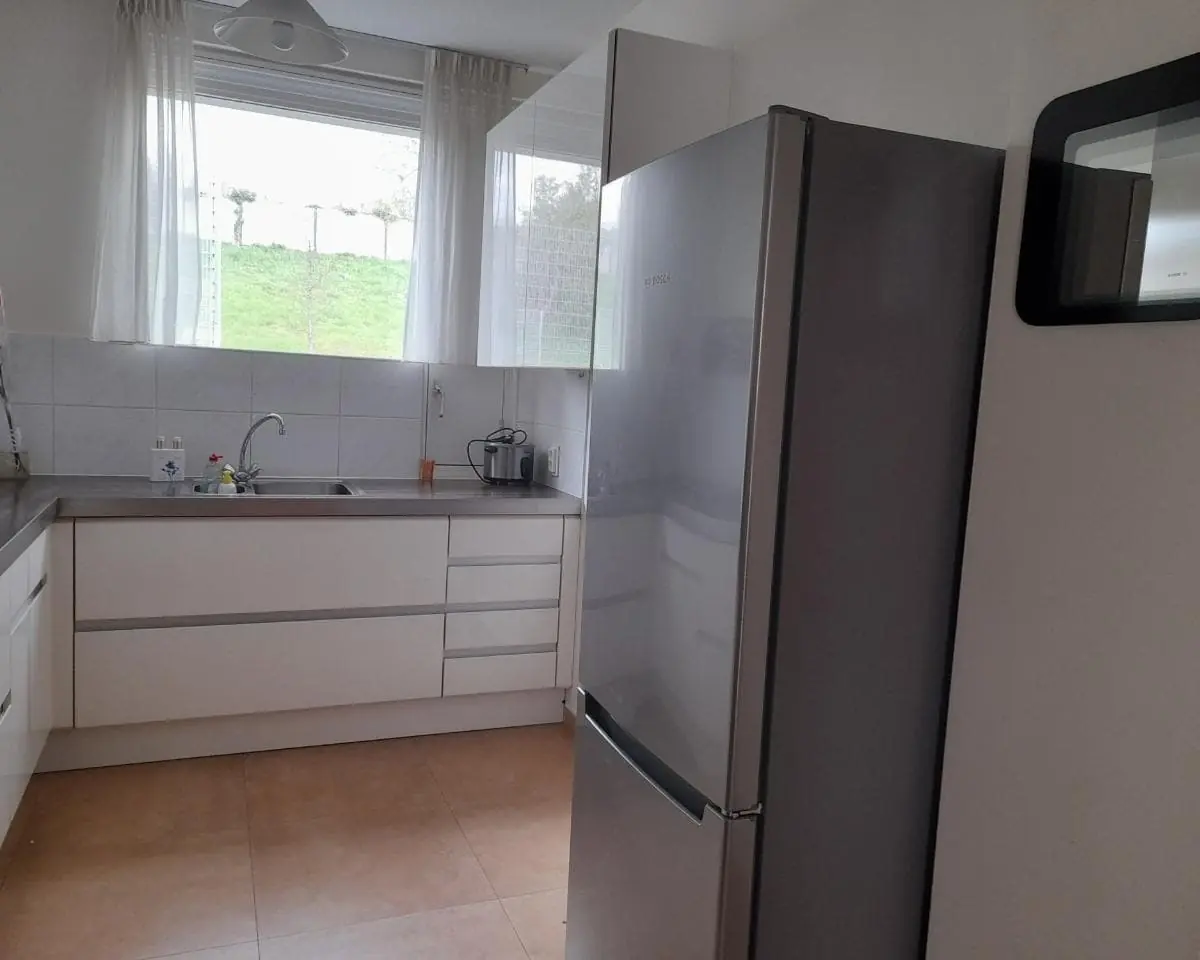
€1,100.00 / month
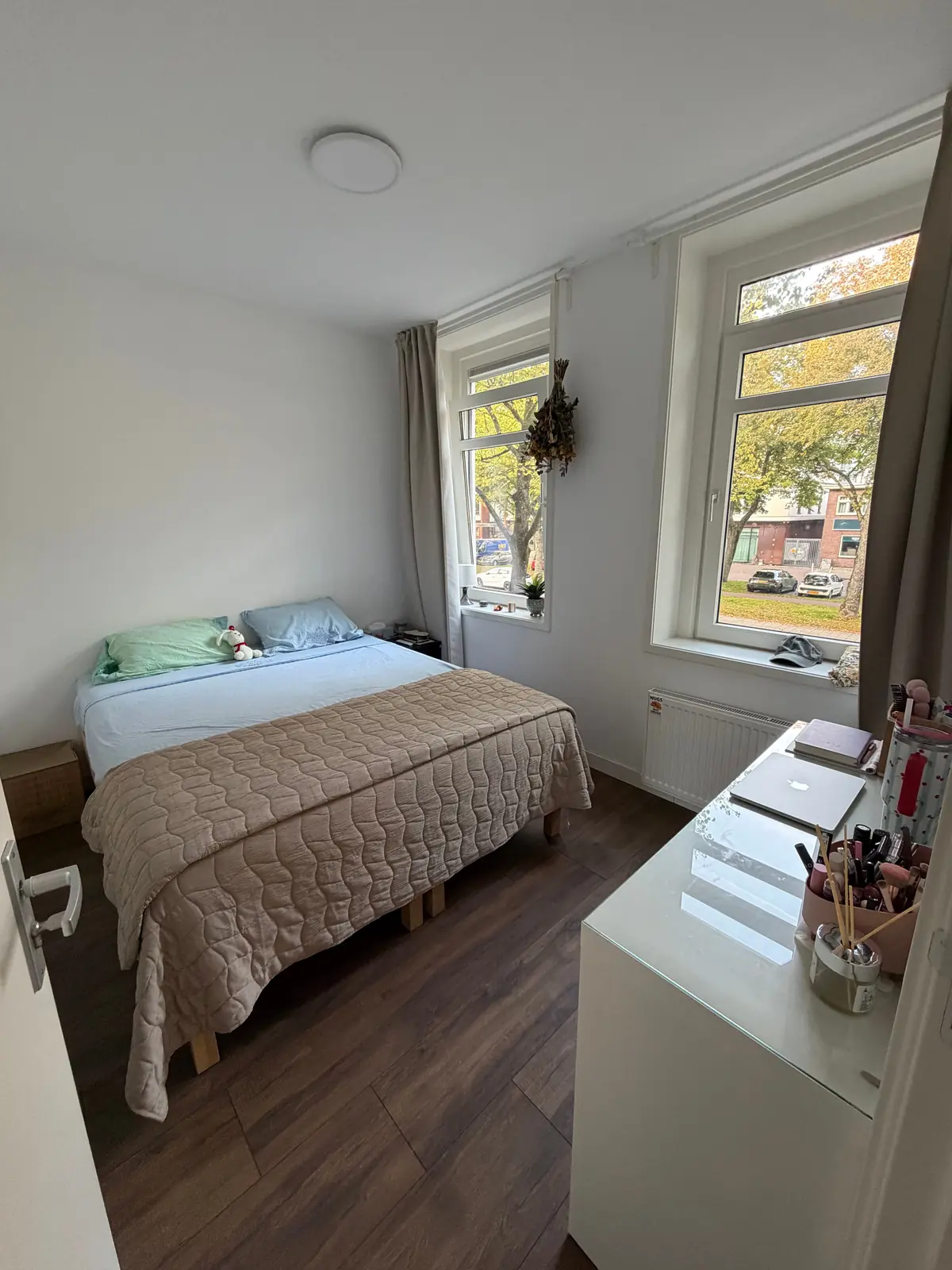
€1,332.00 / month
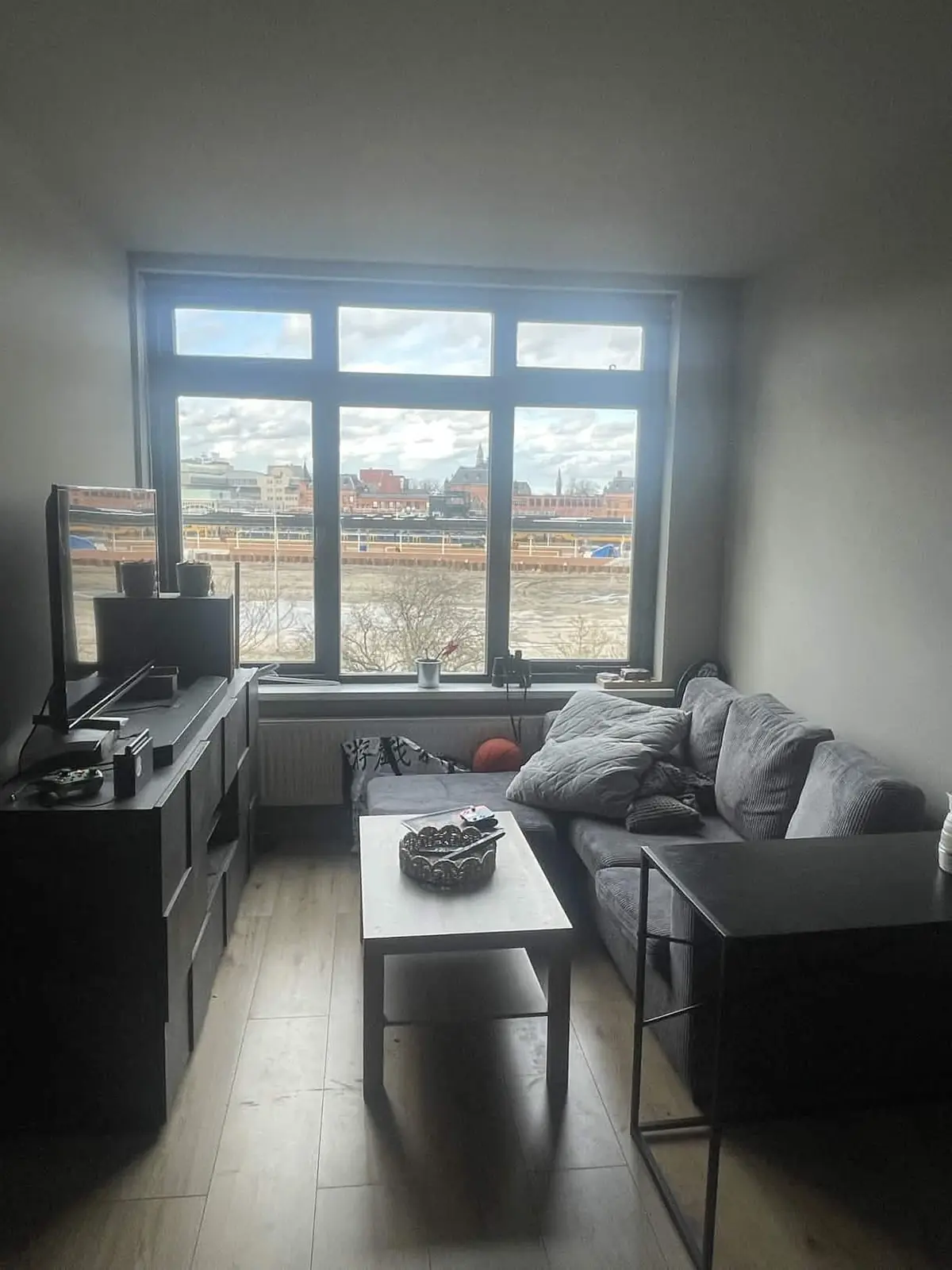
€725.00 / month
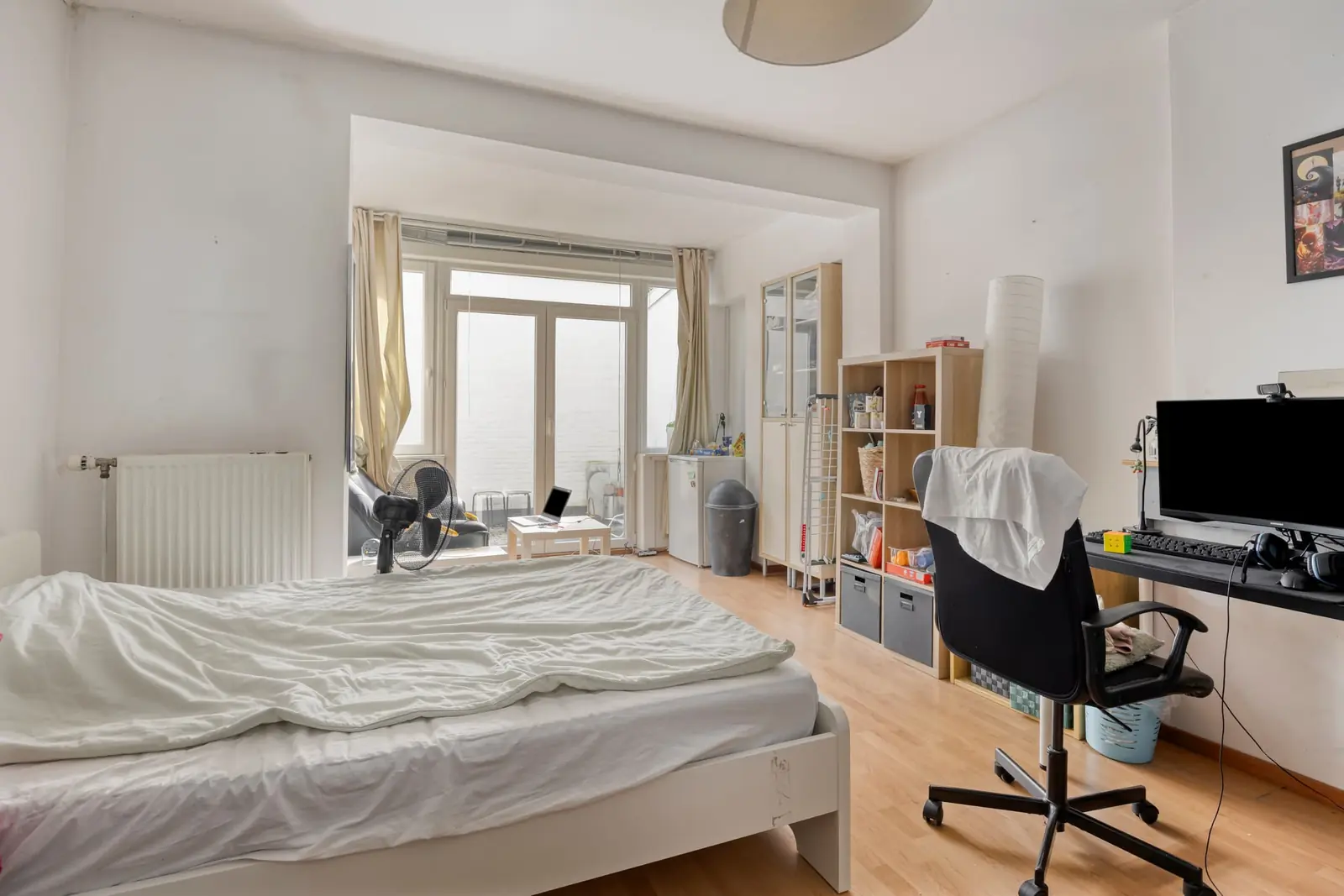
€740.00 / month
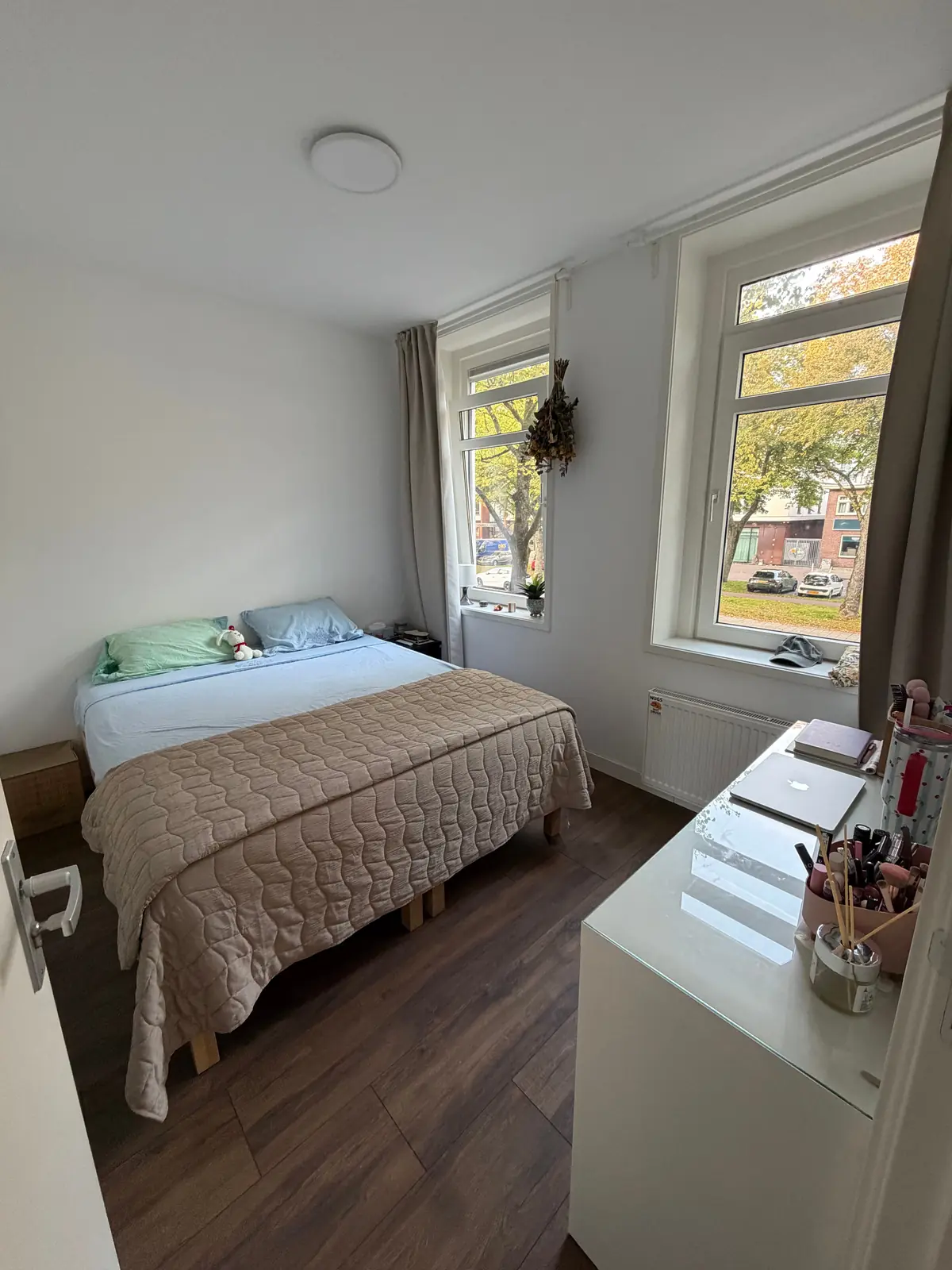
€1,332.00 / month
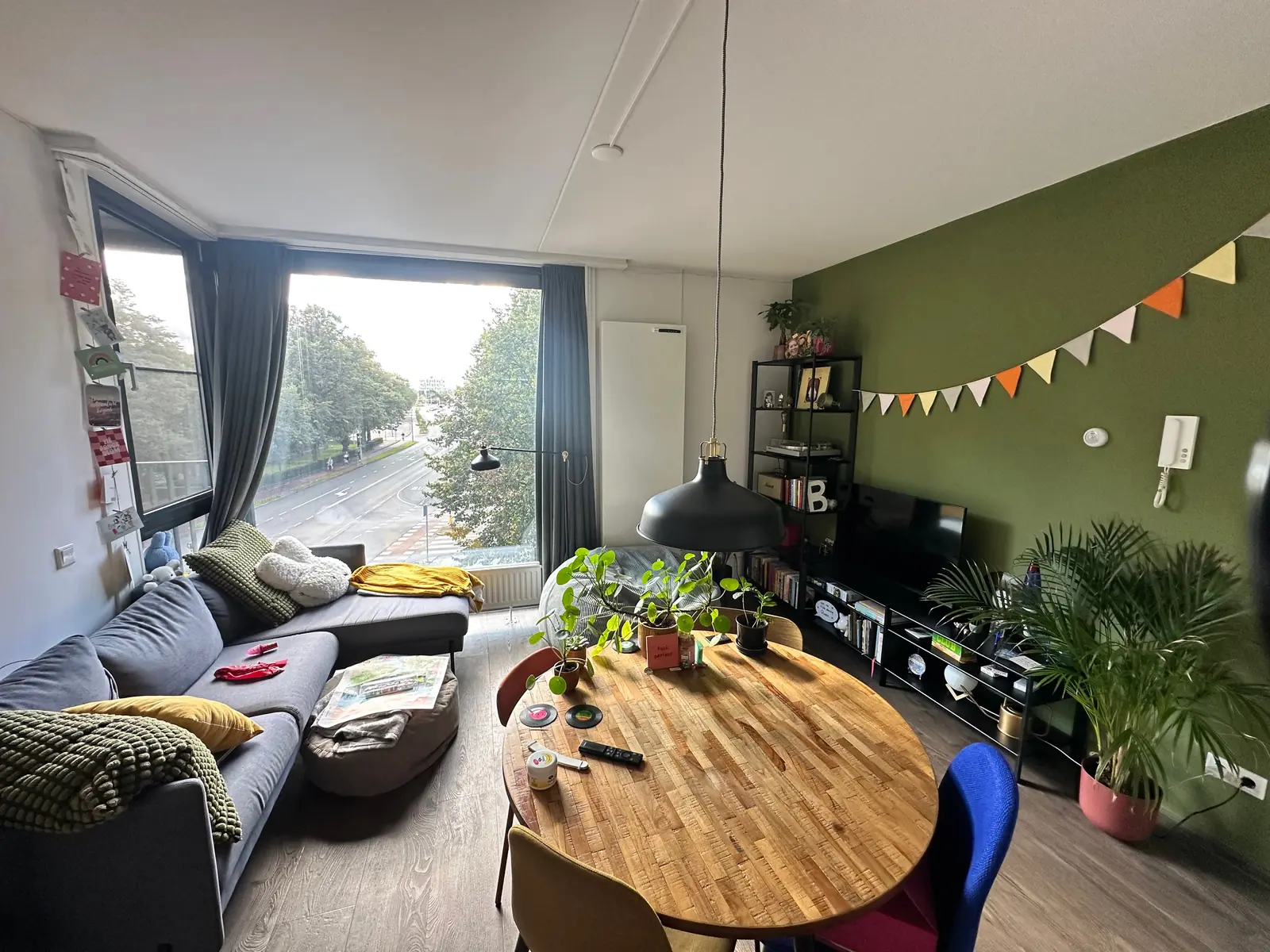
€750.00 / month
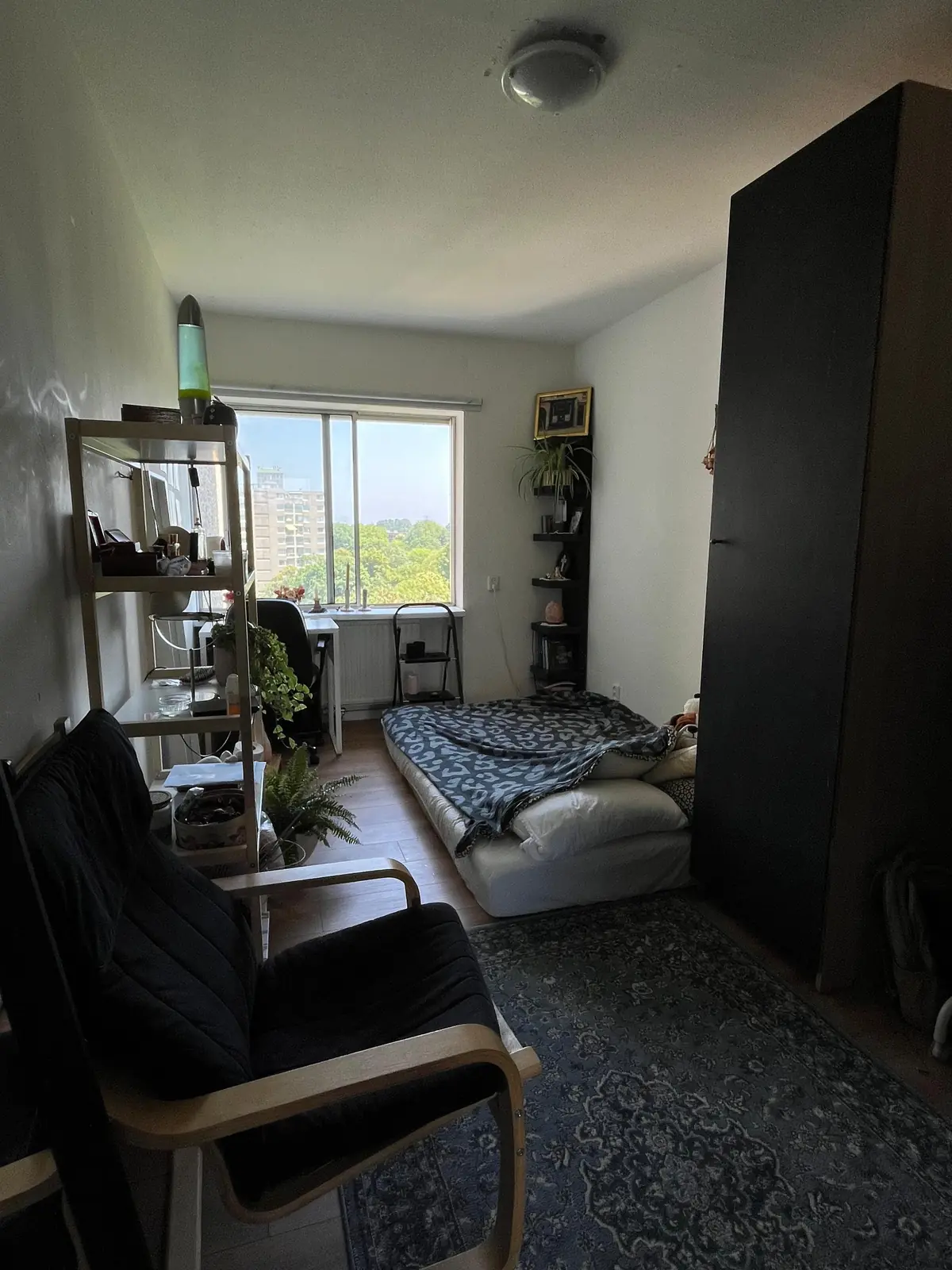
€700.00 / month
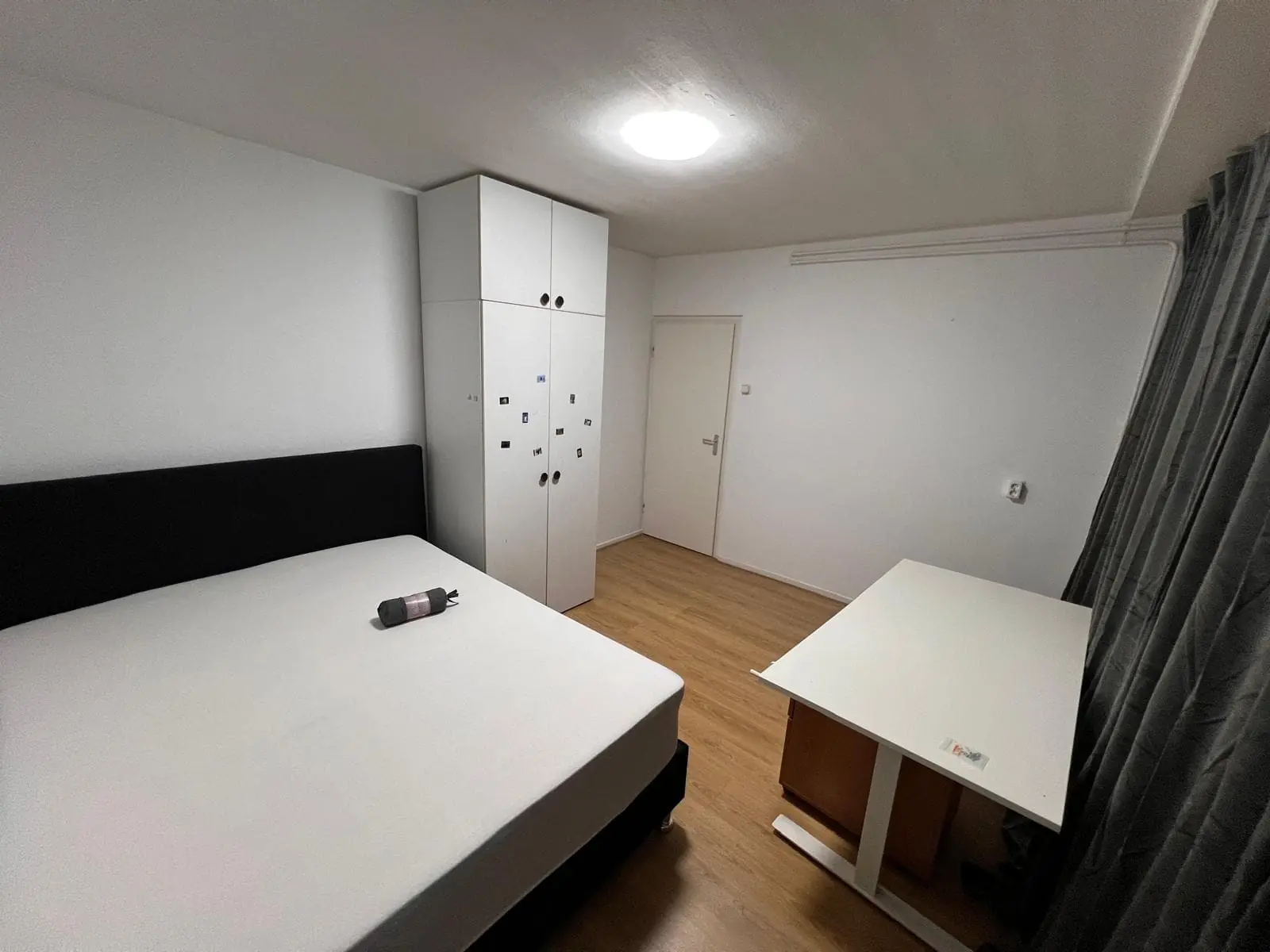
€950.00 / month
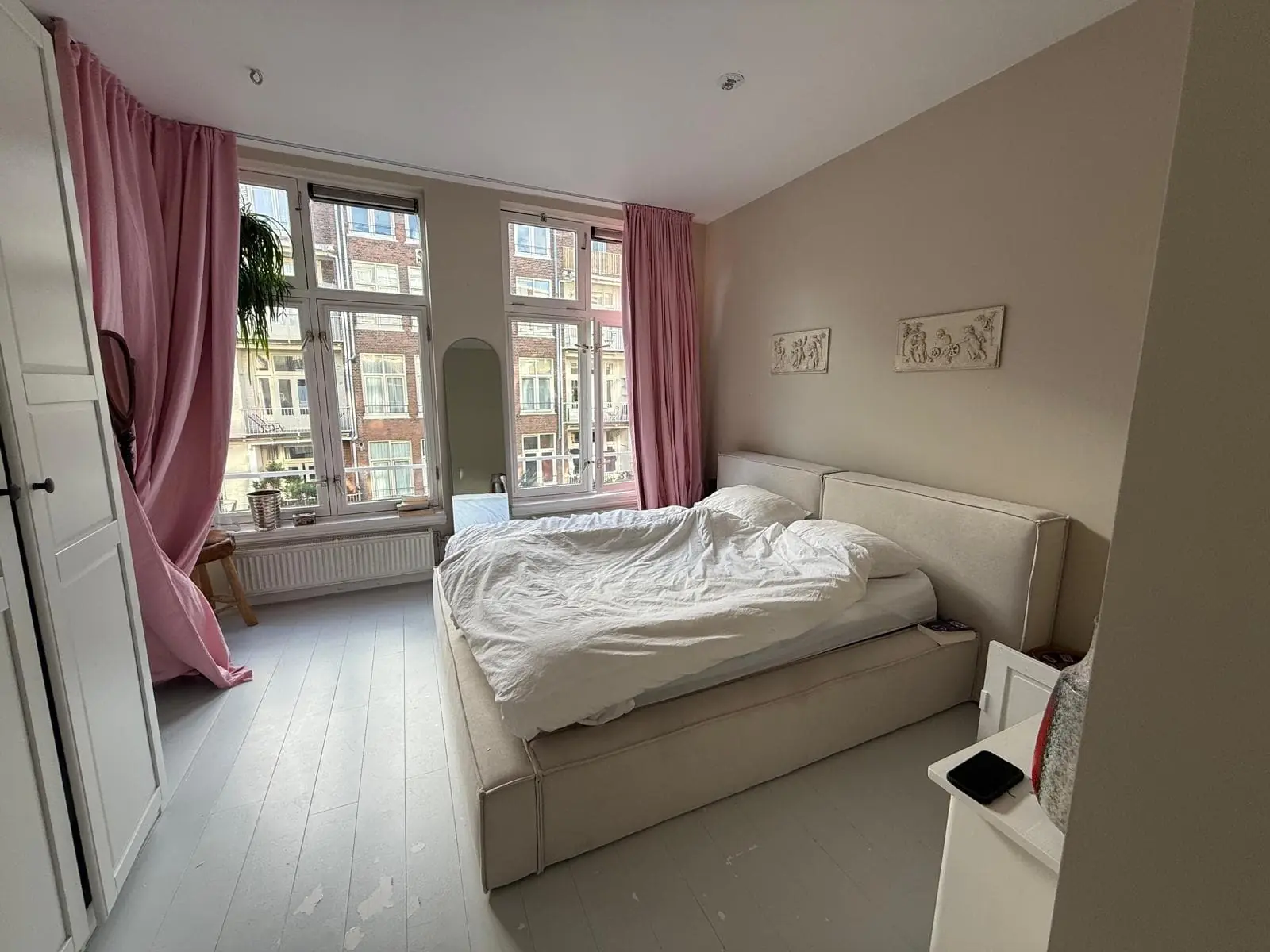
€1,200.00 / month