Luntero Pro Tools
An optional workspace for organizing your Dutch rental search. Receive email results from matching alert runs, track your own progress on a Kanban board and prepare message drafts that you review and send through the original provider.
Professional Rental Search Tools for the Netherlands Housing Market
Luntero Pro adds tools for organizing your own Dutch rental search: search-alert emails after matching checks, a visual board for listings and stages, and AI-assisted message drafts. Applications, viewings and responses remain with you and the original listing provider.

What You Can Count On
No hype and no empty promises. This is what Luntero actually does for renters in the Netherlands, whether you ever pay for Pro or not.
The whole market in one place
We bring together listings from many supported Dutch rental sources and refresh the represented data regularly. Coverage is broad but not exhaustive, and the original source remains authoritative.
Free for every renter
Searching, saving, and comparing listings costs nothing. Pro exists for renters who want extra speed and structure on top, not as a paywall around the basics.
Straight to the source
Where a source link is available, a listing takes you to the original platform or provider so you can verify the details and respond there yourself.
Honest about your chances
No app can guarantee you a home in this market, and we will not pretend otherwise. Our tools make sure you are early, organized, and well presented.
Find Matching Dutch Rental Listings with Search Alerts
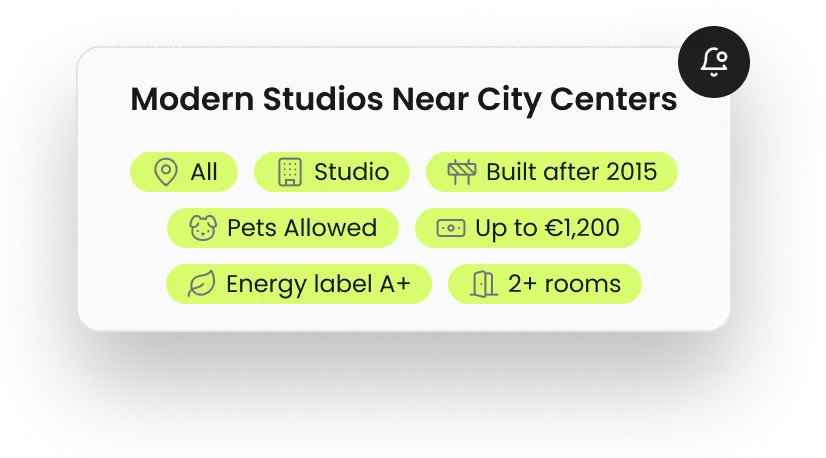
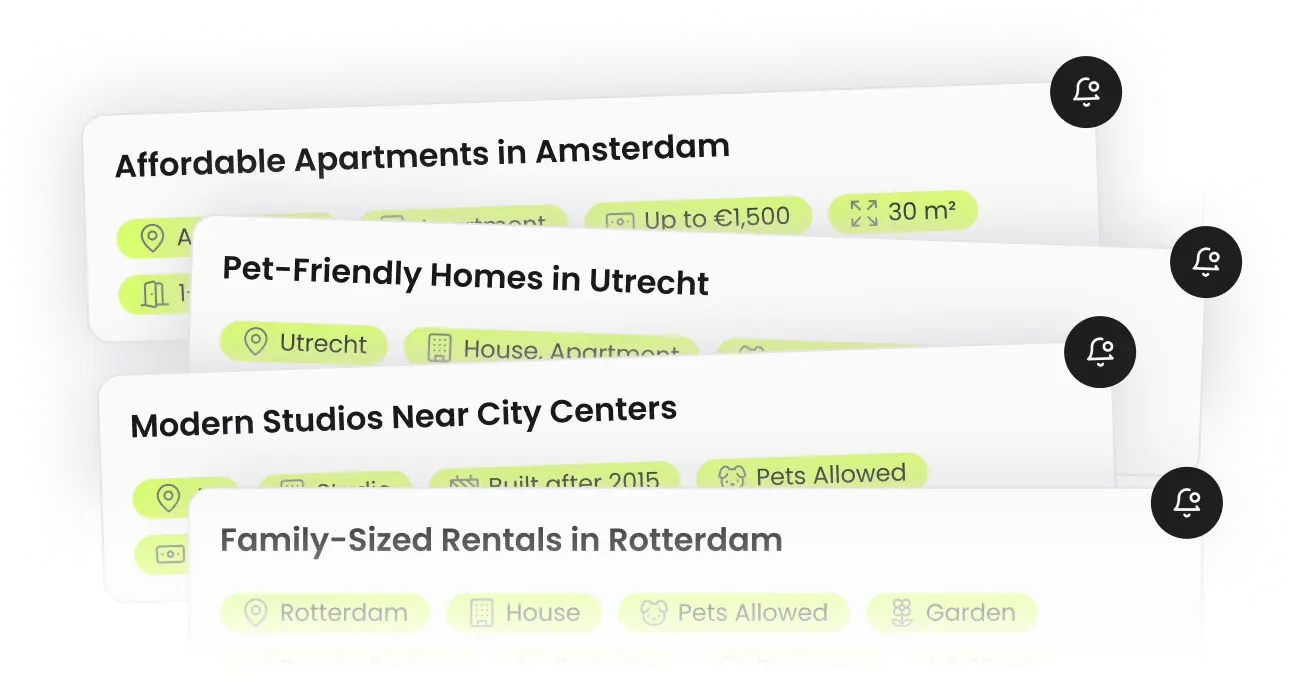
Set your rental criteria once and let scheduled Luntero alert runs check represented listings for new matches. Matching results are sent by email, but delivery time and continued availability depend on the alert run and original source.
Scheduled Rental Search Checks
Create search alerts with supported location, price and property filters. Luntero checks represented listings on scheduled runs and emails new matches; it does not cover every platform or guarantee immediate delivery or availability.
View search alerts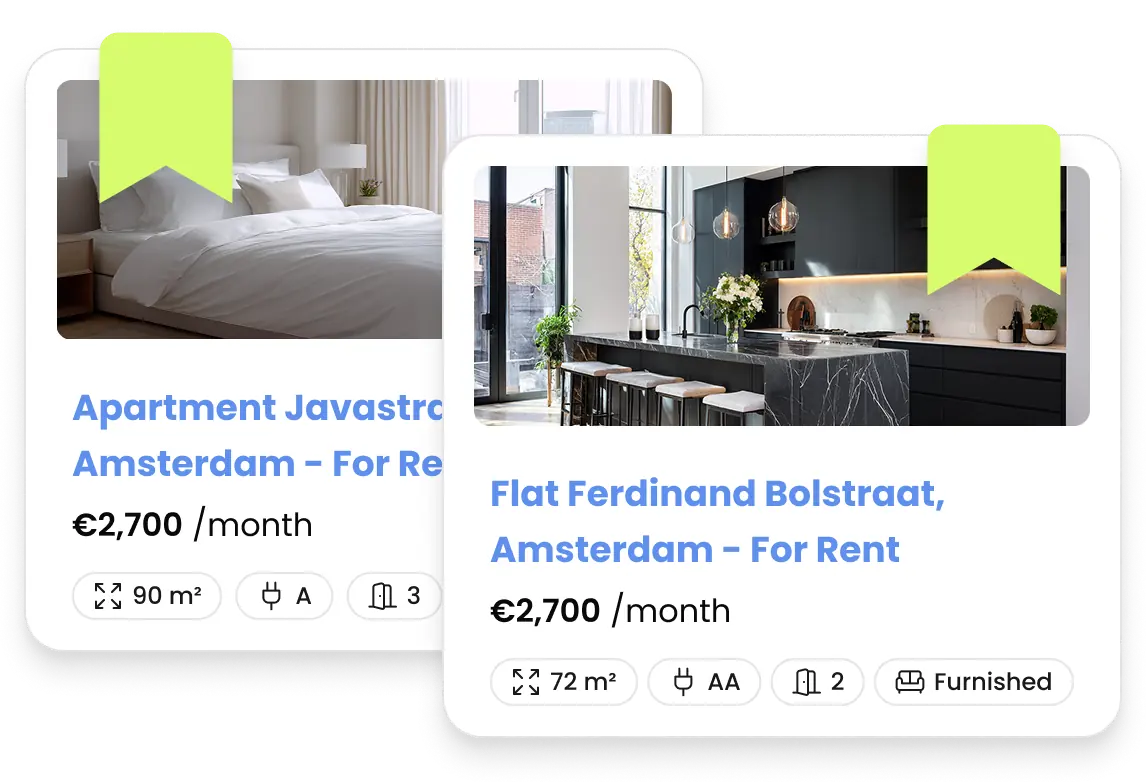
Save Listings Effortlessly
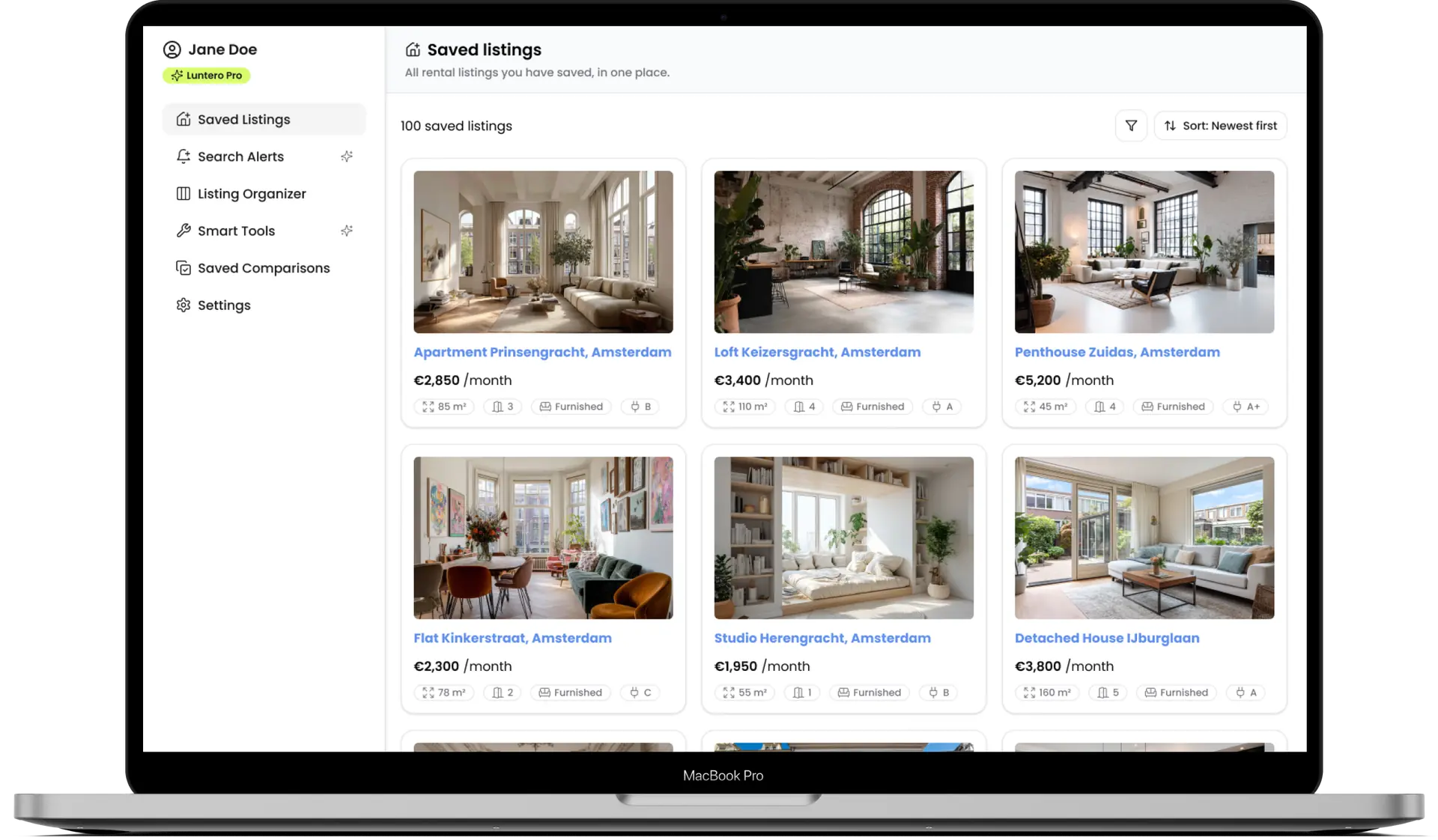
Never lose track of a promising home again. Save listings with a single click and keep everything organized in one place, so you can compare options, add notes, and return to your favorites whenever you need.
View saved listingsSee the interest behind a listing.
See how often a rental is viewed on Luntero, with a clear timeframe. Pro reveals the count while you browse and on the listing page, wherever there is enough recent activity.

A home you’re interested in
50 views 7 days
Illustrative example. Views measure activity on Luntero, not applications.
Stand Out to Dutch Landlords - Send Professional Messages in Seconds
Dutch landlords receive 30-100+ emails per apartment in Amsterdam, Rotterdam, Utrecht. Generic 'I'm interested' messages get ignored. Luntero Smart Messages use AI to craft professional, personalized inquiries in perfect Dutch or English - automatically including your income, job, household size, move-in date, and why you're a reliable tenant. Dramatically increase your response rate.
See ExamplesDraft a message for this apartment
Included preferences:
Generated message preview:
Hello, I am interested in this apartment in Amsterdam. I am employed full-time, a non-smoker, and looking for a long-term rental within a monthly budget of €2,000 to €3,000. We are a household of three, pets are part of our household, and we can provide references upon request. I would be happy to schedule a viewing at your convenience.

Manage Your Dutch Rental Search Like a Project - Visual Kanban Board
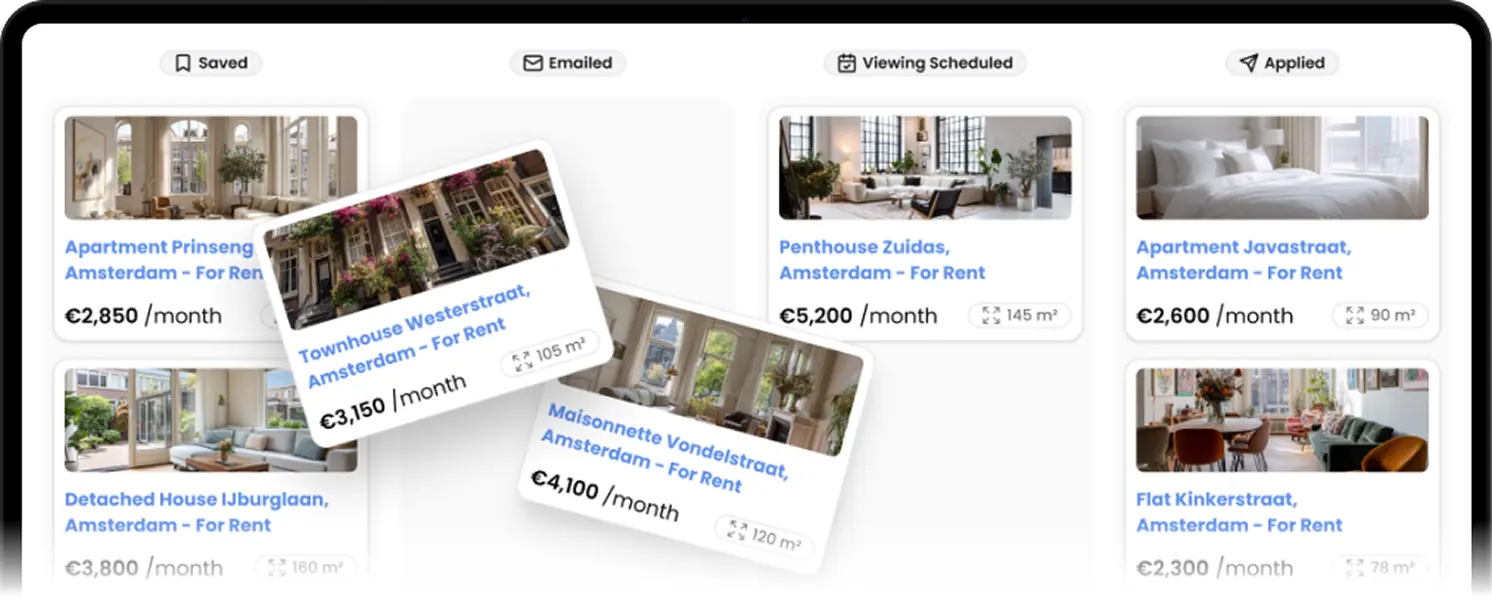
Searching for apartments across Amsterdam, Rotterdam, Utrecht means juggling dozens of listings, viewing appointments, and landlord conversations. Luntero Pro's Organizer uses a drag-and-drop Kanban board to track each property from 'Interested' → 'Contacted' → 'Viewing Scheduled' → 'Applied'. Add private notes, save landlord emails, store viewing times and access codes. Never lose track of a promising apartment again.
Visual Rental Tracker for Netherlands - Kanban Board
Drag apartments between columns as your search progresses. See at a glance which properties you've contacted, which viewings are scheduled, and where you've applied. Store rent calculations, commute notes, pros/cons lists, and landlord contact info. Perfect for managing 10+ simultaneous apartment applications in competitive Dutch markets.
Compare Dutch Apartments Side-by-Side - Make Confident Decisions
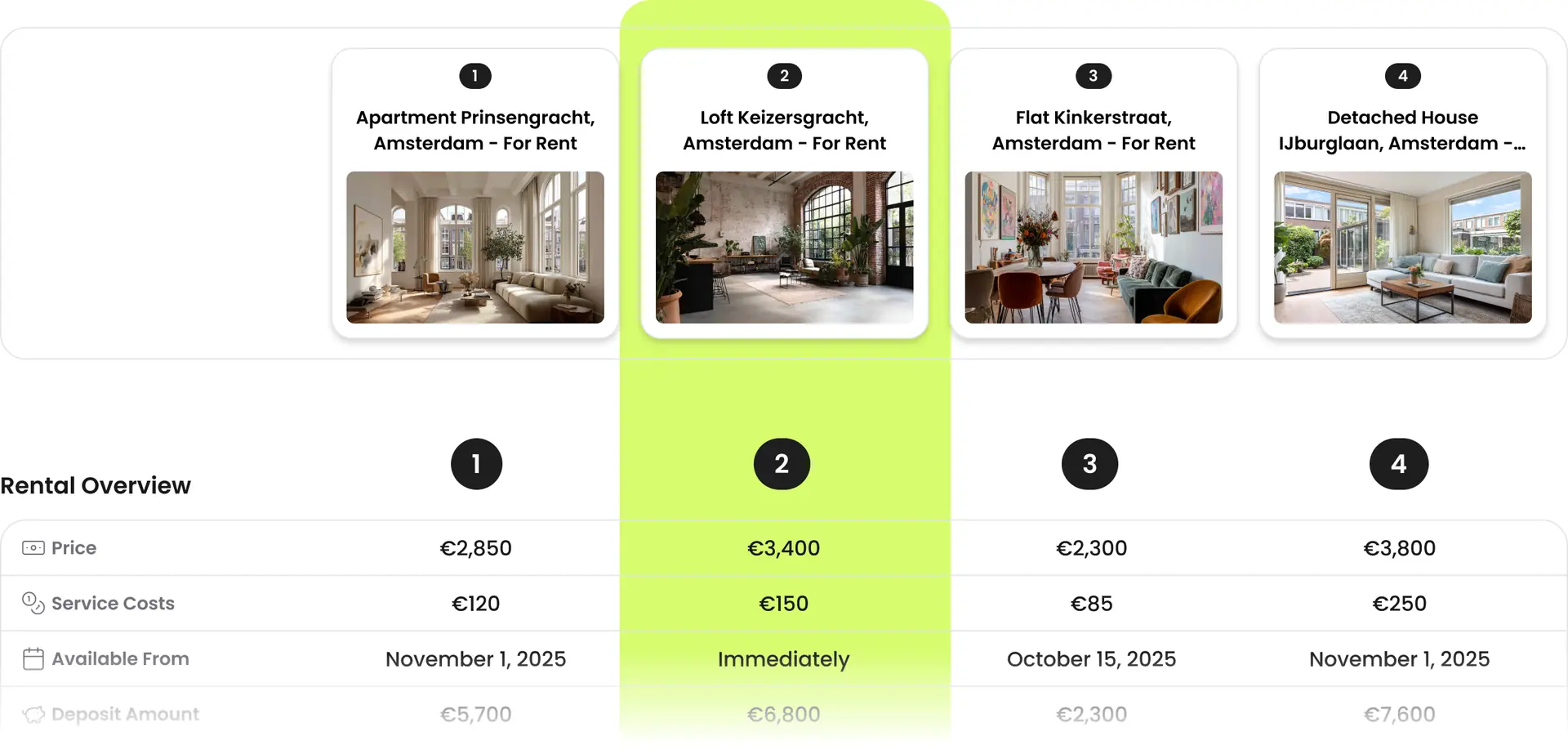
Viewing 5+ apartments in Amsterdam or Utrecht? Stop juggling browser tabs and spreadsheets. Luntero Pro's comparison tool puts all rental details side-by-side: monthly rent, m², deposit, commute time, energy label, balcony, parking. Share comparison links with partners or roommates. Make data-driven decisions about your next Dutch home.
Visual Rental Comparison for Netherlands
Add apartments from Funda, Pararius, Kamernet, or any Dutch rental site to Luntero. Compare up to 10 properties simultaneously: see price differences, calculate cost per m², compare commute times to your work, review energy labels, and evaluate amenities. Perfect for Amsterdam, Rotterdam, Utrecht apartment hunters.
Everything Included in Luntero Pro
One subscription covers the complete rental toolkit: instant search alerts, the visual listing organizer, AI-powered landlord messages, side-by-side comparisons, and an ad-free experience across the whole platform.
Rental Toolkit
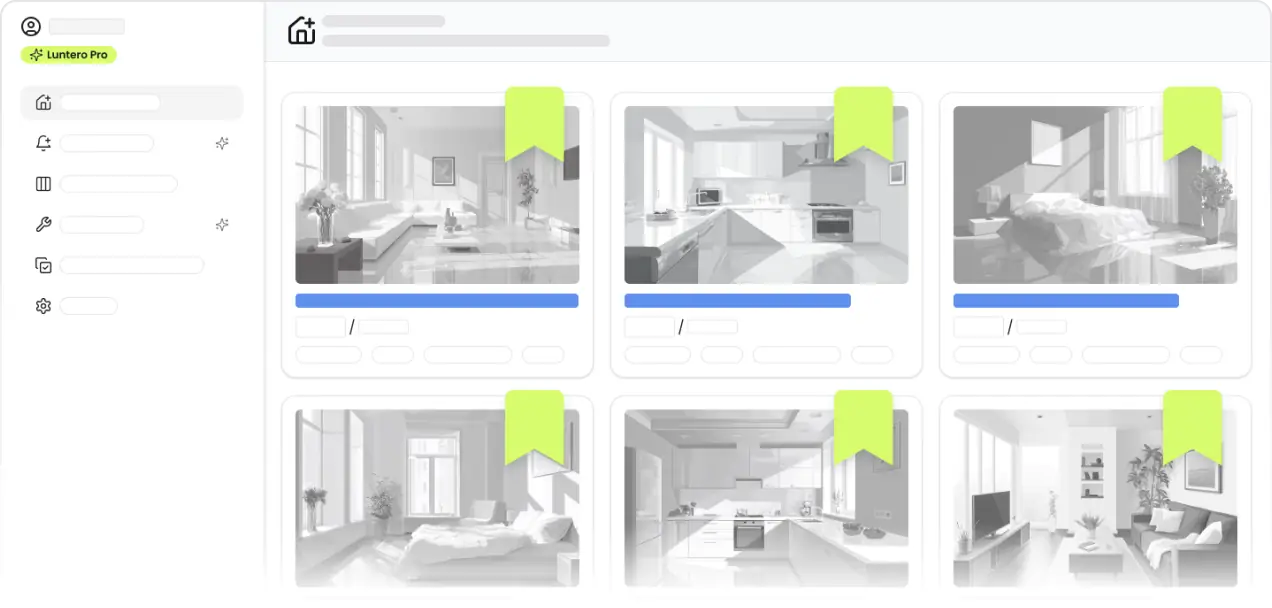
A complete set of tools designed for the Dutch rental market, helping you search for apartments, organize listings, and manage your rental search from start to finish in one place.
Smart Tools
Stand out when contacting landlords and agencies in the Netherlands.

Listing Organizer
Organize rental listings in one clear workflow and track your progress from first interest to application.
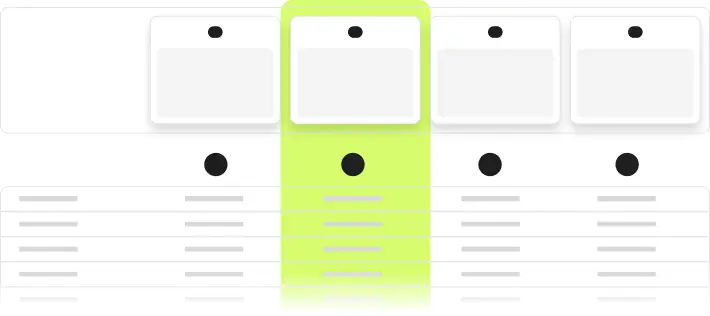
Compare Rental Listings
Compare apartments and rental homes side by side to evaluate price, location, and key details, helping you make confident decisions in the Dutch housing market.
Search Alerts
Receive email alerts when new rental listings appear in the Netherlands that match your criteria, so you can act quickly without constantly checking listing sites.

Complete Customization
Customize your rental search experience for the Netherlands by setting preferences, alerts, and workflows that match how you actually look for a home.
Luntero Pro Plans: Find Your Dutch Rental Faster
Organize your rental search with advanced filters, scheduled search-alert emails and tracking tools. Pro supports discovery and organization only; it does not submit applications, arrange viewings or guarantee results.
3-Day Sprint Plan
Perfect for urgent apartment hunts in Amsterdam, Rotterdam, Utrecht. Get all Pro features for intense 3-day searches.
1-Week Intensive Plan
Ideal for focused rental searches. Full access to alerts, organizer, and AI messages for one week.
Recurring subscription. Cancel anytime through your account settings. You’ll keep access until the end of your current billing period.
Luntero Pro - Frequently Asked Questions
Answers to the most common questions about Luntero Pro plans, billing, and the tools included in your subscription.
What is Luntero Pro?
Luntero Pro is the optional paid plan for renters who want automated search alerts, Smart Messages, and an ad-free Luntero experience. Public rental search, maps, comparison, resources, saved listings, and the organizer remain available without Pro.
Do I need Pro to find or apply for a rental?
No. You can search Luntero for free, and applications always take place with the original listing provider. Pro is for people who want Luntero to monitor matching listings and help prepare enquiries; it does not give priority with landlords or guarantee a viewing or home.
What is the difference between the free plan and Pro?
Free includes public search and research plus account features such as saved listings, the renter profile, and Listing Organizer. Pro adds active search alerts, Smart Messages, and removes Luntero advertising. See the current durations and prices on the Pro plans page.
How do search alerts work?
In Account → Search alerts, create a named alert with your preferred filters. While the alert is active and your Pro plan is valid, Luntero checks for new matching listings and sends results by email. Your account also keeps recent alert runs so you can review what was found. Alerts improve discovery but cannot guarantee instant delivery or availability.
What are Smart Messages, and does Luntero send them for me?
Smart Messages use the renter-profile details and context you provide to draft a rental enquiry. Luntero does not send the message, submit an application, or contact the landlord. Review the draft carefully, correct anything inaccurate, and send it yourself through the original provider's contact channel.
Where do I cancel my Luntero Pro subscription?
Go to Account → Settings → Billing, select 'Open billing portal', and cancel the subscription there. You keep Pro access until the end of the paid billing period shown in your account. Canceling Pro does not itself delete your Luntero account.
Where can I change my plan, payment method, or download invoices?
Open Account → Settings → Billing to see your current plan and renewal or end date. Select 'Open billing portal' to manage the subscription, update payment details, or download available invoices.
Does Luntero Pro renew automatically?
Yes. The 3-day, weekly, and monthly Pro options are recurring subscriptions and renew at their stated interval until canceled. The checkout and Pro plans page show the price and billing interval before purchase.

Find Your Dutch Apartment 3x Faster with Luntero Pro
Use Luntero Pro to receive matching-listing emails, organize the listings you are pursuing, compare collected details and draft rental enquiries. Pro does not contact landlords, submit applications, arrange viewings or guarantee availability.
Start my rental search