
Publishing as an individual
Publish under your own name. Add your contact details once and use them on your rental listings. You can keep your public profile switched off and still let renters contact you from each advert.
Advertise a room, studio, apartment or house in the Netherlands under your own name or your organization's name. Add photos, rent, availability and the details renters need, then review and publish your listing for free. Keep it up to date from your dashboard, let renters contact you directly, and choose paid promotion only when you want extra visibility.
No subscription. No card needed to publish.
Your listing has its own page with photos, rent, property details and your contact information. It appears in rental search when it matches the renter’s filters, alongside homes from other rental websites.
Show the rooms, add the monthly rent and service costs, and describe the size, furnishing and availability.
Renters open your contact details and reach you by email or phone. You arrange viewings and handle the rental agreement yourself.
Save a draft, edit the details, pause an advert or mark a home as rented. Manage all your listings from the publisher dashboard.
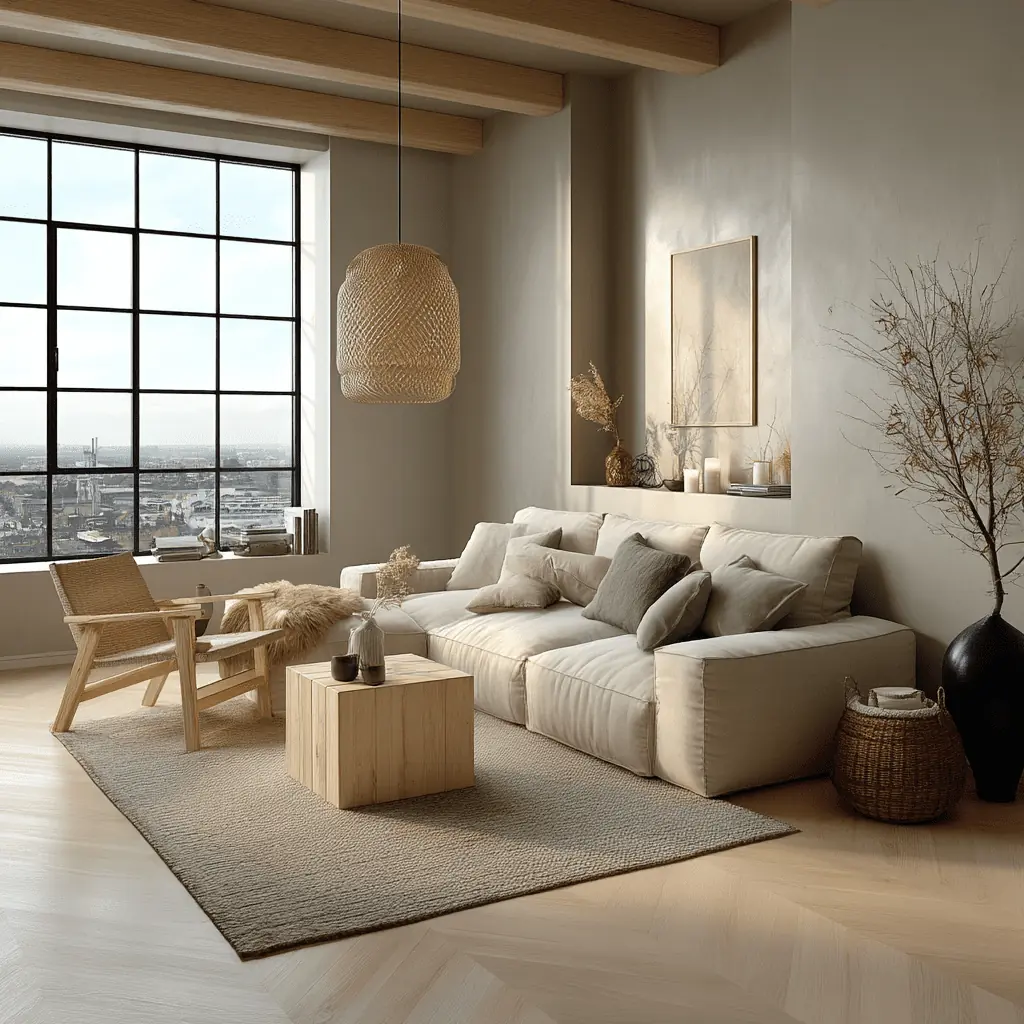
Amsterdam
€1,850/ month
Contact publisherChoose how you want to appear to renters. Both options use the same free listing tools and are managed through your own account.
Publish under your own name. Add your contact details once and use them on your rental listings. You can keep your public profile switched off and still let renters contact you from each advert.
Publish under your agency or company name, with its logo and contact details. An optional public profile brings your available rentals together. You manage the organization yourself from your account.
Your public profile is the page renters can open from your adverts to see who is publishing and browse your other available rentals.
Start with an individual or organization profile, then create your first listing. You can return to unfinished listings later.
Choose individual or organization, add your name and contact details, and decide if your profile is public.
Upload photos, enter the address, rent and property details, then check the listing preview. Publish when everything is ready.
Edit your listing, pause it, or mark it rented. Interested renters reach you by email or phone.
Photos of the home; its address and property type; monthly rent and service costs; floor area, number of rooms and furnishing; a description and availability; and the email or phone number renters should use.
Everything you need to publish and manage your rental is included. Promote an existing listing only when you want an extra push.
€0to publish
A promoted listing gets priority in recommended search results when it matches the renter’s filters. It carries a “Promoted” label. Sorting by price or date still follows the order the renter selected.
3 days
€5
7 days
€9
14 days
€15
Publish the rental first, then choose a duration from its promotion page. The promotion starts after successful payment.
One payment for one listing. No automatic renewal. Promotion ends automatically; it does not guarantee enquiries or a tenant.
What renters see, how they contact you, and what happens after you publish.
No. Creating a publisher profile, publishing rentals and managing your listings are free. Only optional promotion is paid.
No. You can keep your publisher profile hidden. Your name and contact details still appear on your rental listings so people can reach you.
Yes. Use the same account to find and publish rentals. Switch modes in your dashboard; your saved homes and search alerts stay with you.
Your advert is labelled “Published on Luntero”. Its “Contact publisher” button opens your email and phone details. Enquiries, viewings and contracts happen directly between you and the renter. Listings collected from other websites instead link to their original advert.
Your listing stays published for free until you pause it or mark it rented. The promoted label and paid priority end. Pausing a listing does not pause the promotion clock.
Not currently. Creating a publisher account lets you add and manage your own new listings. It does not give you control of listings collected from other websites.
Create an individual or organization publisher profile, add your contact details, and prepare your first advert. Review it before publishing for free; no payment card is needed.