
Internet only 200 Mbps
Price after address check
The provider quotes this plan for your exact address.
- Download
- 200 Mbps
- Upload
- 200 MbpsSymmetric
- Contract
- 12 months
- Installation
- Not stated
- Own router allowed
- Static IP
What fixed IPv4 and IPv6 give you, and what they leave to you
Glasnet's public material centres on a fixed IPv4 address, a fixed IPv6 subnet and support for suitable own hardware, starting from a symmetric entry offer. That helps if you manage your own firewall or host something at home. It doesn't configure or secure those services for you, and a business-grade uptime agreement isn't implied.
Range at a glance
1 connection type
What sets Glasnet apart, how its offers are put together and what renters should know before choosing it.
Glasnet is aimed at people who want control over their home network: its public material describes a fixed IPv4 address, a fixed IPv6 subnet and support for suitable own hardware. The entry offer is symmetric 200 Mbps, with a qualified starting price rather than an unconditional quote for every network. Using your own router gives a monthly discount, but make sure the chosen equipment matches the access route and keep support responsibilities clear. The provider’s discussion of speeds up to 8 Gbps should not be read as a separately verified priced package in this comparison.
Its material describes a fixed public IPv4 address and a fixed IPv6 subnet, including a /48 in its internet information. These matter if you manage your own firewall or incoming services. The presence of fixed addressing does not provide configuration, security or a business uptime agreement automatically. Check the actual access route and support scope.
All 1 Glasnet plans we track, grouped by connection type and ordered from the slowest to the fastest tier. Each plan shows the monthly price, download and upload speed and the contract term. Open a plan for the fine print and the cost over your stay, or add it to a comparison.
Price after address check
The provider quotes this plan for your exact address.
Points from Glasnet's own terms and tariff pages that are easy to miss and can change what you pay or how quickly you get connected.
Using your own compatible router gives a €2.50 monthly discount.
Check your postcode and house number: availability depends on the individual address.
Answers to the questions people ask most about Glasnet home internet, from installation and equipment to contracts and moving house.
Glasnet is aimed at people who want control over their home network: its public material describes a fixed IPv4 address, a fixed IPv6 subnet and support for suitable own hardware. The entry offer is symmetric 200 Mbps, with a qualified starting price rather than an unconditional quote for every network. Using your own router gives a monthly discount, but make sure the chosen equipment matches the access route and keep support responsibilities clear. The provider’s discussion of speeds up to 8 Gbps should not be read as a separately verified priced package in this comparison.
The published discount is €2.50 monthly, or €30 over a year before buying hardware. Verify router and optical compatibility for the address instead of buying solely for the discount. Own hardware gives control but leaves your Wi-Fi and configuration choices to you; discuss how faults will be isolated if the access line or your router fails. The exact monthly price needs a quotation for this address. Ask for an internet-only order summary showing the service amount, any network contribution, the router arrangement and the initial contract period. This lets you compare the actual offer with a fully priced alternative instead of relying on another postcode’s starting price.
Its material describes a fixed public IPv4 address and a fixed IPv6 subnet, including a /48 in its internet information. These matter if you manage your own firewall or incoming services. The presence of fixed addressing does not provide configuration, security or a business uptime agreement automatically. Check the actual access route and support scope.
The published discount is €2.50 monthly, or €30 over a year before buying hardware. Verify router and optical compatibility for the address instead of buying solely for the discount. Own hardware gives control but leaves your Wi-Fi and configuration choices to you; discuss how faults will be isolated if the access line or your router fails.
Download is used when receiving files or streams; upload is used for cloud backups, sending large files and your outgoing video during calls. A symmetric fibre tier advertises the same rate in both directions. Compare the two figures separately: a gigabit cable download does not imply a gigabit upload, and a higher headline download alone does not show how quickly a household can send data.
Every link to the device must support the intended speed: the fibre terminal, router’s WAN and LAN ports, any switch, the network adapter and cabling. A 1 Gbps Ethernet port limits one wired device even when the subscription is faster. A multi-gigabit plan can also share capacity across several devices; it does not promise that one phone will achieve the full advertised rate over Wi-Fi.
Compare the minimum term first, then the cancellation notice, activation costs, installation timing and equipment return conditions. A low promotional month can be poor value if it requires a year or two of payments. A monthly option is only useful when the connection can actually be activated during your stay; ask for the start date and any one-off charges before ordering.
Alternatives
Providers that sell over the same networks or offer the same connection types as Glasnet, so you can compare like for like.
Own hardware, fixed addressing and many networks
Set-up charges versus contract flexibility
Fibre, DSL and the monthly Klik&Klaar option
No bundle, but prices depend on the route
Review the entry plan, then use the postcode and house-number check to see which access route applies at your address. If you bring your own router or firewall, ask where support stops.
Line up to four plans and see the total cost over your stay, upload and download speeds, contract terms and one-off fees in one table.
Compare internet plansAnswer six quick questions about your home, your stay and your household, and get a speed recommendation with plans that fit and the reasons why.
Find my internet planFilter all plans by connection type, speed, monthly price and contract length, then open the full details or add plans to a comparison.
Search internet plansExplore the latest properties added to Luntero. Find new apartments, houses, and studios across the Netherlands — updated daily to help you discover your next home faster.
€1,100.00 / month
€1,650.00 / month
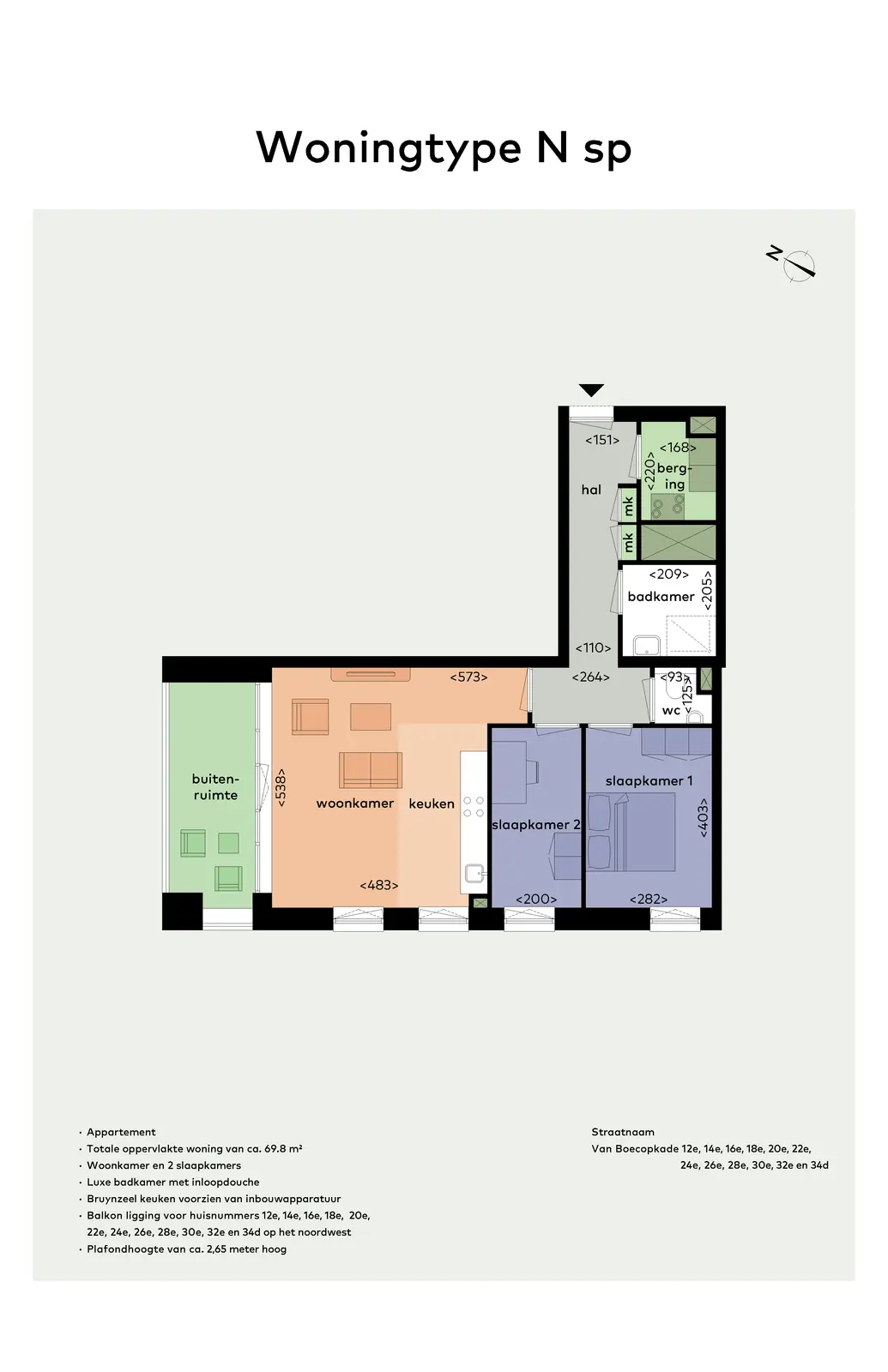
€1,525.00 / month
€1,100.00 / month
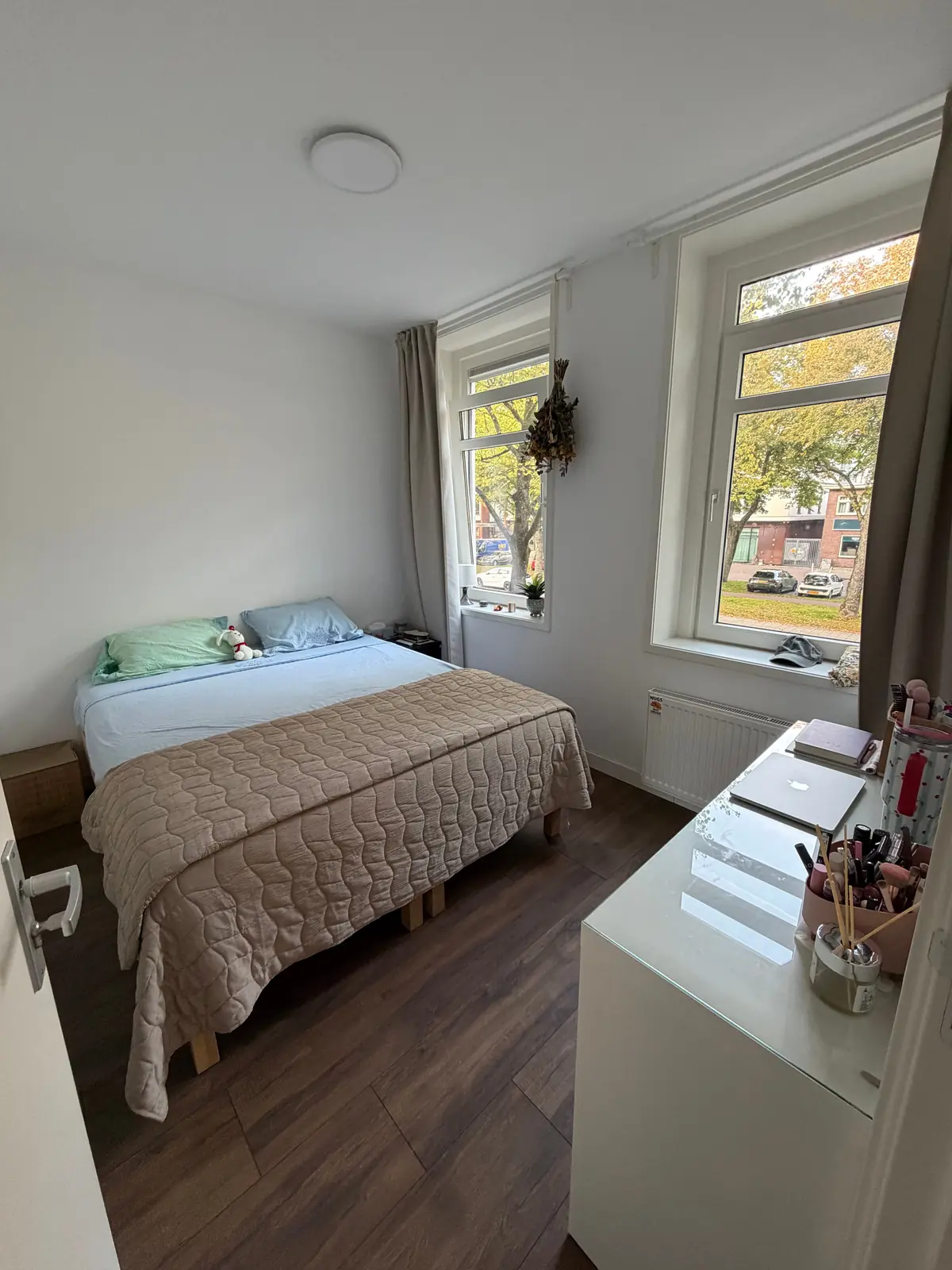
€1,332.00 / month
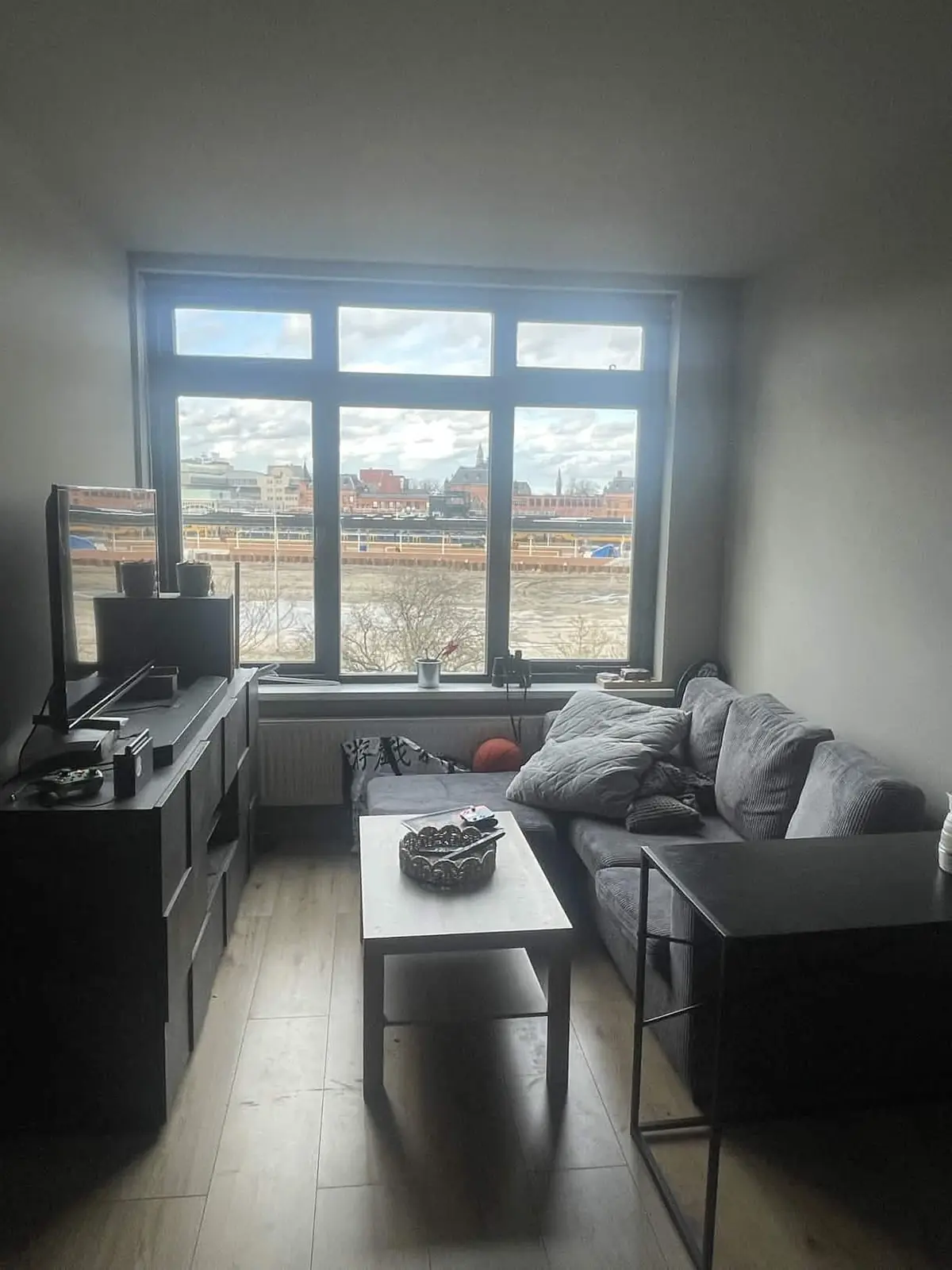
€725.00 / month
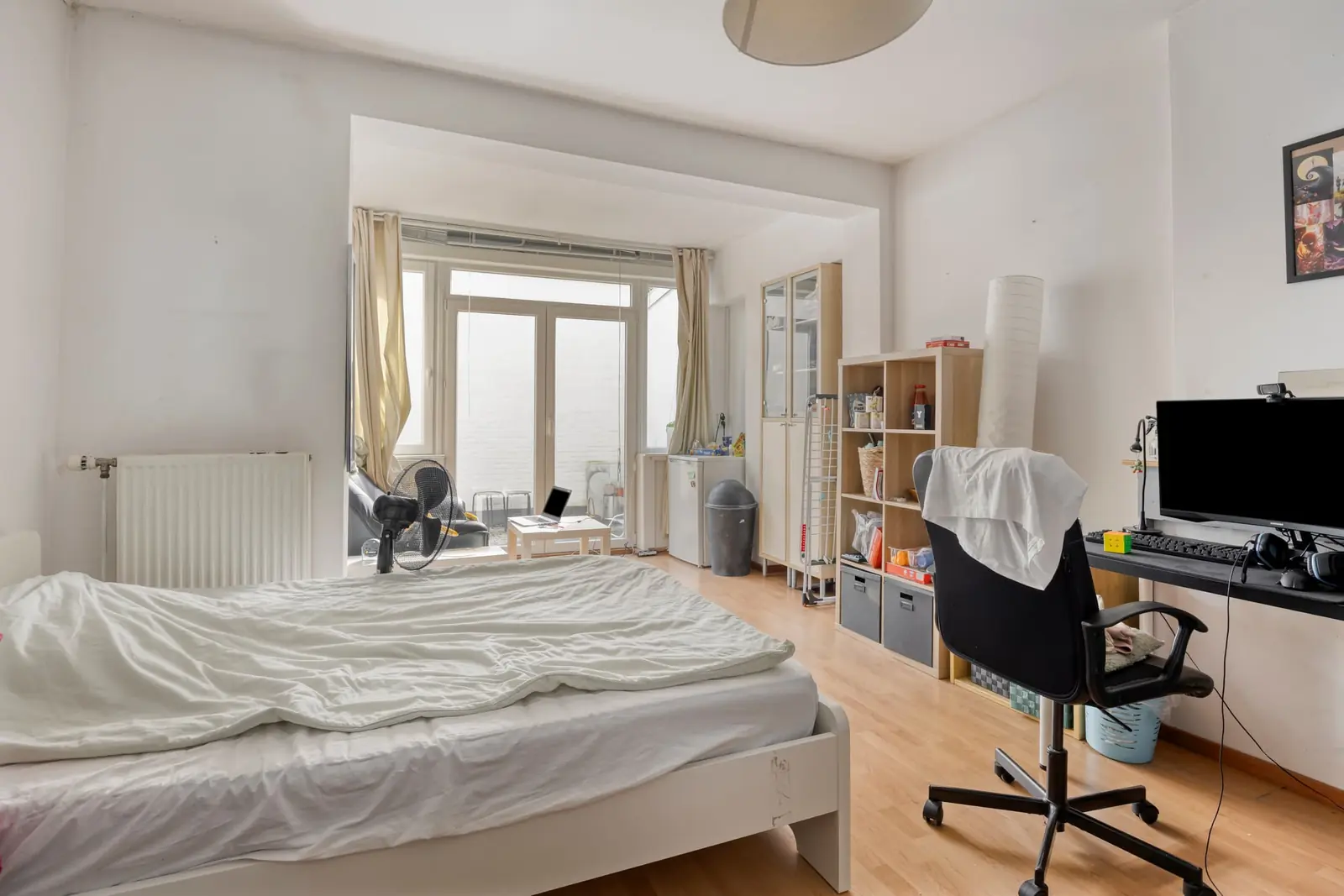
€740.00 / month
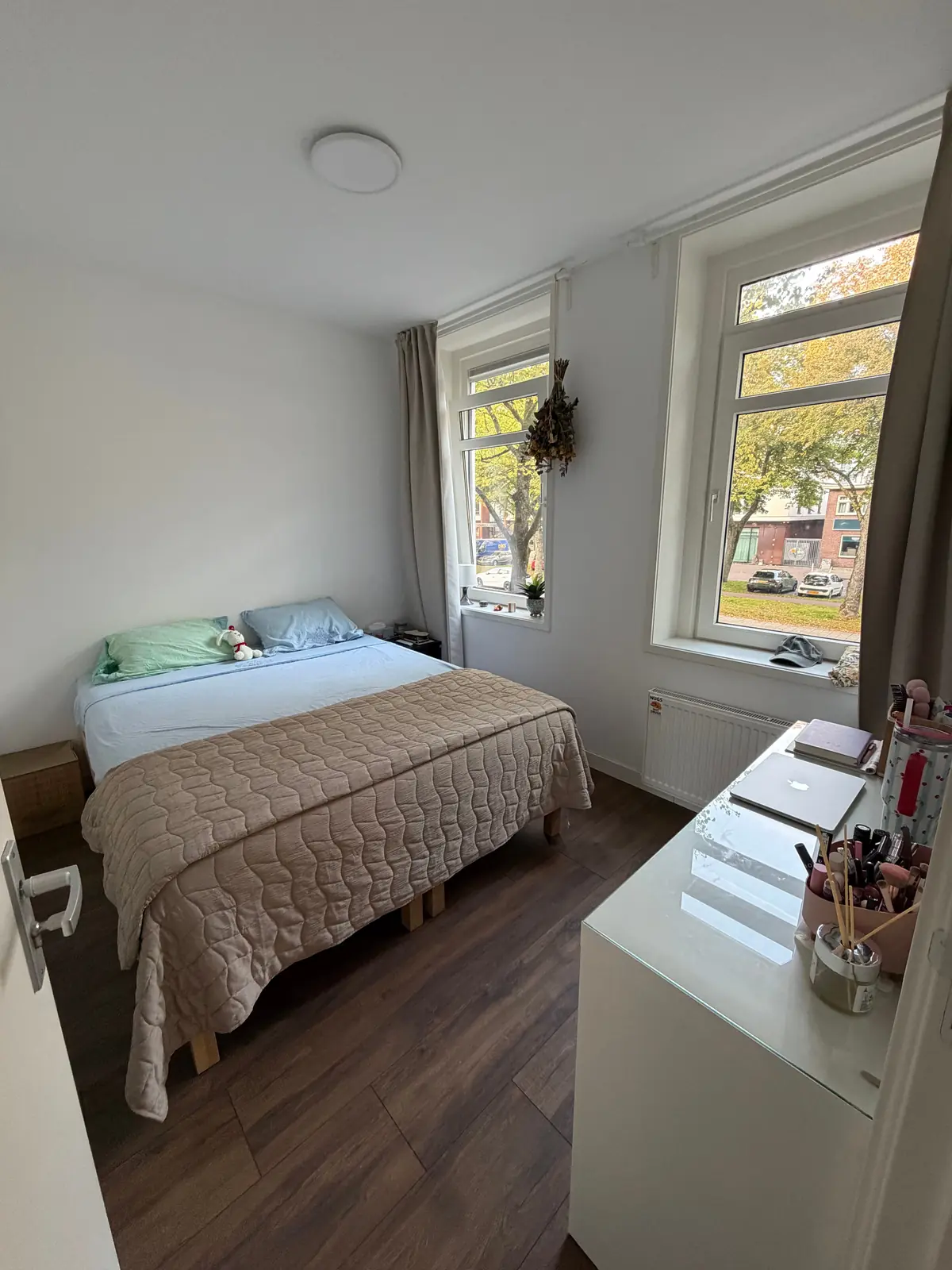
€1,332.00 / month
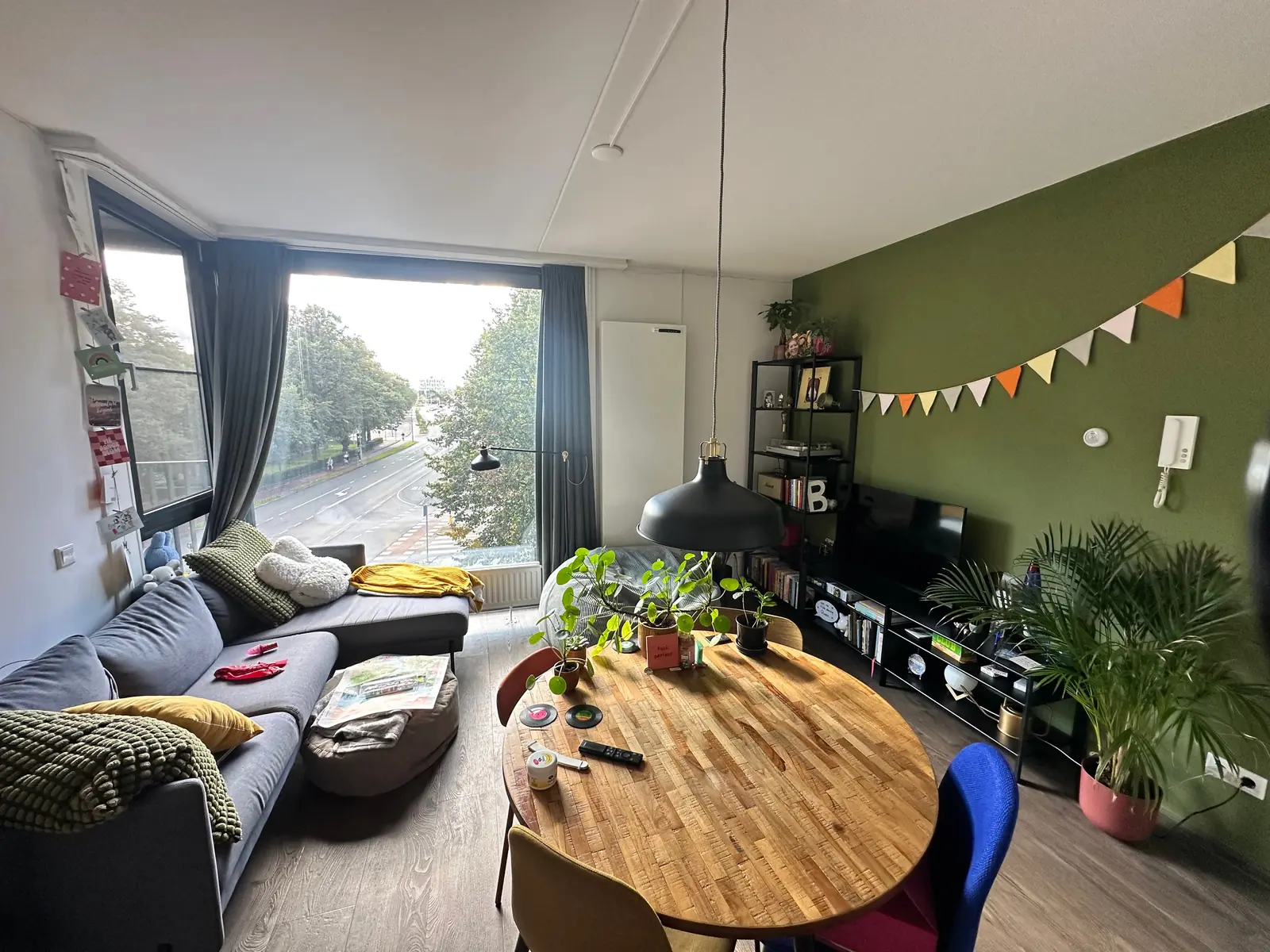
€750.00 / month
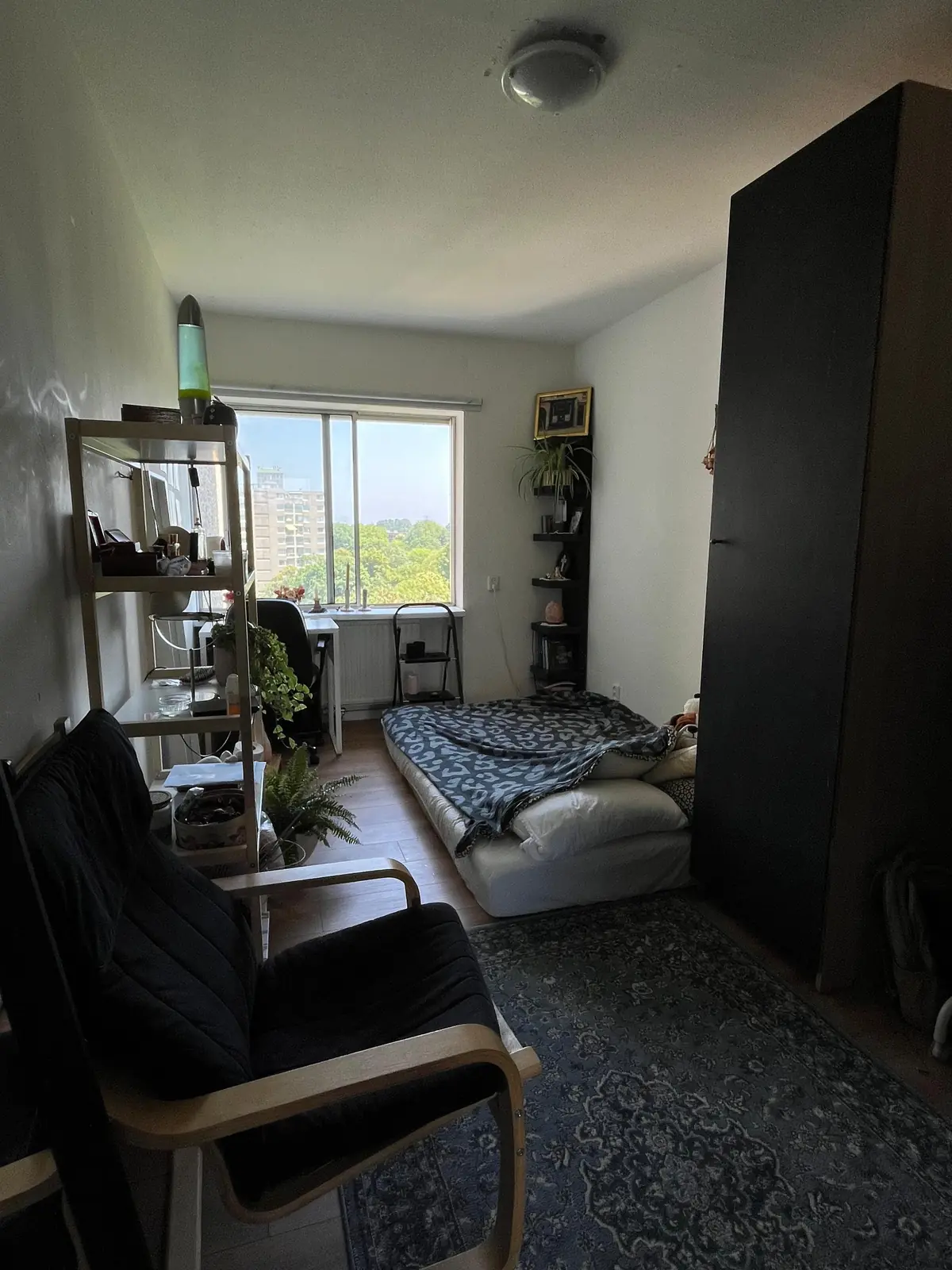
€700.00 / month
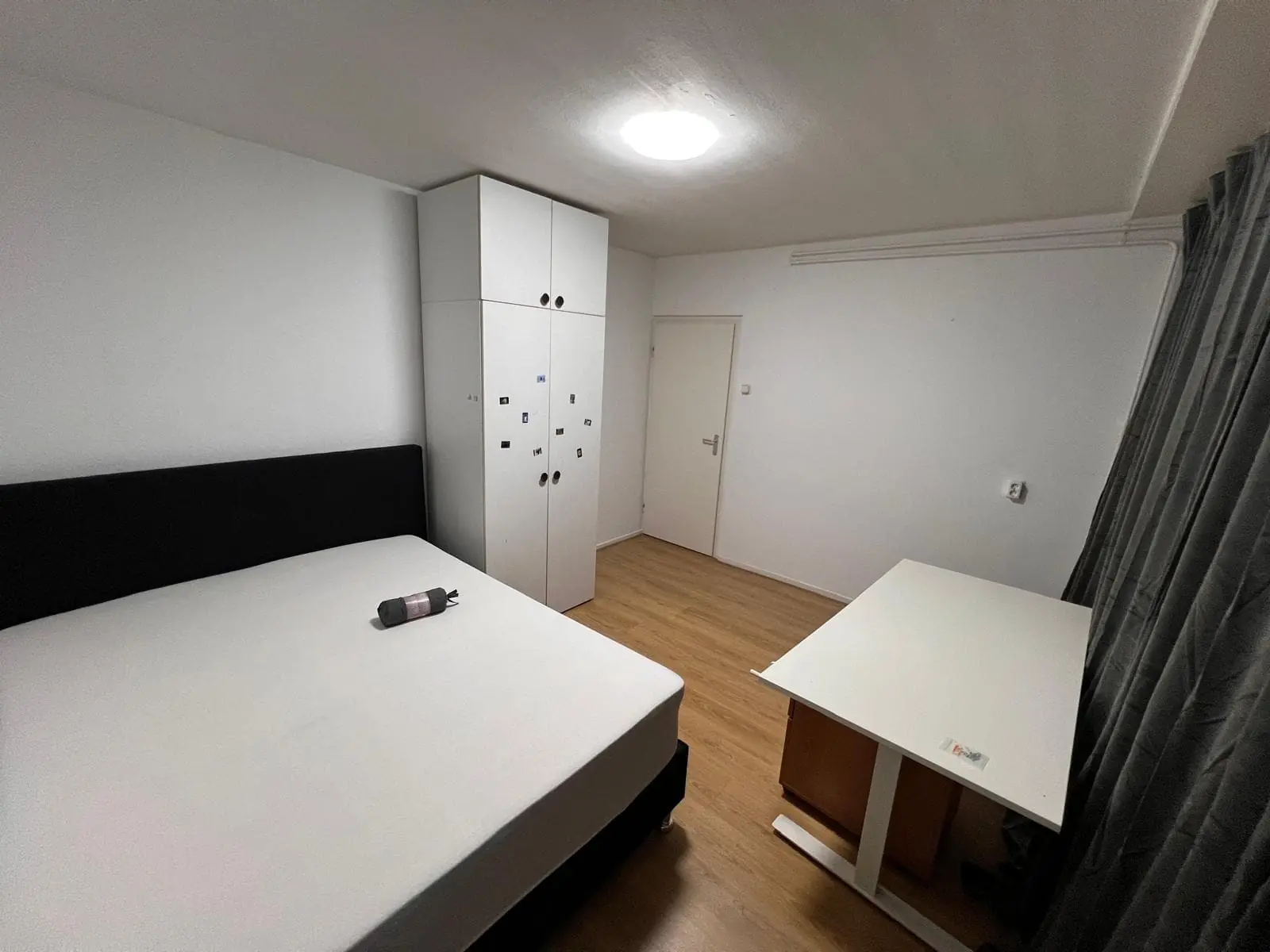
€950.00 / month
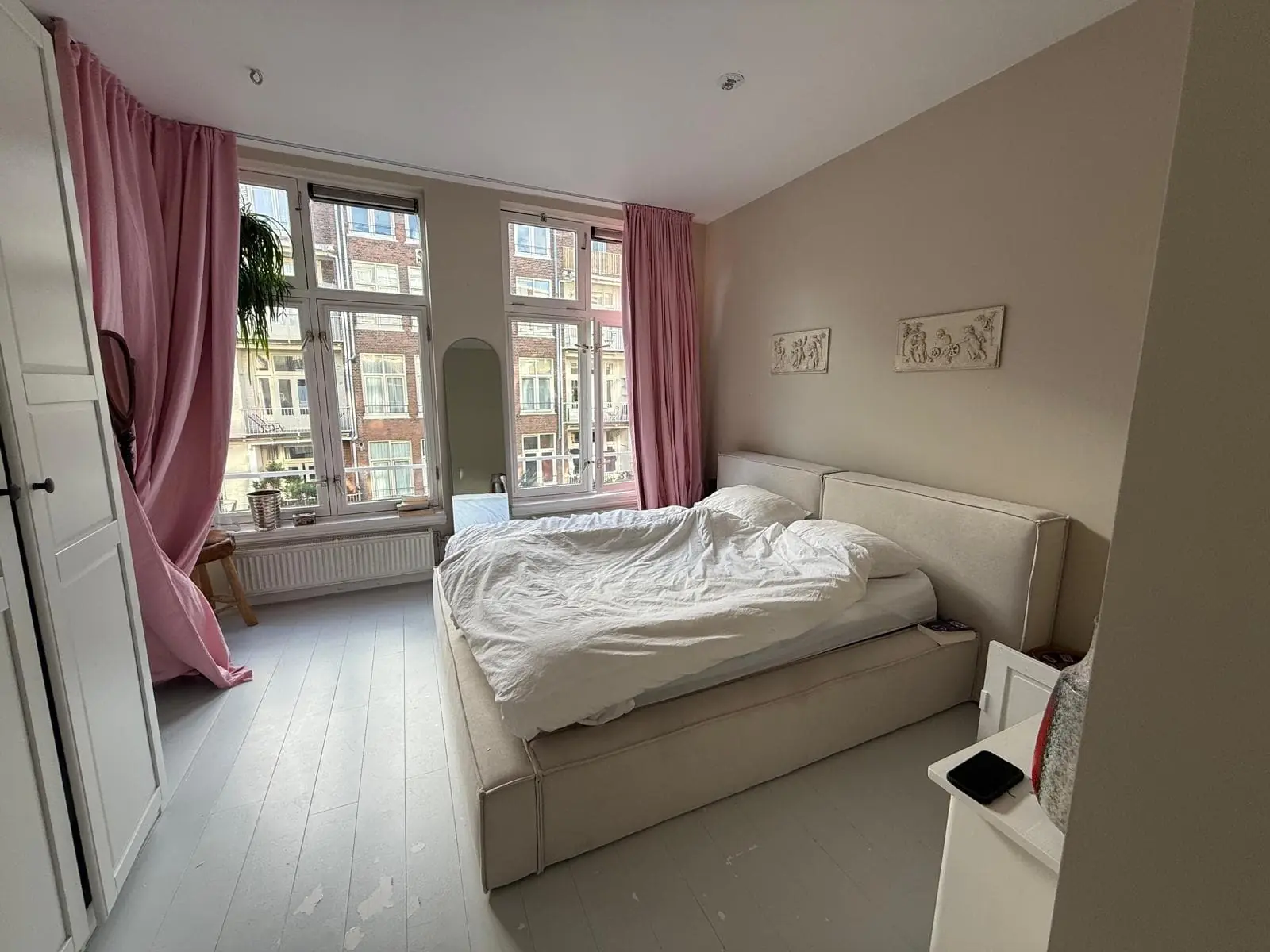
€1,200.00 / month