For rent
Studio Groeseindstraat 53, Tilburg - For Rent
5014 LV (Tilburg - Tilburg Centrum)
53 m²1 roomsUpholsteredEnergy label A
€1,250/ month + €150 service costs
About This Rental in Tilburg
Studio with South-Facing Balcony and Storage in Tilburg (Groeseindstraat) — Energy A
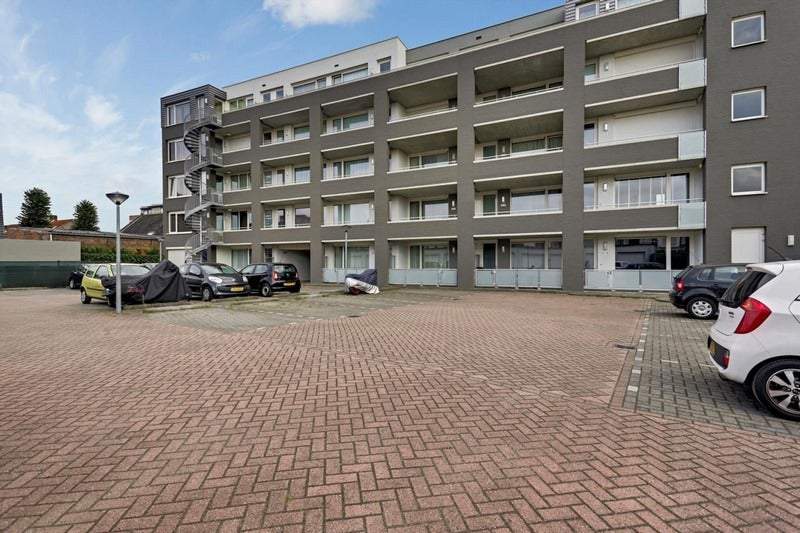
This studio apartment is located on Groeseindstraat 53 in Tilburg and has a total living area of 53 m². The building dates from 1965 and the unit is classified as a studio/one-room apartment. The entrance level provides access to mailboxes, an intercom panel with video intercom, a lift and a stairwell. A private storage room is located in the basement of the complex.
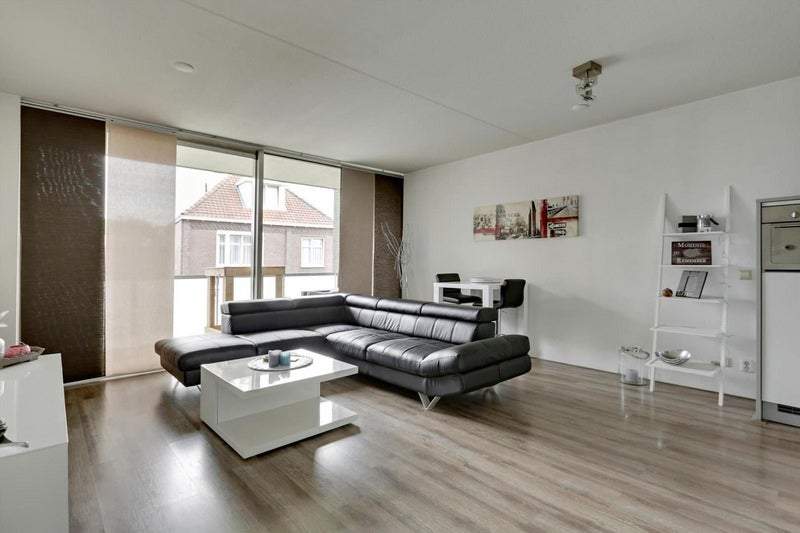
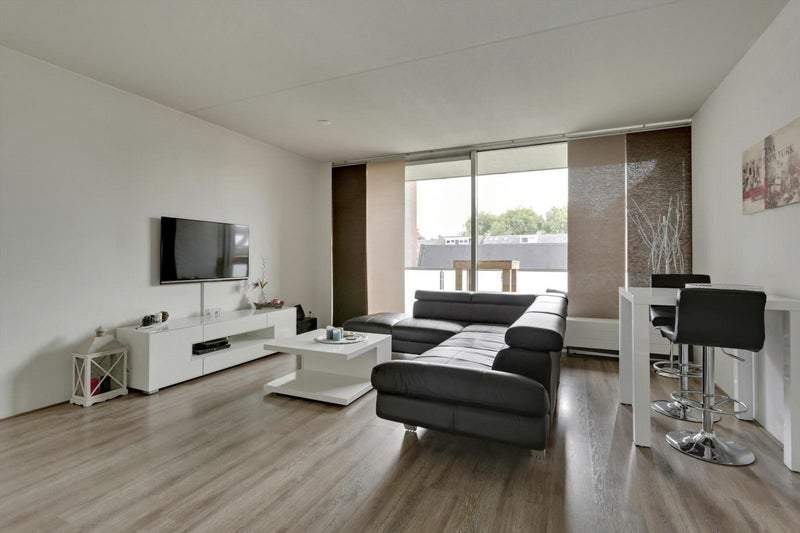
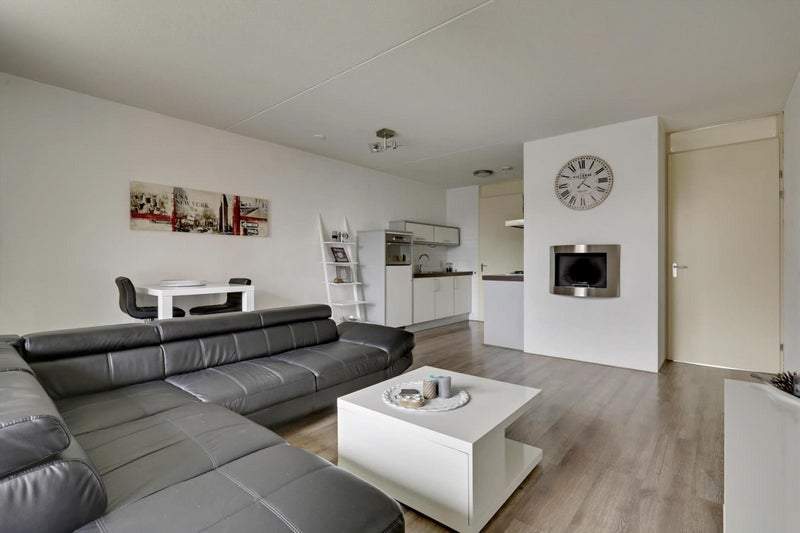
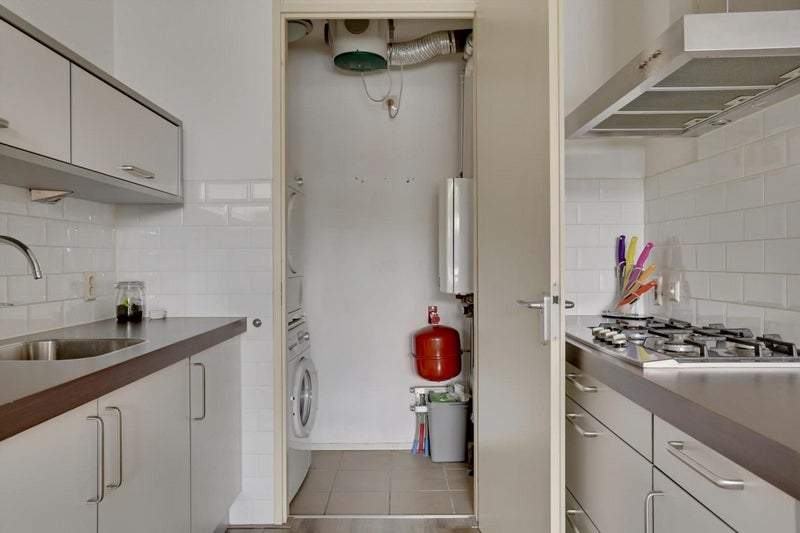
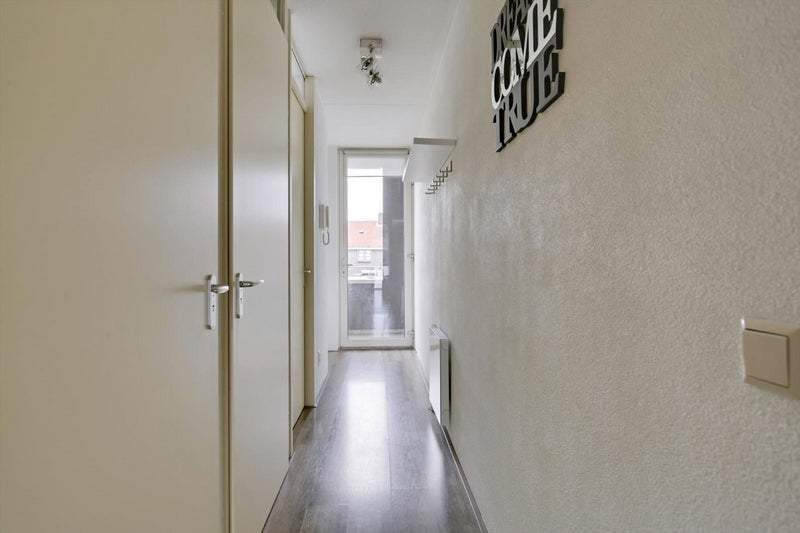
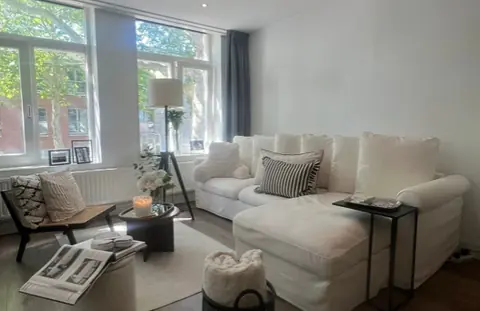
The apartment is finished with laminate flooring throughout, spachtelputz wall finish and spray-painted ceilings. The hall houses the meter cupboard and the video intercom system. The living area with open kitchen measures approximately 29 m² and includes a modern fitted kitchen with a four-burner gas hob, extractor hood, combination oven and refrigerator. From the living area a large sliding door leads to an internal storage room that contains the boiler setup and connections for washing appliances.
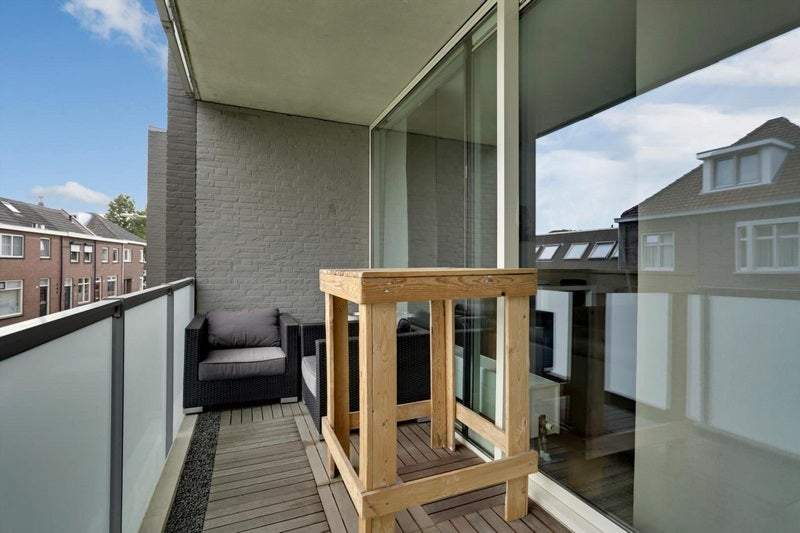
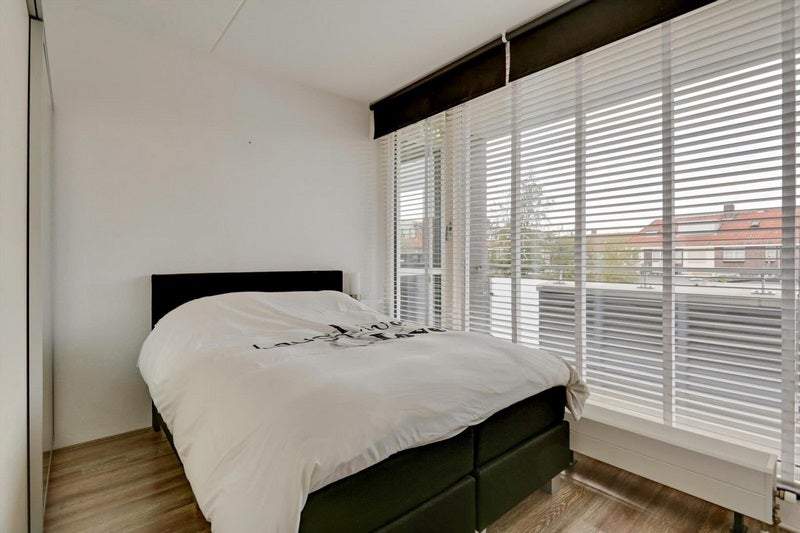
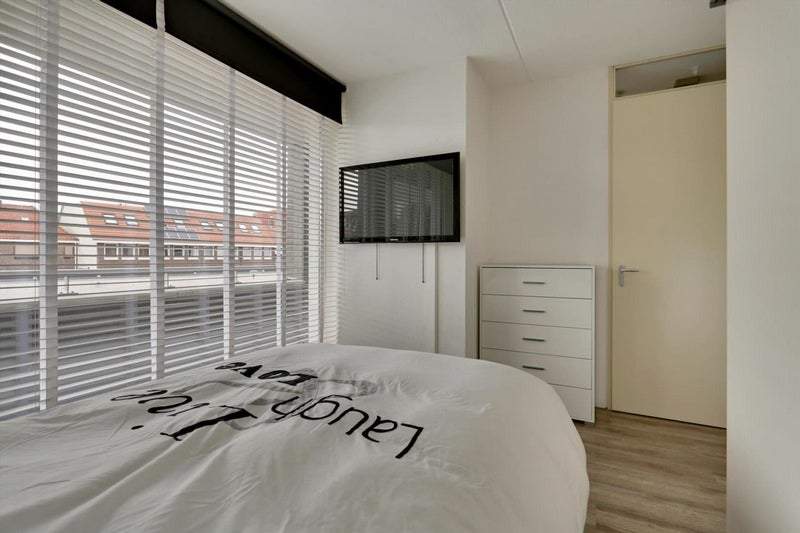
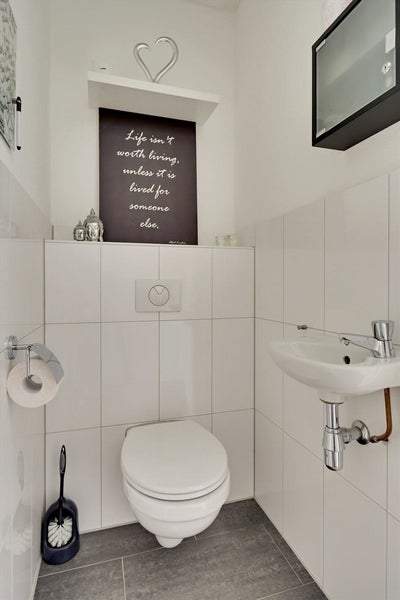
The living area provides access to a south-facing balcony measuring 8 m². A separate sleeping room of about 10 m² is located at the rear of the building and includes a TV connection. The bathroom is fitted with a shower with thermostatic tap and a rain shower fitting, plus a sink with a vanity unit. The toilet is separate and equipped with a floating toilet bowl, a small sink and mechanical ventilation.
The basic rent is €1,100 per month with an additional service costs advance of €150 per month, resulting in a total rent of €1,250 per month excluding gas, water and electricity. A deposit of €2,200 is specified. Pets are not permitted. The property has an energy rating of A and is described as being in good upkeep. The building is an existing construction from 1965 and the unit includes lift access and a private storage room in the basement.
Property Details & Features
Rental Overview
Price
€1,250.00
Service Costs
€150.00
Available From
October 1, 2025
Deposit Amount
€2,200.00
Condition
Good
Outdoor Spaces
Balcony
Tenant Requirements & Preferences
Pets Allowed
No
Tenant Type
Working
Property Basics
Property Type
Apartment
Floor Number
1
Construction Year
1965
Interior Spaces
Bedrooms
1
Bathrooms
1
Parking, Storage, and Facilities
Building Facilities
Elevator
Rental price trends in Tilburg
Month-by-month overview of 1-room rental listings in Tilburg. Compare the current listing to the local market average to see if it’s priced fairly.
Current listing price
€1,250
106.6% higher than averageMarket average (1 room, Tilburg)
€605
Calculated from 64 listings last monthLocation & Surroundings in Tilburg
Top Neighborhoods to Live in Tilburg
Discover the most sought-after neighborhoods in Tilburg, perfect for finding your next Dutch rental. Explore the boroughs and areas locals love most.
Discover the most sought-after neighborhoods in Tilburg, perfect for finding your next Dutch rental. Explore the boroughs and areas locals love most.
Similar Apartments for Rent in Tilburg
Frequently asked questions
Does the displayed rent include utilities and service costs?
Not necessarily. Luntero shows the price and cost details supplied by the listing source, but inclusions vary by property. Check the full cost breakdown on the original source before applying, including service costs, gas, electricity, water, internet, parking, and any one-off fees.
Which documents will I need to apply?
Requirements are set by the landlord or listing provider, not Luntero. The original listing or application form should give the definitive checklist. It may include identification, proof of income or employment, student documents, or guarantor information, but do not send sensitive documents until you have checked who is requesting them and why.
Can Luntero tell me the status of my application?
No. Applications are completed with the original listing provider, so Luntero cannot see whether your application was received, shortlisted, rejected, or invited for a viewing. Contact the provider through the details in your application confirmation or on the original listing page.
Can Luntero arrange a viewing or contact the owner for me?
No. Luntero does not own or manage the property and does not have a private contact channel to its owner. Use the original source button on the listing page to view the provider's application and contact options. If public owner or agency contact details are available, they are shown on the listing page.
Why do details sometimes differ from the original listing?
A provider may update or remove a listing after Luntero last collected it. The original source is the final reference for availability, price, conditions, and application instructions. If the pages disagree, rely on the source and report the Luntero listing so it can be reviewed.
Where do I find the original listing and application page?
Open the Luntero listing and look for the 'View listing' source buttons. They identify the platform the listing came from and open its original page in a new tab. Apply there; Luntero does not accept rental applications.
How do I report an unavailable, incorrect, duplicate, or suspicious listing?
Open the listing and select 'Report an issue'. Choose the closest reason and add any useful details. Reports help Luntero review its copy of the listing; for an urgent issue involving the application itself, also contact the original platform.