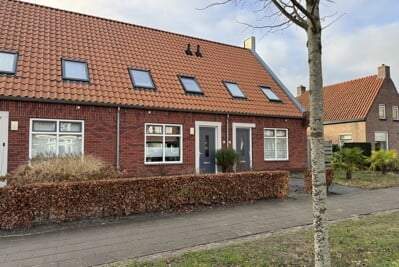
For rent
Tussenwoning Sieger van der Laanstraat, Heerenveen - For Rent
8442 EC (Heerenveen - Fryslân)
41 m²3 roomsShellEnergy label A
€729/ month + €15.83 service costs
About This Rental in Heerenveen
Spacious 2-bedroom apartment in Heerenveen Centrum with garden and storage
This apartment is located in the heart of Heerenveen, at Sieger van der Laanstraat 76. It is a tussenwoning built in 2019, featuring an open kitchen and a total living area of 20 m². The property has two bedrooms, with sizes of 13 m² and 8 m² respectively. The apartment is equipped with modern amenities such as a heat pump for heating and solar panels for energy efficiency. It also has a garden and storage space, making it a comfortable living space. The property has an energy label A, indicating its high energy efficiency.
The apartment is part of a well-maintained complex and is available for rent from 17-02-2026. The rent is € 713.02 per month, with additional service costs of € 15.83. The total rent is € 728.85. The property is suitable for a single-person household with an income up to € 51,537 or a multi-person household with an income up to € 56,910. The rent allowance is possible.
The neighborhood is characterized by its central location in Heerenveen, offering easy access to local amenities and services. The area is known for its pleasant living environment. The apartment's features, such as its garden and energy-efficient systems, make it an attractive option for those looking for a comfortable and sustainable living space.
Overall, this apartment at Sieger van der Laanstraat 76 offers a great balance of comfort, location, and value, making it an ideal choice for renters looking for a high-quality living space in Heerenveen Centrum.
Property Details & Features
Rental Overview
Price
€729.00
Service Costs
€15.83
Available From
February 17, 2026
Condition
New
Is Social Housing
Outdoor Spaces
Garden
Property Basics
Property Type
Apartment
Construction Year
2019
Interior Spaces
Bedrooms
2
Heating Type
Central
Kitchen Type
Open
Parking, Storage, and Facilities
Storage Present
Rental price trends in Heerenveen
Month-by-month overview of 3-room rental listings in Heerenveen. Compare the current listing to the local market average to see if it’s priced fairly.
Current listing price
€729
15.2% lower than averageMarket average (3 rooms, Heerenveen)
€860
Calculated from 6 listings last monthLocation & Surroundings in Heerenveen
Top Neighborhoods to Live in Heerenveen
Discover the most sought-after neighborhoods in Heerenveen, perfect for finding your next Dutch rental. Explore the boroughs and areas locals love most.
Discover the most sought-after neighborhoods in Heerenveen, perfect for finding your next Dutch rental. Explore the boroughs and areas locals love most.
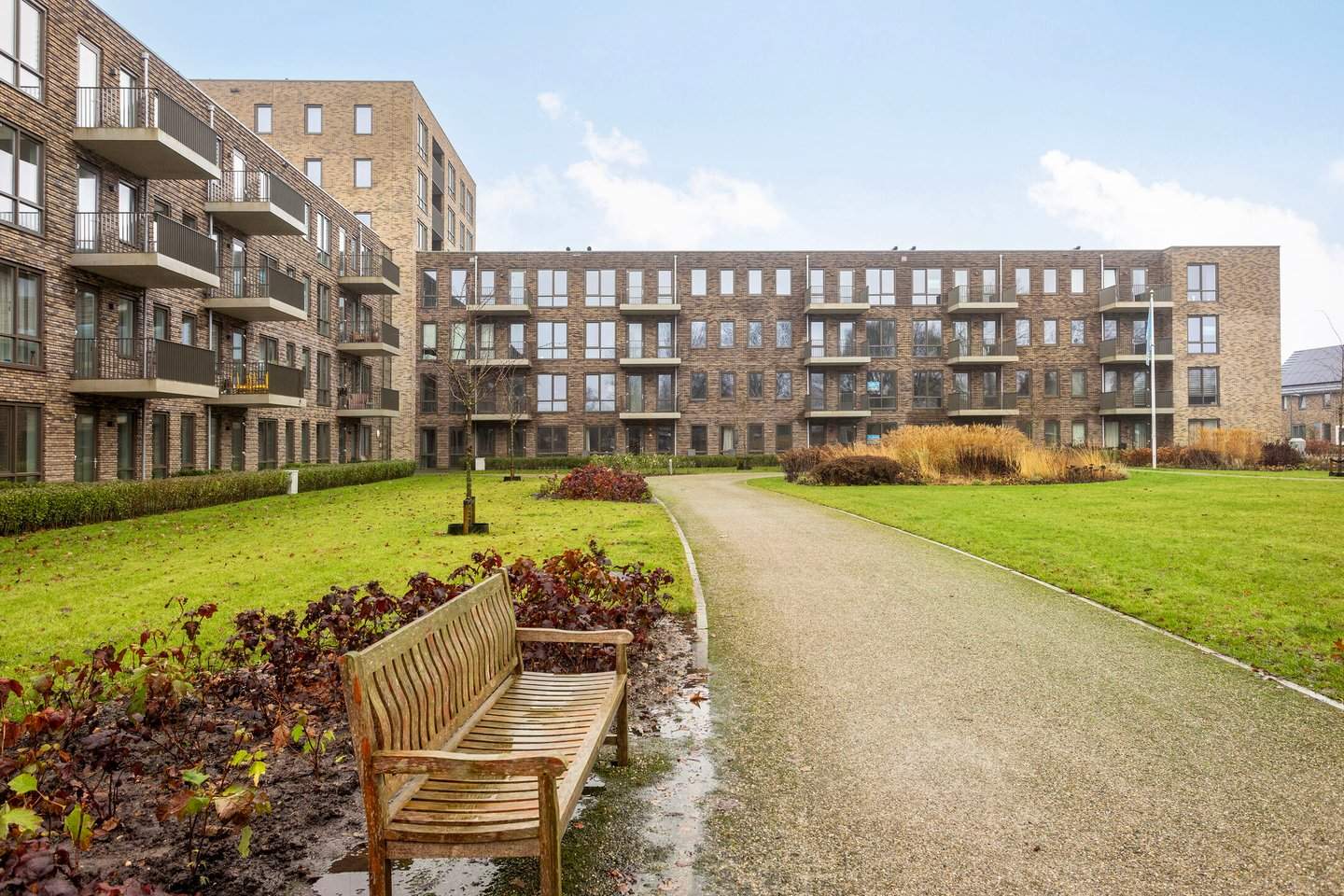
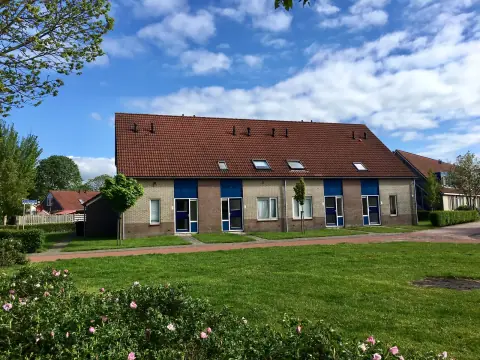
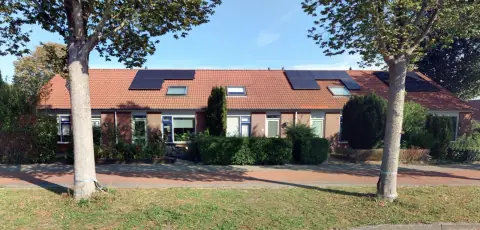
Similar Apartments for Rent in Heerenveen
Frequently asked questions
Does the displayed rent include utilities and service costs?
Not necessarily. Luntero shows the price and cost details supplied by the listing source, but inclusions vary by property. Check the full cost breakdown on the original source before applying, including service costs, gas, electricity, water, internet, parking, and any one-off fees.
Which documents will I need to apply?
Requirements are set by the landlord or listing provider, not Luntero. The original listing or application form should give the definitive checklist. It may include identification, proof of income or employment, student documents, or guarantor information, but do not send sensitive documents until you have checked who is requesting them and why.
Can Luntero tell me the status of my application?
No. Applications are completed with the original listing provider, so Luntero cannot see whether your application was received, shortlisted, rejected, or invited for a viewing. Contact the provider through the details in your application confirmation or on the original listing page.
Can Luntero arrange a viewing or contact the owner for me?
No. Luntero does not own or manage the property and does not have a private contact channel to its owner. Use the original source button on the listing page to view the provider's application and contact options. If public owner or agency contact details are available, they are shown on the listing page.
Why do details sometimes differ from the original listing?
A provider may update or remove a listing after Luntero last collected it. The original source is the final reference for availability, price, conditions, and application instructions. If the pages disagree, rely on the source and report the Luntero listing so it can be reviewed.
Where do I find the original listing and application page?
Open the Luntero listing and look for the 'View listing' source buttons. They identify the platform the listing came from and open its original page in a new tab. Apply there; Luntero does not accept rental applications.
How do I report an unavailable, incorrect, duplicate, or suspicious listing?
Open the listing and select 'Report an issue'. Choose the closest reason and add any useful details. Reports help Luntero review its copy of the listing; for an urgent issue involving the application itself, also contact the original platform.