

For rent
Room for Rent at Groeneweg 51, Zwolle
8012 AK (Zwolle - Overijssel)
19 m²€34.26/m² per month, Advertised monthly rent divided by the floor area1 room
€651/ month
About This Rental in Zwolle
Cozy Room in Zwolle's Assendorp District with Shared Facilities
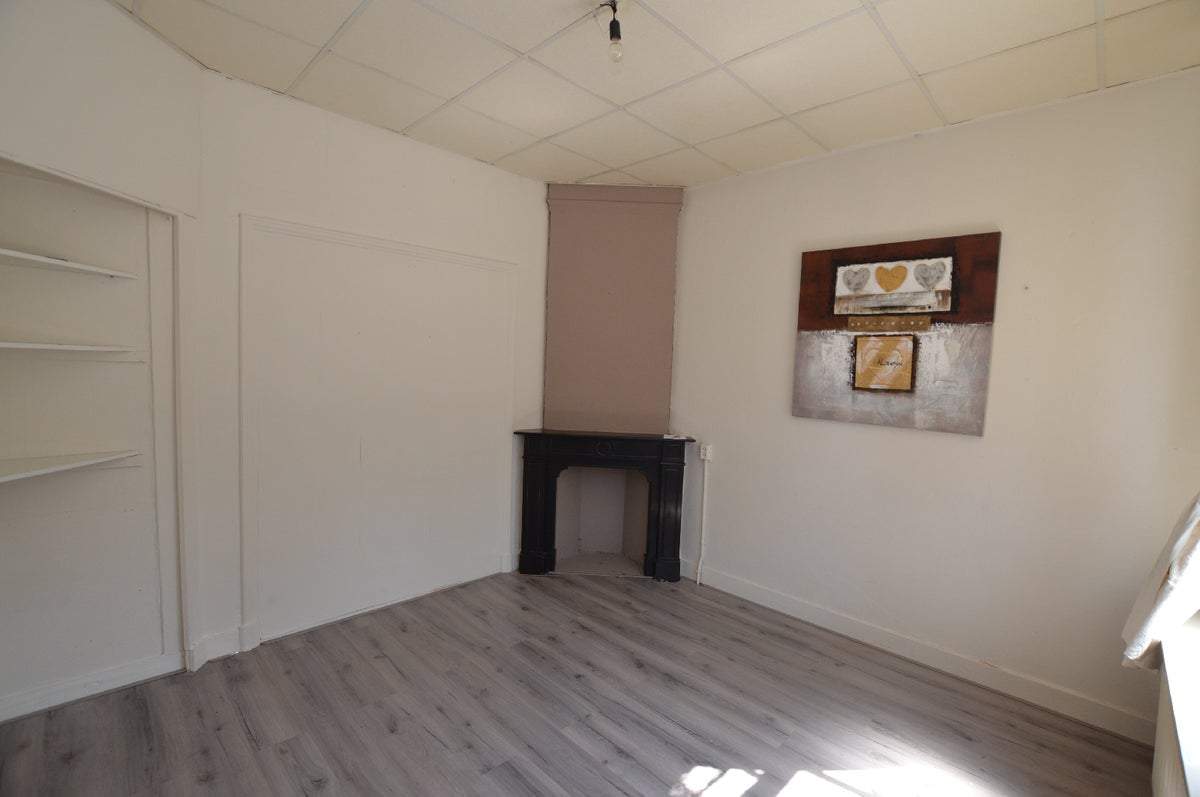
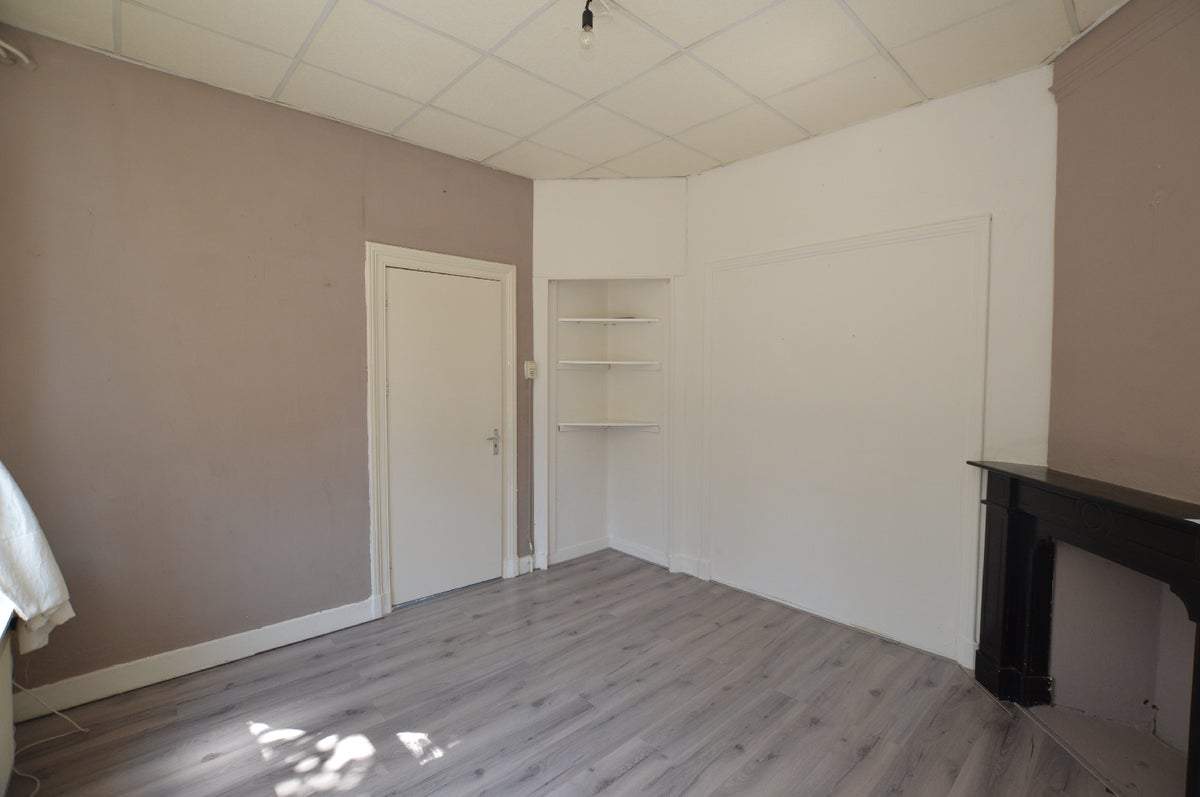
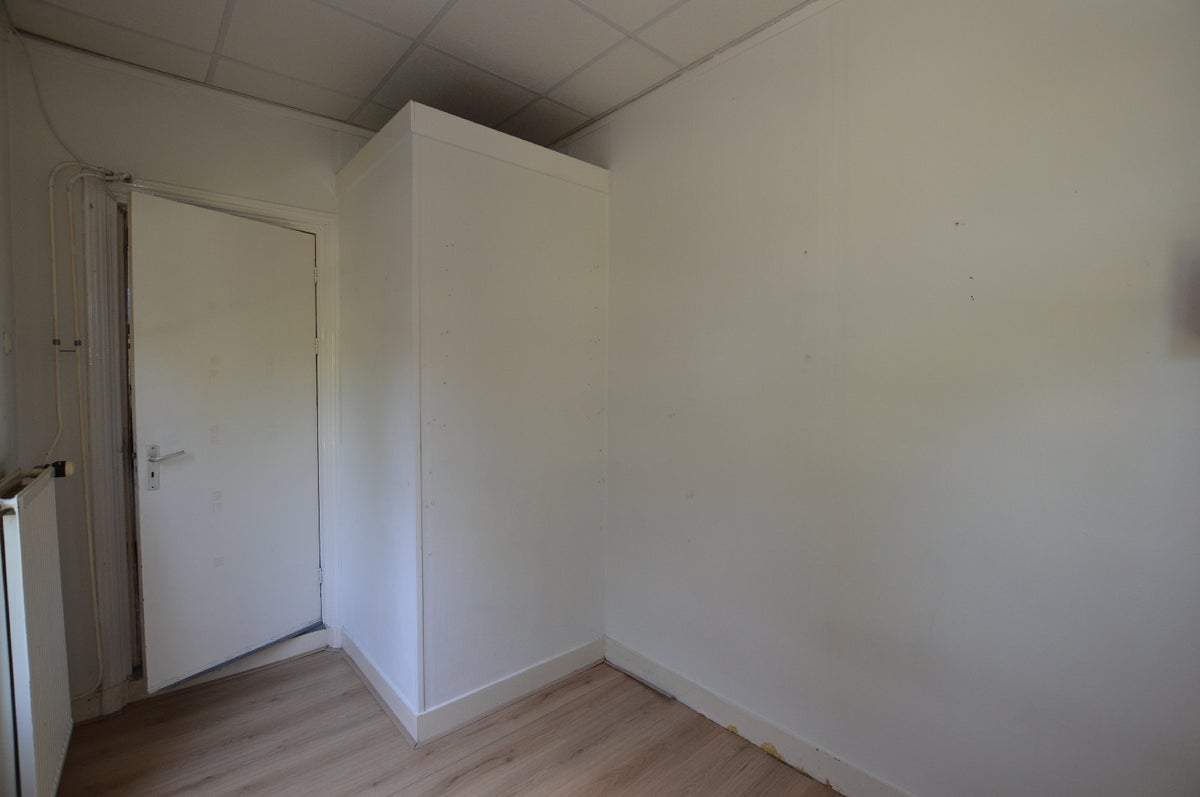
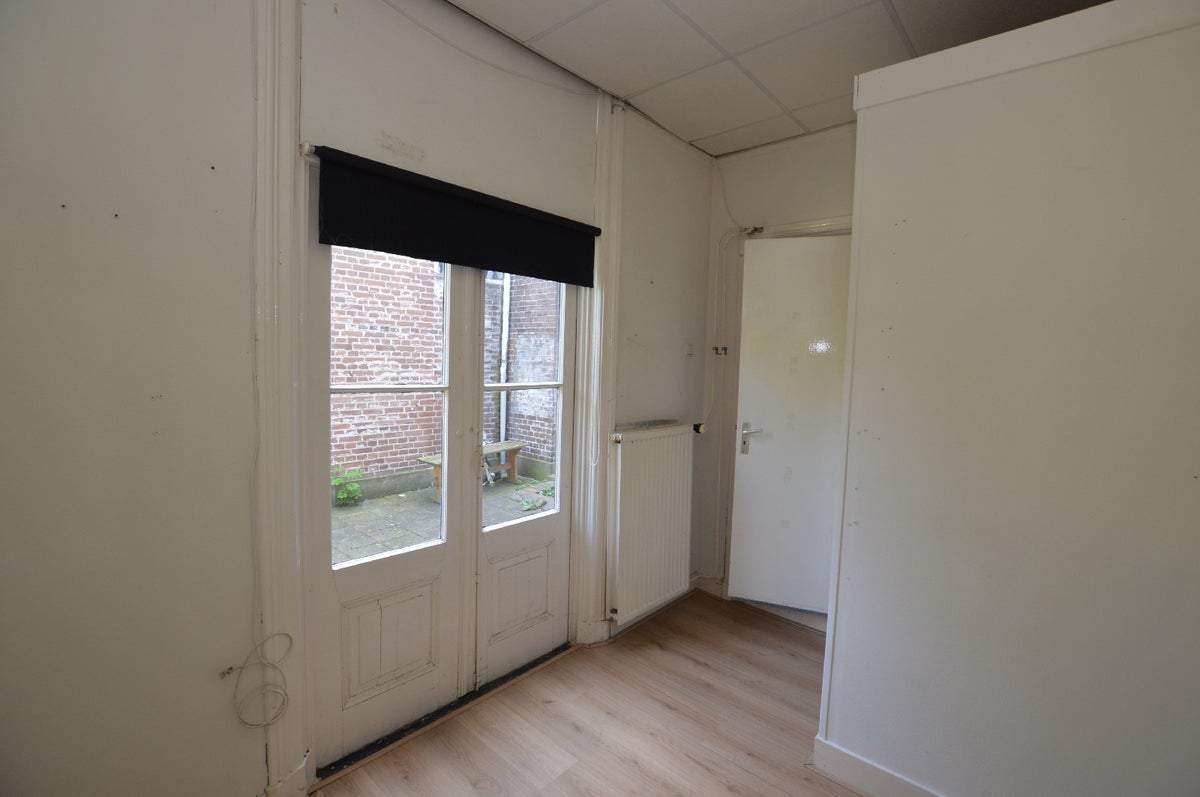
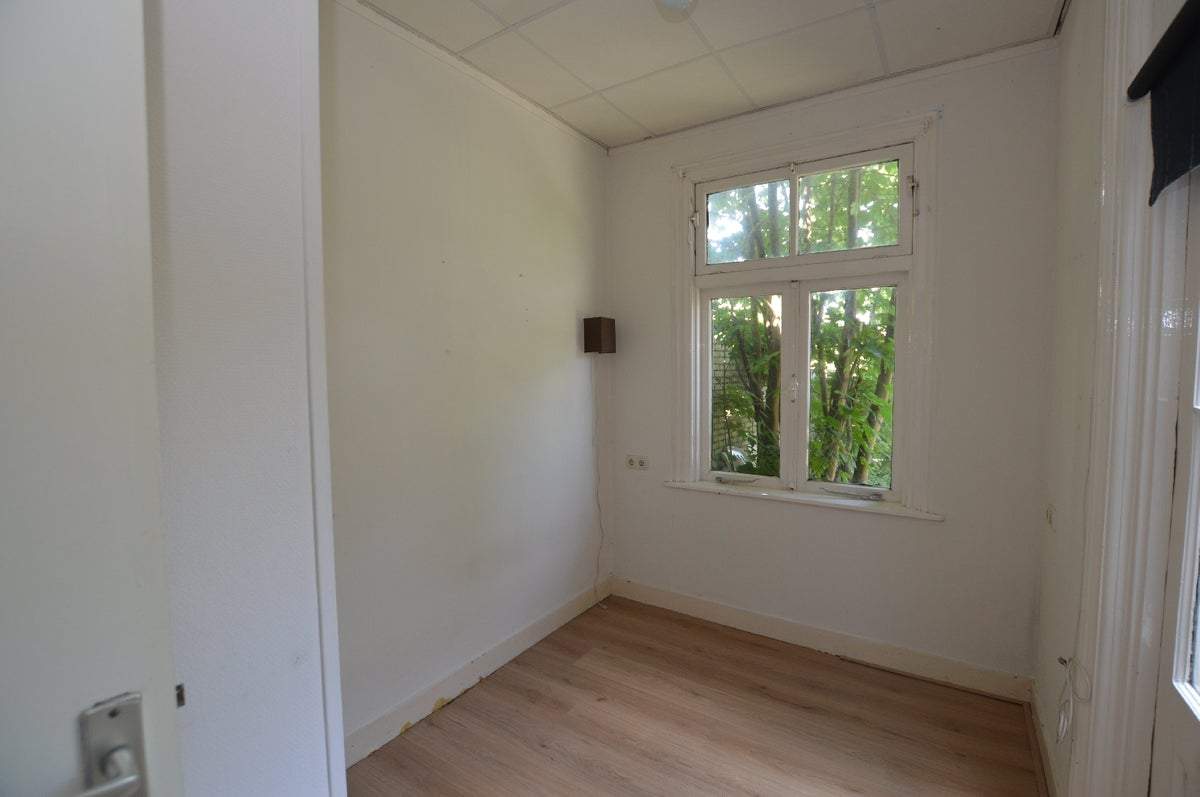
This room for rent is located at Groeneweg 51 in Zwolle, within the Assendorp district. The property consists of two rooms, with a living room at the front and a separate bedroom at the rear. The room comes with shared facilities including a kitchen, bathroom, and garden with one other roommate. The rent is €651 per month and includes utilities such as gas, water, electricity, and municipal taxes. The living area is approximately 19 square meters.
The location is ideal due to its proximity to the city center, train station, and various shops along Assendorperstraat, including a supermarket. The neighborhood is pleasant and offers a good quality of life. The property is suitable for a student looking for a cozy and convenient place to stay.
The accommodation is well-equipped with a communal kitchen and bathroom. Although there is no balcony, garden, or storage space available for this room, parking facilities are present nearby. The property is looking for a reliable candidate, preferably a student, who can provide a guarantor.
The minimum rental period is 12 months, after which the lease continues on an indefinite basis with a one-month notice period. The deposit is equal to one month's rent, refundable upon the condition that the accommodation is returned in its original state. It's worth noting that rental allowance is not applicable for this property.
Property Details & Features
Rental Overview
Price
€651.00
Available From
January 1, 2026
Deposit Amount
€651.00
Min Duration
12
Condition
New
Property Basics
Property Type
Room
Parking, Storage, and Facilities
Shared Facilities
Kitchen
Bathroom
Living room
Tenant Requirements & Preferences
Tenant Type
Student
Rental price trends in Zwolle
Month-by-month overview of 1-room rental listings in Zwolle. Compare the current listing to the local market average to see if it’s priced fairly.
Current listing price
€651
6.7% higher than averageMarket average (1 room, Zwolle)
€610
Calculated from 32 listings last monthLocation & Surroundings in Zwolle
Similar Apartments for Rent in Zwolle
 B
Ground-Floor Apartment Diasporalaan 86, Zwolle - For Rent
Delta Wonen
8017 DJ · Zwolle
€689/ month
67 m²3 roomsUpholstered
 A
Apartment Noordzeelaan 12 B, Zwolle - For Rent
Vesteda
Zwolle
€1,091/ month
58 m²3 roomsUpholstered
Room Westerstraat, Zwolle - For Rent
Direct Wonen
Zwolle
€387/ month
8 m²1 roomUpholstered
Frequently asked questions
Does the displayed rent include utilities and service costs?
Not necessarily. Luntero shows the rent and cost details supplied by the advertiser, but inclusions vary by property. Confirm the full breakdown with the publisher or on the original website before applying, including service costs, gas, electricity, water, internet, parking and any one-off fees.
Which documents will I need to apply?
The landlord or agency sets the requirements. Ask the publisher for the checklist, or follow the application instructions on an external listing’s original website. You may need identification, proof of income or employment, student documents or guarantor information. Check who is requesting sensitive documents and why before sending them.
Can Luntero tell me the status of my application?
No. Applications are handled by the advertiser, either through the contact details on a Direct listing or through an external provider. Luntero cannot see whether you were shortlisted, rejected or invited for a viewing. Ask the advertiser using the listing’s contact details or your application confirmation.
Can Luntero arrange a viewing or contact the owner for me?
No. Luntero does not own or manage the homes or arrange viewings. On a Direct listing, select “Contact publisher” to see the email and phone details provided. On an External listing, select “View original listing” for the provider’s contact and application options. Contact the advertiser yourself to arrange a viewing.
Why do details sometimes differ from the original listing?
For External listings, the provider may change or remove an advert after Luntero last collected it. Use the original website to confirm current availability, prices and application instructions. Direct listings are maintained by their publisher on Luntero; ask them to clarify any discrepancy. Report incorrect information on Luntero so it can be reviewed.
How do I contact the publisher or open the original listing?
The “Direct listing” label means the rental was published on Luntero. Select “Contact publisher” to see the supplied email and phone details. For rentals collected from other websites, select “View original listing” to respond there. Luntero does not receive rental applications or send enquiries for you.
How do I report an unavailable, incorrect, duplicate, or suspicious listing?
Open the listing and select “Report an issue”. Choose the closest reason and add useful details so Luntero can review the advert. For questions about your application or viewing, contact the publisher directly or the external provider you applied through.