
For rent
Petuniatuin 263, Zoetermeer - Flat (55+)
2724 NE (Zoetermeer - South Holland)
44 m²€20.34/m² per month, Advertised monthly rent divided by the floor area1 roomEnergy label A
€895/ month + €75.34 service costs
About This Rental in Zoetermeer
44 m² 1-bedroom senior flat in Seghwaert, Zoetermeer — balcony, lift, communal garden
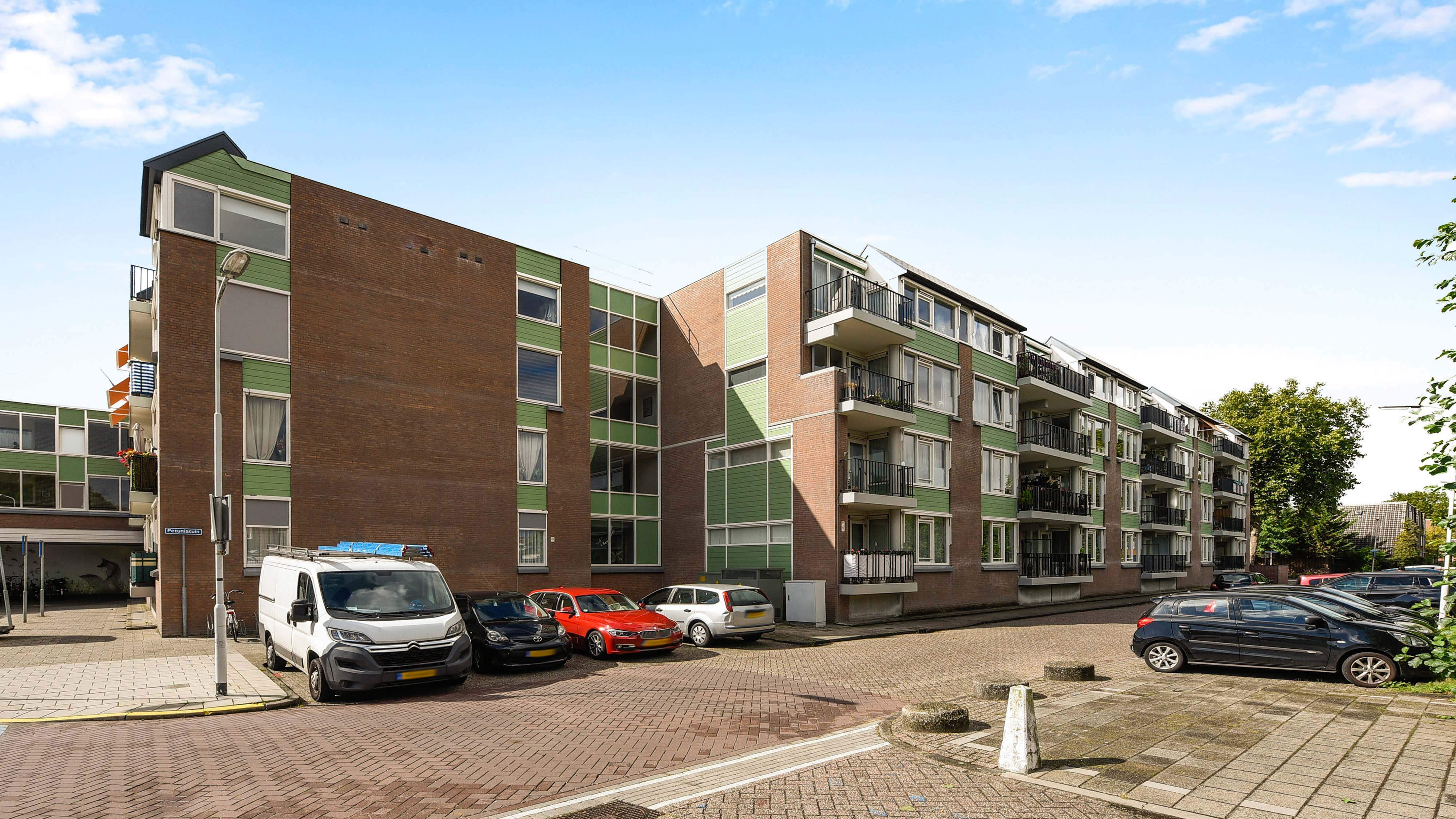
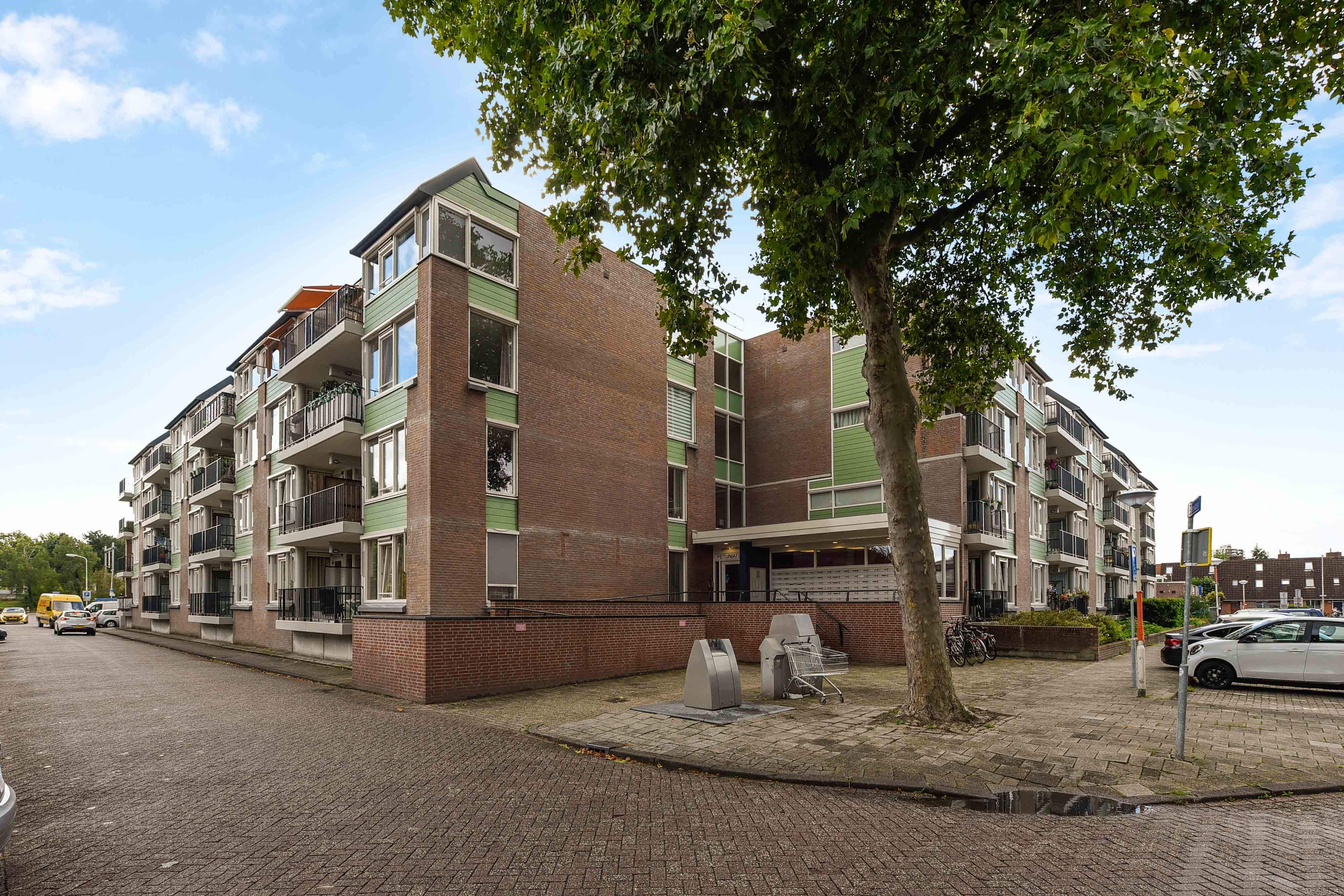
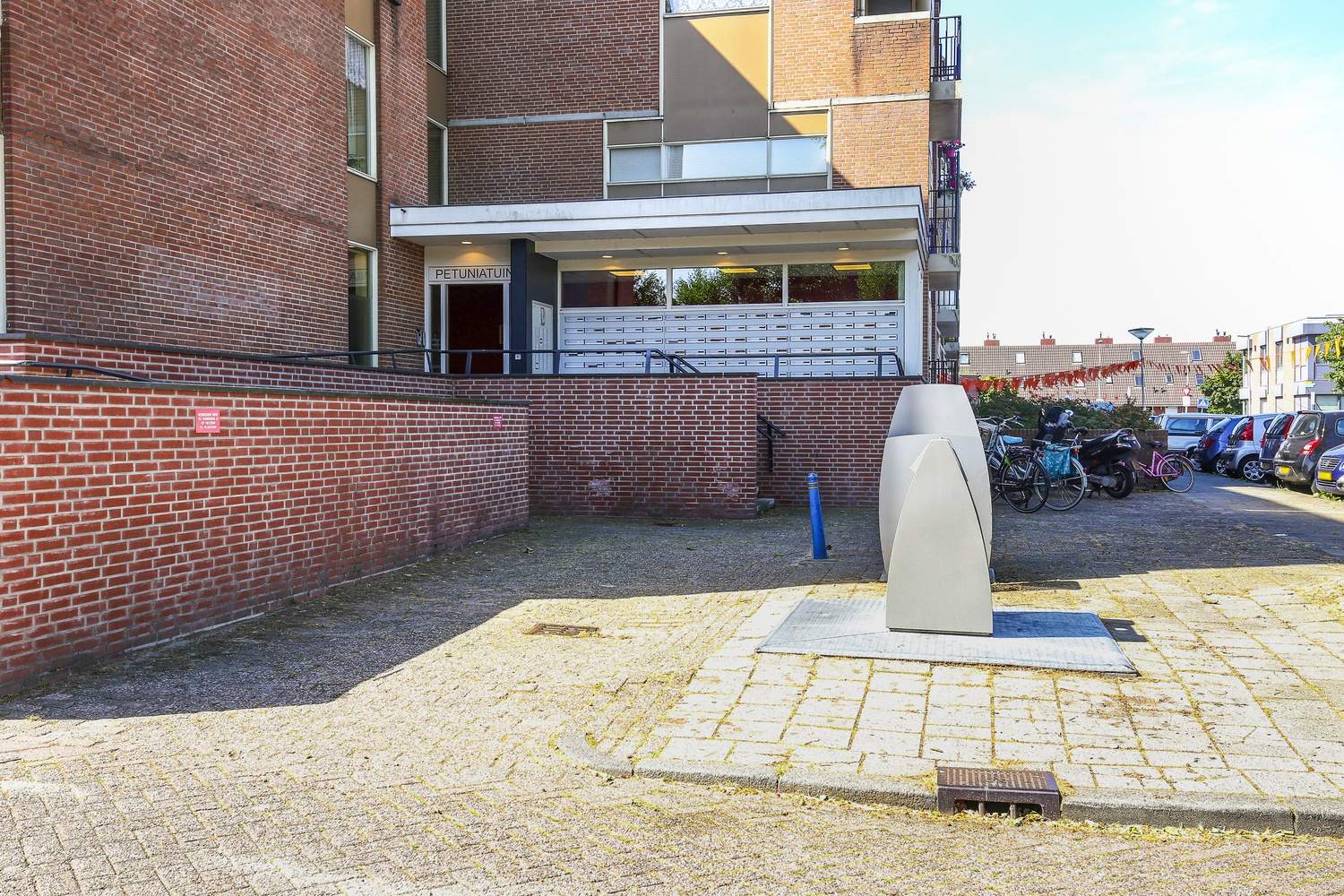
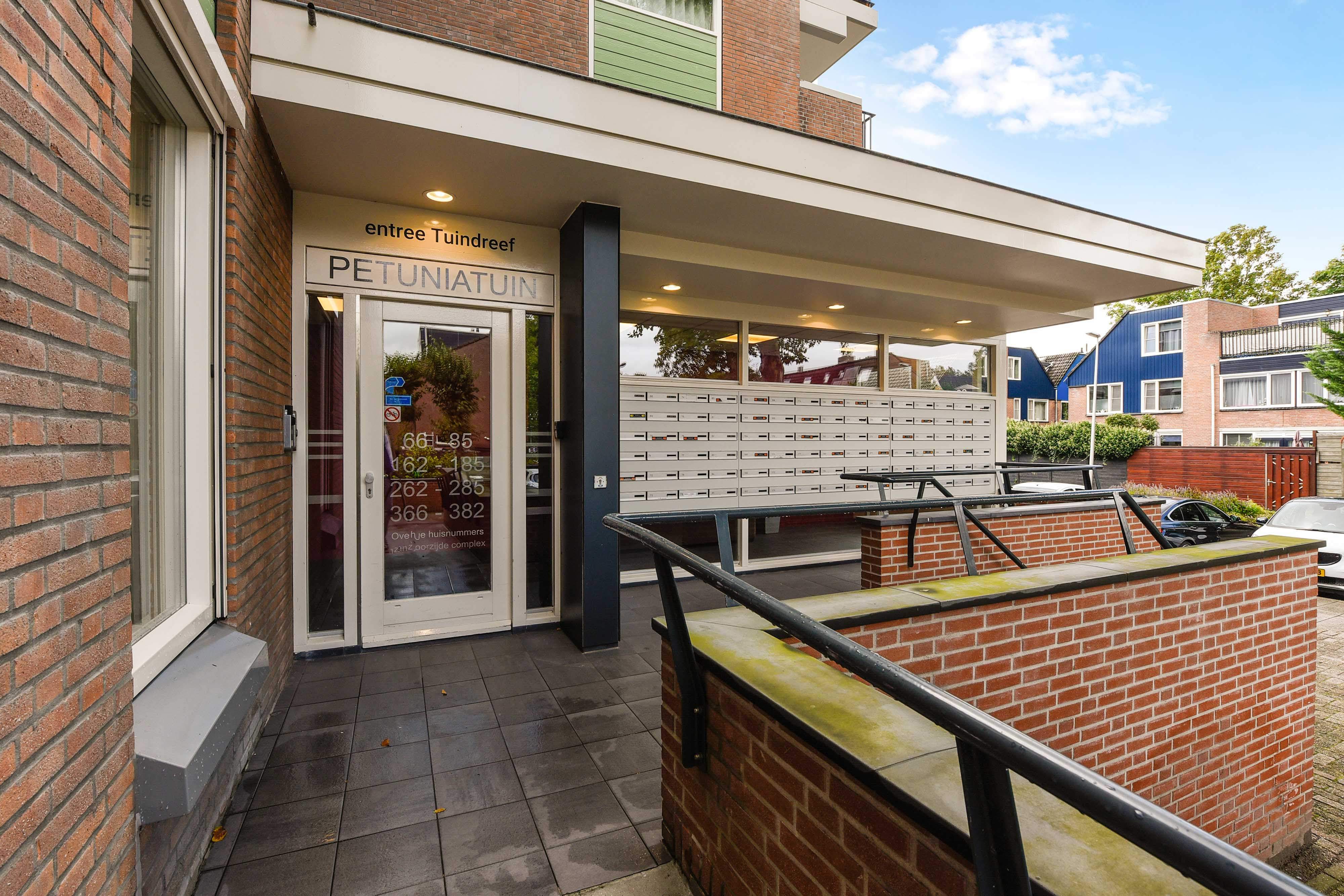
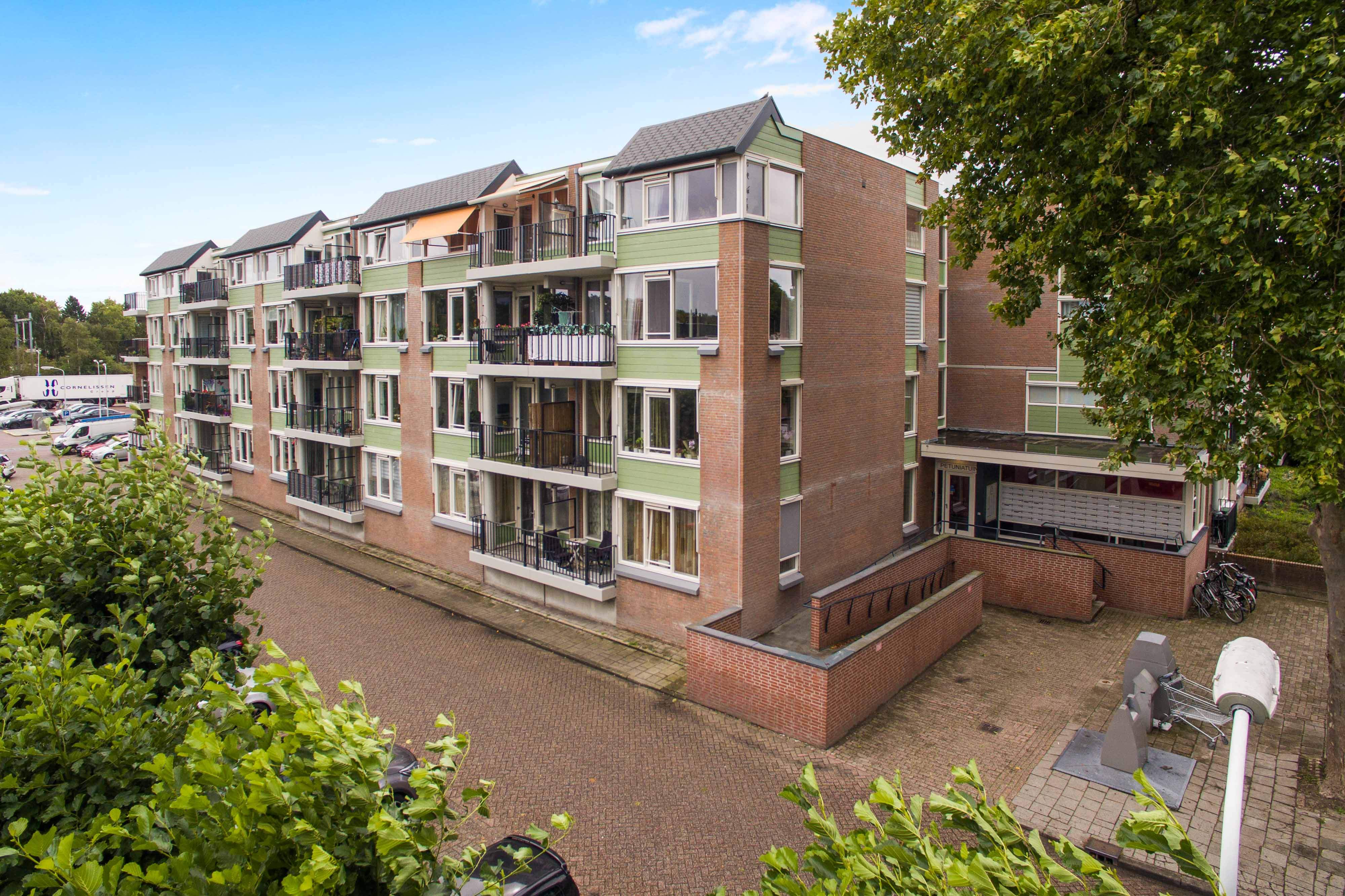
This second-floor flat is located at Petuniatuin 263 in the Seghwaert neighbourhood of Zoetermeer. The apartment is part of a building from 1980 with three residential levels and inner corridors. The property is designated as senior housing for occupants aged 55 and over and does not allow resident children. The building is equipped with a lift and designed as a zero-step residence to support accessibility.
The apartment has a total living area of 44 m², including a living room of approximately 21 m² and a bedroom of about 13 m². The layout features an open kitchen and one bedroom. There is a northwest-facing balcony and no private garden. A separate storage room is provided for the apartment.
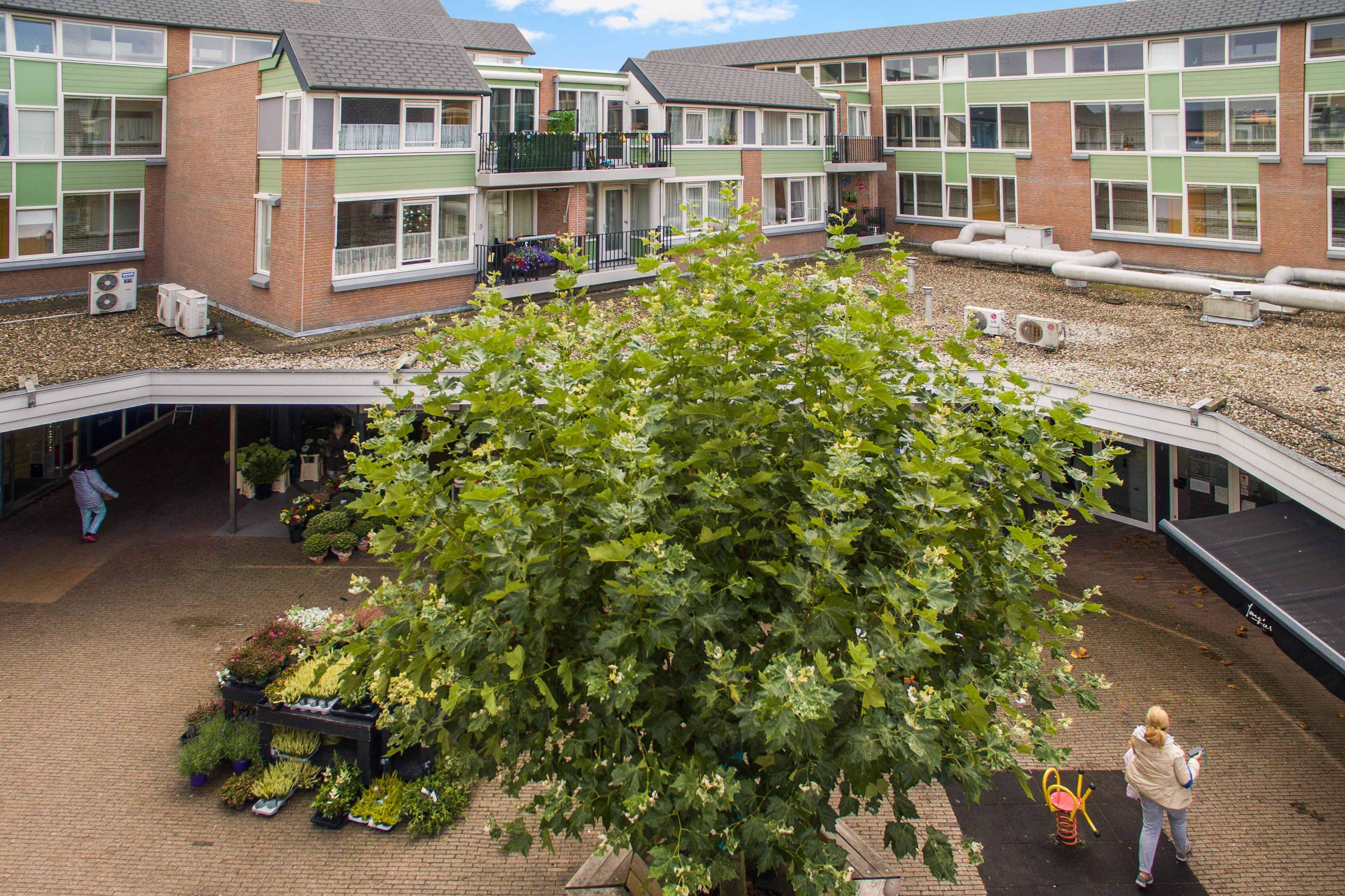
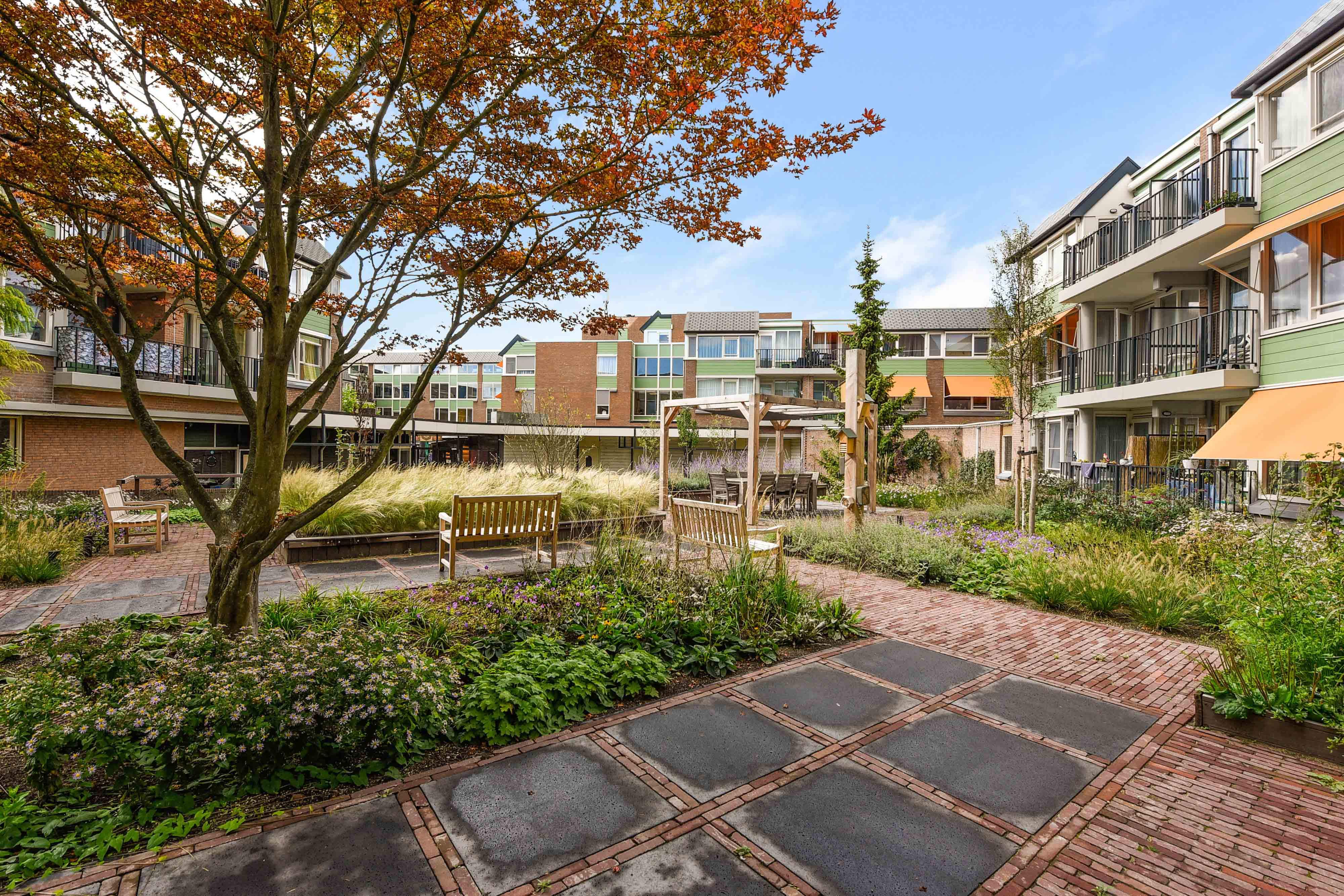
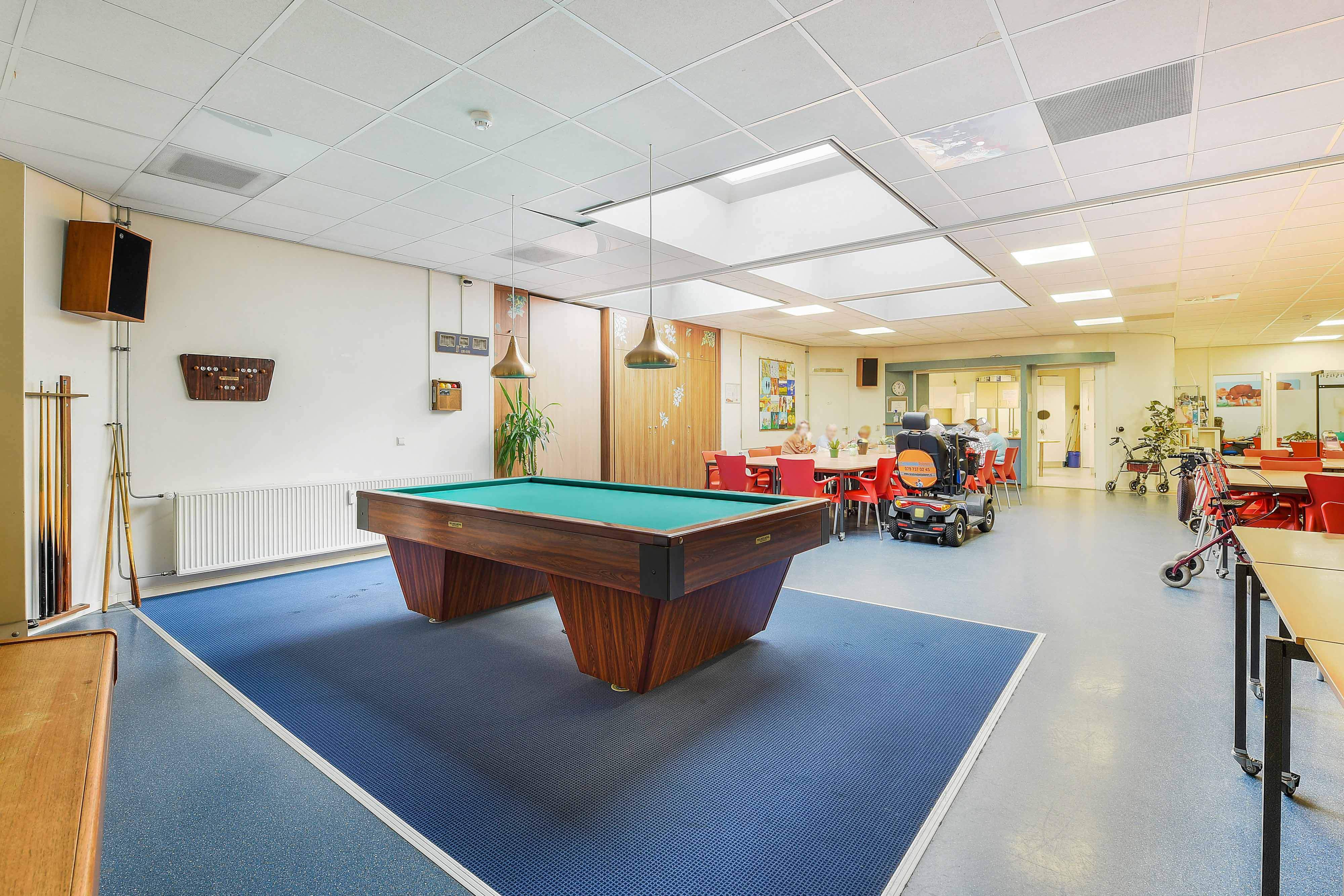
Building and communal facilities include an energy label A rating and block heating as the heating system. Electricity cooking is provided in the apartment. Part of the building’s electricity is generated by on-site solar panels. A communal laundry room is available with payment per wash, and there is an external guest room for visitors. The complex includes a communal inner garden, a recreation room, and a neighbourhood restaurant adjacent to the building. A neighbourhood manager or caretaker is present for the complex.
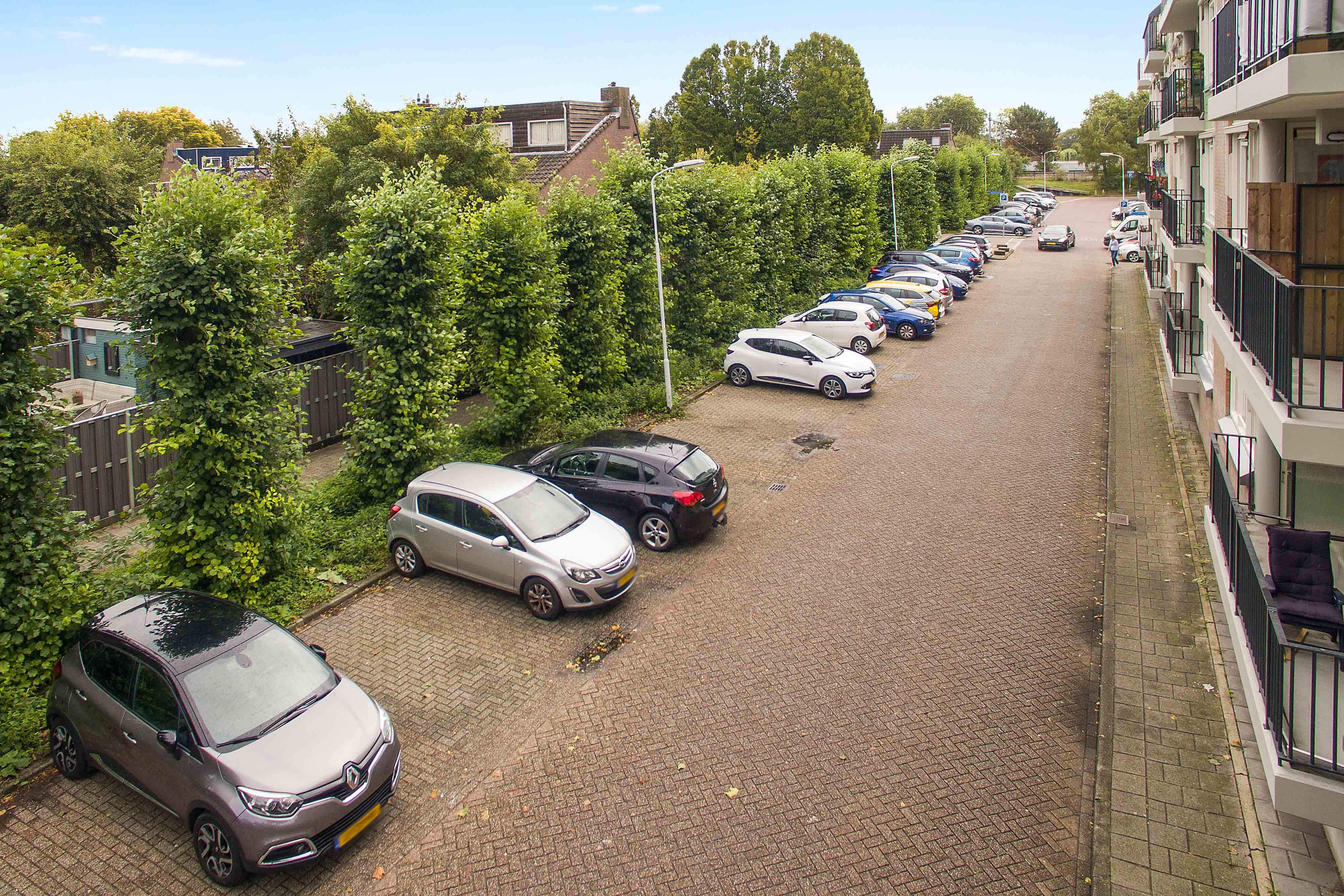
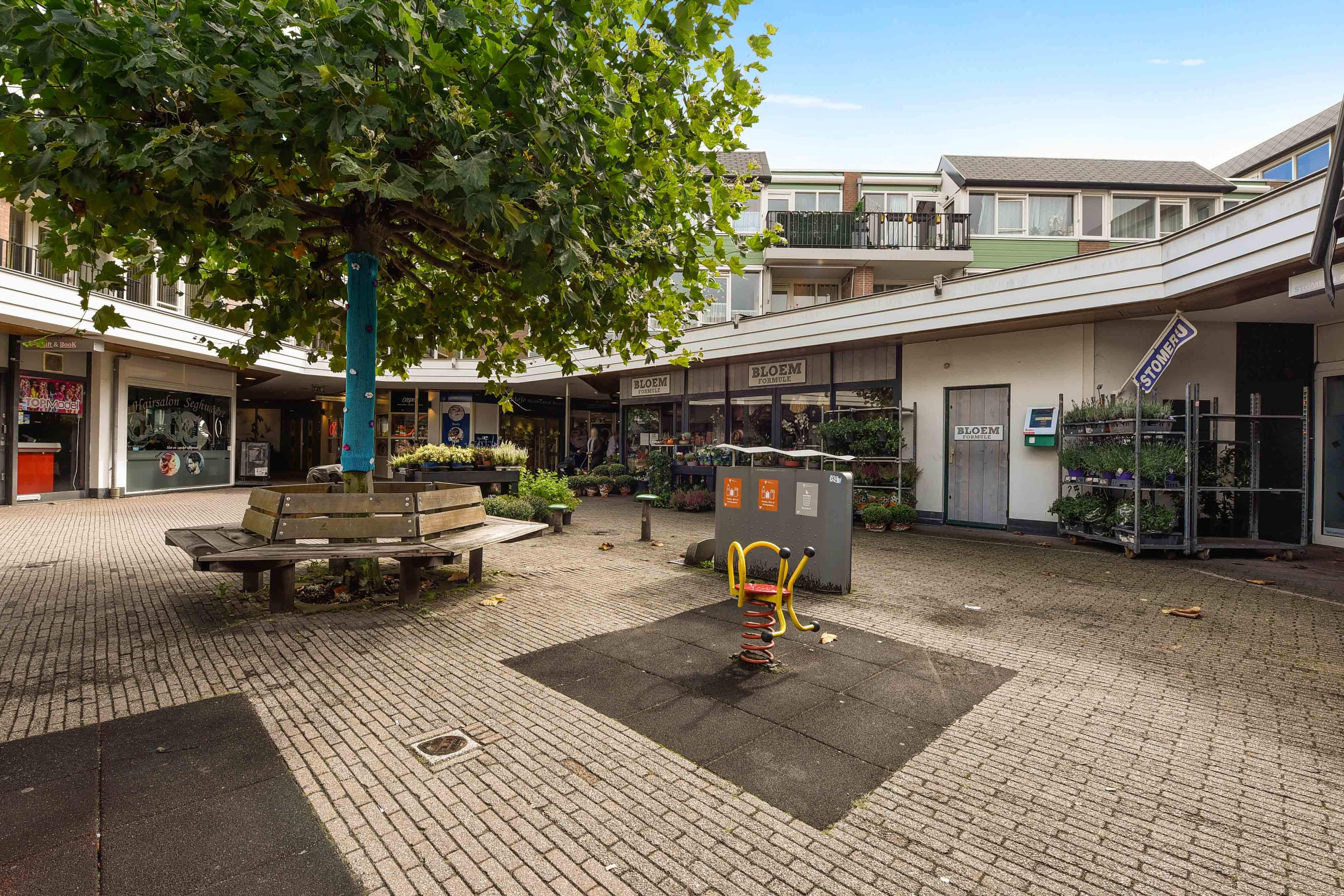
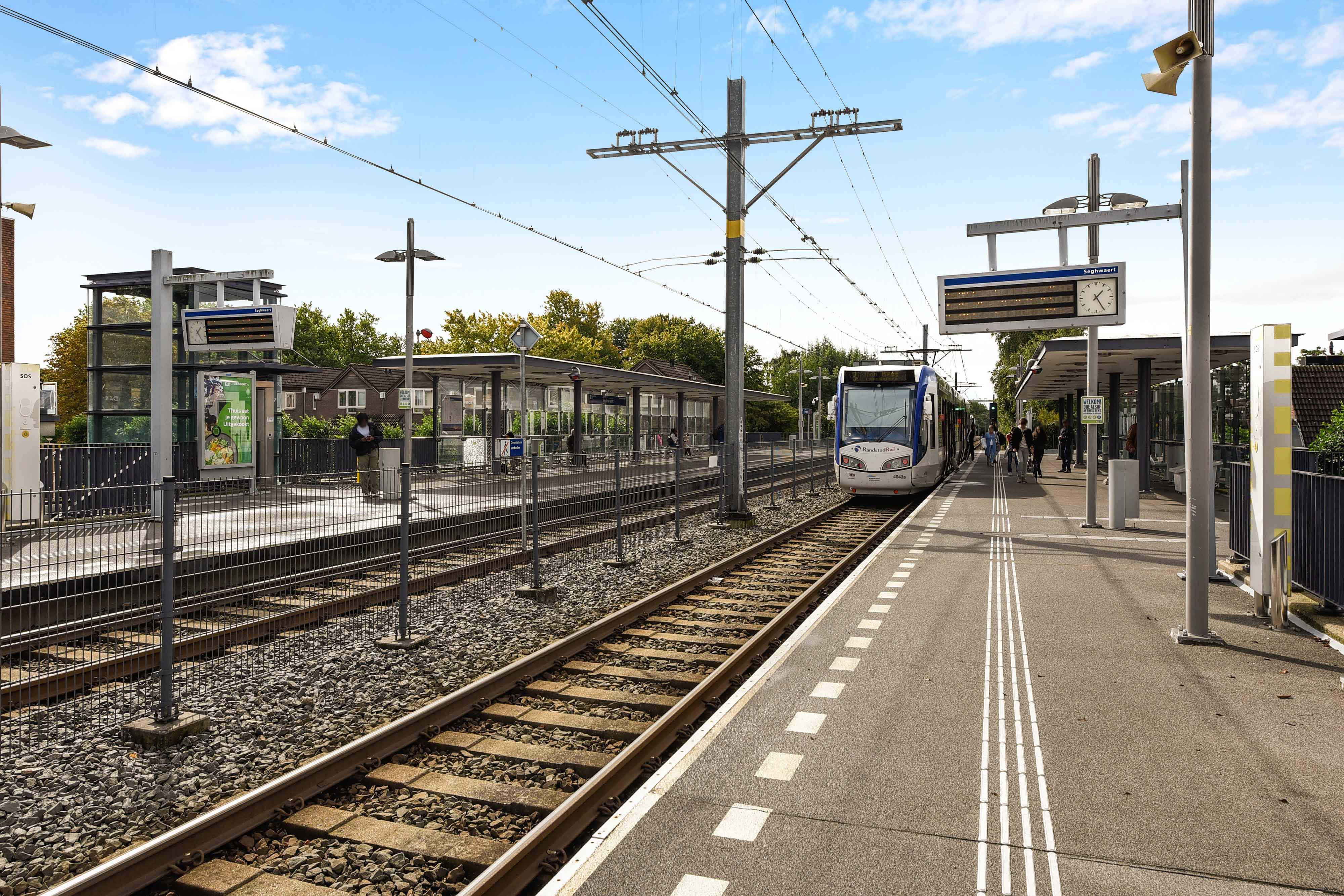
Location details: the flat is situated above the Seghwaert shopping centre and is close to the RandstadRail station of the same name. A health centre is located approximately 250 metres from the building. On-street parking is available directly in front of the property. The housing label for the complex indicates additional services for residents under the local seniors’ housing programme. Information on scooter or mobility scooter use and related conditions applies for residents and is managed by the housing provider.
AValid
Registered energy label
Petuniatuin 263, 2724 NE
- Registered
- Jun 1, 2022
- Valid until
- Jan 27, 2032
Property Details & Features
Rental Overview
Price
€895.00
Service Costs
€75.34
Available From
September 22, 2025
Interior Spaces
Bedrooms
1
Amenities
Elevator
Heating Type
Central
Tenant Requirements & Preferences
Tenant Type
Working
Max Tenants
2
Minimum Age
55
Property Basics
Property Type
Apartment
Floor Number
2
Number of Floors
3
Construction Year
1980
Outdoor Spaces
Balcony
Parking, Storage, and Facilities
Parking Type
Street
Building Facilities
Laundry
Elevator
Shared Facilities
Laundry
Location & Surroundings in Zoetermeer
Similar Apartments for Rent in Zoetermeer
 A
AFlat De la Gardestraat 27, Zoetermeer - For Rent
Vidomes
2722 AT · Zoetermeer
€747/ month
36 m²2 roomsUpholstered
ASingle-Family House Van der Maasstraat, Zoetermeer - For Rent
DGWfc geenslogan
2722 BJ · Zoetermeer
€941/ month
74 m²4 roomsShell
Room Du Meelaan, Zoetermeer - For Rent
Melrose Place
Zoetermeer
€550/ month
25 m²1 roomShell
Frequently asked questions
Does the displayed rent include utilities and service costs?
Not necessarily. Luntero shows the rent and cost details supplied by the advertiser, but inclusions vary by property. Confirm the full breakdown with the publisher or on the original website before applying, including service costs, gas, electricity, water, internet, parking and any one-off fees.
Which documents will I need to apply?
The landlord or agency sets the requirements. Ask the publisher for the checklist, or follow the application instructions on an external listing’s original website. You may need identification, proof of income or employment, student documents or guarantor information. Check who is requesting sensitive documents and why before sending them.
Can Luntero tell me the status of my application?
No. Applications are handled by the advertiser, either through the contact details on a Direct listing or through an external provider. Luntero cannot see whether you were shortlisted, rejected or invited for a viewing. Ask the advertiser using the listing’s contact details or your application confirmation.
Can Luntero arrange a viewing or contact the owner for me?
No. Luntero does not own or manage the homes or arrange viewings. On a Direct listing, select “Contact publisher” to see the email and phone details provided. On an External listing, select “View original listing” for the provider’s contact and application options. Contact the advertiser yourself to arrange a viewing.
Why do details sometimes differ from the original listing?
For External listings, the provider may change or remove an advert after Luntero last collected it. Use the original website to confirm current availability, prices and application instructions. Direct listings are maintained by their publisher on Luntero; ask them to clarify any discrepancy. Report incorrect information on Luntero so it can be reviewed.
How do I contact the publisher or open the original listing?
The “Direct listing” label means the rental was published on Luntero. Select “Contact publisher” to see the supplied email and phone details. For rentals collected from other websites, select “View original listing” to respond there. Luntero does not receive rental applications or send enquiries for you.
How do I report an unavailable, incorrect, duplicate, or suspicious listing?
Open the listing and select “Report an issue”. Choose the closest reason and add useful details so Luntero can review the advert. For questions about your application or viewing, contact the publisher directly or the external provider you applied through.