For rent
Room Baron van Lamsweerdelaan, Tilburg - For Rent
5037 SC (Tilburg - Zorgvlied)
16 m²€36.00/m² per month, Advertised monthly rent divided by the floor area7 rooms
€576/ month + €75 service costs
About This Rental in Tilburg
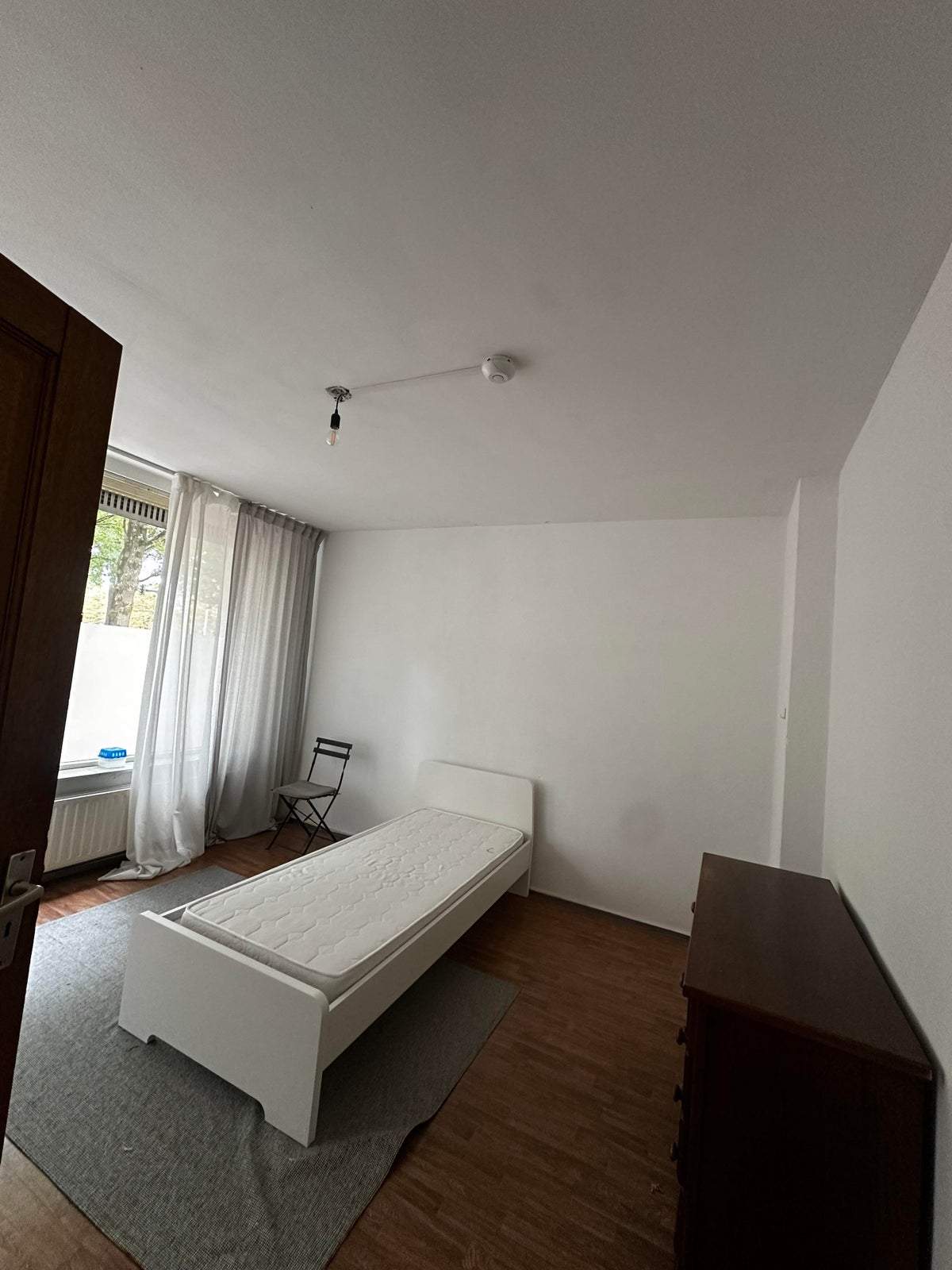
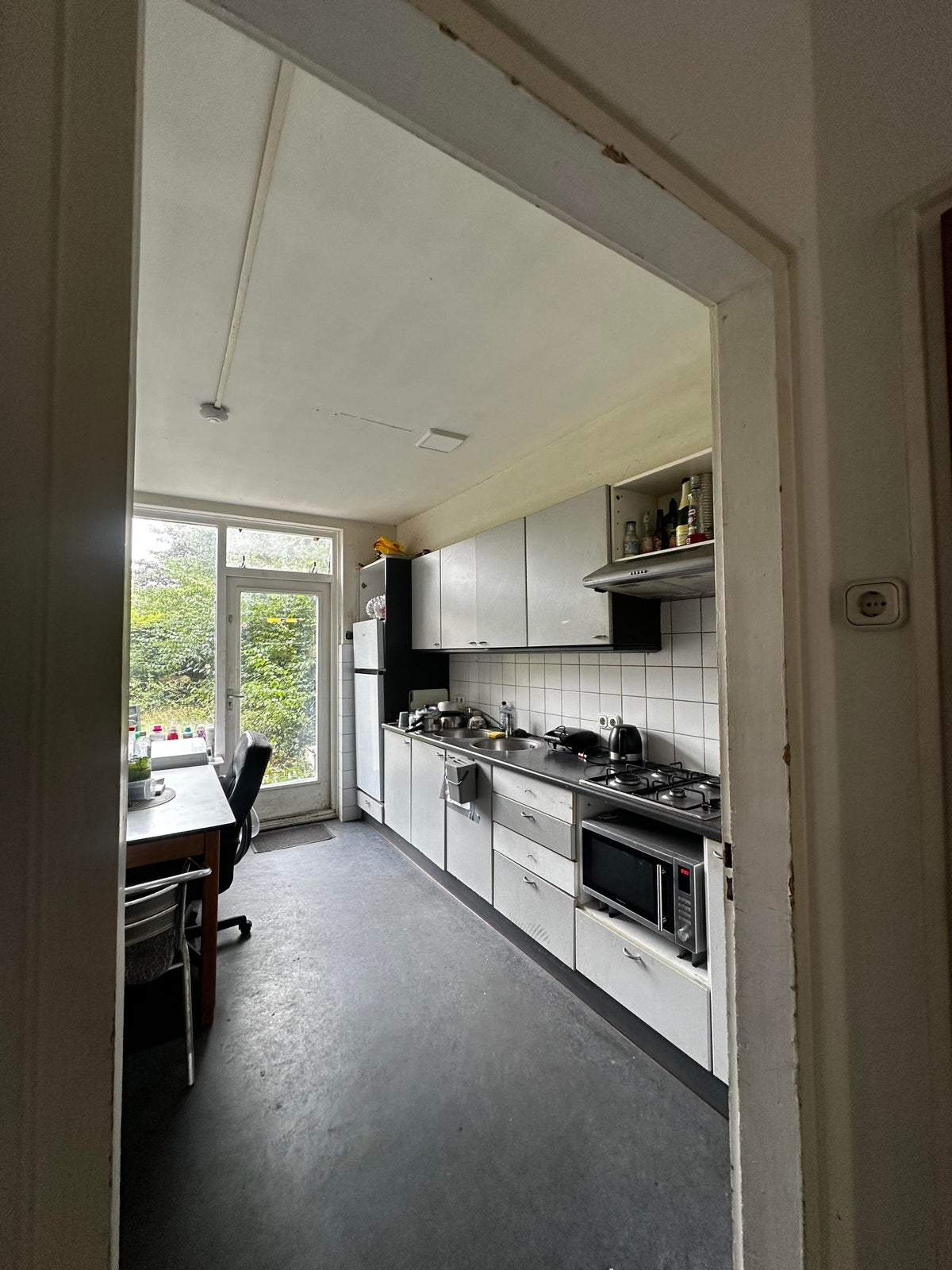
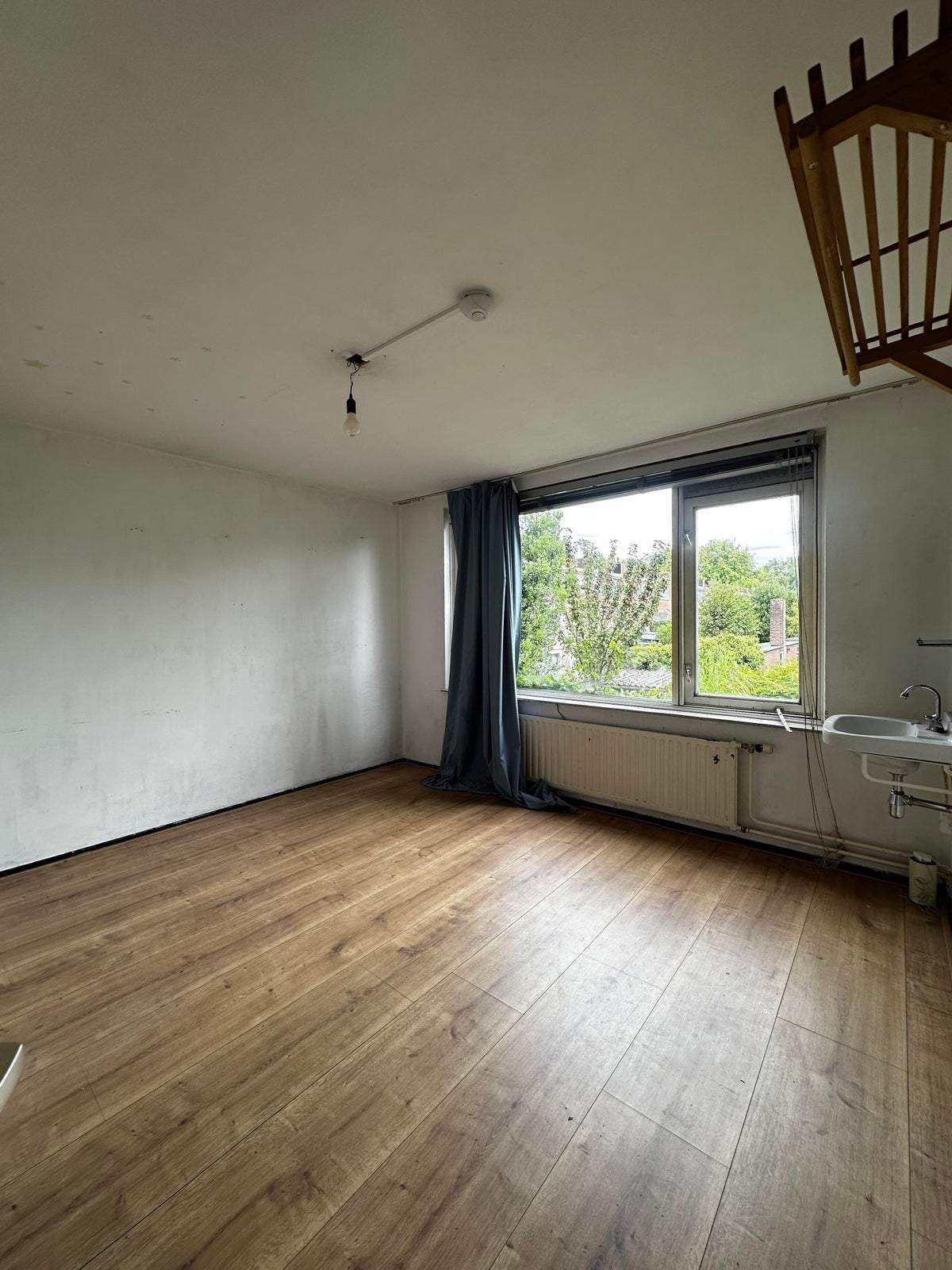
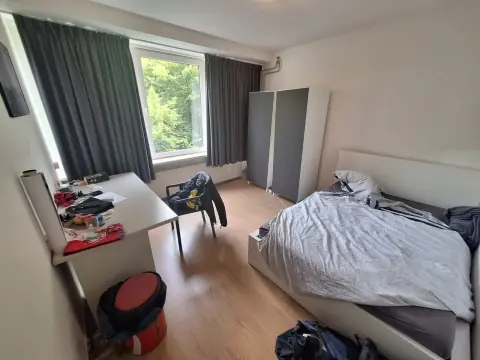
Student Room 16 m² on Baron van Lamsweerdelaan, Tilburg — 7-Room Building, Shell Interior
This listing describes a student room located on Baron van Lamsweerdelaan in Tilburg, in the Staatsliedenbuurt West neighborhood. The room has a living area of 16 m² and is offered as a shell interior. The property is part of a building that contains seven rooms. The accommodation is designated for students; applicants are asked to provide proof of student registration and evidence of financial means such as payslips or other financial statements.
The monthly rent is €576 and the amount includes a service cost component of €75. A deposit of €600 is required. The rental agreement is offered for an unlimited period. The overall condition of the property is listed as good, and the interior is in shell condition requiring finishing by the tenant where applicable.
Outdoor and storage facilities are not present with this room: there is no balcony, garden, roof terrace, shed or storeroom associated with the unit. There is no on-site garage and no parking facilities indicated for this specific unit. Utilities beyond the stated service costs are not specified in the provided data.
House rules and target audience are specified: smoking is not permitted and pets are not allowed. The location is described as being in a residential area with wooded surroundings. The listing focuses on the room’s size, condition, rental terms and tenant requirements for student applicants.
Property Details & Features
Rental Overview
Price
€576.00
Service Costs
€75.00
Deposit Amount
€600.00
Condition
Good
Property Basics
Property Type
Room
Tenant Requirements & Preferences
Pets Allowed
No
Tenant Type
Student
Location & Surroundings in Tilburg
Top Neighborhoods to Live in Tilburg
Discover the most sought-after neighborhoods in Tilburg, perfect for finding your next Dutch rental. Explore the boroughs and areas locals love most.
Discover the most sought-after neighborhoods in Tilburg, perfect for finding your next Dutch rental. Explore the boroughs and areas locals love most.
Similar Apartments for Rent in Tilburg
Studio Karmijnstraat, Tilburg - For Rent
Direct Wonen
Tilburg
€830/ month
22 m²1 roomUpholstered
 A
AFurnished Room Distelbergstraat, Tilburg - For Rent
Studentenhuis Hogerhorst
Tilburg
€750/ month
11 m²1 roomFurnished
 C
CStudent Room Hogeschoollaan 142-03, Tilburg West - For Rent
Klik Voor Kamers
5037 GD · Tilburg
€441/ month
17 m²2 roomsShell
Frequently asked questions
Does the displayed rent include utilities and service costs?
Not necessarily. Luntero shows the rent and cost details supplied by the advertiser, but inclusions vary by property. Confirm the full breakdown with the publisher or on the original website before applying, including service costs, gas, electricity, water, internet, parking and any one-off fees.
Which documents will I need to apply?
The landlord or agency sets the requirements. Ask the publisher for the checklist, or follow the application instructions on an external listing’s original website. You may need identification, proof of income or employment, student documents or guarantor information. Check who is requesting sensitive documents and why before sending them.
Can Luntero tell me the status of my application?
No. Applications are handled by the advertiser, either through the contact details on a Direct listing or through an external provider. Luntero cannot see whether you were shortlisted, rejected or invited for a viewing. Ask the advertiser using the listing’s contact details or your application confirmation.
Can Luntero arrange a viewing or contact the owner for me?
No. Luntero does not own or manage the homes or arrange viewings. On a Direct listing, select “Contact publisher” to see the email and phone details provided. On an External listing, select “View original listing” for the provider’s contact and application options. Contact the advertiser yourself to arrange a viewing.
Why do details sometimes differ from the original listing?
For External listings, the provider may change or remove an advert after Luntero last collected it. Use the original website to confirm current availability, prices and application instructions. Direct listings are maintained by their publisher on Luntero; ask them to clarify any discrepancy. Report incorrect information on Luntero so it can be reviewed.
How do I contact the publisher or open the original listing?
The “Direct listing” label means the rental was published on Luntero. Select “Contact publisher” to see the supplied email and phone details. For rentals collected from other websites, select “View original listing” to respond there. Luntero does not receive rental applications or send enquiries for you.
How do I report an unavailable, incorrect, duplicate, or suspicious listing?
Open the listing and select “Report an issue”. Choose the closest reason and add useful details so Luntero can review the advert. For questions about your application or viewing, contact the publisher directly or the external provider you applied through.