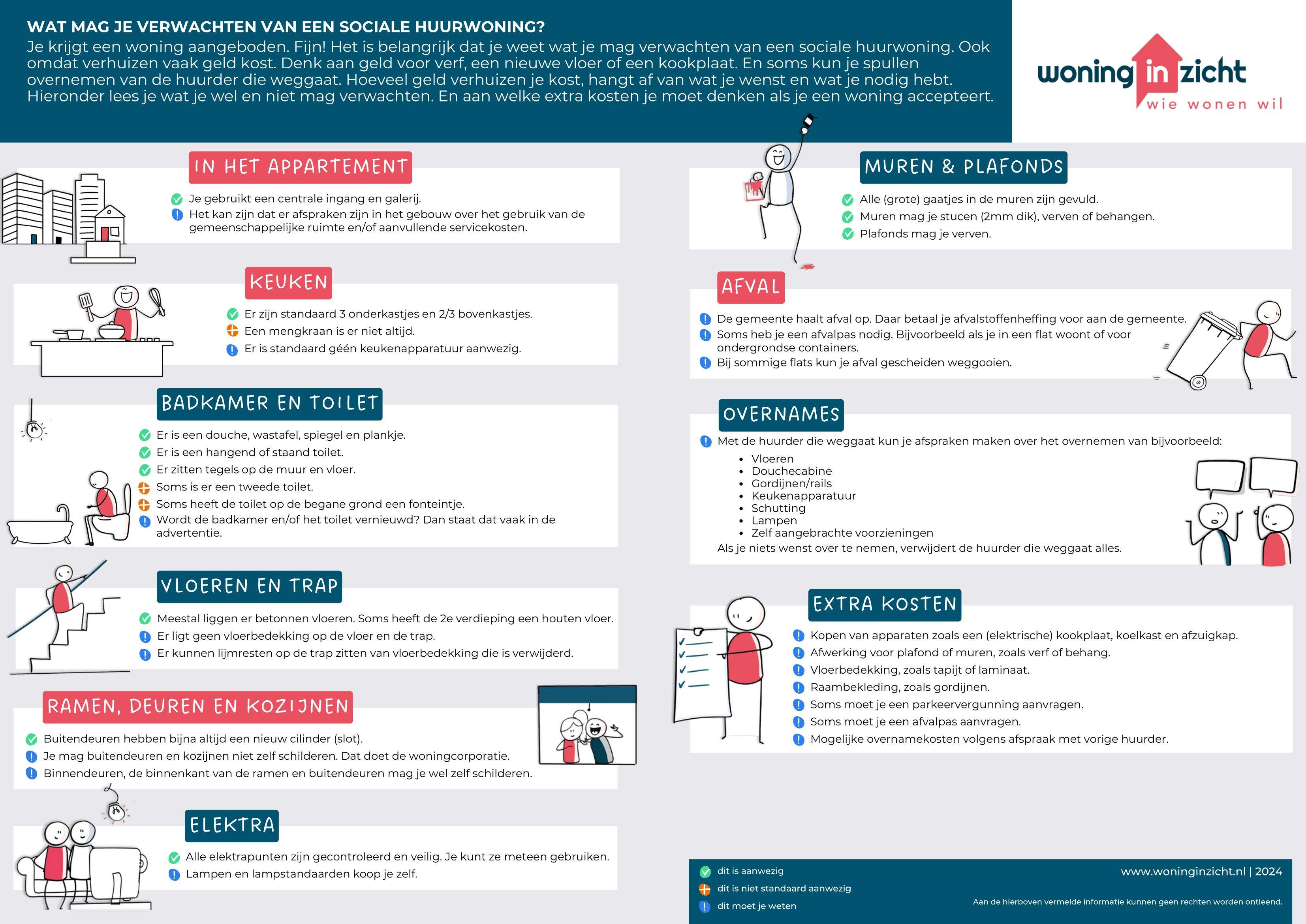
For rent
Apartment Slipjachtpad, Tilburg West - For Rent
5042 WD (Tilburg - Het Zand)
30 m²€22.77/m² per month, Advertised monthly rent divided by the floor area3 roomsEnergy label A++
€683/ month + €40.88 service costs
About This Rental in Tilburg
Cozy Apartment in Tilburg West with Balcony and Solar Panels
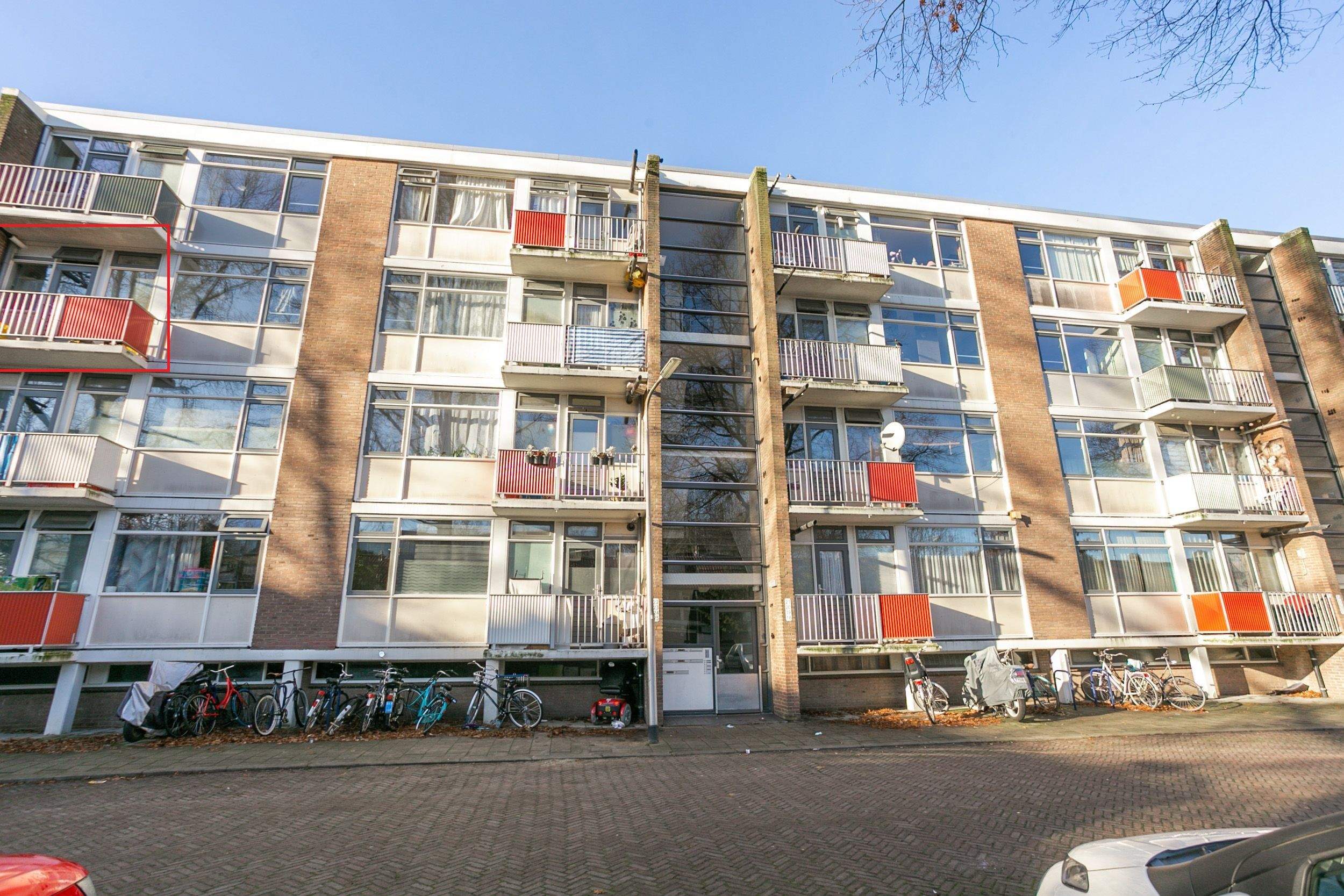
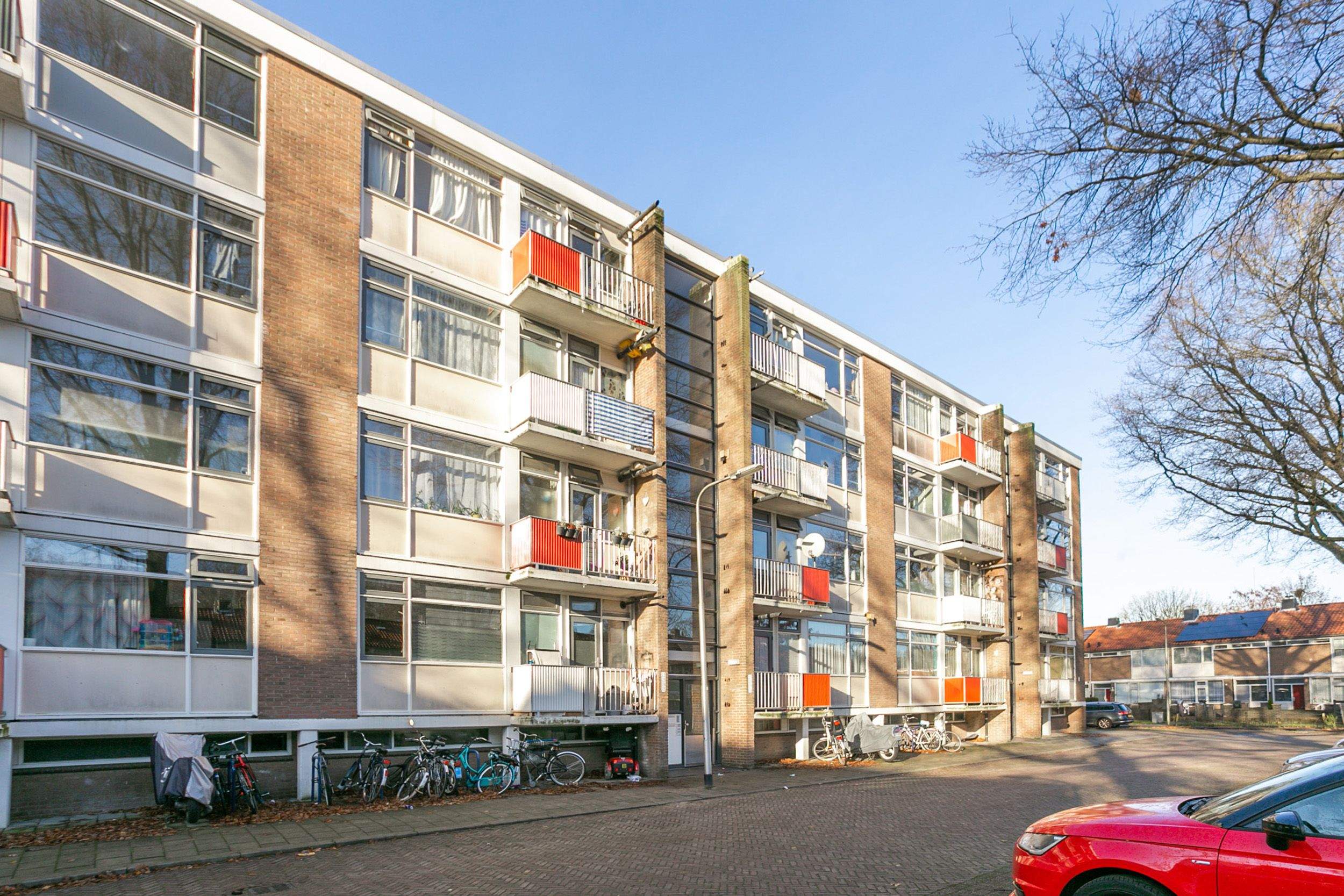
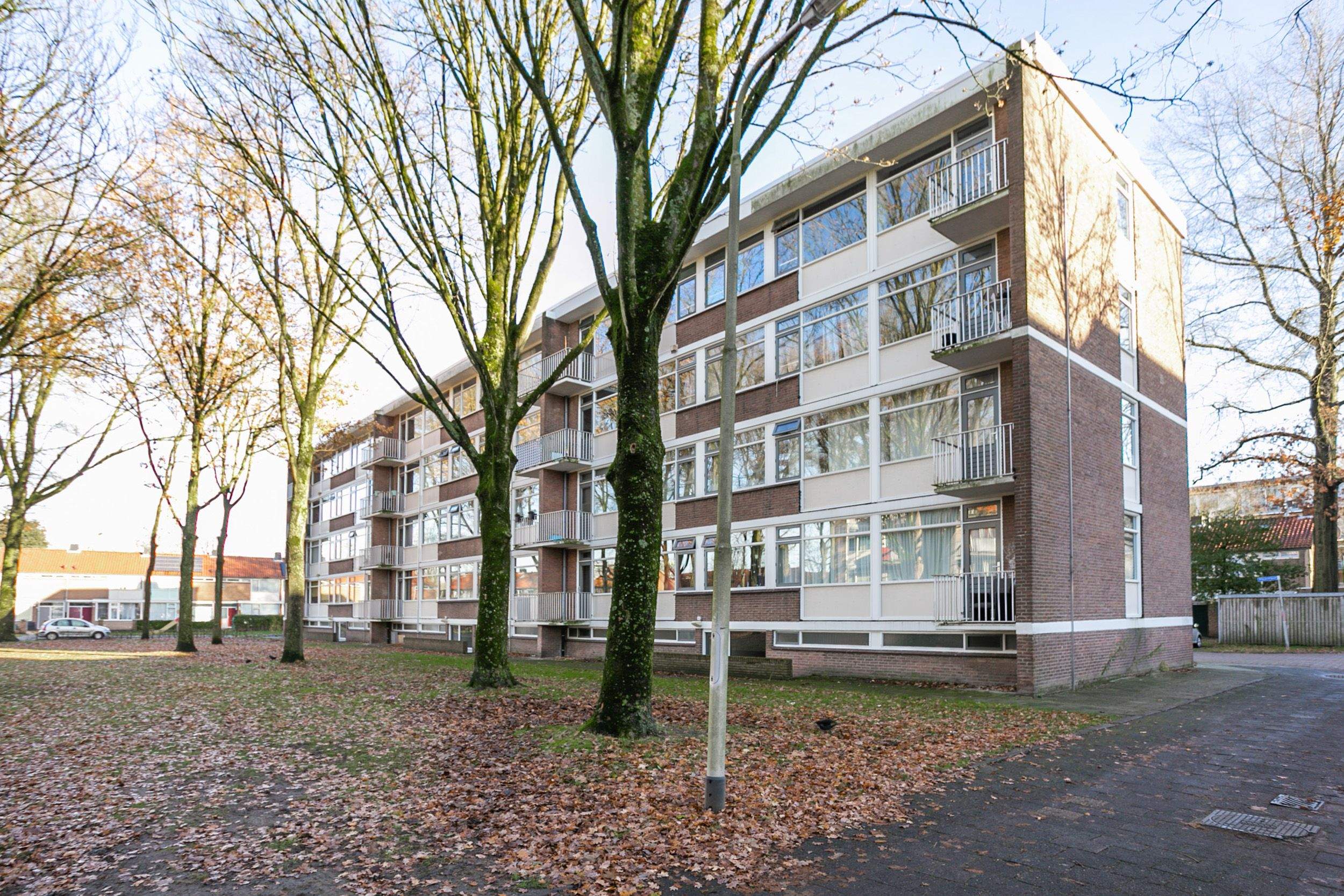
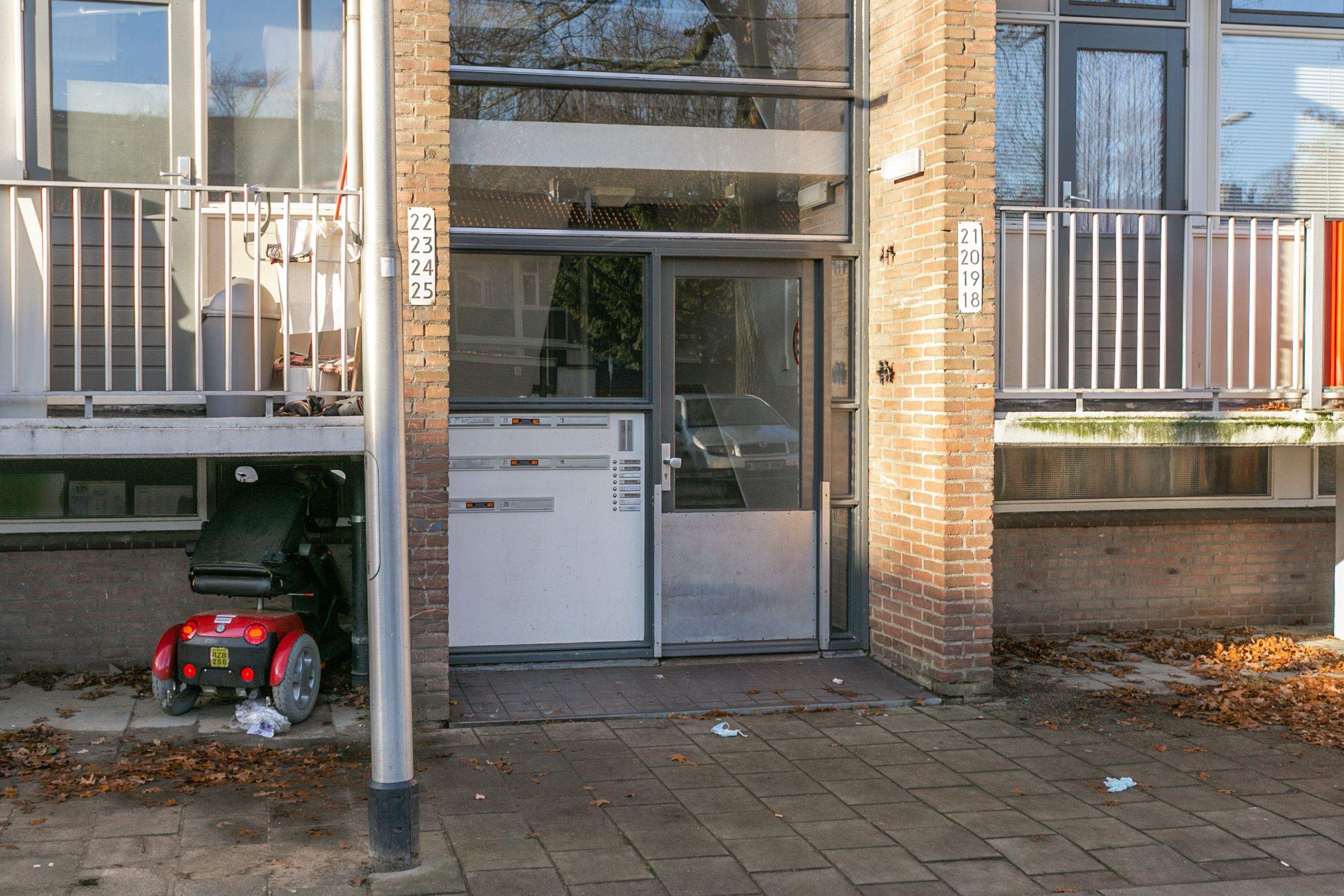
This apartment is located at Slipjachtpad 31 in Tilburg West. It is a cozy apartment with 2 bedrooms and a total living area of approximately 40 square meters. The apartment has a living room of 17 square meters, and the bedrooms are 13 and 10 square meters. The apartment is on the 3rd floor of a building constructed in 1959 and has been renovated to a high standard, featuring an A++ energy label. The building does not have an elevator. The apartment features a closed kitchen and a balcony. Storage space is available. The Westerpark and Wandelbos are within walking distance, making it an ideal location for nature lovers.
The apartment is well-equipped with modern amenities, including solar panels, which are included in the service costs. The total rent is €725.84, which includes €682.96 base rent, €40.88 service costs, and €2.00 additional costs. The service costs cover electricity for common areas, glass insurance, sewage fund, cleaning of common areas, and the solar panel system.
The neighborhood is characterized by its pleasant surroundings and easy access to local amenities. The apartment is available for rent from December 15, 2025. It is a great opportunity for those looking for a well-maintained and energy-efficient apartment in a desirable location.
The apartment's layout and features make it an attractive option for potential renters. With its cozy atmosphere and modern amenities, it is ideal for individuals or couples looking for a comfortable living space in Tilburg West.
Property Details & Features
Rental Overview
Price
€683.00
Service Costs
€40.88
Available From
December 15, 2025
Interior Spaces
Bedrooms
2
Amenities
Renewable energy
Kitchen Type
Separate
Property Basics
Property Type
Apartment
Floor Number
3
Construction Year
1959
Outdoor Spaces
Balcony
Parking, Storage, and Facilities
Storage Present
Rental price trends in Tilburg
Month-by-month overview of 3-room rental listings in Tilburg. Compare the current listing to the local market average to see if it’s priced fairly.
Current listing price
€683
33.8% lower than averageMarket average (3 rooms, Tilburg)
€1,032
Calculated from 49 listings last monthLocation & Surroundings in Tilburg
Top Neighborhoods to Live in Tilburg
Discover the most sought-after neighborhoods in Tilburg, perfect for finding your next Dutch rental. Explore the boroughs and areas locals love most.
Discover the most sought-after neighborhoods in Tilburg, perfect for finding your next Dutch rental. Explore the boroughs and areas locals love most.
Similar Apartments for Rent in Tilburg
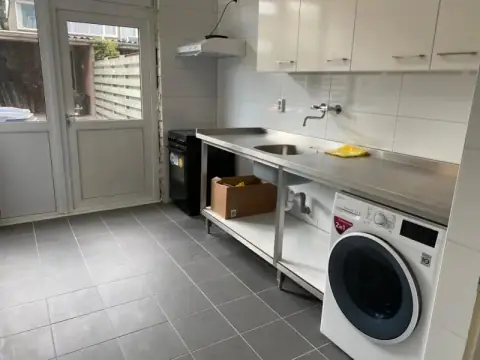
Studio Karmijnstraat, Tilburg - For Rent
Direct Wonen
Tilburg
€830/ month
22 m²1 roomUpholstered
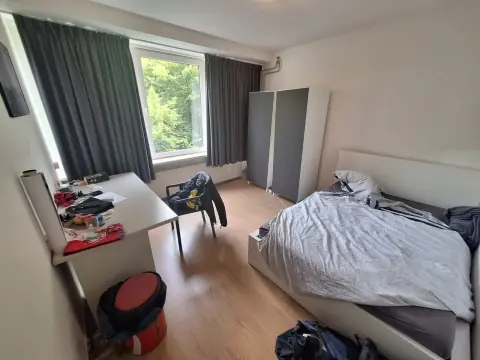 A
AFurnished Room Distelbergstraat, Tilburg - For Rent
Studentenhuis Hogerhorst
Tilburg
€750/ month
11 m²1 roomFurnished
 C
CStudent Room Hogeschoollaan 142-03, Tilburg West - For Rent
Klik Voor Kamers
5037 GD · Tilburg
€441/ month
17 m²2 roomsShell
Frequently asked questions
Does the displayed rent include utilities and service costs?
Not necessarily. Luntero shows the rent and cost details supplied by the advertiser, but inclusions vary by property. Confirm the full breakdown with the publisher or on the original website before applying, including service costs, gas, electricity, water, internet, parking and any one-off fees.
Which documents will I need to apply?
The landlord or agency sets the requirements. Ask the publisher for the checklist, or follow the application instructions on an external listing’s original website. You may need identification, proof of income or employment, student documents or guarantor information. Check who is requesting sensitive documents and why before sending them.
Can Luntero tell me the status of my application?
No. Applications are handled by the advertiser, either through the contact details on a Direct listing or through an external provider. Luntero cannot see whether you were shortlisted, rejected or invited for a viewing. Ask the advertiser using the listing’s contact details or your application confirmation.
Can Luntero arrange a viewing or contact the owner for me?
No. Luntero does not own or manage the homes or arrange viewings. On a Direct listing, select “Contact publisher” to see the email and phone details provided. On an External listing, select “View original listing” for the provider’s contact and application options. Contact the advertiser yourself to arrange a viewing.
Why do details sometimes differ from the original listing?
For External listings, the provider may change or remove an advert after Luntero last collected it. Use the original website to confirm current availability, prices and application instructions. Direct listings are maintained by their publisher on Luntero; ask them to clarify any discrepancy. Report incorrect information on Luntero so it can be reviewed.
How do I contact the publisher or open the original listing?
The “Direct listing” label means the rental was published on Luntero. Select “Contact publisher” to see the supplied email and phone details. For rentals collected from other websites, select “View original listing” to respond there. Luntero does not receive rental applications or send enquiries for you.
How do I report an unavailable, incorrect, duplicate, or suspicious listing?
Open the listing and select “Report an issue”. Choose the closest reason and add useful details so Luntero can review the advert. For questions about your application or viewing, contact the publisher directly or the external provider you applied through.