For rent
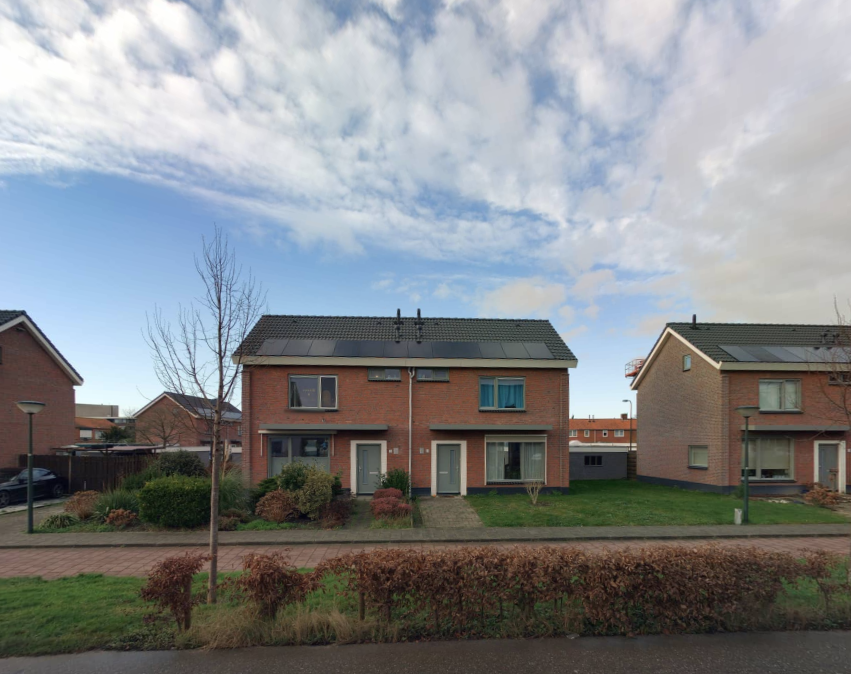
Corner House Grindweg 41, Tholen - For Rent
4691 ES (Tholen - Zeeland)
47 m²4 roomsShellEnergy label A
€901/ month + €4.8 service costs
About This Rental in Tholen
3-Bedroom Corner House with Garden and Garage in Tholen — Energy Label A, Solar Panels
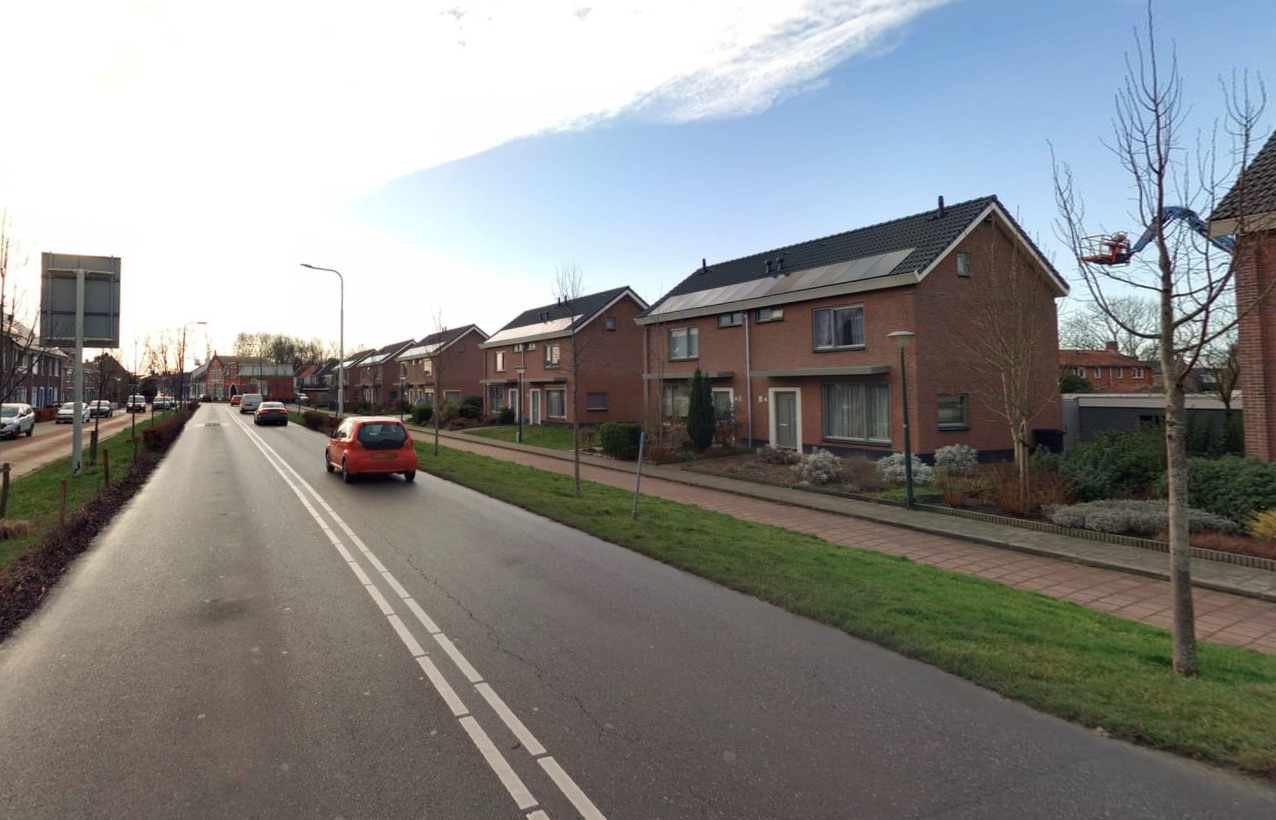
This corner family house at Grindweg 41 in Tholen is a renovated mid-20th century dwelling built in 1968. The property has energy label A and includes energy-efficiency measures such as improved insulation, new window frames fitted with HR++ glazing and installed solar panels. Heating is provided by a central heating combi boiler. The address is located in the 4691 ES postal code area of Tholen.
The house layout includes a living room of approximately 22 m² and a closed kitchen. There are three bedrooms with reported floor areas of about 11 m², 5 m² and 9 m². The property has an attic without a fixed stair and a separate storage/utility room. There is no balcony.
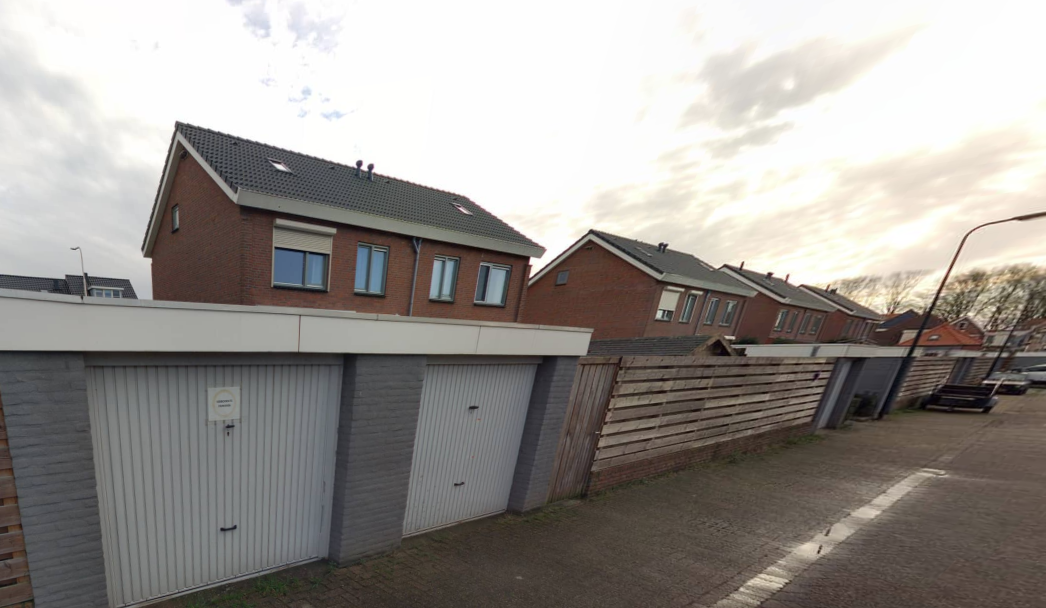
Outdoor and storage features include a garden and an attached garage, and a separate storage space is present. The dwelling has a garden sized to typical standards for the area and direct access to the garage from the plot. Specific interior finishes and exact garden dimensions are provided in the available floor plan and documentation.
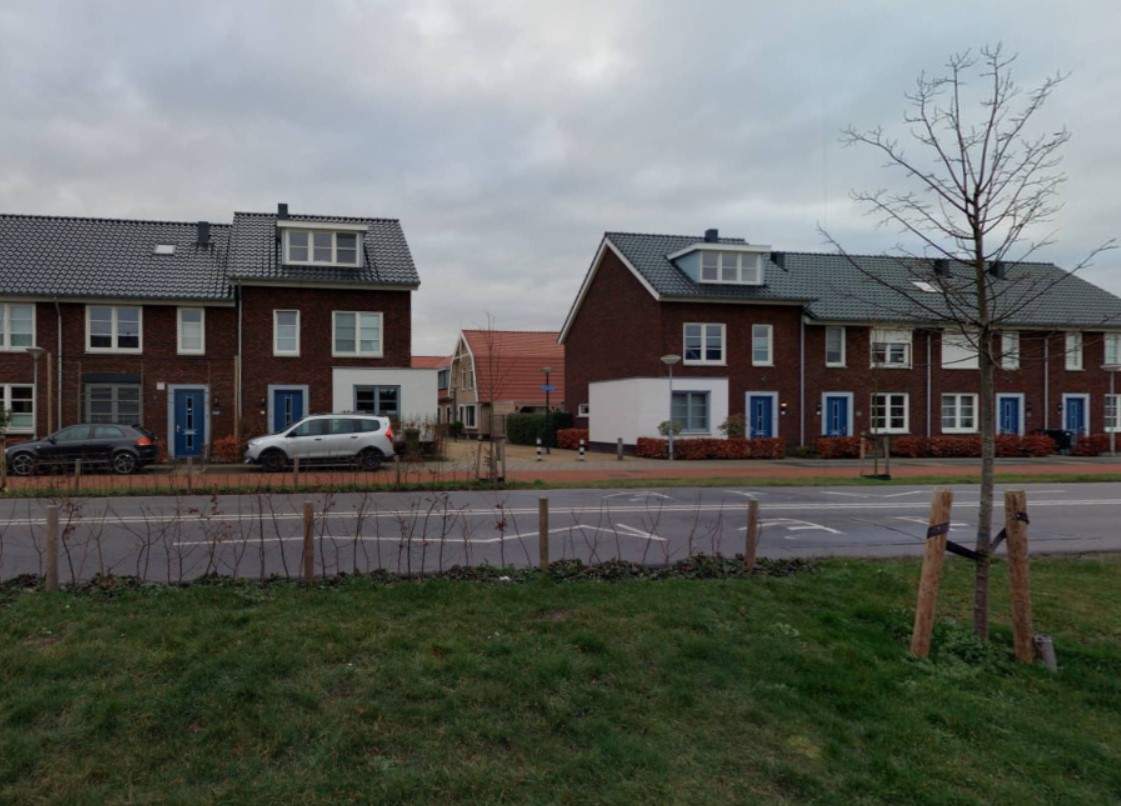
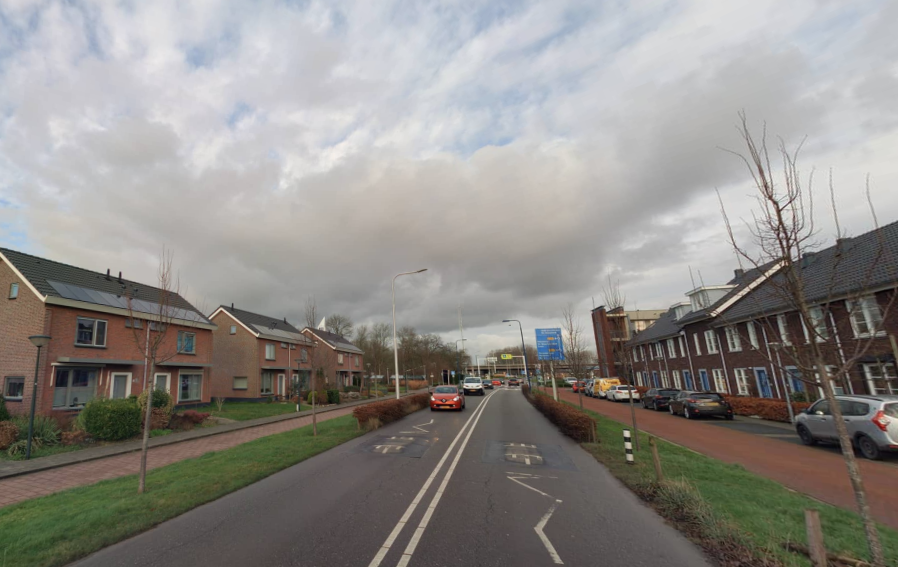
The location is within walking distance of local shops, the harbour and the inner town area with various food and beverage establishments. A floor plan is provided with the listing for layout reference. The listing includes stable property details such as year built, room sizes, energy label and installed features; time-sensitive items and application statistics are not included here.
Property Details & Features
Rental Overview
Price
€901.00
Service Costs
€4.80
Available From
October 29, 2025
Outdoor Spaces
Garden
Garden Description
ruime tuin
Parking, Storage, and Facilities
Garage
Property Basics
Property Type
House
Construction Year
1968
Interior Spaces
Bedrooms
3
Amenities
Renewable energy
Heating Type
Central
Location & Surroundings in Tholen
Similar Apartments for Rent in Tholen
 A++++
A++++Apartment Vogelenzang 54, Halsteren - Ground Floor, 2 Bedrooms
Zuid West Wonen
4661 JB · Halsteren
€732/ month
33 m²3 roomsShell
 A
AApartment Zwink 78, Tholen - For Rent
Zuid West Wonen
4691 DW · Tholen
€714/ month
36 m²2 roomsShell
 A+++
A+++Single-Family House Mozartstraat 14, Halsteren - For Rent
Zuid West Wonen
4661 CD · Halsteren
€933/ month
75 m²4 roomsUpholstered
Frequently asked questions
Does the displayed rent include utilities and service costs?
Not necessarily. Luntero shows the rent and cost details supplied by the advertiser, but inclusions vary by property. Confirm the full breakdown with the publisher or on the original website before applying, including service costs, gas, electricity, water, internet, parking and any one-off fees.
Which documents will I need to apply?
The landlord or agency sets the requirements. Ask the publisher for the checklist, or follow the application instructions on an external listing’s original website. You may need identification, proof of income or employment, student documents or guarantor information. Check who is requesting sensitive documents and why before sending them.
Can Luntero tell me the status of my application?
No. Applications are handled by the advertiser, either through the contact details on a Direct listing or through an external provider. Luntero cannot see whether you were shortlisted, rejected or invited for a viewing. Ask the advertiser using the listing’s contact details or your application confirmation.
Can Luntero arrange a viewing or contact the owner for me?
No. Luntero does not own or manage the homes or arrange viewings. On a Direct listing, select “Contact publisher” to see the email and phone details provided. On an External listing, select “View original listing” for the provider’s contact and application options. Contact the advertiser yourself to arrange a viewing.
Why do details sometimes differ from the original listing?
For External listings, the provider may change or remove an advert after Luntero last collected it. Use the original website to confirm current availability, prices and application instructions. Direct listings are maintained by their publisher on Luntero; ask them to clarify any discrepancy. Report incorrect information on Luntero so it can be reviewed.
How do I contact the publisher or open the original listing?
The “Direct listing” label means the rental was published on Luntero. Select “Contact publisher” to see the supplied email and phone details. For rentals collected from other websites, select “View original listing” to respond there. Luntero does not receive rental applications or send enquiries for you.
How do I report an unavailable, incorrect, duplicate, or suspicious listing?
Open the listing and select “Report an issue”. Choose the closest reason and add useful details so Luntero can review the advert. For questions about your application or viewing, contact the publisher directly or the external provider you applied through.