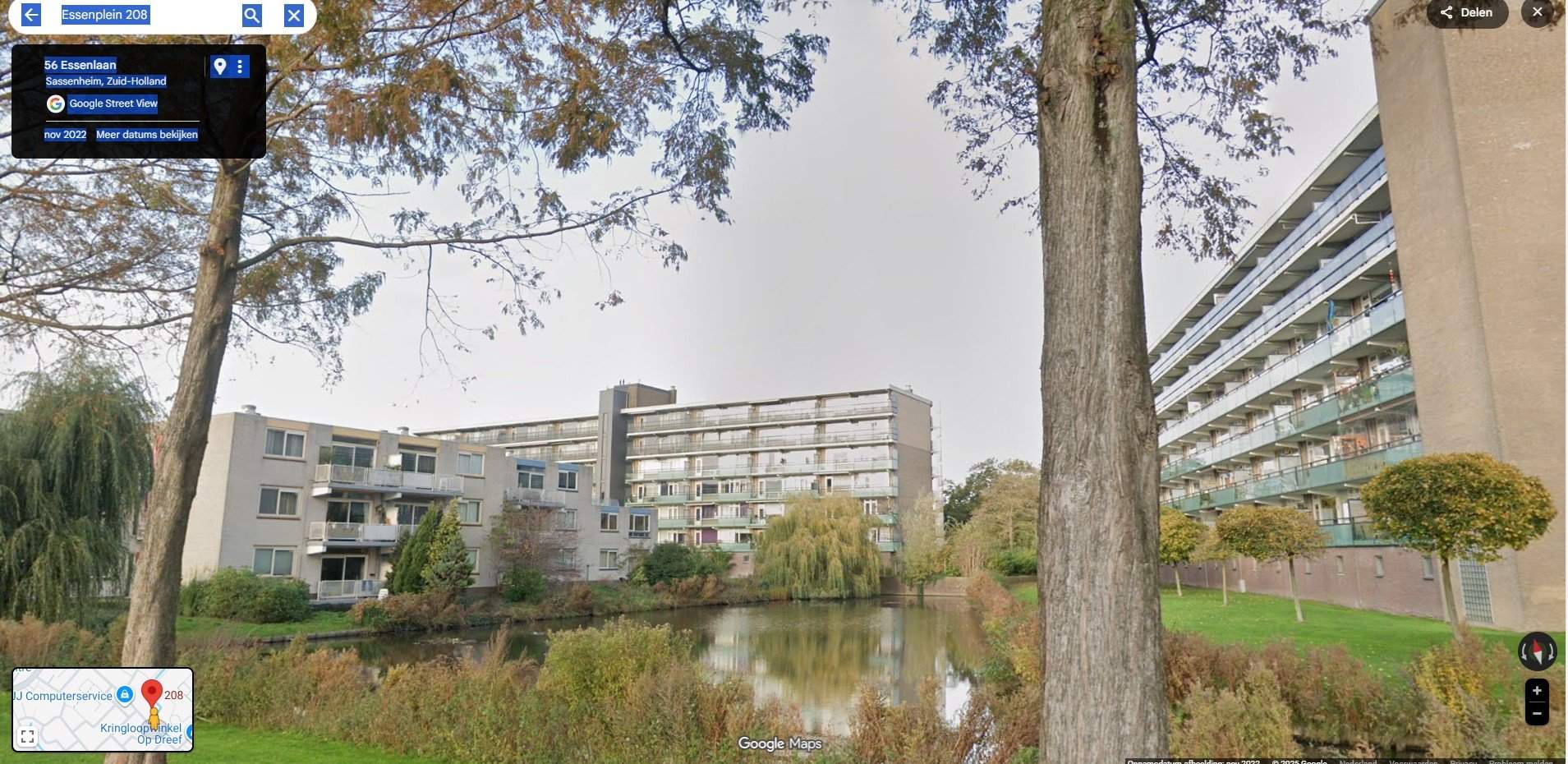
For rent
Apartment Essenplein 208, Sassenheim - 1-bedroom
2172 BZ (Sassenheim - Zuid-Holland)
34 m²2 roomsShellEnergy label D
€795/ month + €152.62 service costs
About This Rental in Sassenheim
1-Bedroom Apartment with Balcony in Sassenheim — Essenplein 208
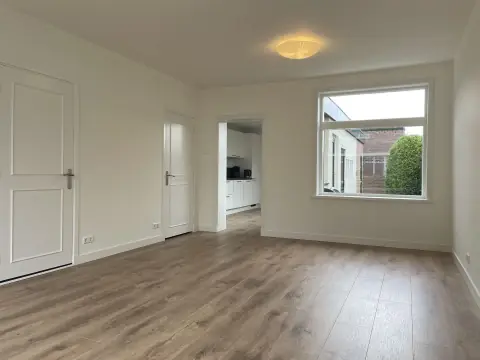
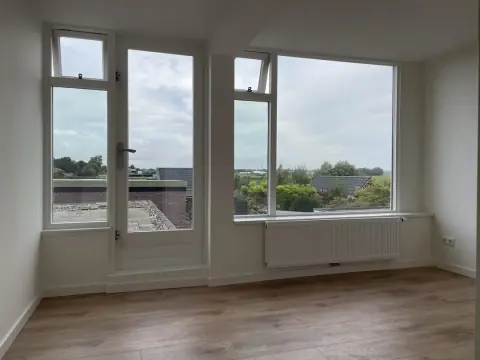
This one-bedroom apartment is located on the second floor of a building constructed in 1984. The living area measures 34 m², with a living room of approximately 19 m² and a bedroom of about 11 m². The layout is single-level inside the dwelling and includes an open kitchen and a balcony. The complex does not have a lift; access is via a shared entrance hall with secured/closed access.
The apartment has double glazing and is served by a central heating combi boiler. The property holds an energy label D and an energy index of 2.09. Included or available in the unit are laminate flooring and certain fixtures that may be taken over (laminate, window coverings, shower cabin, linen cupboard and a living room wall unit). There is no attic and no private garden associated with the apartment.
Additional building amenities include a communal storage room and maintenance of shared areas. Service costs are charged in addition to the base rent and cover communal area energy, glass insurance, cleaning of communal areas, an advance for heating and an advance for water. The rental pricing provided lists a base rent and a separate service charge; the total indicated combines those components. The dwelling is categorized as a youth dwelling under the landlord’s allocation policy.
Allocation and contract conditions are applied under the youth housing policy: priority is given to applicants in the 18–27 age group, the contract form is temporary for a maximum of five years, and priority may be assigned to residents of the local municipality. The property is not allocated to parents with children. Further eligibility and assignment rules are defined by the landlord’s allocation policy and related documentation.
Property Details & Features
Rental Overview
Price
€795.00
Service Costs
€152.62
Available From
November 25, 2025
Contract Type
C
Is Social Housing
Outdoor Spaces
Balcony
Parking, Storage, and Facilities
Building Facilities
Elevator
Security
Shared Facilities
Laundry
Bike Storage
Storage Present
Property Basics
Property Type
Apartment
Floor Number
2
Construction Year
1984
Interior Spaces
Bedrooms
1
Amenities
Boiler
Heating Type
Central
Kitchen Type
Open
Energy Source
Gas
Tenant Requirements & Preferences
Tenant Type
Student
Minimum Age
18
Location & Surroundings in Sassenheim
Similar Apartments for Rent in Sassenheim
Frequently asked questions
Does the displayed rent include utilities and service costs?
Not necessarily. Luntero shows the price and cost details supplied by the listing source, but inclusions vary by property. Check the full cost breakdown on the original source before applying, including service costs, gas, electricity, water, internet, parking, and any one-off fees.
Which documents will I need to apply?
Requirements are set by the landlord or listing provider, not Luntero. The original listing or application form should give the definitive checklist. It may include identification, proof of income or employment, student documents, or guarantor information, but do not send sensitive documents until you have checked who is requesting them and why.
Can Luntero tell me the status of my application?
No. Applications are completed with the original listing provider, so Luntero cannot see whether your application was received, shortlisted, rejected, or invited for a viewing. Contact the provider through the details in your application confirmation or on the original listing page.
Can Luntero arrange a viewing or contact the owner for me?
No. Luntero does not own or manage the property and does not have a private contact channel to its owner. Use the original source button on the listing page to view the provider's application and contact options. If public owner or agency contact details are available, they are shown on the listing page.
Why do details sometimes differ from the original listing?
A provider may update or remove a listing after Luntero last collected it. The original source is the final reference for availability, price, conditions, and application instructions. If the pages disagree, rely on the source and report the Luntero listing so it can be reviewed.
Where do I find the original listing and application page?
Open the Luntero listing and look for the 'View listing' source buttons. They identify the platform the listing came from and open its original page in a new tab. Apply there; Luntero does not accept rental applications.
How do I report an unavailable, incorrect, duplicate, or suspicious listing?
Open the listing and select 'Report an issue'. Choose the closest reason and add any useful details. Reports help Luntero review its copy of the listing; for an urgent issue involving the application itself, also contact the original platform.