For rent
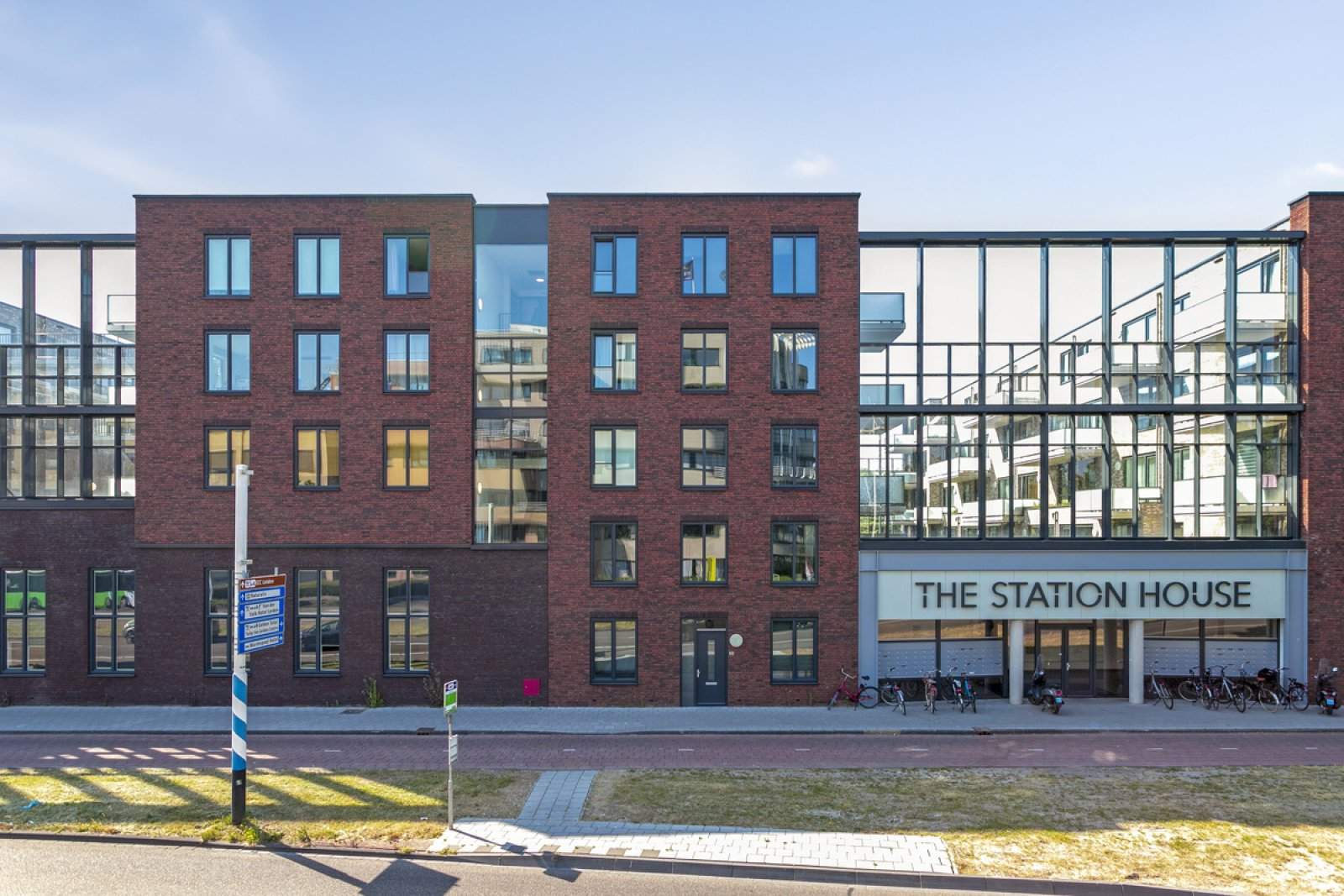
Apartment Schipholweg 134, Leiden
2316XD (Leiden - Zuid-Holland)
72 m²1 roomsShellEnergy label A++
€1,222/ month + €65 service costs
About This Rental in Leiden
1-Bed Apartment near Leiden Station – Energy-Efficient 2019 Build at Schipholweg 134
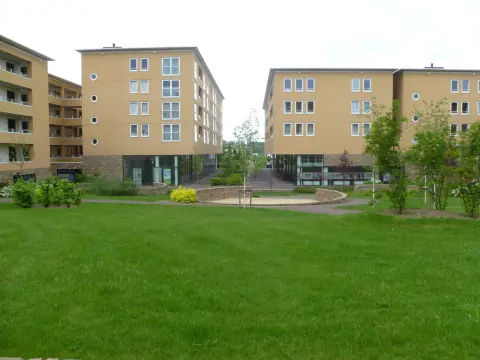
Located at Schipholweg 134 in Leiden, this apartment is described as a one-bedroom unit within the Station House complex. The listing provides two differing figures for living area: one section indicates 64 m² while the property details list 72 m². The building year is stated as 2019. The listing also includes an energy label reported as A++ in the property details and as A+++ elsewhere in the listing.
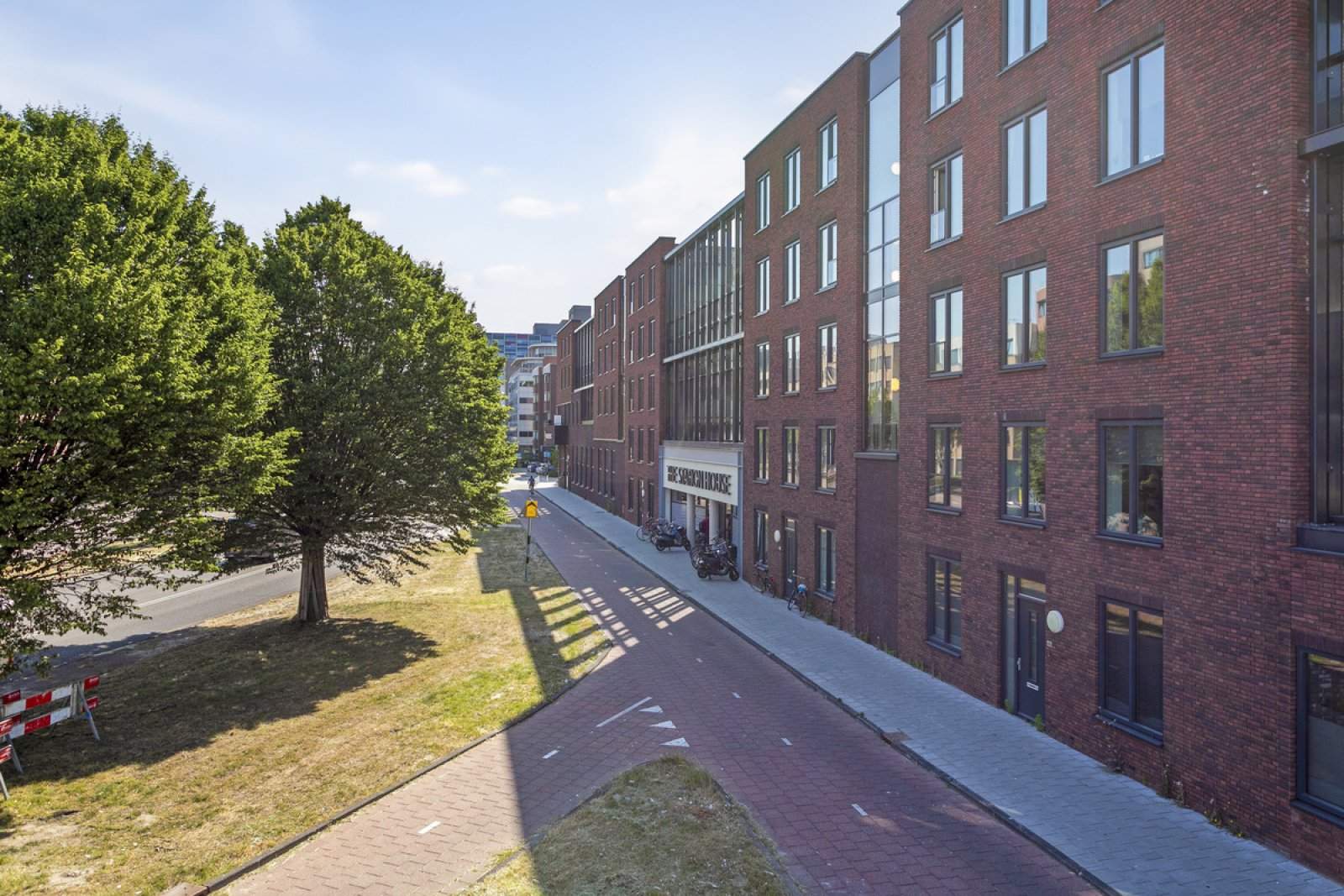
The apartment is located in the Stationskwartier neighborhood of Leiden. The listing notes that the area has a relatively high share of residents aged 25 to 44 and a comparatively low population density. Public transport and local amenities are nearby: the property is within cycling distance of Leiden city centre and within walking distance of a supermarket and a train station. The listing additionally indicates that a nearby highway exit can be reached within a short drive.
Rental terms and some costs are specified in the listing. The gross rent is listed as €1,221.61 per month, with service costs of €65 per month. Deposit guidance is noted as indicative: for tenants with a fixed income the deposit figure is listed as €1,221.61 and for self-employed persons as €2,443.22. The listing reports 216 WWS points. Other specific utility inclusions, pet or smoking policies, and floor level are not specified in the provided listing information.
The listing describes the property as reasonably to well accessible and located close to amenities and transport connections. It is identified as part of the complex "The Station House" in Leiden. Photographs or additional details are referenced in the original listing but are not reproduced here; the descriptive information above is limited to the explicit, stable details provided in the listing data.
Property Details & Features
Rental Overview
Price
€1,222.00
Service Costs
€65.00
Available From
November 1, 2025
Deposit Amount
€1,221.61
WWS Points
216
Property Basics
Property Type
Apartment
Construction Year
2019
Interior Spaces
Bedrooms
1
Rental price trends in Leiden
Month-by-month overview of 1-room rental listings in Leiden. Compare the current listing to the local market average to see if it’s priced fairly.
Current listing price
€1,222
57.3% higher than averageMarket average (1 room, Leiden)
€777
Calculated from 52 listings last monthLocation & Surroundings in Leiden
Top Neighborhoods to Live in Leiden
Discover the most sought-after neighborhoods in Leiden, perfect for finding your next Dutch rental. Explore the boroughs and areas locals love most.
Discover the most sought-after neighborhoods in Leiden, perfect for finding your next Dutch rental. Explore the boroughs and areas locals love most.
Similar Apartments for Rent in Leiden

Frequently asked questions
Does the displayed rent include utilities and service costs?
Not necessarily. Luntero shows the price and cost details supplied by the listing source, but inclusions vary by property. Check the full cost breakdown on the original source before applying, including service costs, gas, electricity, water, internet, parking, and any one-off fees.
Which documents will I need to apply?
Requirements are set by the landlord or listing provider, not Luntero. The original listing or application form should give the definitive checklist. It may include identification, proof of income or employment, student documents, or guarantor information, but do not send sensitive documents until you have checked who is requesting them and why.
Can Luntero tell me the status of my application?
No. Applications are completed with the original listing provider, so Luntero cannot see whether your application was received, shortlisted, rejected, or invited for a viewing. Contact the provider through the details in your application confirmation or on the original listing page.
Can Luntero arrange a viewing or contact the owner for me?
No. Luntero does not own or manage the property and does not have a private contact channel to its owner. Use the original source button on the listing page to view the provider's application and contact options. If public owner or agency contact details are available, they are shown on the listing page.
Why do details sometimes differ from the original listing?
A provider may update or remove a listing after Luntero last collected it. The original source is the final reference for availability, price, conditions, and application instructions. If the pages disagree, rely on the source and report the Luntero listing so it can be reviewed.
Where do I find the original listing and application page?
Open the Luntero listing and look for the 'View listing' source buttons. They identify the platform the listing came from and open its original page in a new tab. Apply there; Luntero does not accept rental applications.
How do I report an unavailable, incorrect, duplicate, or suspicious listing?
Open the listing and select 'Report an issue'. Choose the closest reason and add any useful details. Reports help Luntero review its copy of the listing; for an urgent issue involving the application itself, also contact the original platform.