For rent
Studio Haaksbergerstraat, Enschede
Enschede - Overijssel
25 m²€33.24/m² per month, Advertised monthly rent divided by the floor area1 room
€831/ month + €831 service costs
About This Rental in Enschede
Renovated 25 m² Studio Near Enschede Centre with Private Bathroom and Kitchen
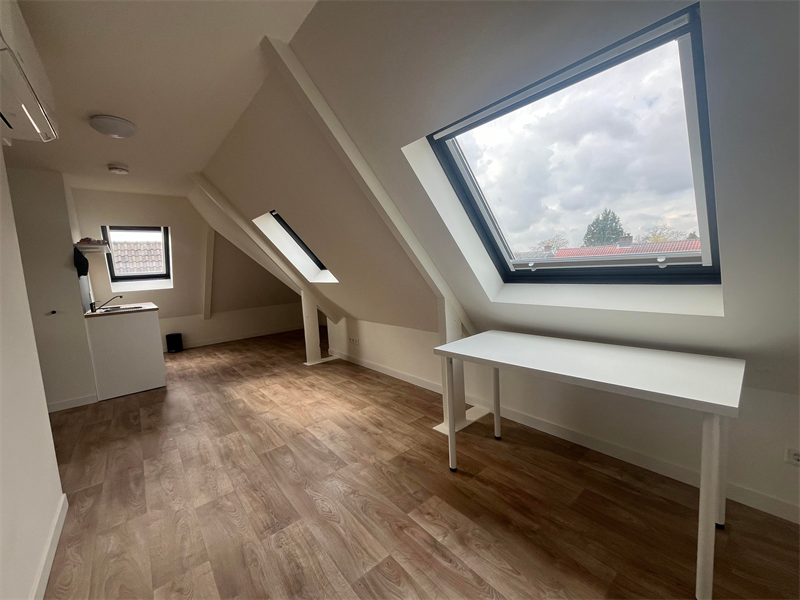
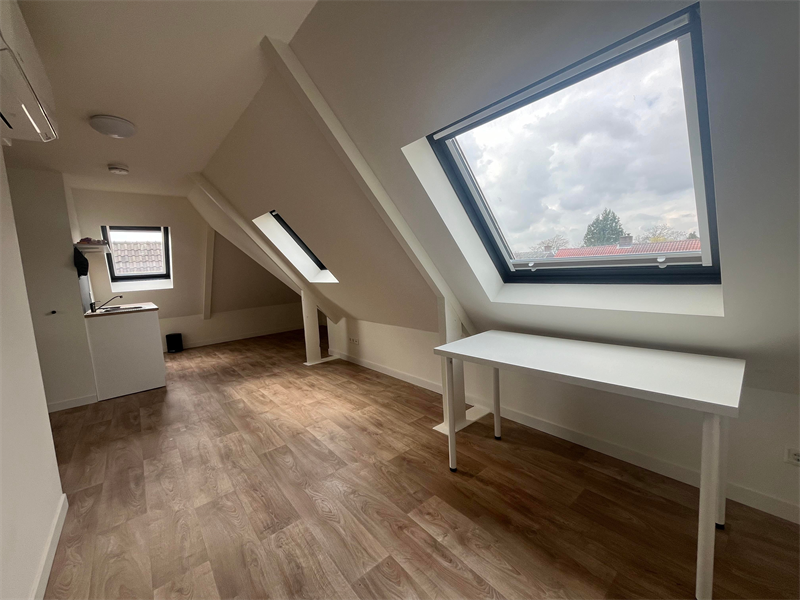
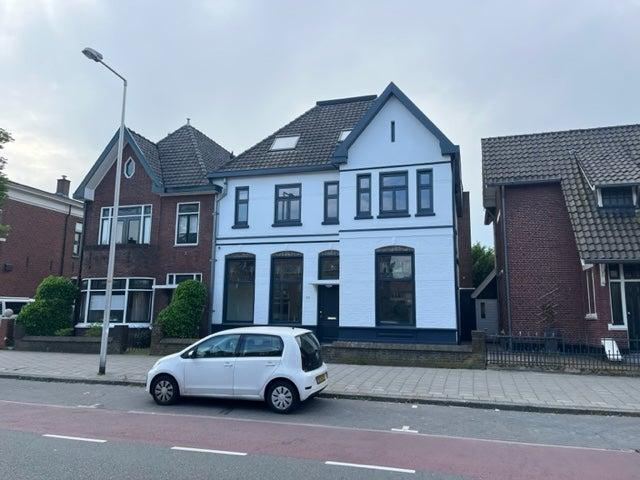
The studio is located on Haaksbergerstraat within walking distance of Enschede city centre. It is part of a building that contains ten studio units and the building has been fully renovated and insulated. The studio measures approximately 25 m² and is listed as "gestoffeerd" (fitted). The listing specifies an all-in arrangement, indicating that utilities are included in the stated price details.
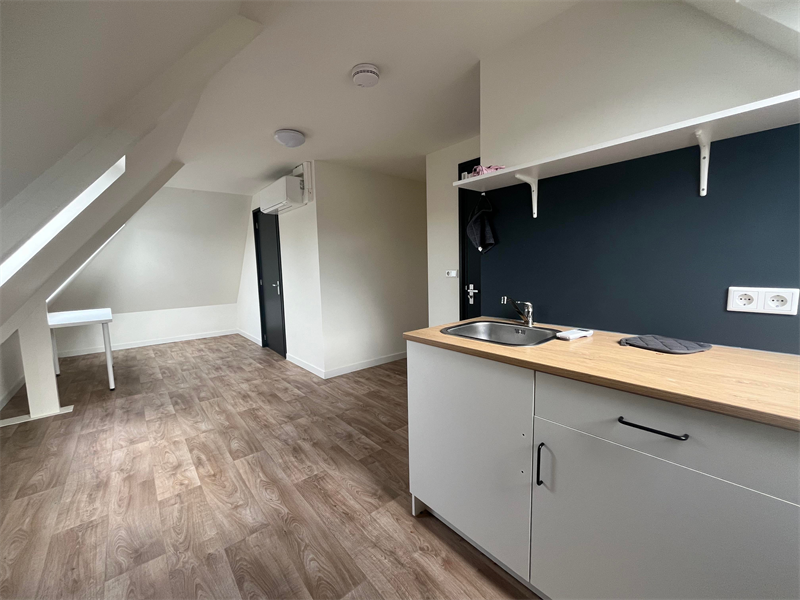
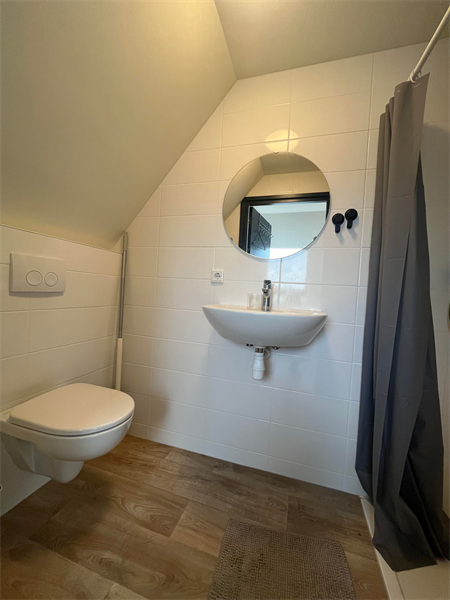
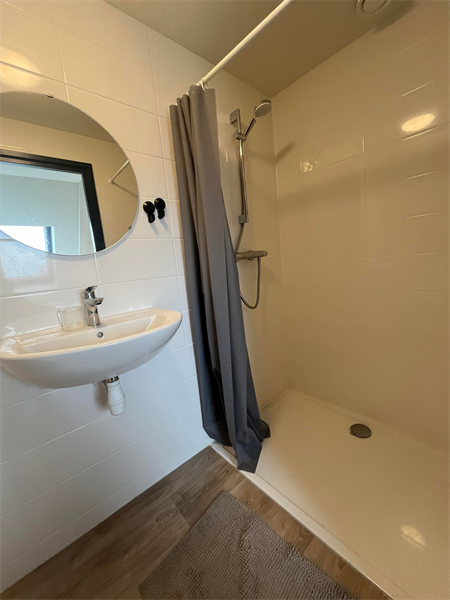
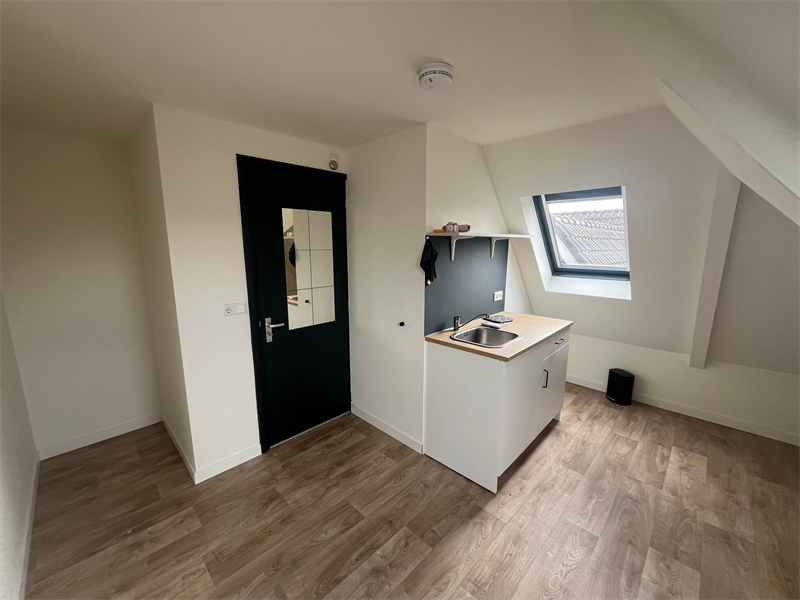
The accommodation is arranged as a combined living and sleeping area with a private bathroom. The bathroom is fitted with a shower, toilet and washbasin. Each studio is equipped with a small kitchen unit (kitchenette) for basic meal preparation. The building layout provides individual sanitary facilities for each unit.
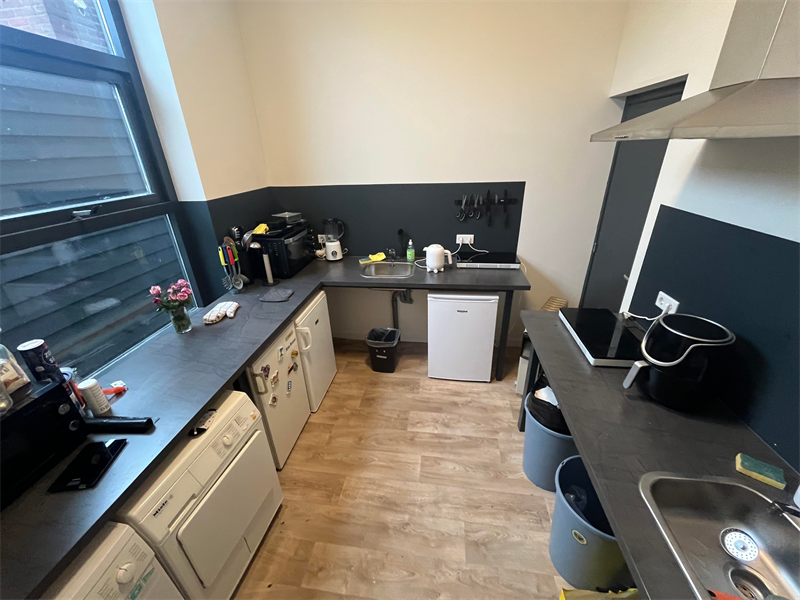
In addition to the kitchen unit in each studio, the property includes a communal kitchen area that is fitted with multiple cooking stations and appliances. The communal facilities are intended to supplement the kitchenette provision in the individual studios. The overall renovation and insulation of the building are noted in the listing and relate to the condition and energy performance of the property.
The location offers proximity to a range of shops and supermarkets within walking distance and the University of Twente is about a 15-minute bicycle ride away. There is no outdoor space associated with the studio. Information on deposit, smoking and pet policies was not specified in the provided listing. The listing gives a clear description of layout, size and main fixtures while specific tenancy conditions and the floor level are not stated.
Property Details & Features
Rental Overview
Price
€831.00
Service Costs
€831.00
Available From
September 8, 2025
Condition
Renovated
Tenant Requirements & Preferences
Tenant Type
Student
Property Basics
Property Type
Studio
Interior Spaces
Bathrooms
1
Parking, Storage, and Facilities
Building Facilities
Laundry
Shared Facilities
Kitchen
Rental price trends in Enschede
Month-by-month overview of 1-room rental listings in Enschede. Compare the current listing to the local market average to see if it’s priced fairly.
Current listing price
€831
60.7% higher than averageMarket average (1 room, Enschede)
€517
Calculated from 172 listings last monthLocation & Surroundings in Enschede
Top Neighborhoods to Live in Enschede
Discover the most sought-after neighborhoods in Enschede, perfect for finding your next Dutch rental. Explore the boroughs and areas locals love most.
Discover the most sought-after neighborhoods in Enschede, perfect for finding your next Dutch rental. Explore the boroughs and areas locals love most.
Similar Apartments for Rent in Enschede
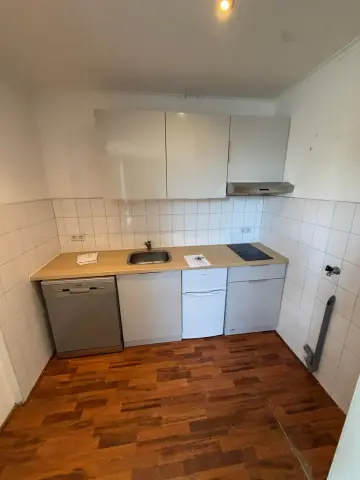
Unfurnished Room Haaksbergerstraat, Enschede - For Rent
Aperta Estate
Enschede
€742/ month
12 m²1 roomShell
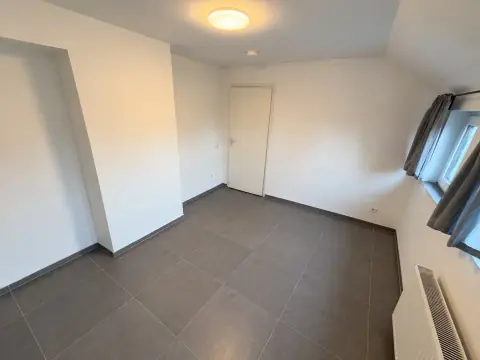
Room Haaksbergerstraat, Enschede - For Rent
Barleb
Enschede
€800/ month
12 m²1 roomShell
 A
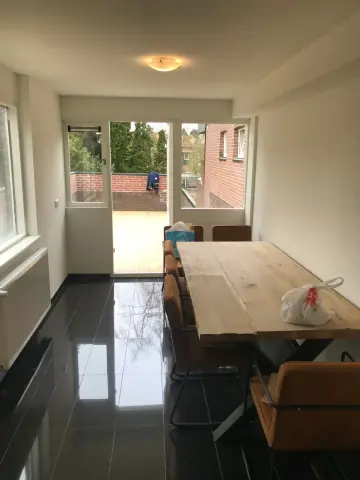
AFurnished Room Haaksbergerstraat, Enschede - For Rent
Haaksbergerstraat 346A
Enschede
€550/ month
12 m²2 roomsFurnished
Frequently asked questions
Does the displayed rent include utilities and service costs?
Not necessarily. Luntero shows the rent and cost details supplied by the advertiser, but inclusions vary by property. Confirm the full breakdown with the publisher or on the original website before applying, including service costs, gas, electricity, water, internet, parking and any one-off fees.
Which documents will I need to apply?
The landlord or agency sets the requirements. Ask the publisher for the checklist, or follow the application instructions on an external listing’s original website. You may need identification, proof of income or employment, student documents or guarantor information. Check who is requesting sensitive documents and why before sending them.
Can Luntero tell me the status of my application?
No. Applications are handled by the advertiser, either through the contact details on a Direct listing or through an external provider. Luntero cannot see whether you were shortlisted, rejected or invited for a viewing. Ask the advertiser using the listing’s contact details or your application confirmation.
Can Luntero arrange a viewing or contact the owner for me?
No. Luntero does not own or manage the homes or arrange viewings. On a Direct listing, select “Contact publisher” to see the email and phone details provided. On an External listing, select “View original listing” for the provider’s contact and application options. Contact the advertiser yourself to arrange a viewing.
Why do details sometimes differ from the original listing?
For External listings, the provider may change or remove an advert after Luntero last collected it. Use the original website to confirm current availability, prices and application instructions. Direct listings are maintained by their publisher on Luntero; ask them to clarify any discrepancy. Report incorrect information on Luntero so it can be reviewed.
How do I contact the publisher or open the original listing?
The “Direct listing” label means the rental was published on Luntero. Select “Contact publisher” to see the supplied email and phone details. For rentals collected from other websites, select “View original listing” to respond there. Luntero does not receive rental applications or send enquiries for you.
How do I report an unavailable, incorrect, duplicate, or suspicious listing?
Open the listing and select “Report an issue”. Choose the closest reason and add useful details so Luntero can review the advert. For questions about your application or viewing, contact the publisher directly or the external provider you applied through.