For rent
Furnished Room Mercuriusplein, Enschede - For Rent
Enschede
12 m²1 roomFurnishedEnergy label A
€600/ month
About This Rental in Enschede
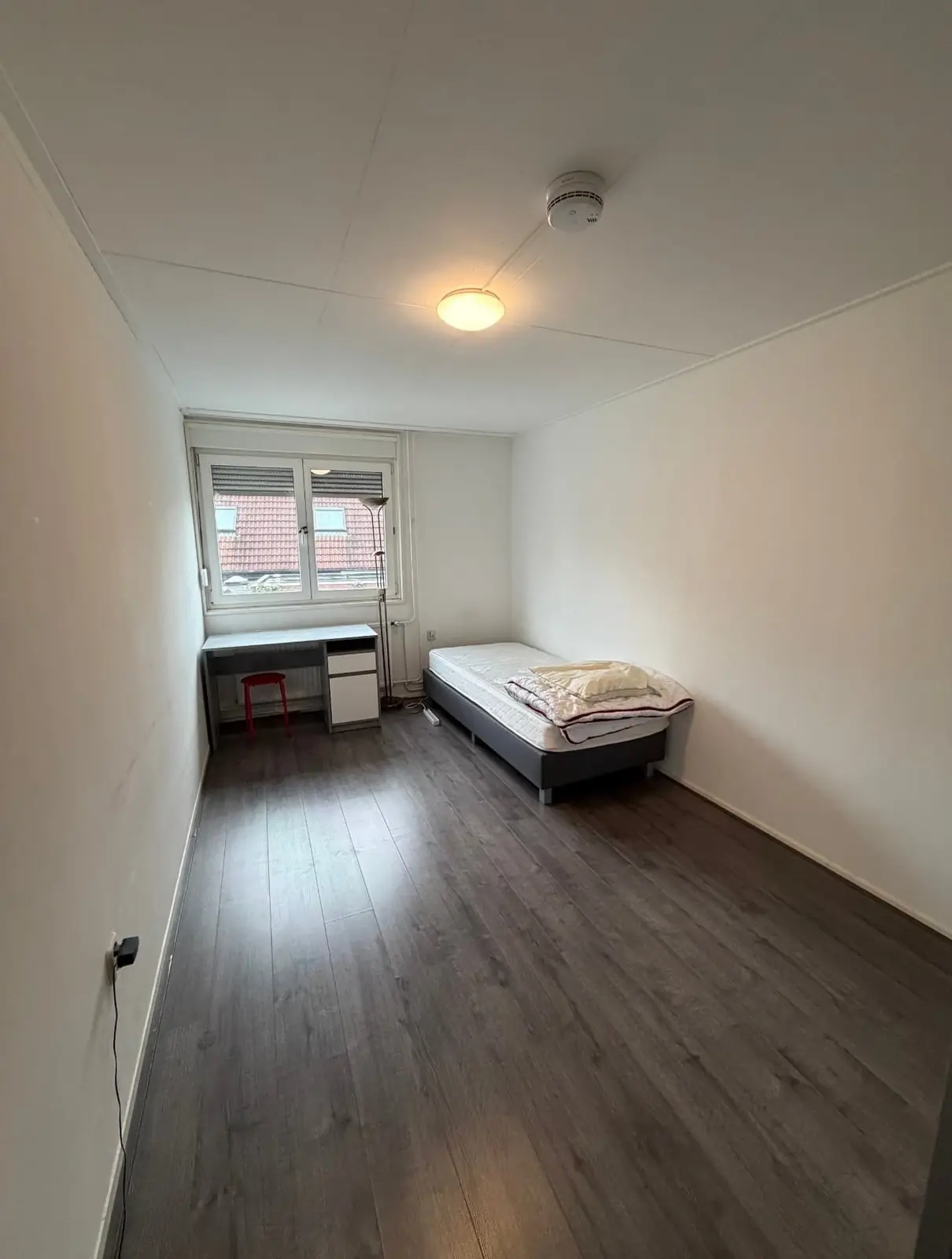
Fully Furnished 12 m² Room on Mercuriusplein in Enschede with Communal Garden and Utilities Included
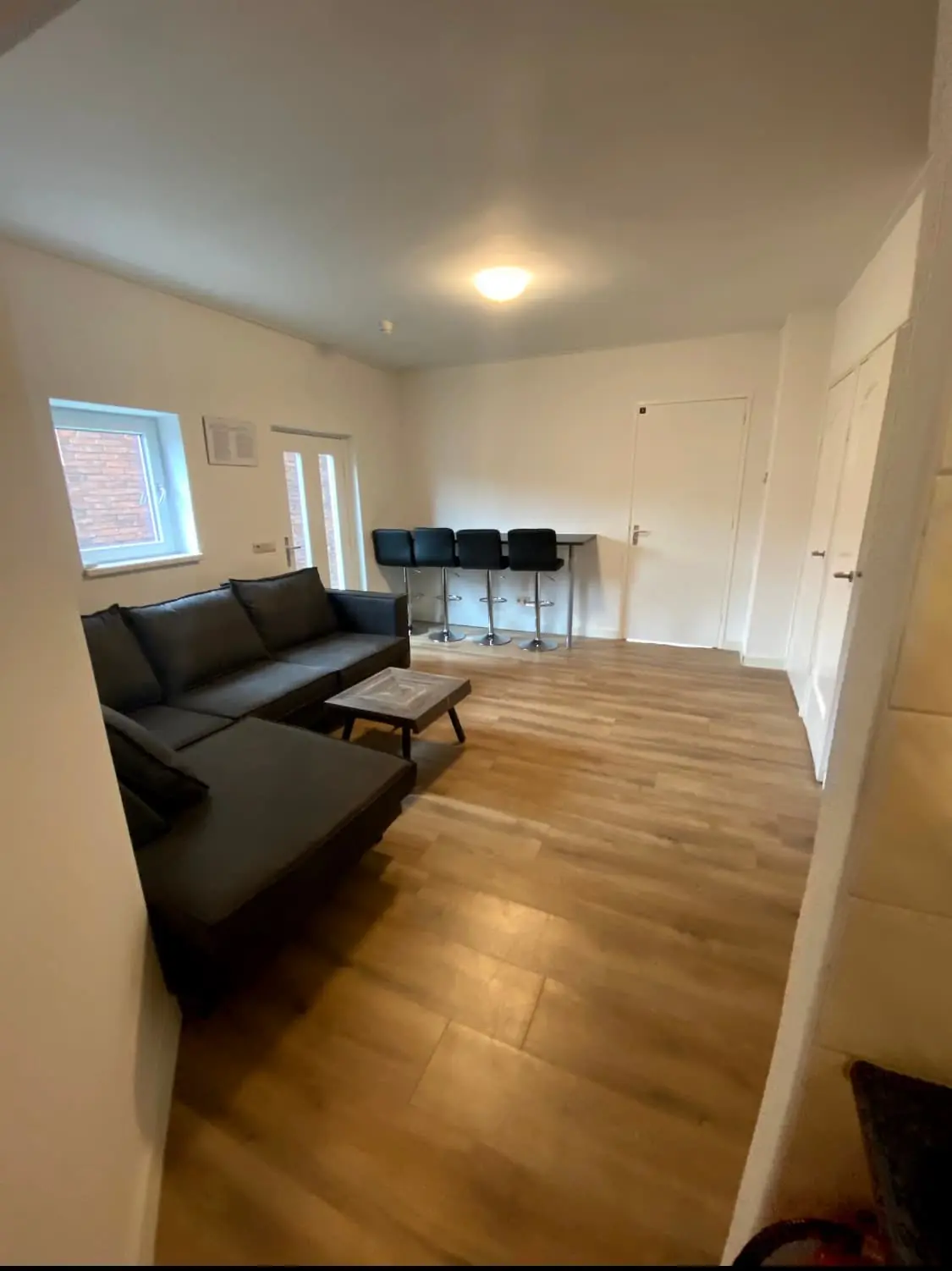
This listing concerns a fully furnished room of approximately 12 square meters on Mercuriusplein in Enschede. The room is offered for an indefinite rental period and is suitable for occupancy by one person. The property is located in a residential neighborhood in Enschede, with the room forming part of a shared living arrangement. The space is delivered fully furnished, allowing for a straightforward move-in without the need to purchase furniture.
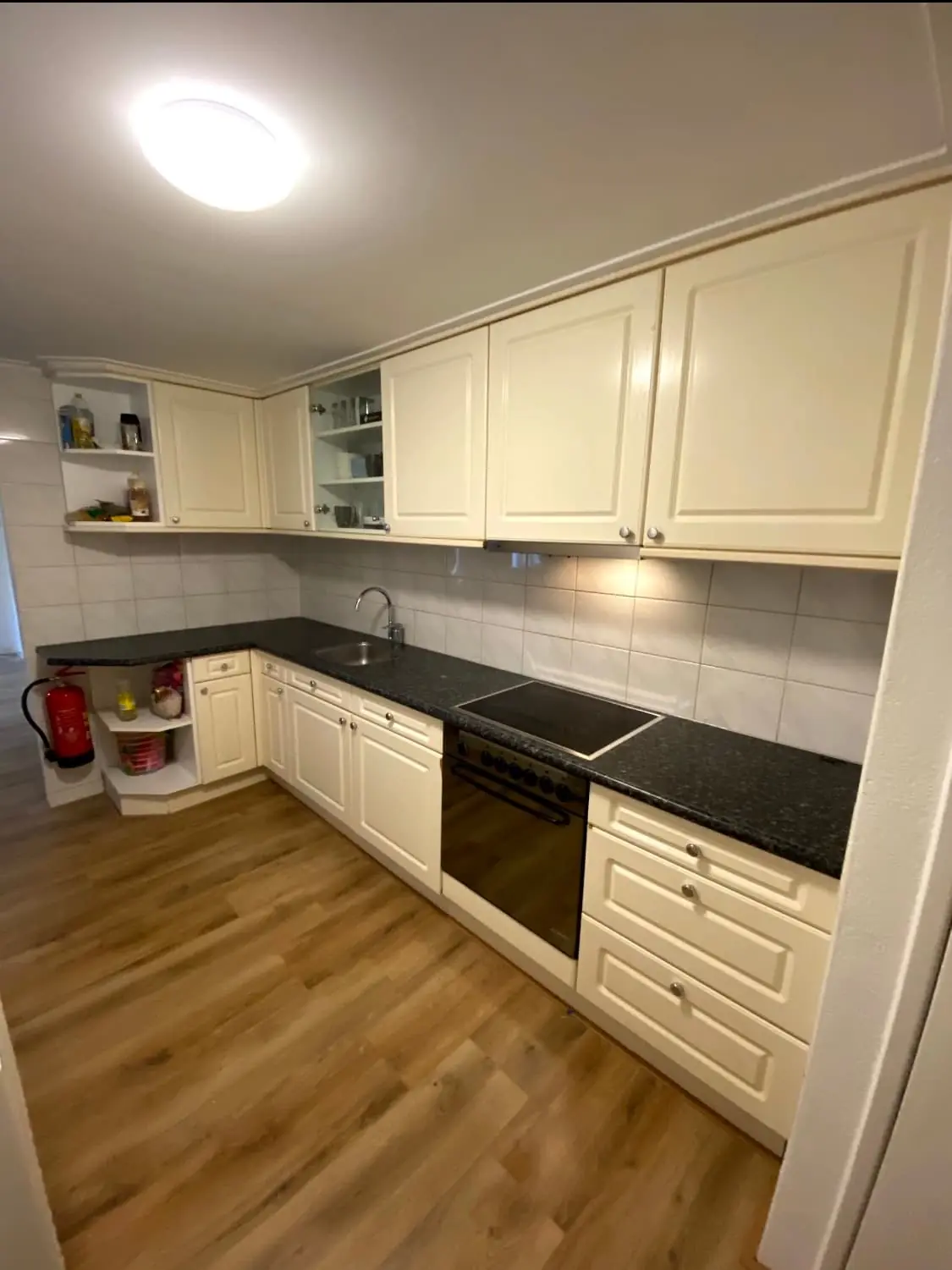
The living room is shared with fellow residents and contains a built-in kitchen that is fully equipped. The kitchen includes a hob, an extractor hood, a dishwasher, and a freestanding fridge-freezer combination. A multifunctional oven is also present, providing the appliances needed for daily cooking. This shared kitchen layout supports communal living while offering all the practical facilities required for preparing meals at home.
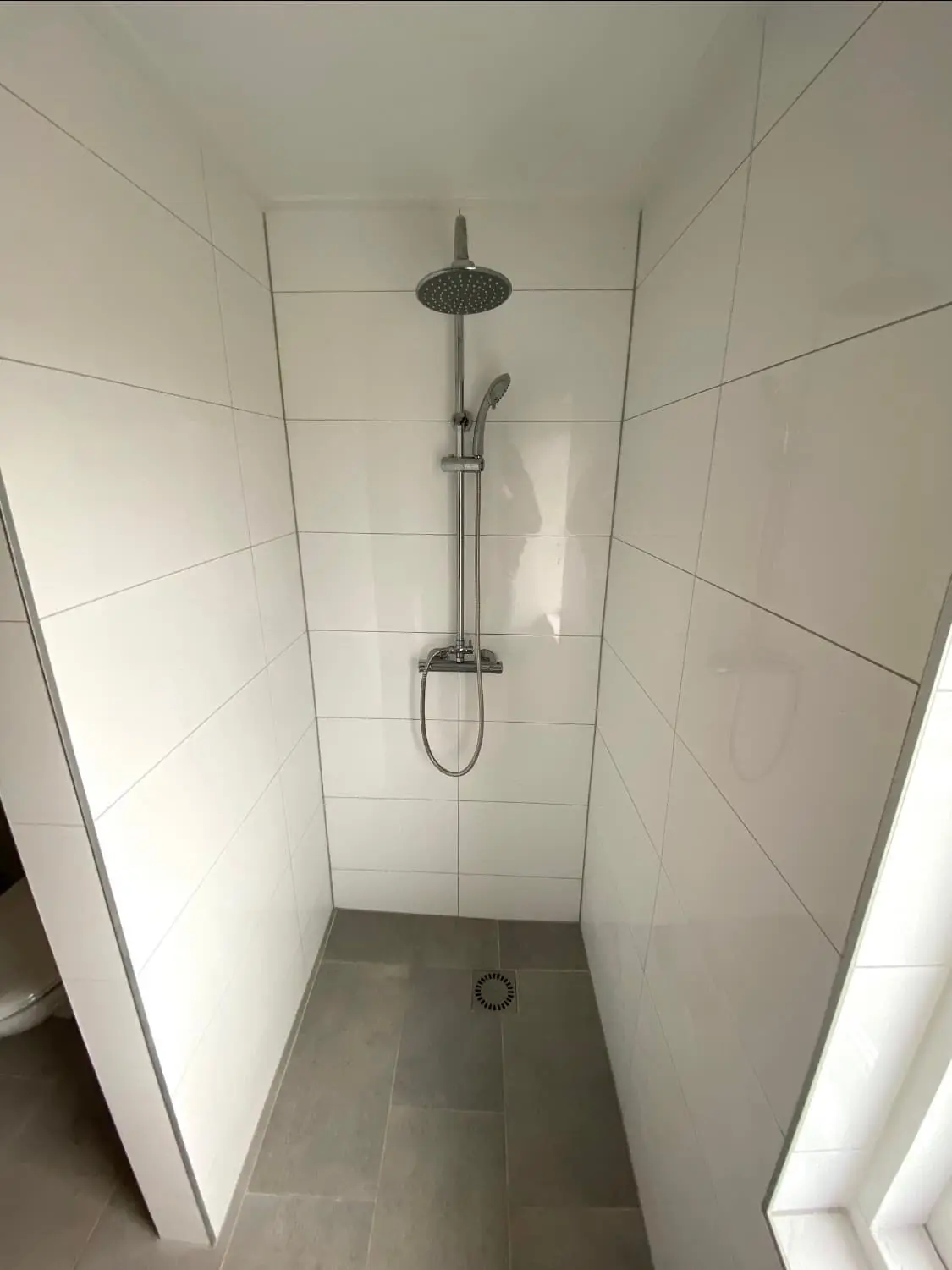
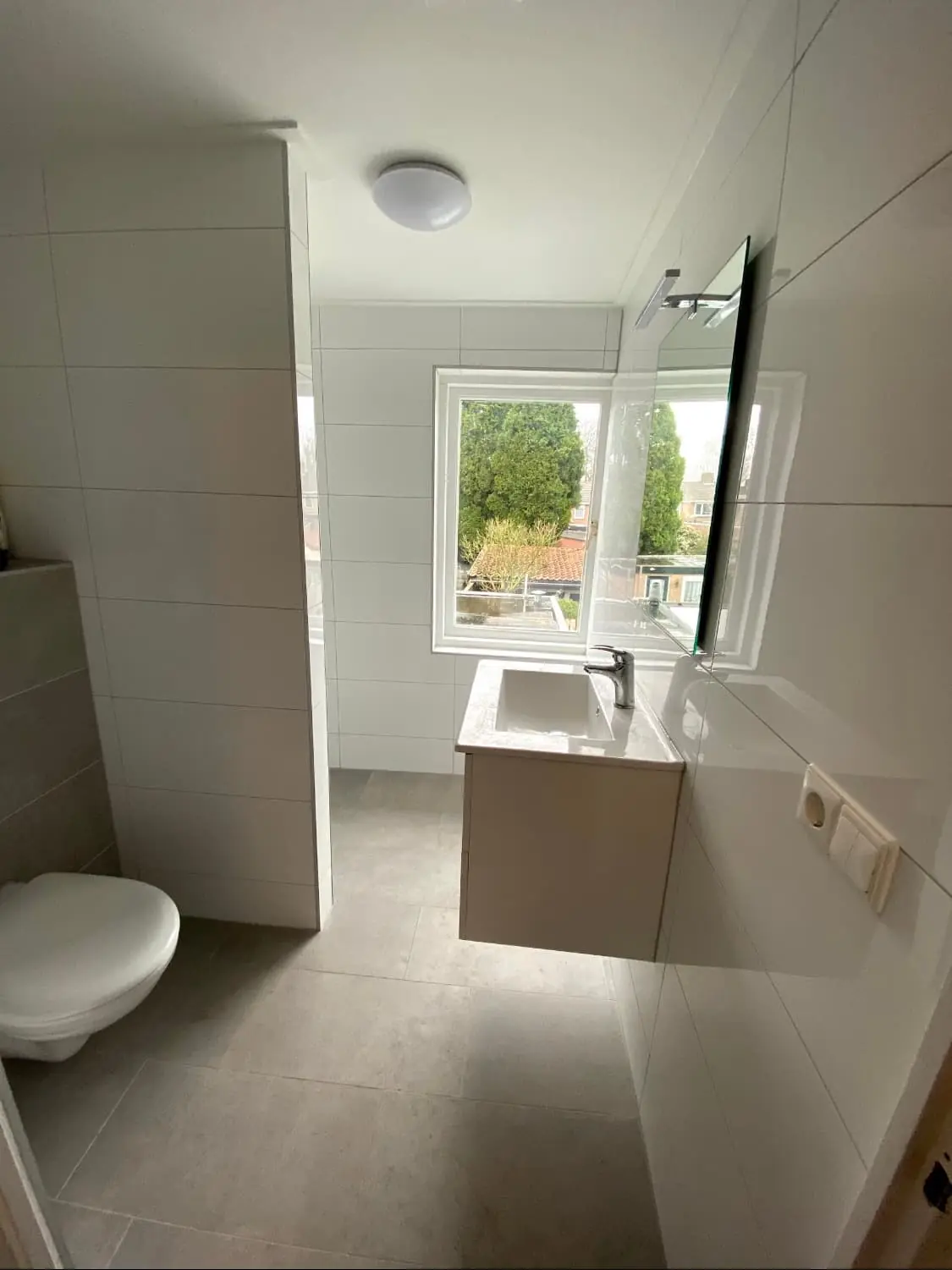
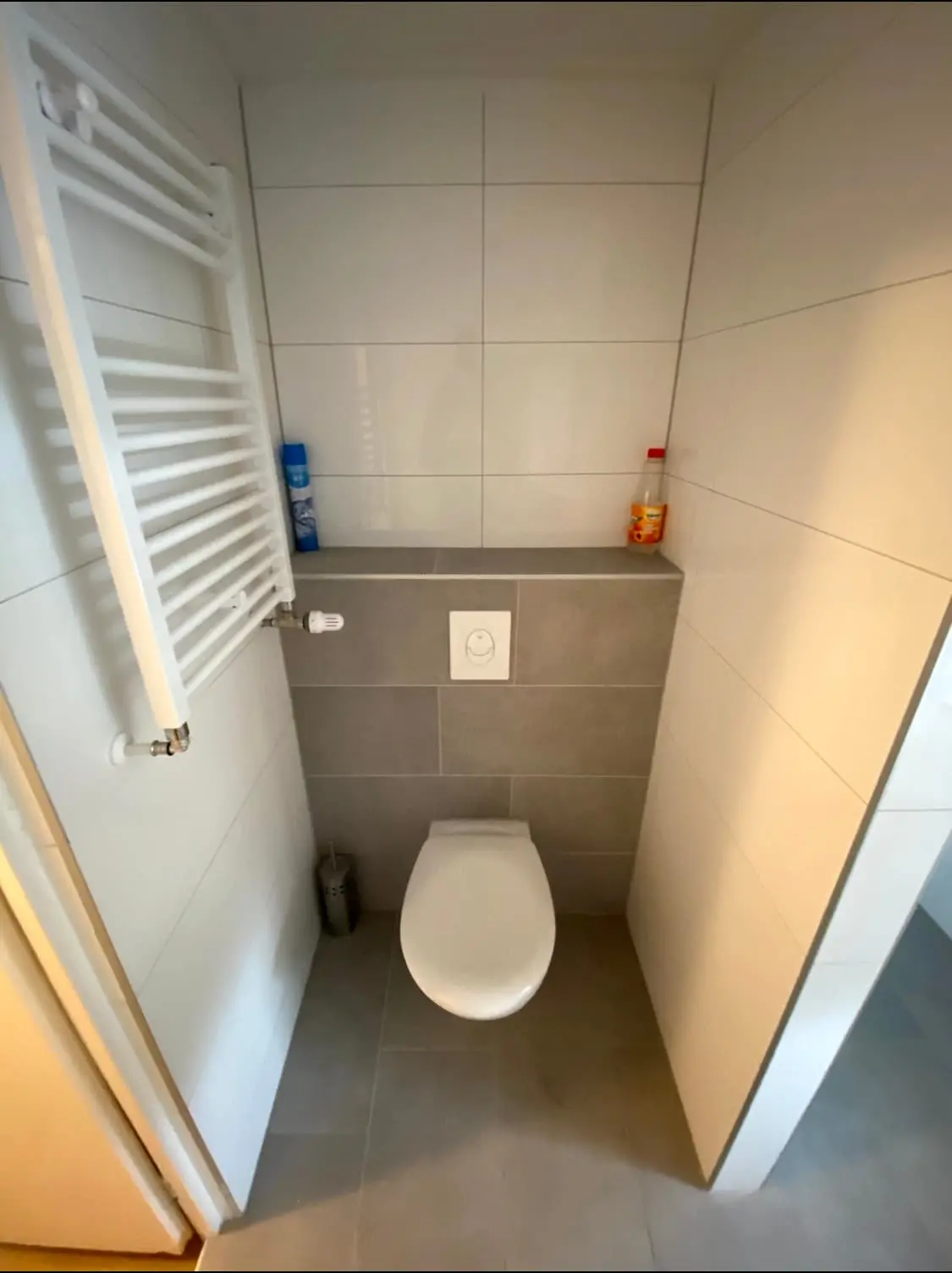
The bathroom is shared and is fitted with a shower cabin, a sink with basin, and a mirror. In addition to the bathroom, the property has a separate toilet, which adds convenience for the residents of the household. Outside, the building offers a communal garden where residents can sit and spend time outdoors. A separate storage area for bicycles is also available, which is practical for those who use a bike to get around the city.
The rent is set at 600 euros per month, inclusive of service costs, gas, electricity, water, and internet. No deposit is required, and no mediation or contract fees are charged. The property carries energy label A, indicating an efficient energy performance. Pets are not allowed at this property. The landlord is looking for a single tenant, with the accommodation particularly suited to students or working students between 16 and 31 years of age, and viewings can be arranged upon request.
Property Details & Features
Rental Overview
Price
€600.00
Top Neighborhoods to Live in Enschede
Discover the most sought-after neighborhoods in Enschede, perfect for finding your next Dutch rental. Explore the boroughs and areas locals love most.
Discover the most sought-after neighborhoods in Enschede, perfect for finding your next Dutch rental. Explore the boroughs and areas locals love most.
Frequently asked questions
Does the displayed rent include utilities and service costs?
Not necessarily. Luntero shows the rent and cost details supplied by the advertiser, but inclusions vary by property. Confirm the full breakdown with the publisher or on the original website before applying, including service costs, gas, electricity, water, internet, parking and any one-off fees.
Which documents will I need to apply?
The landlord or agency sets the requirements. Ask the publisher for the checklist, or follow the application instructions on an external listing’s original website. You may need identification, proof of income or employment, student documents or guarantor information. Check who is requesting sensitive documents and why before sending them.
Can Luntero tell me the status of my application?
No. Applications are handled by the advertiser, either through the contact details on a Direct listing or through an external provider. Luntero cannot see whether you were shortlisted, rejected or invited for a viewing. Ask the advertiser using the listing’s contact details or your application confirmation.
Can Luntero arrange a viewing or contact the owner for me?
No. Luntero does not own or manage the homes or arrange viewings. On a Direct listing, select “Contact publisher” to see the email and phone details provided. On an External listing, select “View original listing” for the provider’s contact and application options. Contact the advertiser yourself to arrange a viewing.
Why do details sometimes differ from the original listing?
For External listings, the provider may change or remove an advert after Luntero last collected it. Use the original website to confirm current availability, prices and application instructions. Direct listings are maintained by their publisher on Luntero; ask them to clarify any discrepancy. Report incorrect information on Luntero so it can be reviewed.
How do I contact the publisher or open the original listing?
The “Direct listing” label means the rental was published on Luntero. Select “Contact publisher” to see the supplied email and phone details. For rentals collected from other websites, select “View original listing” to respond there. Luntero does not receive rental applications or send enquiries for you.
How do I report an unavailable, incorrect, duplicate, or suspicious listing?
Open the listing and select “Report an issue”. Choose the closest reason and add useful details so Luntero can review the advert. For questions about your application or viewing, contact the publisher directly or the external provider you applied through.
Quick links
€600
/ month
 View listing on Kamernet