For rent
Apartment Componistenlaan 361, Tilburg Noord - For Rent
5049 HG (Tilburg)
76 m²4 roomsShellEnergy label C
€714/ month + €33.95 service costs
About This Rental in Tilburg
Spacious 3-Bedroom Apartment with Balcony and Elevator in Tilburg Noord
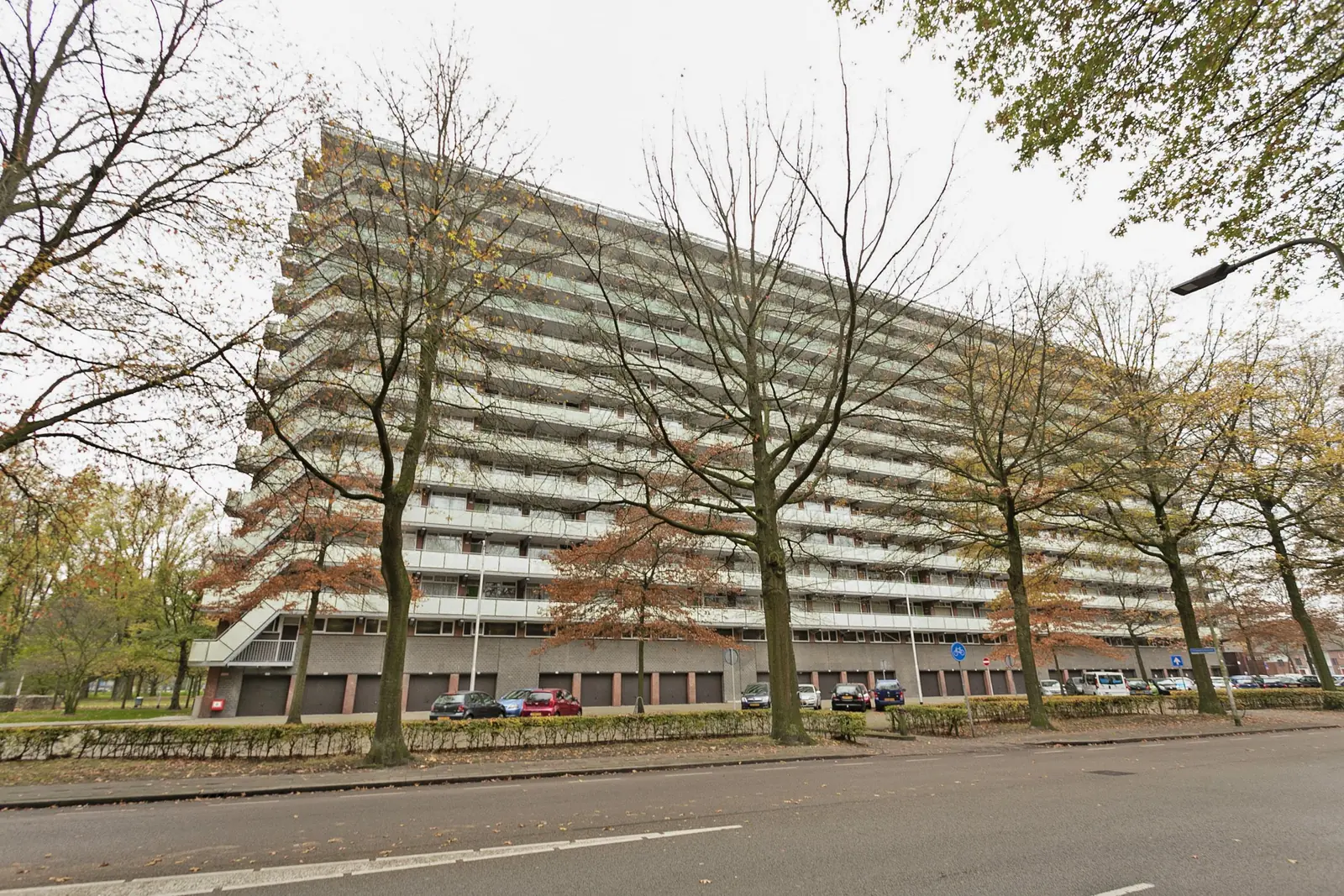
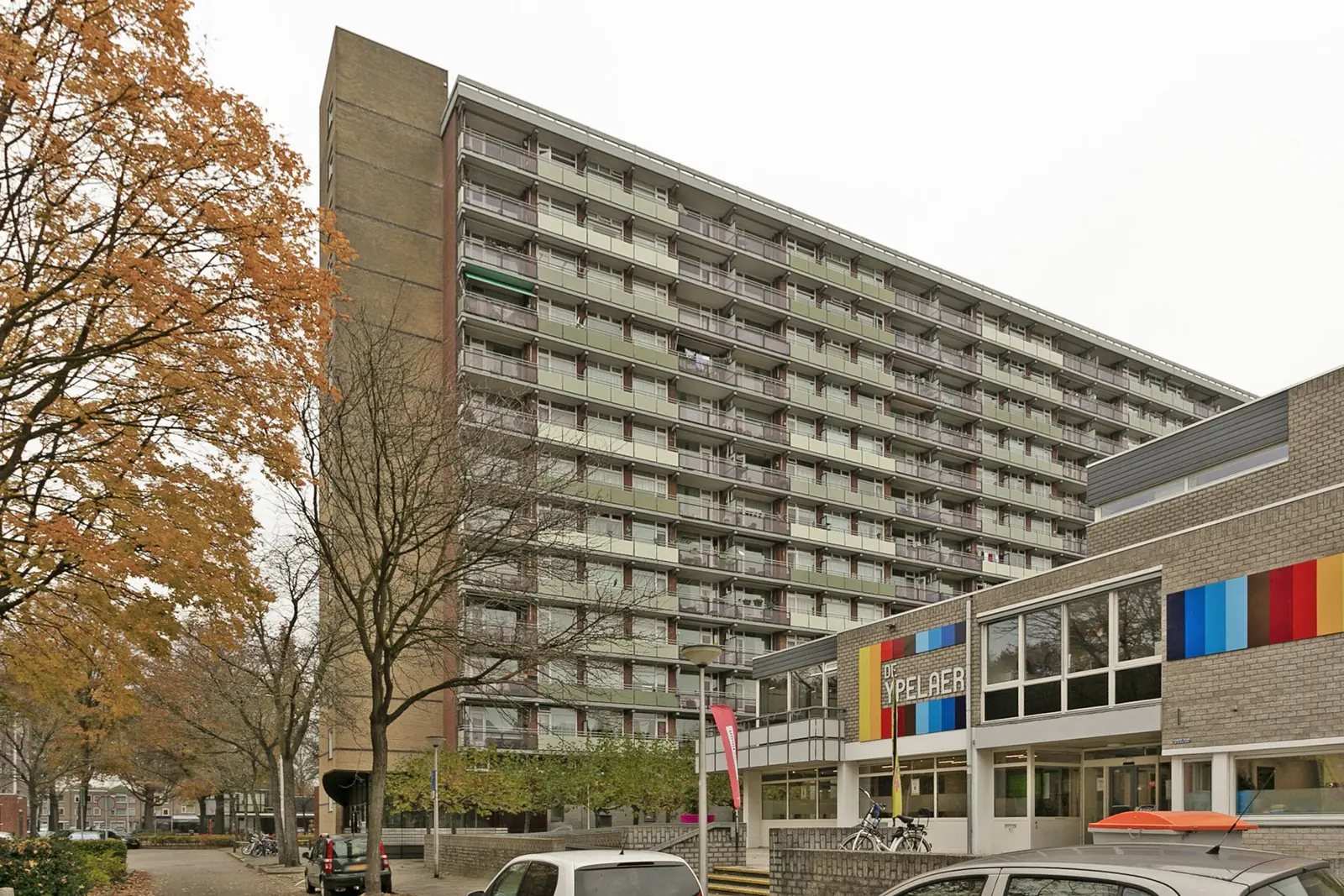
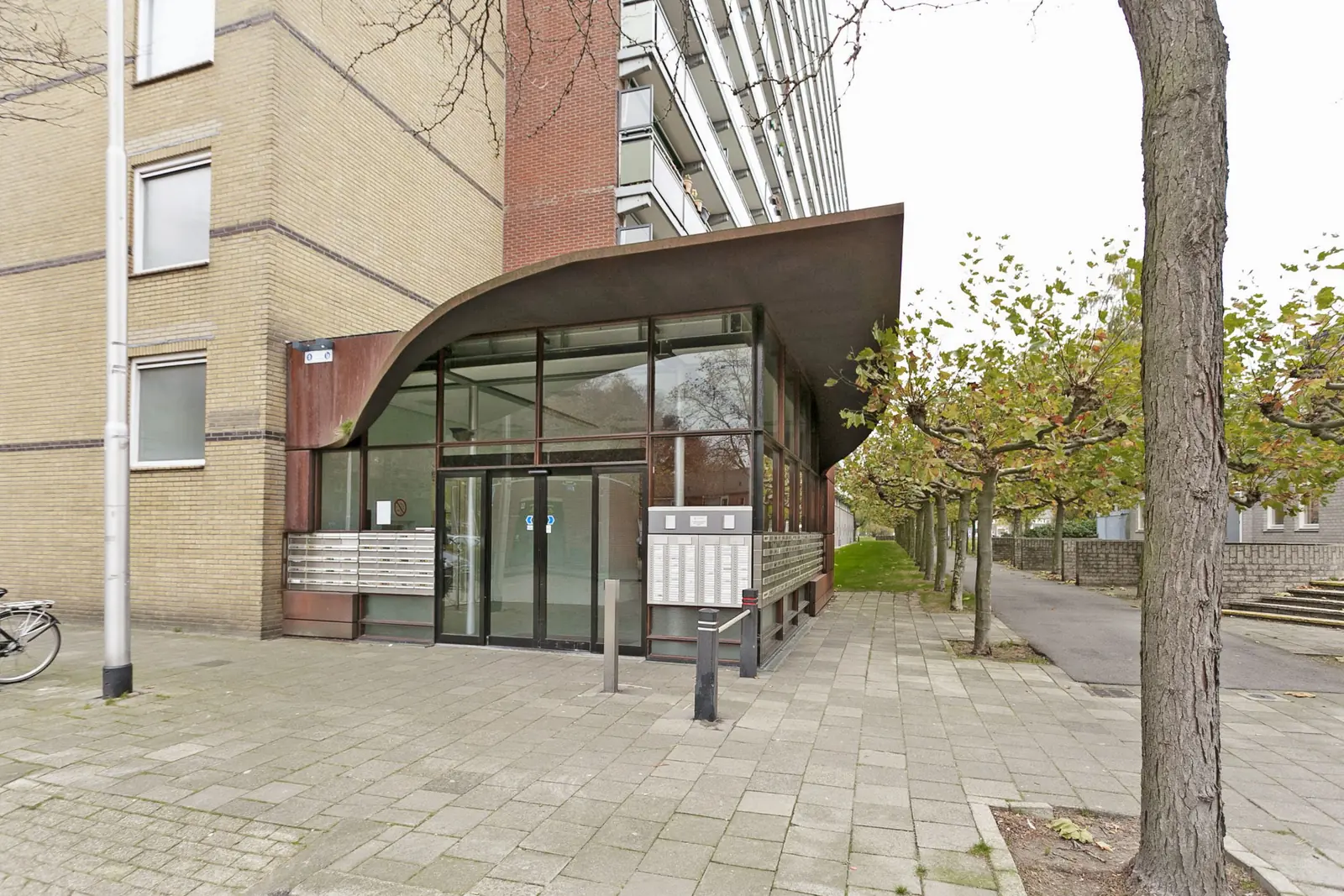
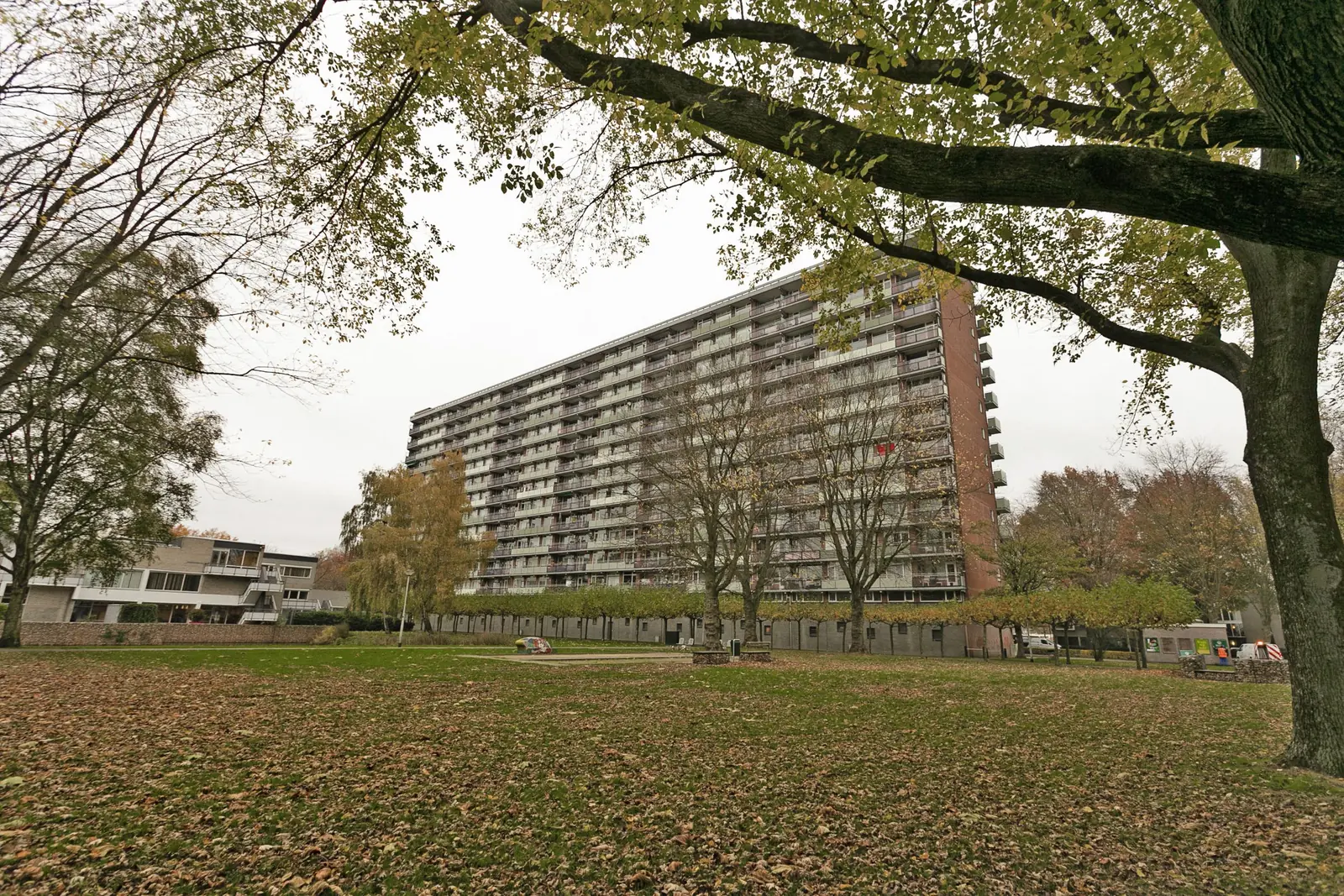
Componistenlaan 361 is located in the Stokhasselt district of Tilburg Noord. This apartment offers 76 m² of living space and is situated on the tenth floor or higher, with an elevator providing access to the building. The home has energy label C with an energy index of 1.72, indicating reasonable energy efficiency. It is a threshold-free home (nultredenwoning), designed for accessible living. Priority for this residence is given to Wmo applicants and home seekers aged 55 and over.
The layout of the apartment includes a living room of 32 m² and three bedrooms measuring 12, 12 and 10 m² respectively. The kitchen is a closed kitchen, separate from the living area. The home also features a balcony for outdoor access and relaxation. A storage unit is available as well, providing additional space for belongings. There is no garden attached to the property.
The net rent is €713.02 per month, with service costs of €33.95, resulting in a gross rent of €937.97. The service costs include heating, water consumption of the own home, electricity for the common areas, cleaning of the common areas, the glass fund and the sewer fund. Heating costs amount to €191.00 per month. A caretaker or neighborhood manager is present in the building, and parking is available nearby.
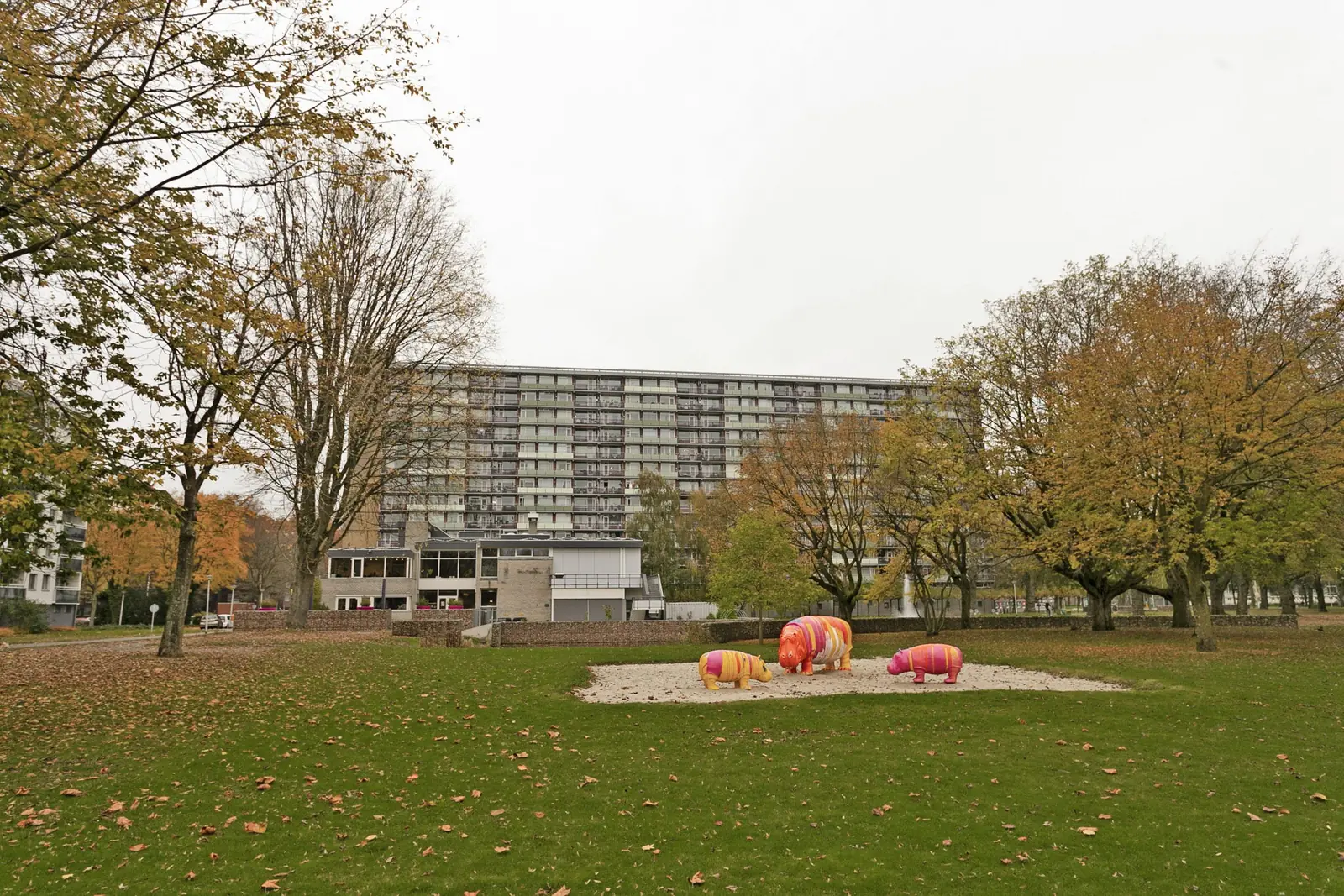
The apartment is situated in a green living environment in Tilburg Noord. A bus stop is located around the corner, offering connections to the rest of the city. Neighborhood center De Ypelaer is also close by. The Stokhasselt district provides a quiet residential setting with amenities in the immediate vicinity. The combination of the high floor, elevator access and nearby facilities makes this home well suited for comfortable senior living in Tilburg.
Property Details & Features
Rental Overview
Price
€714.00
Service Costs
€33.95
Is Social Housing
Outdoor Spaces
Balcony
Parking, Storage, and Facilities
Building Facilities
Elevator
Storage Present
Property Basics
Property Type
Apartment
Floor Number
10
Interior Spaces
Bedrooms
3
Amenities
Elevator
Heating Type
Central
Kitchen Type
Separate
Tenant Requirements & Preferences
Minimum Age
55
Rental price trends in Tilburg
Month-by-month overview of 4-room rental listings in Tilburg. Compare the current listing to the local market average to see if it’s priced fairly.
Current listing price
€714
47.0% lower than averageMarket average (4 rooms, Tilburg)
€1,346
Calculated from 8 listings last monthTop Neighborhoods to Live in Tilburg
Discover the most sought-after neighborhoods in Tilburg, perfect for finding your next Dutch rental. Explore the boroughs and areas locals love most.
Discover the most sought-after neighborhoods in Tilburg, perfect for finding your next Dutch rental. Explore the boroughs and areas locals love most.
Frequently asked questions
Does the displayed rent include utilities and service costs?
Not necessarily. Luntero shows the rent and cost details supplied by the advertiser, but inclusions vary by property. Confirm the full breakdown with the publisher or on the original website before applying, including service costs, gas, electricity, water, internet, parking and any one-off fees.
Which documents will I need to apply?
The landlord or agency sets the requirements. Ask the publisher for the checklist, or follow the application instructions on an external listing’s original website. You may need identification, proof of income or employment, student documents or guarantor information. Check who is requesting sensitive documents and why before sending them.
Can Luntero tell me the status of my application?
No. Applications are handled by the advertiser, either through the contact details on a Direct listing or through an external provider. Luntero cannot see whether you were shortlisted, rejected or invited for a viewing. Ask the advertiser using the listing’s contact details or your application confirmation.
Can Luntero arrange a viewing or contact the owner for me?
No. Luntero does not own or manage the homes or arrange viewings. On a Direct listing, select “Contact publisher” to see the email and phone details provided. On an External listing, select “View original listing” for the provider’s contact and application options. Contact the advertiser yourself to arrange a viewing.
Why do details sometimes differ from the original listing?
For External listings, the provider may change or remove an advert after Luntero last collected it. Use the original website to confirm current availability, prices and application instructions. Direct listings are maintained by their publisher on Luntero; ask them to clarify any discrepancy. Report incorrect information on Luntero so it can be reviewed.
How do I contact the publisher or open the original listing?
The “Direct listing” label means the rental was published on Luntero. Select “Contact publisher” to see the supplied email and phone details. For rentals collected from other websites, select “View original listing” to respond there. Luntero does not receive rental applications or send enquiries for you.
How do I report an unavailable, incorrect, duplicate, or suspicious listing?
Open the listing and select “Report an issue”. Choose the closest reason and add useful details so Luntero can review the advert. For questions about your application or viewing, contact the publisher directly or the external provider you applied through.