For rent
Apartment De Wijde Steeg, Ohé en Laak - For Rent
Ohé en Laak
90 m²4 roomsFurnished
€1,100/ month
About This Rental in Ohé en Laak
Furnished 90 m² Apartment with Garden and Parking Near the Maasplassen in Ohé en Laak
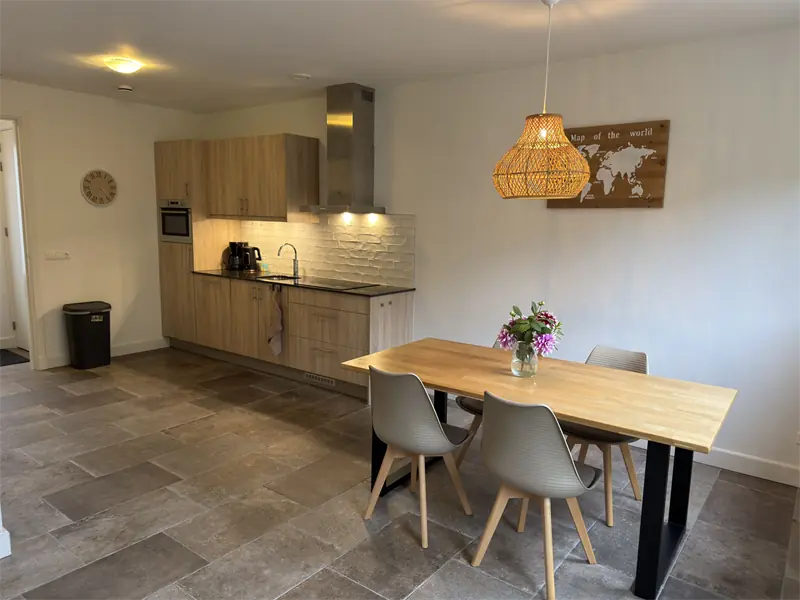
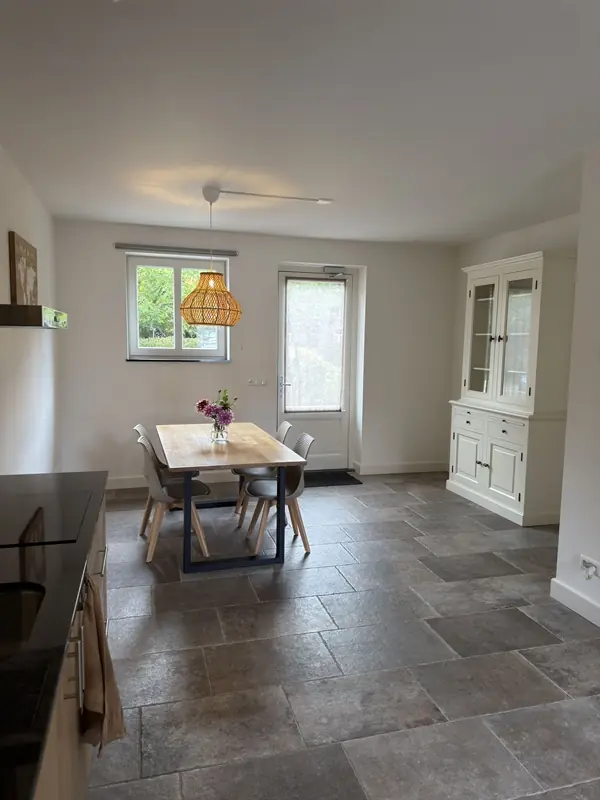
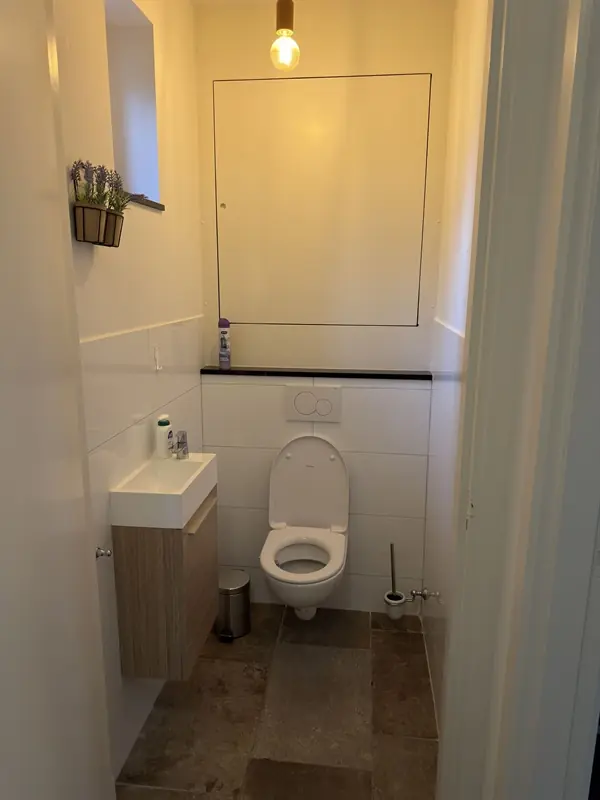
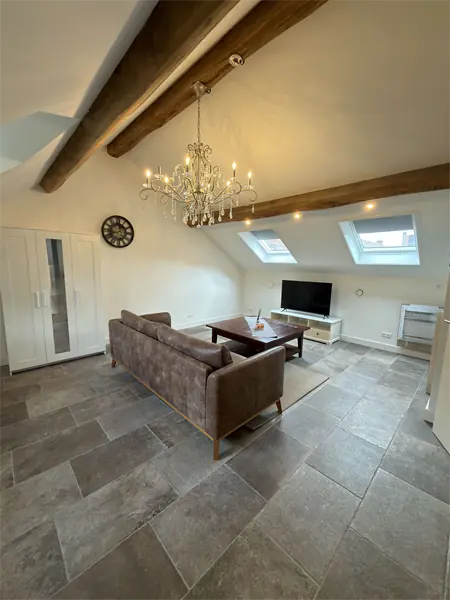
This apartment on De Wijde Steeg is situated in Ohé en Laak, a village in the water-rich heart of Midden-Limburg, close to the Maasplassen. The property offers approximately 90 m² of living space spread over four rooms and is offered fully furnished. Its location combines the tranquility of a village environment with short distances to daily amenities and main traffic routes. The residence is arranged across the ground floor and the first floor, creating a practical and spacious layout.
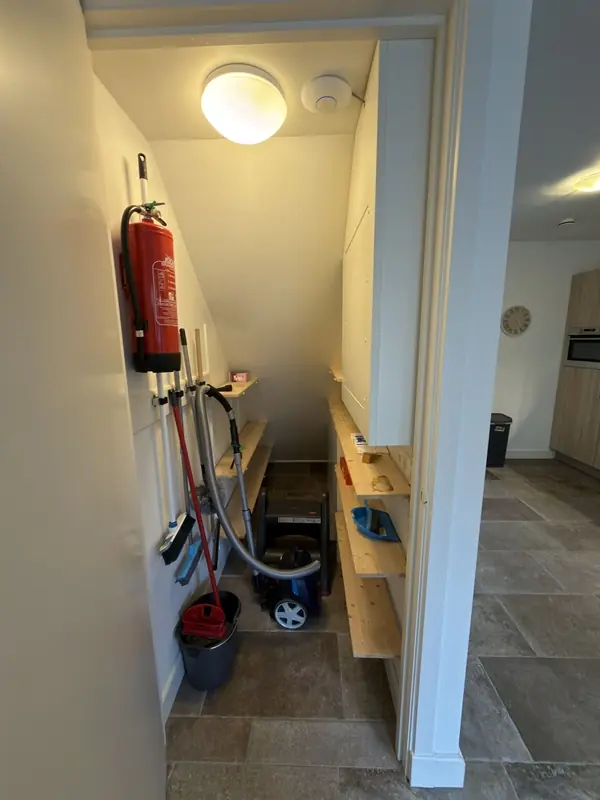
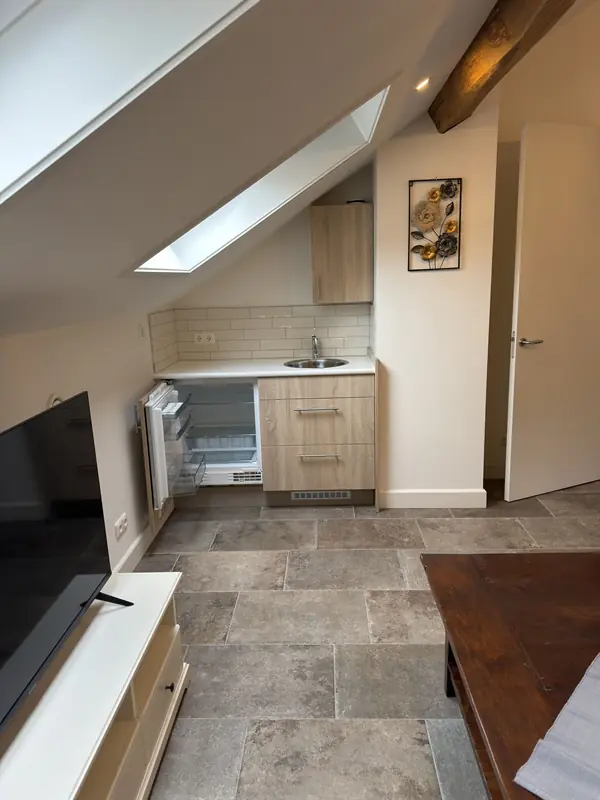
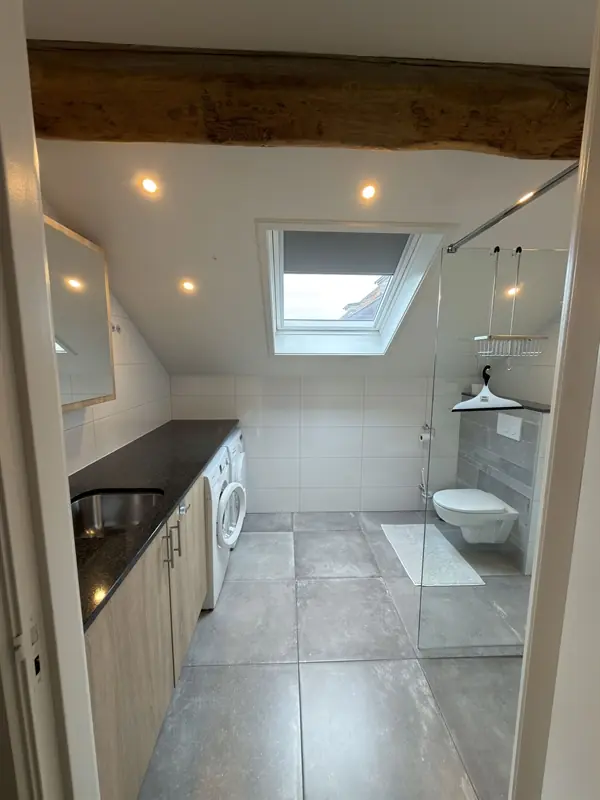
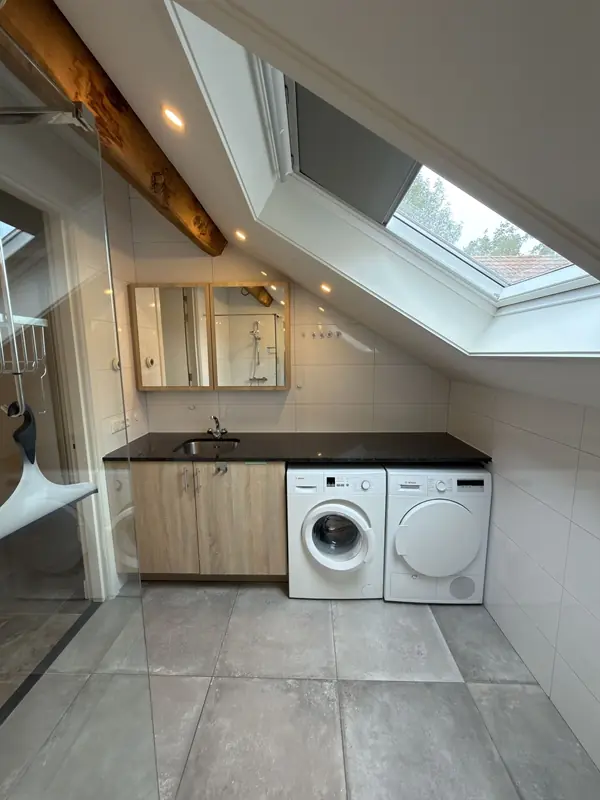
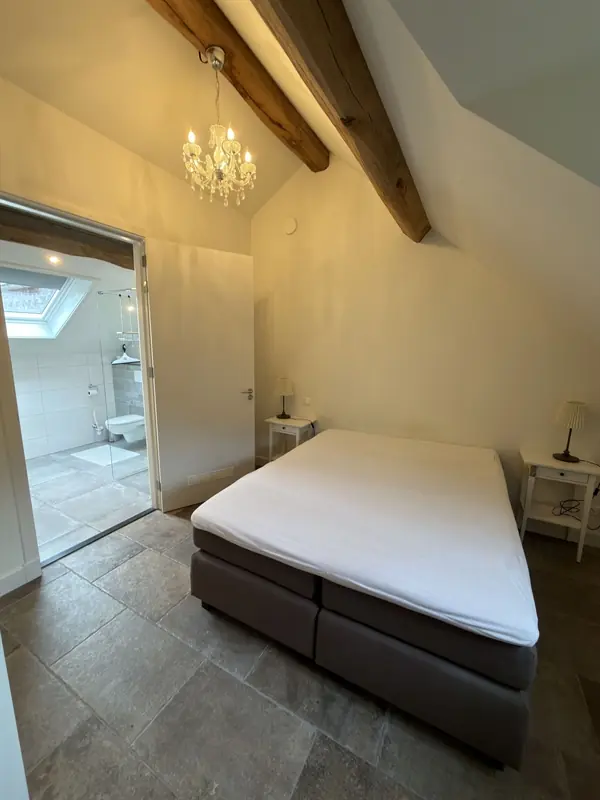
The split-level arrangement provides a clear separation between living, cooking, and sleeping areas. The living room is bright and receives ample natural daylight throughout the day. The kitchen is fully equipped, and the bathroom is finished in a neat, modern style. The upper level accommodates the sleeping quarters, giving the home a comfortable zoning of functions.
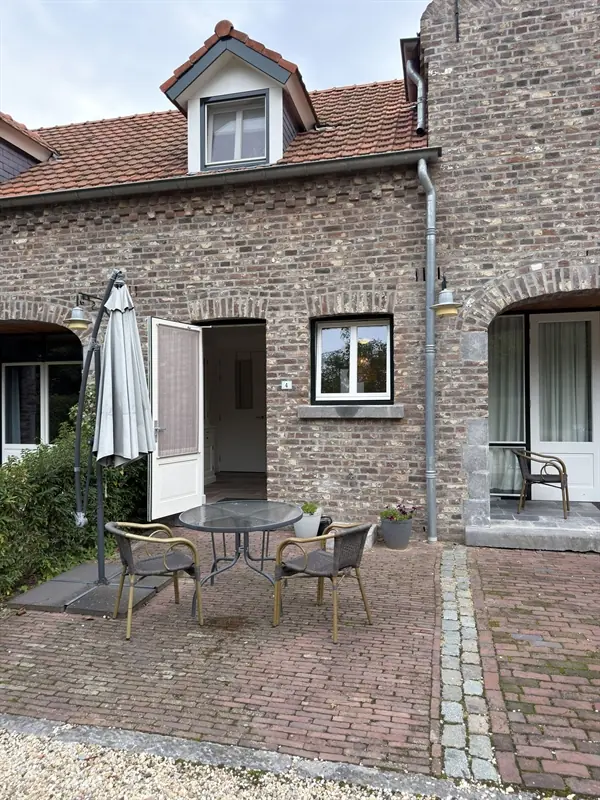
The apartment comes completely furnished, including a television, washing machine, and dryer. A private outdoor space in the form of a front garden belongs to the property, and parking is available on site. The rent is set at €1,100 per month, exclusive of energy costs, with a deposit of €1,500. The home is intended for a maximum of two adult occupants.
Regarding household policies, the property is not suitable for children, and pets are not permitted; the smoking policy can be requested from the landlord. The surrounding area of the Maasplassen is well suited to walking, cycling, and water-based recreation, while the wider region of Limburg offers a green and varied landscape. With amenities and access roads within short reach, the location balances a quiet residential setting with practical connectivity.
Property Details & Features
Rental Overview
Price
€1,100.00
Deposit Amount
€1,500.00
Condition
Good
Outdoor Spaces
Garden
Garden Description
Eigen buitenruimte/tuin (voortuin)
Property Basics
Property Type
Apartment
Number of Floors
2
Interior Spaces
Appliances
Dryer
Washer
Tenant Requirements & Preferences
Pets Allowed
No
Max Tenants
2
Frequently asked questions
Does the displayed rent include utilities and service costs?
Not necessarily. Luntero shows the rent and cost details supplied by the advertiser, but inclusions vary by property. Confirm the full breakdown with the publisher or on the original website before applying, including service costs, gas, electricity, water, internet, parking and any one-off fees.
Which documents will I need to apply?
The landlord or agency sets the requirements. Ask the publisher for the checklist, or follow the application instructions on an external listing’s original website. You may need identification, proof of income or employment, student documents or guarantor information. Check who is requesting sensitive documents and why before sending them.
Can Luntero tell me the status of my application?
No. Applications are handled by the advertiser, either through the contact details on a Direct listing or through an external provider. Luntero cannot see whether you were shortlisted, rejected or invited for a viewing. Ask the advertiser using the listing’s contact details or your application confirmation.
Can Luntero arrange a viewing or contact the owner for me?
No. Luntero does not own or manage the homes or arrange viewings. On a Direct listing, select “Contact publisher” to see the email and phone details provided. On an External listing, select “View original listing” for the provider’s contact and application options. Contact the advertiser yourself to arrange a viewing.
Why do details sometimes differ from the original listing?
For External listings, the provider may change or remove an advert after Luntero last collected it. Use the original website to confirm current availability, prices and application instructions. Direct listings are maintained by their publisher on Luntero; ask them to clarify any discrepancy. Report incorrect information on Luntero so it can be reviewed.
How do I contact the publisher or open the original listing?
The “Direct listing” label means the rental was published on Luntero. Select “Contact publisher” to see the supplied email and phone details. For rentals collected from other websites, select “View original listing” to respond there. Luntero does not receive rental applications or send enquiries for you.
How do I report an unavailable, incorrect, duplicate, or suspicious listing?
Open the listing and select “Report an issue”. Choose the closest reason and add useful details so Luntero can review the advert. For questions about your application or viewing, contact the publisher directly or the external provider you applied through.