For rent
Apartment Soetelaer, Kortgene - For Rent
Kortgene
104 m²3 roomsUpholsteredEnergy label A+++
€1,750/ month
About This Rental in Kortgene
Energy-Efficient 104 m² Apartment with Two Balconies Near the Veerse Meer in Kortgene
This three-room apartment is located in the small-scale new-build complex De Graaf, on the edge of the village of Kortgene. The property offers approximately 104 m² of living space and is available immediately. Situated within walking distance of the Veerse Meer, the apartment combines a convenient location with modern building standards. The complex includes a shared entrance with mailboxes, an elevator, and a staircase leading to the first floor where the apartment is situated.
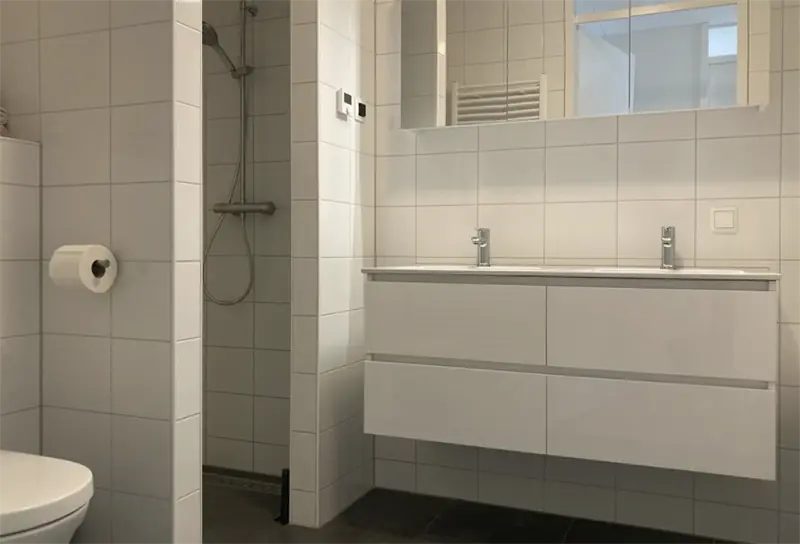
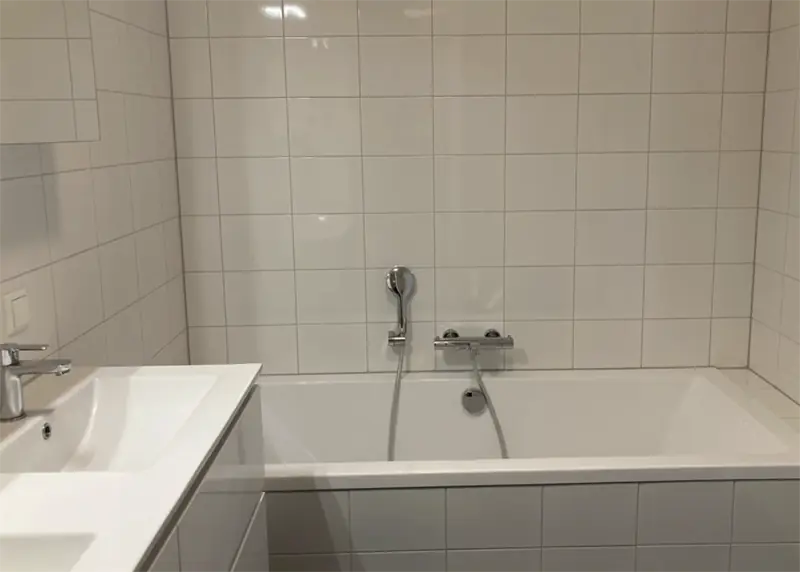
Upon entering, a spacious hall with the meter cupboard provides access to all rooms. On the right side of the hall are the toilet, the utility room, and the bathroom. The bathroom is equipped with a walk-in shower, a washbasin unit with mirror cabinet, a bathtub, and a second toilet. The utility room contains the connections for a washing machine and dryer and also houses the heat pump of the property.
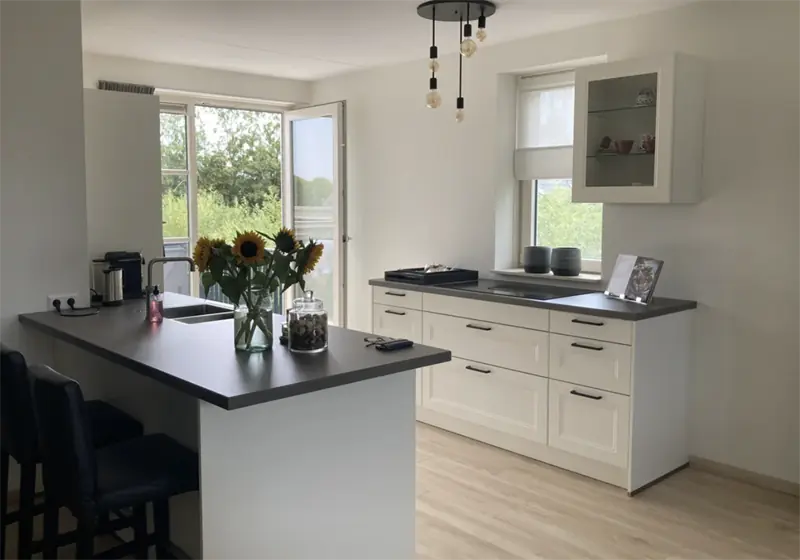
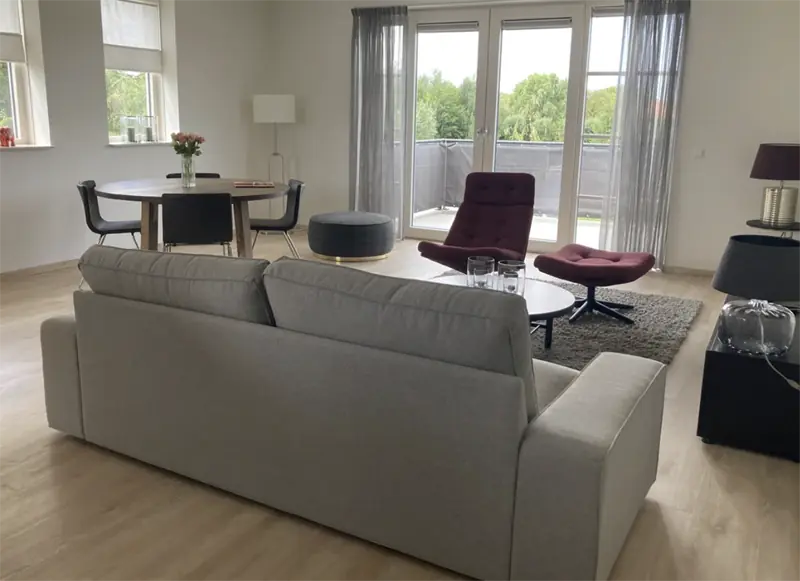
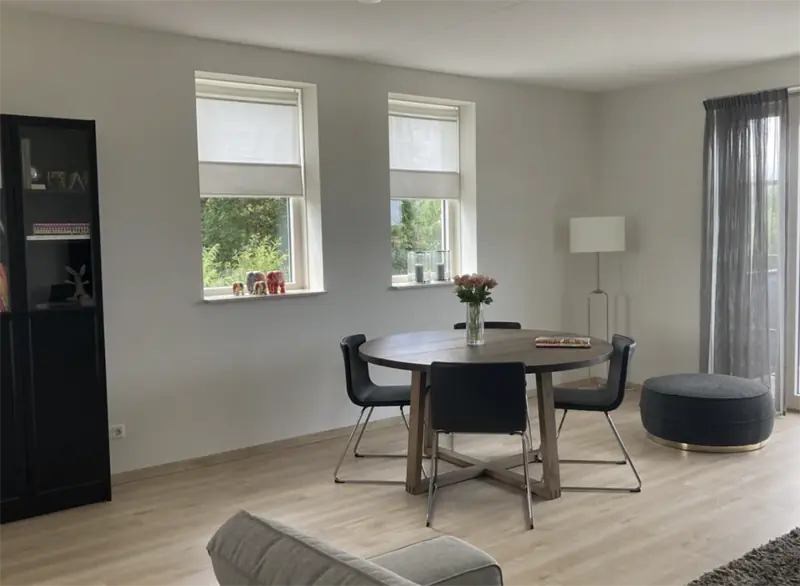
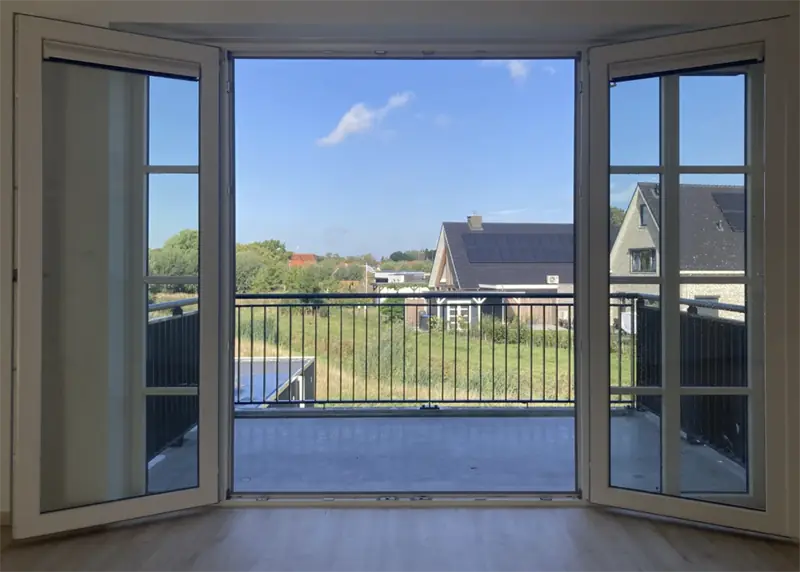
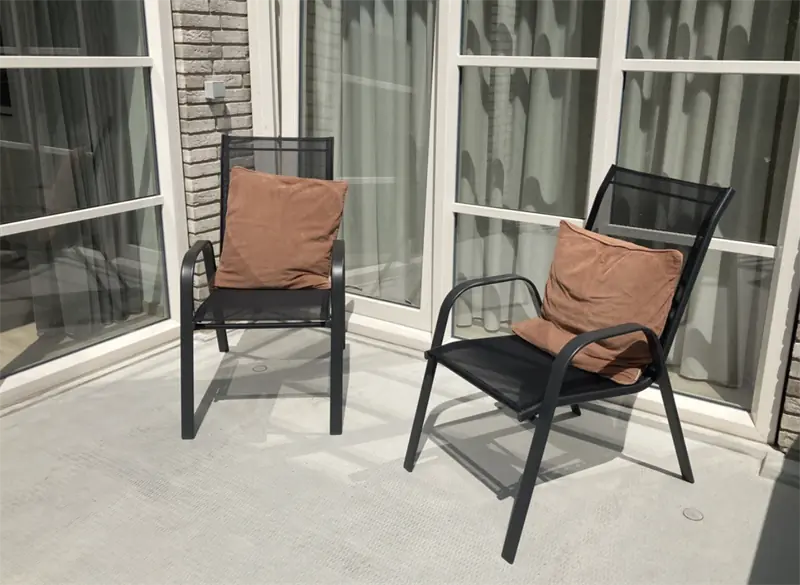
The living room is bright thanks to the large window sections on multiple sides. Through the French doors, the west-facing balcony at the rear can be reached. The open kitchen is finished with energy-efficient built-in appliances, including a steam oven, refrigerator, freezer, dishwasher, and an induction hob with an integrated extractor hood. From the kitchen, there is direct access to the second balcony, which also adjoins one of the bedrooms. In total, the apartment offers two balconies of approximately 7 m² and 8 m² at the front and rear.
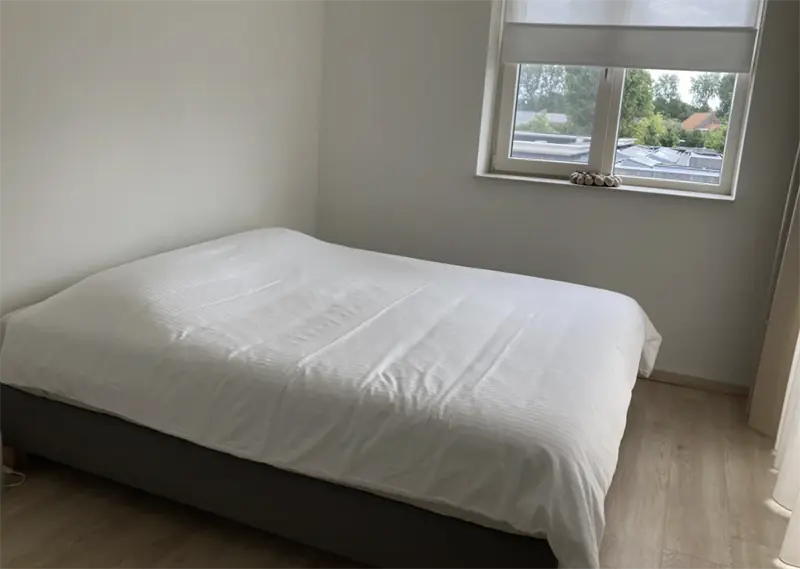
The apartment has two bedrooms: one at the front measuring approximately 12.5 m² with access to the balcony, and one at the rear measuring approximately 14.5 m² with a French balcony. The property is fully gas-free, equipped with underfloor heating and solar panels, and has an A+++ energy label. A private storage unit on the ground floor is included. The apartment is offered upholstered. Policies regarding smoking and pets can be requested from the provider.
Property Details & Features
Rental Overview
Price
€1,750.00
Condition
New
Interior Spaces
Bedrooms
2
Bathrooms
1
Amenities
Renewable energy
Elevator
Bathtub
Shower
Heating Type
Electric
Kitchen Type
Open
Cooktop Type
Induction
Energy Source
All electric
Appliances
Dishwasher
Oven
Fridge
Freezer
Property Basics
Property Type
Apartment
Floor Number
1
Outdoor Spaces
Balcony
Parking, Storage, and Facilities
Building Facilities
Elevator
Storage Present
Frequently asked questions
Does the displayed rent include utilities and service costs?
Not necessarily. Luntero shows the rent and cost details supplied by the advertiser, but inclusions vary by property. Confirm the full breakdown with the publisher or on the original website before applying, including service costs, gas, electricity, water, internet, parking and any one-off fees.
Which documents will I need to apply?
The landlord or agency sets the requirements. Ask the publisher for the checklist, or follow the application instructions on an external listing’s original website. You may need identification, proof of income or employment, student documents or guarantor information. Check who is requesting sensitive documents and why before sending them.
Can Luntero tell me the status of my application?
No. Applications are handled by the advertiser, either through the contact details on a Direct listing or through an external provider. Luntero cannot see whether you were shortlisted, rejected or invited for a viewing. Ask the advertiser using the listing’s contact details or your application confirmation.
Can Luntero arrange a viewing or contact the owner for me?
No. Luntero does not own or manage the homes or arrange viewings. On a Direct listing, select “Contact publisher” to see the email and phone details provided. On an External listing, select “View original listing” for the provider’s contact and application options. Contact the advertiser yourself to arrange a viewing.
Why do details sometimes differ from the original listing?
For External listings, the provider may change or remove an advert after Luntero last collected it. Use the original website to confirm current availability, prices and application instructions. Direct listings are maintained by their publisher on Luntero; ask them to clarify any discrepancy. Report incorrect information on Luntero so it can be reviewed.
How do I contact the publisher or open the original listing?
The “Direct listing” label means the rental was published on Luntero. Select “Contact publisher” to see the supplied email and phone details. For rentals collected from other websites, select “View original listing” to respond there. Luntero does not receive rental applications or send enquiries for you.
How do I report an unavailable, incorrect, duplicate, or suspicious listing?
Open the listing and select “Report an issue”. Choose the closest reason and add useful details so Luntero can review the advert. For questions about your application or viewing, contact the publisher directly or the external provider you applied through.