For rent
Unfurnished Room Eemskanaal NZ, Groningen - For Rent
Groningen
22 m²2 roomsShellEnergy label A
€799/ month
About This Rental in Groningen
Unfurnished 22 m² Room with Private Kitchen and Bedroom on the Eemskanaal NZ in Groningen
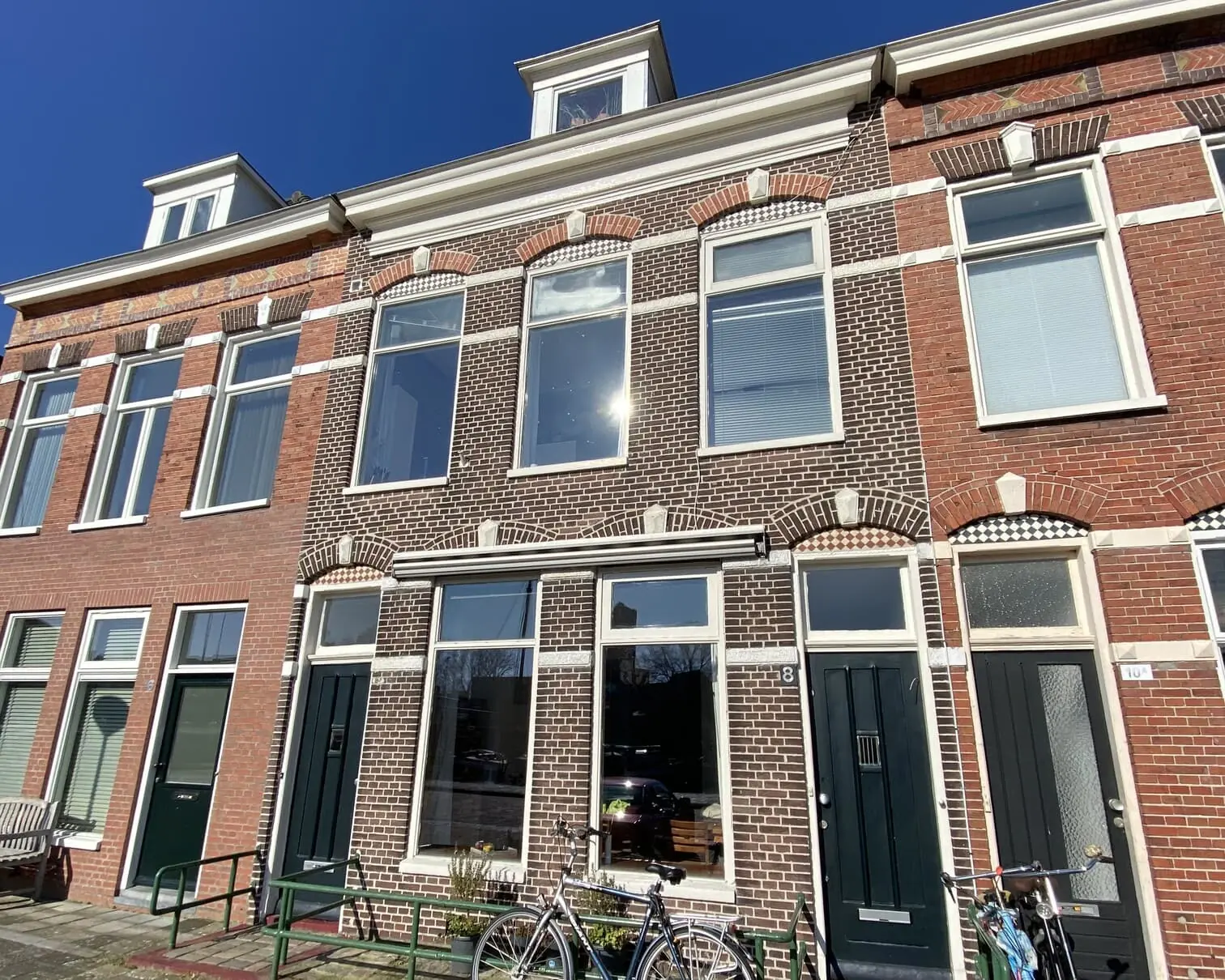
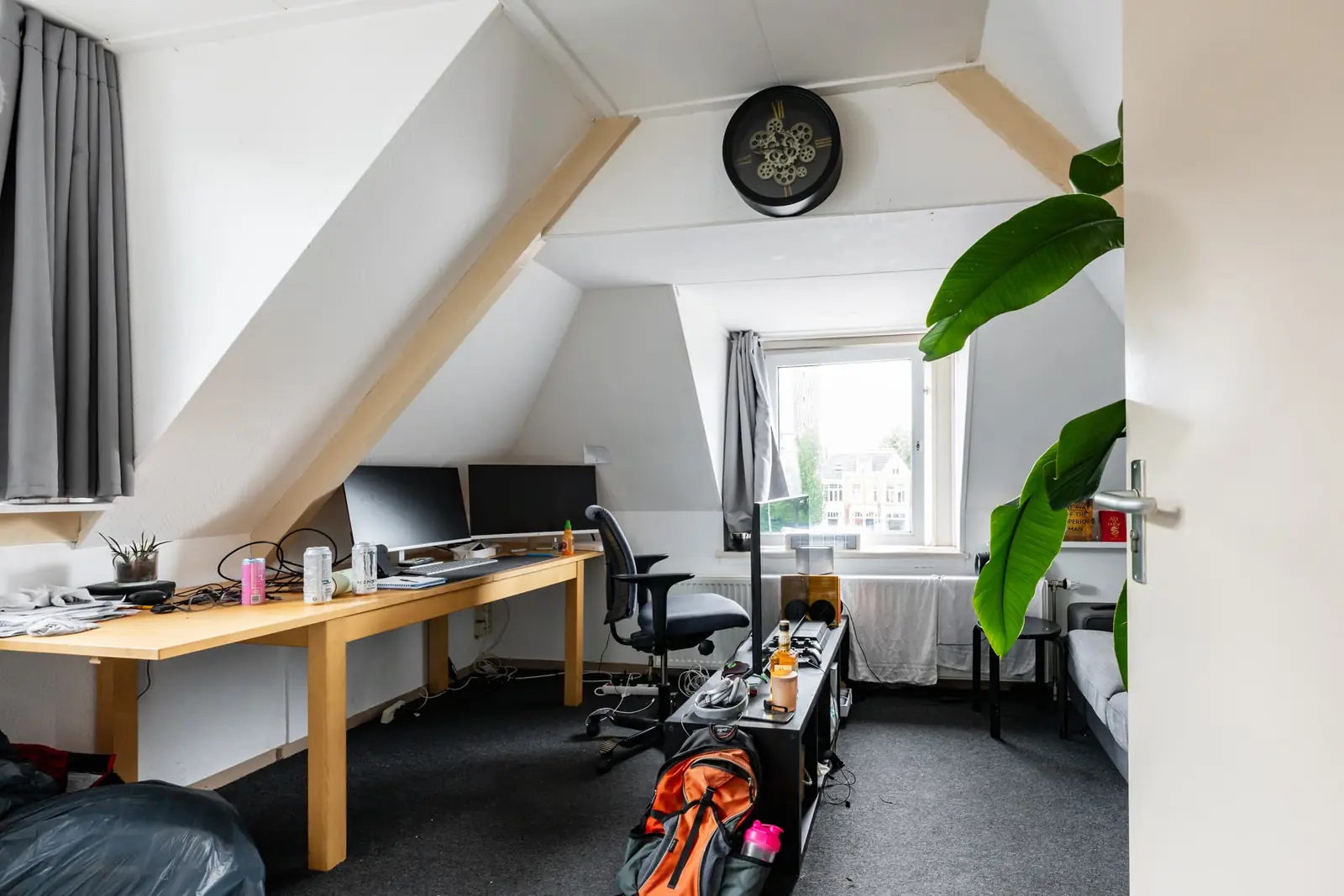
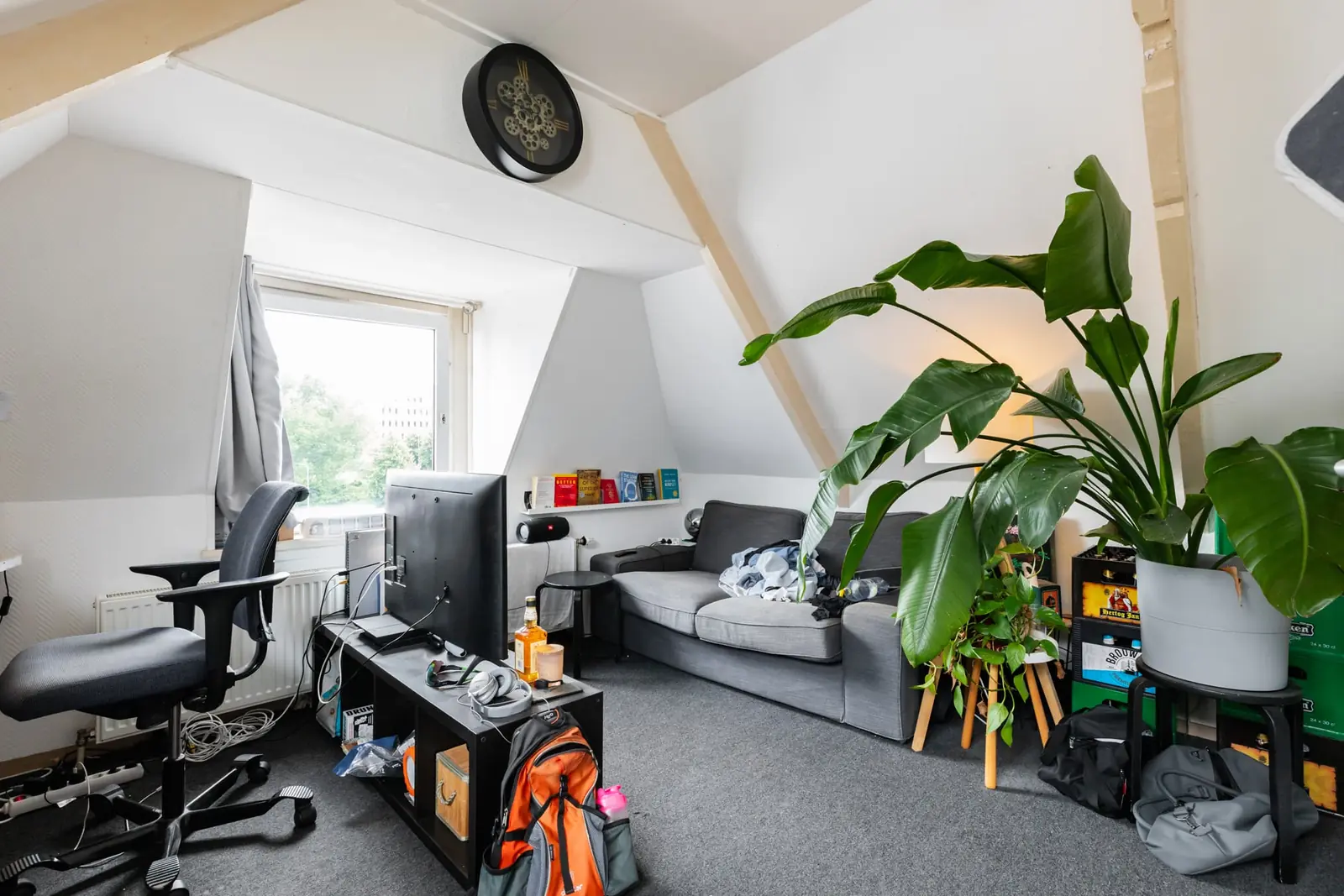
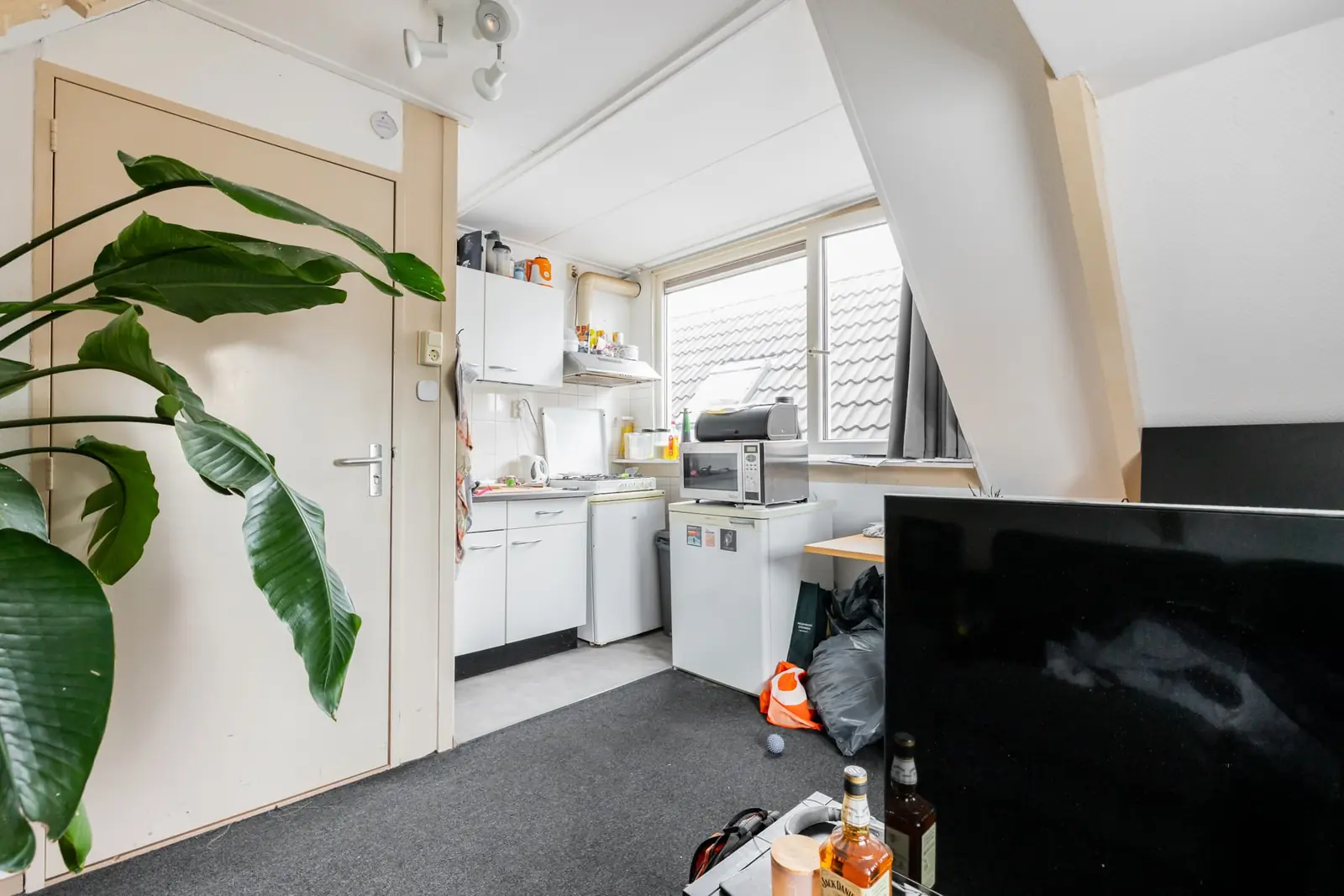
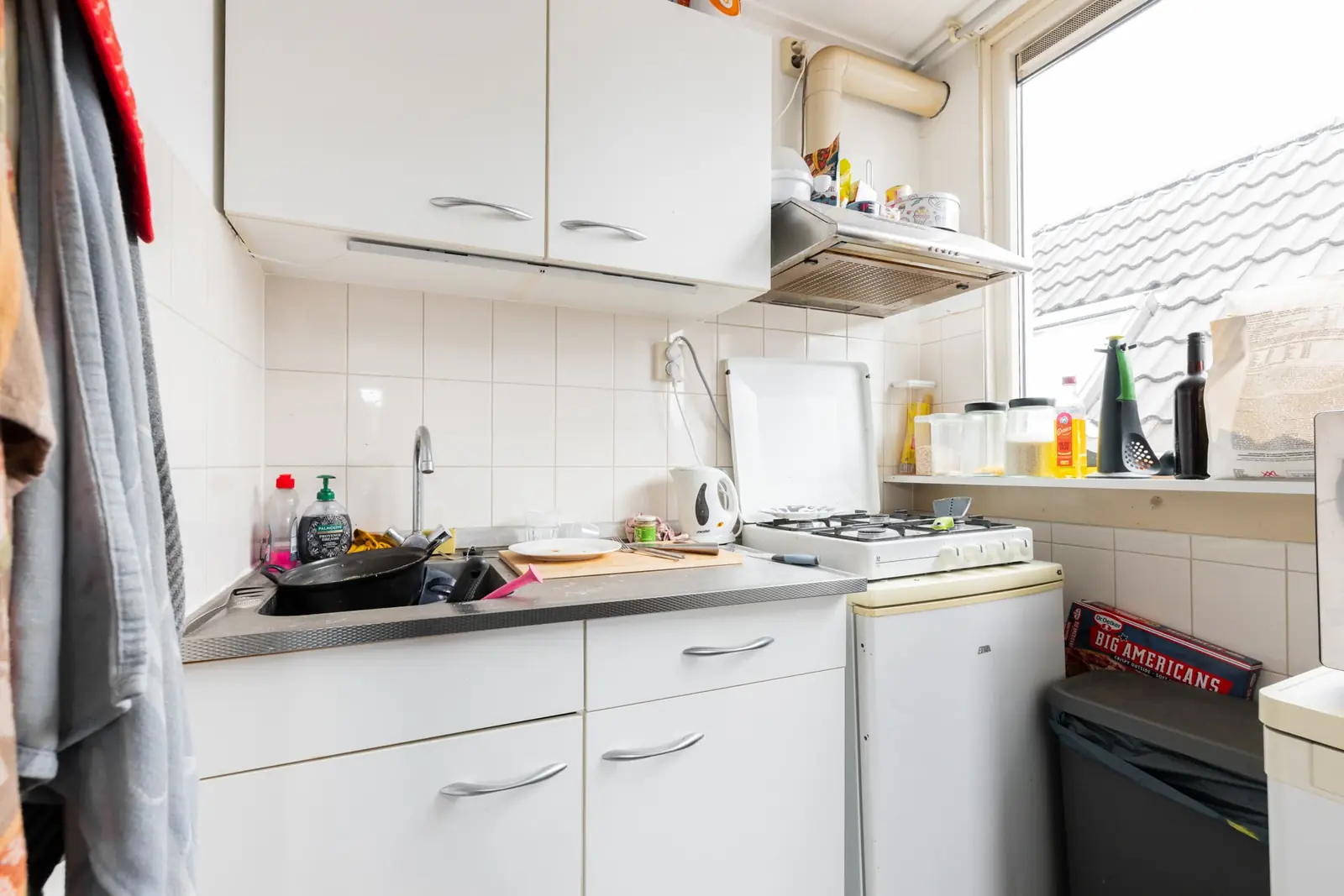
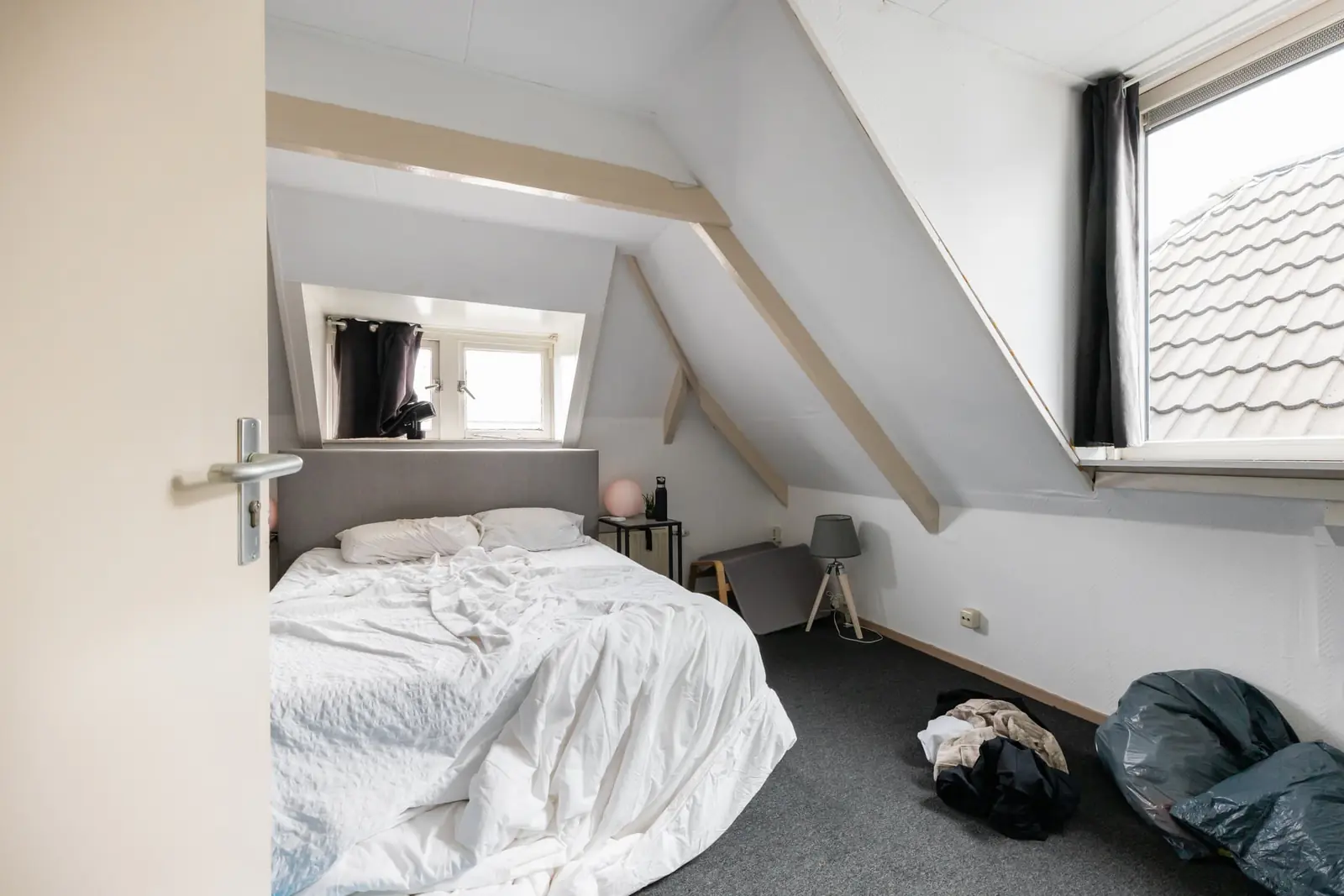
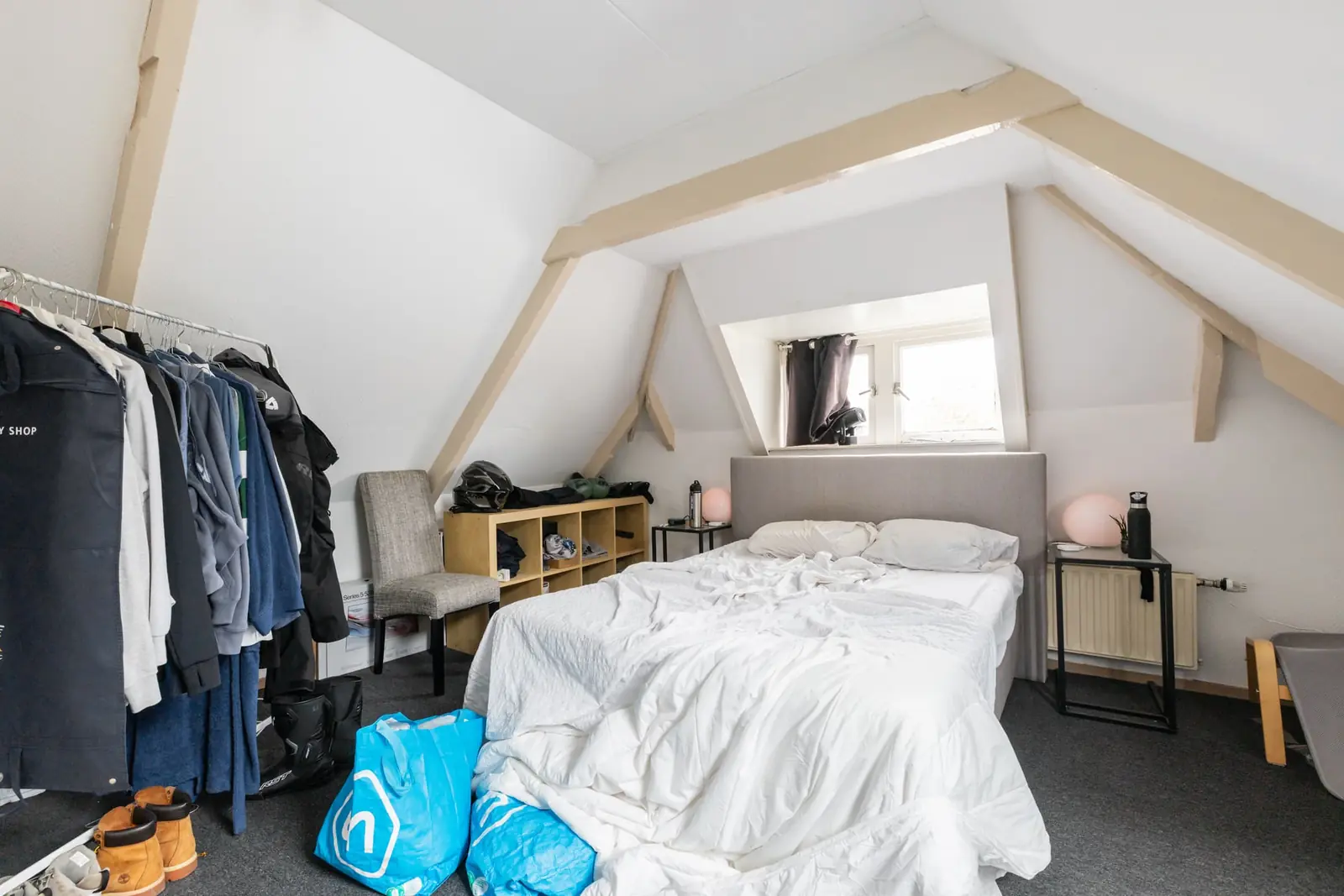
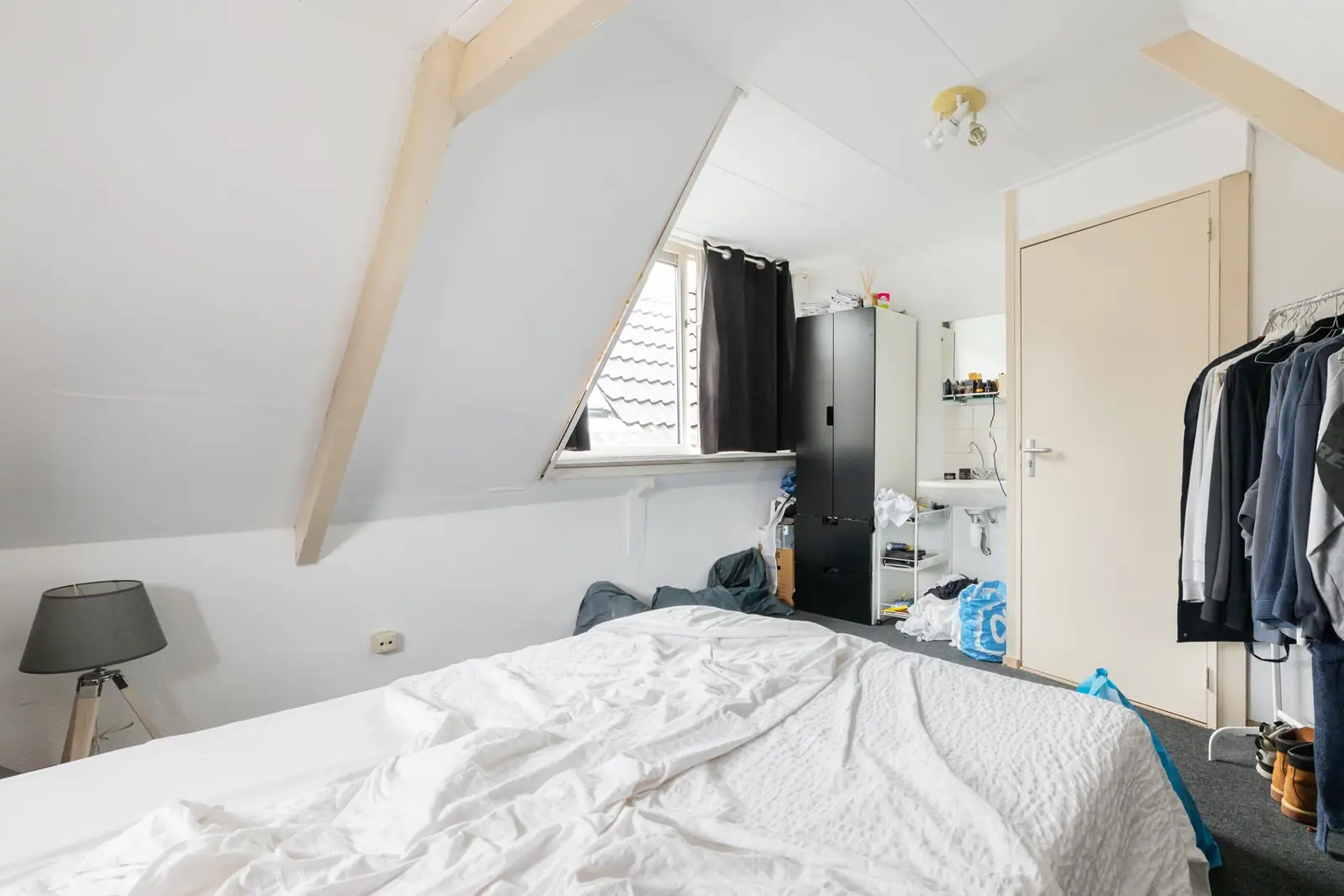
This unfurnished room is available on the Eemskanaal NZ in Groningen and measures approximately 22 m². The property is situated on the second floor and offers space at both the front and back of the house, providing light from two sides. The layout includes a separate bedroom in addition to a living area, which gives the room more functionality than a standard single room. The living area is equipped with its own kitchen, allowing for independent cooking. Heating is provided through central heating throughout the space.
The rental arrangement includes a private living room and a private kitchen, while the shower and toilet are shared with fellow residents of the house. The monthly rent is €799, which covers utilities, television, and municipal taxes. A deposit of €799, equivalent to one month's rent, applies. The room has energy label A, indicating an energy-efficient building. Internet is not included, so tenants would need to arrange this separately. Pets are not permitted in this accommodation.
The room is located along the Eemskanaal in Groningen, a canal that runs through the northern part of the city. This area offers a residential setting with convenient access to the rest of Groningen. The city itself is known for its large student population, supported by the University of Groningen and Hanze University of Applied Sciences, making it a popular location for students and young professionals. Amenities such as shops, supermarkets, and public transport connections are typically found within reach of the canal-side neighborhoods. The combination of a waterside location and proximity to the city center makes this part of Groningen attractive for renters.
The rental period is indefinite, providing long-term housing certainty for the tenant. The accommodation is intended for one occupant, and the landlord is open to students and working students between the ages of 16 and 99. There are no specific language requirements, and applicants of all backgrounds are welcome. The room is registered with 71 WWS points, which is relevant under Dutch regulations for assessing whether the rent is in line with the point-based system for the social housing sector. Viewings of the room can be arranged through the landlord. The property is offered by DC Wonen, a real estate agency that manages the rental process.
Property Details & Features
Rental Overview
Price
€799.00
Available From
October 19, 2026
Deposit Amount
€799.00
Contract Type
A
WWS Points
71
Parking, Storage, and Facilities
Shared Facilities
Bathroom
Property Basics
Property Type
Room
Floor Number
2
Interior Spaces
Bedrooms
1
Heating Type
Central
Kitchen Type
Open
Tenant Requirements & Preferences
Pets Allowed
No
Tenant Type
Student
Working
Max Tenants
1
Minimum Age
16
Rental price trends in Groningen
Month-by-month overview of 2-room rental listings in Groningen. Compare the current listing to the local market average to see if it’s priced fairly.
Current listing price
€799
19.5% lower than averageMarket average (2 rooms, Groningen)
€992
Calculated from 34 listings last monthTop Neighborhoods to Live in Groningen
Discover the most sought-after neighborhoods in Groningen, perfect for finding your next Dutch rental. Explore the boroughs and areas locals love most.
Discover the most sought-after neighborhoods in Groningen, perfect for finding your next Dutch rental. Explore the boroughs and areas locals love most.
Frequently asked questions
Does the displayed rent include utilities and service costs?
Not necessarily. Luntero shows the rent and cost details supplied by the advertiser, but inclusions vary by property. Confirm the full breakdown with the publisher or on the original website before applying, including service costs, gas, electricity, water, internet, parking and any one-off fees.
Which documents will I need to apply?
The landlord or agency sets the requirements. Ask the publisher for the checklist, or follow the application instructions on an external listing’s original website. You may need identification, proof of income or employment, student documents or guarantor information. Check who is requesting sensitive documents and why before sending them.
Can Luntero tell me the status of my application?
No. Applications are handled by the advertiser, either through the contact details on a Direct listing or through an external provider. Luntero cannot see whether you were shortlisted, rejected or invited for a viewing. Ask the advertiser using the listing’s contact details or your application confirmation.
Can Luntero arrange a viewing or contact the owner for me?
No. Luntero does not own or manage the homes or arrange viewings. On a Direct listing, select “Contact publisher” to see the email and phone details provided. On an External listing, select “View original listing” for the provider’s contact and application options. Contact the advertiser yourself to arrange a viewing.
Why do details sometimes differ from the original listing?
For External listings, the provider may change or remove an advert after Luntero last collected it. Use the original website to confirm current availability, prices and application instructions. Direct listings are maintained by their publisher on Luntero; ask them to clarify any discrepancy. Report incorrect information on Luntero so it can be reviewed.
How do I contact the publisher or open the original listing?
The “Direct listing” label means the rental was published on Luntero. Select “Contact publisher” to see the supplied email and phone details. For rentals collected from other websites, select “View original listing” to respond there. Luntero does not receive rental applications or send enquiries for you.
How do I report an unavailable, incorrect, duplicate, or suspicious listing?
Open the listing and select “Report an issue”. Choose the closest reason and add useful details so Luntero can review the advert. For questions about your application or viewing, contact the publisher directly or the external provider you applied through.