
This listing has no photos. Ask the advertiser for images or check the original website if one is linked.
For rent
Apartment Berkenrode 8, Goirle - For Rent
5051 GE (Goirle - Hoogeind)
77 m²3 roomsUpholsteredEnergy label A
€727/ month + €33.07 service costs

About This Rental in Goirle
Ground-Floor Apartment with 2 Bedrooms, Elevator and Energy Label A in Goirle
This ground-floor apartment at Berkenrode 8 is situated in the t Ven/Plan West/Hoogeind district of Goirle. The property offers 77 m² of living space with two bedrooms and was built in 1973. The complex is equipped with a lift, and the apartment itself is a step-free home suitable for residents aged 65 and over. With an energy label A and an energy index of 1.00, the apartment is energy efficient and is heated by collective central heating.
The layout comprises a living room of approximately 25 m² and a semi-open kitchen fitted with built-in appliances, including an induction hob, an oven, and a small refrigerator. The partition between the kitchen and the hall has already been removed, creating a more open connection. There are two bedrooms measuring 17 m² and 7 m², a bathroom with toilet, and a separate storage room. The apartment features a south-facing garden with terrace, while there is no balcony. Elements left behind by the previous occupant include spachtelputz walls and extra terrace paving, and items such as the vinyl floor, window coverings, lamps, and loose cupboards may be taken over in consultation with the family.
The location is highly practical for daily life. The Koningsschild shopping centre lies directly opposite Berkenrode, making grocery shopping very convenient. A bus stop is located directly outside woonzorgcentrum Guldenakker, which is around the corner, and a cycle path runs alongside the complex. The combination of independent living with care facilities and shops within easy reach makes this apartment particularly suitable for older residents or anyone who values close access to everyday services. The apartment overlooks the surroundings from the terrace side of the building.
The net rent is €726.08 per month, with service costs of €33.07 and a heating cost advance of €144.17, bringing the total gross rent to €985.39. The service costs include the occupant's own electricity, gas, and water usage, as well as the alarm telephone, elevator signal supply, glass insurance, drainage insurance, building manager services, and the cleaning and maintenance of communal areas and the communal garden. Additional costs amount to €82.07. A mobility scooter must be parked and charged inside the home. Priority for this rental is granted under the Wmo scheme, and allocation is determined by registration duration, with age and income also potentially taken into account.
Property Details & Features
Rental Overview
Price
€727.00
Service Costs
€33.07
Available From
November 19, 2026
Is Social Housing
Outdoor Spaces
Garden
Terrace
Garden Description
Tuin op het zuiden
Garden Orientation
South
Parking, Storage, and Facilities
Building Facilities
Elevator
Storage Present
Property Basics
Property Type
Apartment
Construction Year
1973
Interior Spaces
Bedrooms
2
Bathrooms
1
Amenities
Elevator
Heating Type
Central
Kitchen Type
Open
Cooktop Type
Induction
Energy Source
Mixed
Appliances
Oven
Fridge
Tenant Requirements & Preferences
Minimum Age
65
Location & Surroundings in Goirle
Points of Interest Around this Goirle Rental
Quickly check how many grocery stores, schools, transit stops, cafes, and other key amenities are near this rental — perfect for evaluating convenience, walkability, and neighborhood appeal.
This rental is located within of:
Amenities & Travel Times Near Berkenrode
Find everything you need around your future home—schools, shops, parks, and public transport options. This interactive map shows real-time distances and travel durations via walking, biking, driving, or transit. Whether you're commuting to work, heading to class, or enjoying local leisure spots, plan your lifestyle with confidence and clarity. Discover how connected and convenient your next neighborhood can be.
Similar Apartments for Rent in Goirle
See all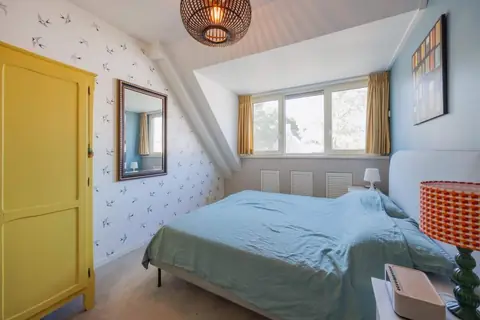 B
BFurnished House Aagje Dekenpad, Goirle - Temporary Rental
Direct Wonen
Goirle
€1,850/ month
105 m²5 roomsFurnished
 A
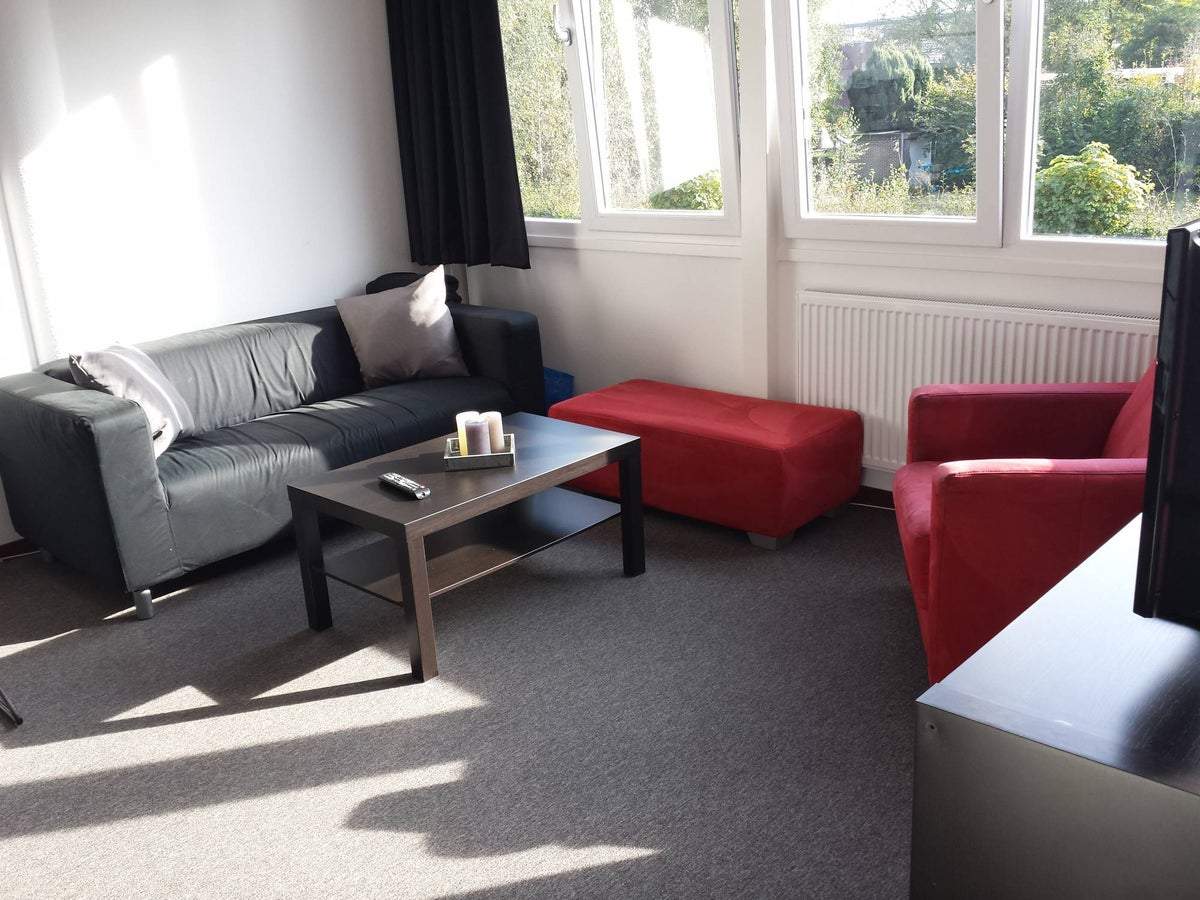
AStudio Flat Apennijnenweg, Tilburg - For Rent
Rotsvast Tilburg
5022 DV · Tilburg
€694/ month
34 m²1 roomUpholstered
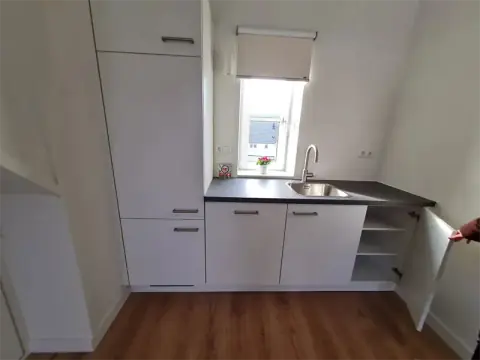
Studio Pindosstraat, Tilburg - For Rent
Direct Wonen
Tilburg
€775/ month
36 m²1 roomUpholstered
Frequently asked questions
Does the displayed rent include utilities and service costs?
Not necessarily. Luntero shows the rent and cost details supplied by the advertiser, but inclusions vary by property. Confirm the full breakdown with the publisher or on the original website before applying, including service costs, gas, electricity, water, internet, parking and any one-off fees.
Which documents will I need to apply?
The landlord or agency sets the requirements. Ask the publisher for the checklist, or follow the application instructions on an external listing’s original website. You may need identification, proof of income or employment, student documents or guarantor information. Check who is requesting sensitive documents and why before sending them.
Can Luntero tell me the status of my application?
No. Applications are handled by the advertiser, either through the contact details on a Direct listing or through an external provider. Luntero cannot see whether you were shortlisted, rejected or invited for a viewing. Ask the advertiser using the listing’s contact details or your application confirmation.
Can Luntero arrange a viewing or contact the owner for me?
No. Luntero does not own or manage the homes or arrange viewings. On a Direct listing, select “Contact publisher” to see the email and phone details provided. On an External listing, select “View original listing” for the provider’s contact and application options. Contact the advertiser yourself to arrange a viewing.
Why do details sometimes differ from the original listing?
For External listings, the provider may change or remove an advert after Luntero last collected it. Use the original website to confirm current availability, prices and application instructions. Direct listings are maintained by their publisher on Luntero; ask them to clarify any discrepancy. Report incorrect information on Luntero so it can be reviewed.
How do I contact the publisher or open the original listing?
The “Direct listing” label means the rental was published on Luntero. Select “Contact publisher” to see the supplied email and phone details. For rentals collected from other websites, select “View original listing” to respond there. Luntero does not receive rental applications or send enquiries for you.
How do I report an unavailable, incorrect, duplicate, or suspicious listing?
Open the listing and select “Report an issue”. Choose the closest reason and add useful details so Luntero can review the advert. For questions about your application or viewing, contact the publisher directly or the external provider you applied through.