
This listing is no longer active
For rent
Room Calslaan 11-a, Enschede - For Rent
7522 MH (Enschede - Enschede)
15 m²1 roomsUpholsteredEnergy label A
€432/ month + €70.55 service costs
About This Rental in Enschede
Student Room near University of Twente Campus in Enschede
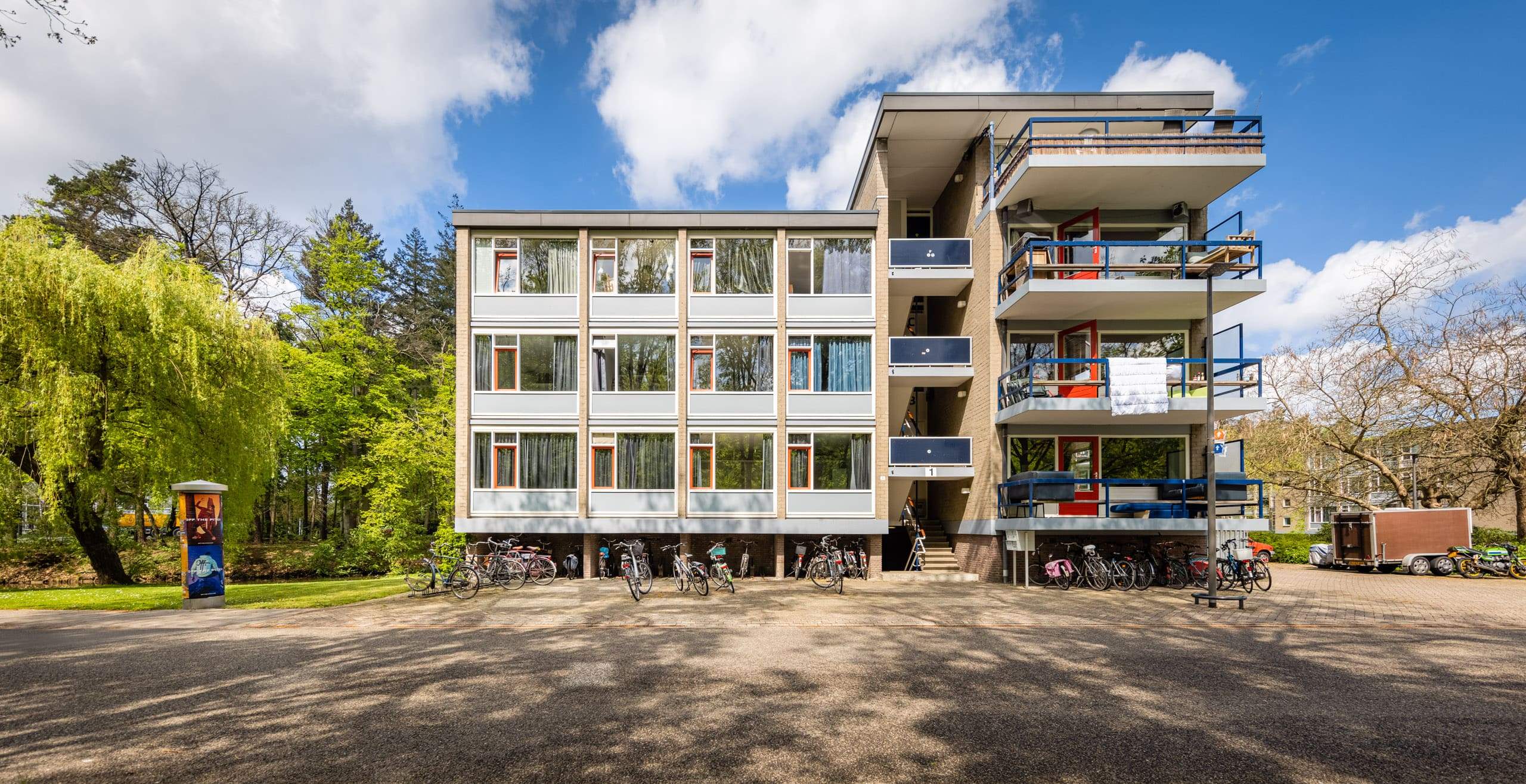
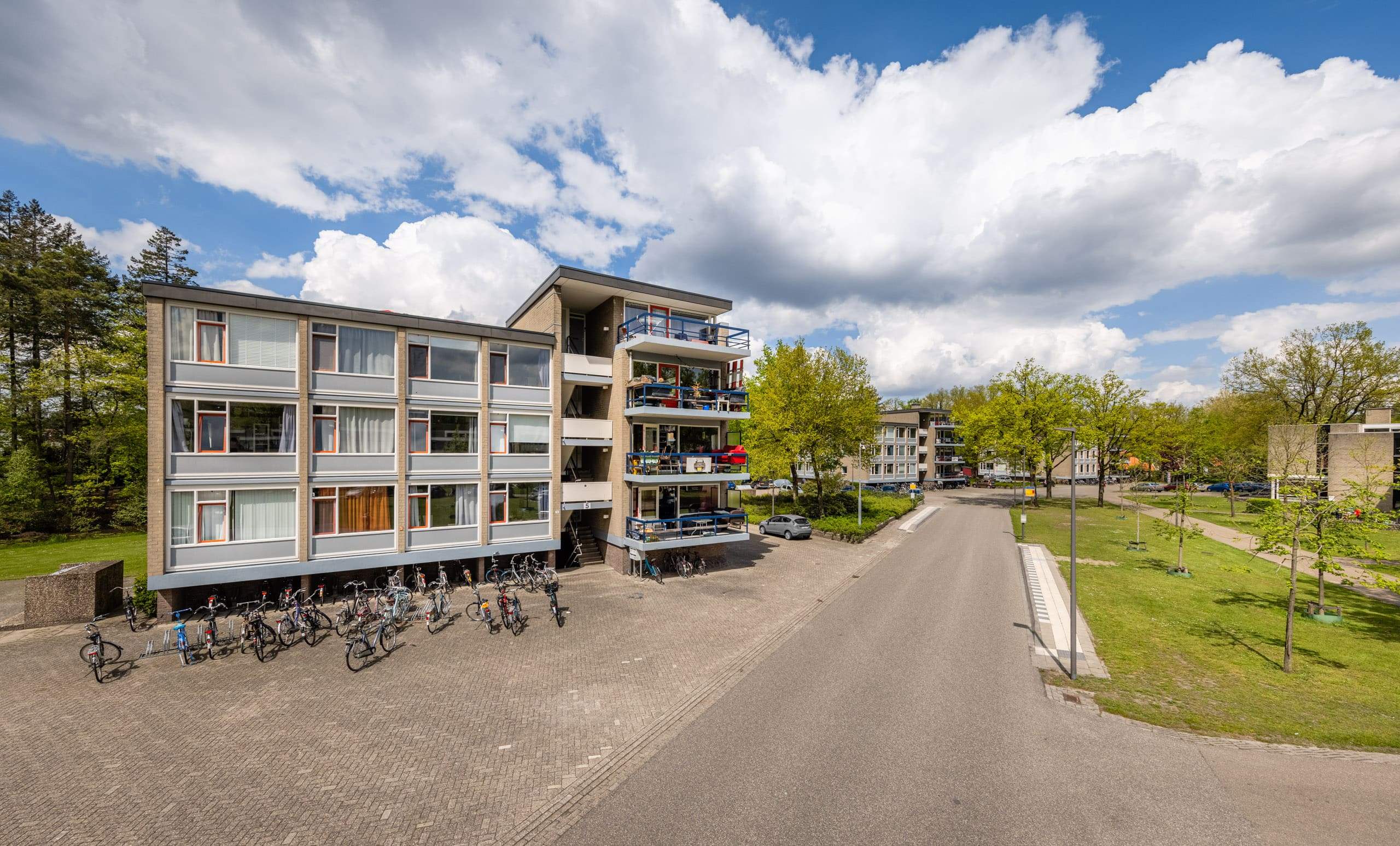
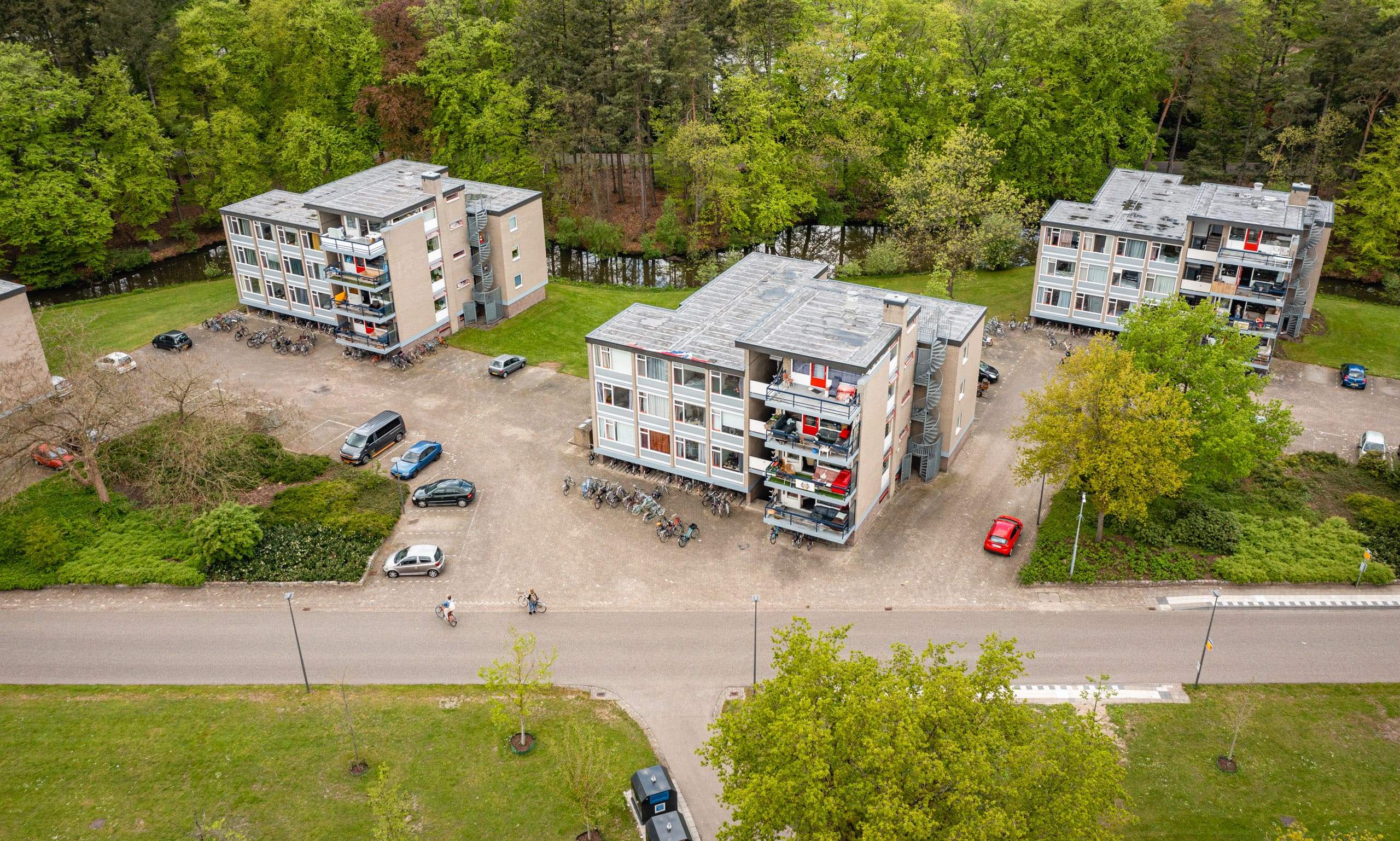
This student room is located at Calslaan 11-a in Enschede, within the University of Twente campus area. The postal code is 7522 MH, placing it in a convenient location for students attending the university. The accommodation is part of a co-optation system, where existing residents select a new housemate from the applicants. Interested candidates receive contact details of the group's contact person to arrange an introduction.
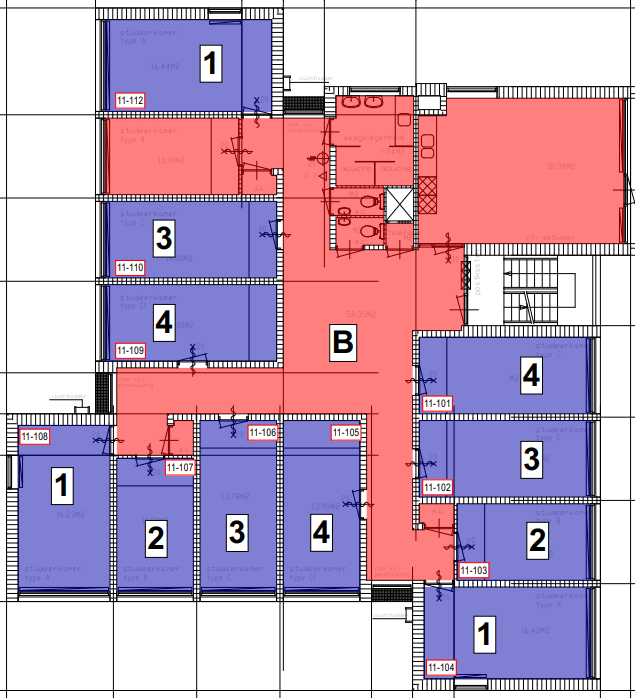
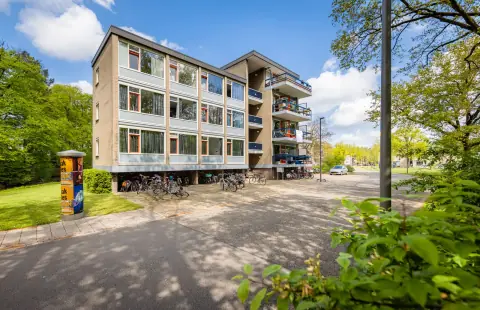
The room offers 15 m² of living space and is situated on the ground floor of a building constructed in 1964. The energy label for the property is A, indicating good energy efficiency. The room is part of a larger housing arrangement with 10 co-residents, making it a non-independent living space. The total living room area is 16 m², and the room does not include separate bedrooms, a garden, or a balcony.
The shared facilities include a bathroom and a kitchen, which are used collectively with the other residents. Internet is included in the rent, along with an advance payment for gas, water, and electricity. Parking facilities are also available on the premises. The accommodation is classified as a student housing unit (Studentenwoning) of the type Kamer (Room).
The base rent for the room is €320.92, with service costs of €70.55 and heating costs of €40.00, bringing the total monthly rent to €431.47. A deposit of €250.00 is required. Rent allowance (huurtoeslag) is not applicable for this property. The room becomes available from September 1, 2026. Note that in 2026, all locks will be replaced with digital locks as part of the housing provider's modernization plans.
Property Details & Features
Rental Overview
Price
€432.00
Service Costs
€70.55
Available From
September 1, 2026
Deposit Amount
€250.00
Condition
Good
Parking, Storage, and Facilities
Parking Type
Street
Shared Facilities
Kitchen
Bathroom
Property Basics
Property Type
Room
Construction Year
1964
Interior Spaces
Amenities
Boiler
Heating Type
Gas
Energy Source
Gas
Tenant Requirements & Preferences
Tenant Type
Student
Rental price trends in Enschede
Month-by-month overview of 1-room rental listings in Enschede. Compare the current listing to the local market average to see if it’s priced fairly.
Current listing price
€432
21.5% lower than averageMarket average (1 room, Enschede)
€550
Calculated from 114 listings last monthLocation & Surroundings in Enschede
Top Neighborhoods to Live in Enschede
Discover the most sought-after neighborhoods in Enschede, perfect for finding your next Dutch rental. Explore the boroughs and areas locals love most.
Discover the most sought-after neighborhoods in Enschede, perfect for finding your next Dutch rental. Explore the boroughs and areas locals love most.
Similar Apartments for Rent in Enschede

Frequently asked questions
Does the displayed rent include utilities and service costs?
Not necessarily. Luntero shows the price and cost details supplied by the listing source, but inclusions vary by property. Check the full cost breakdown on the original source before applying, including service costs, gas, electricity, water, internet, parking, and any one-off fees.
Which documents will I need to apply?
Requirements are set by the landlord or listing provider, not Luntero. The original listing or application form should give the definitive checklist. It may include identification, proof of income or employment, student documents, or guarantor information, but do not send sensitive documents until you have checked who is requesting them and why.
Can Luntero tell me the status of my application?
No. Applications are completed with the original listing provider, so Luntero cannot see whether your application was received, shortlisted, rejected, or invited for a viewing. Contact the provider through the details in your application confirmation or on the original listing page.
Can Luntero arrange a viewing or contact the owner for me?
No. Luntero does not own or manage the property and does not have a private contact channel to its owner. Use the original source button on the listing page to view the provider's application and contact options. If public owner or agency contact details are available, they are shown on the listing page.
Why do details sometimes differ from the original listing?
A provider may update or remove a listing after Luntero last collected it. The original source is the final reference for availability, price, conditions, and application instructions. If the pages disagree, rely on the source and report the Luntero listing so it can be reviewed.
Where do I find the original listing and application page?
Open the Luntero listing and look for the 'View listing' source buttons. They identify the platform the listing came from and open its original page in a new tab. Apply there; Luntero does not accept rental applications.
How do I report an unavailable, incorrect, duplicate, or suspicious listing?
Open the listing and select 'Report an issue'. Choose the closest reason and add any useful details. Reports help Luntero review its copy of the listing; for an urgent issue involving the application itself, also contact the original platform.